 Premium Plans
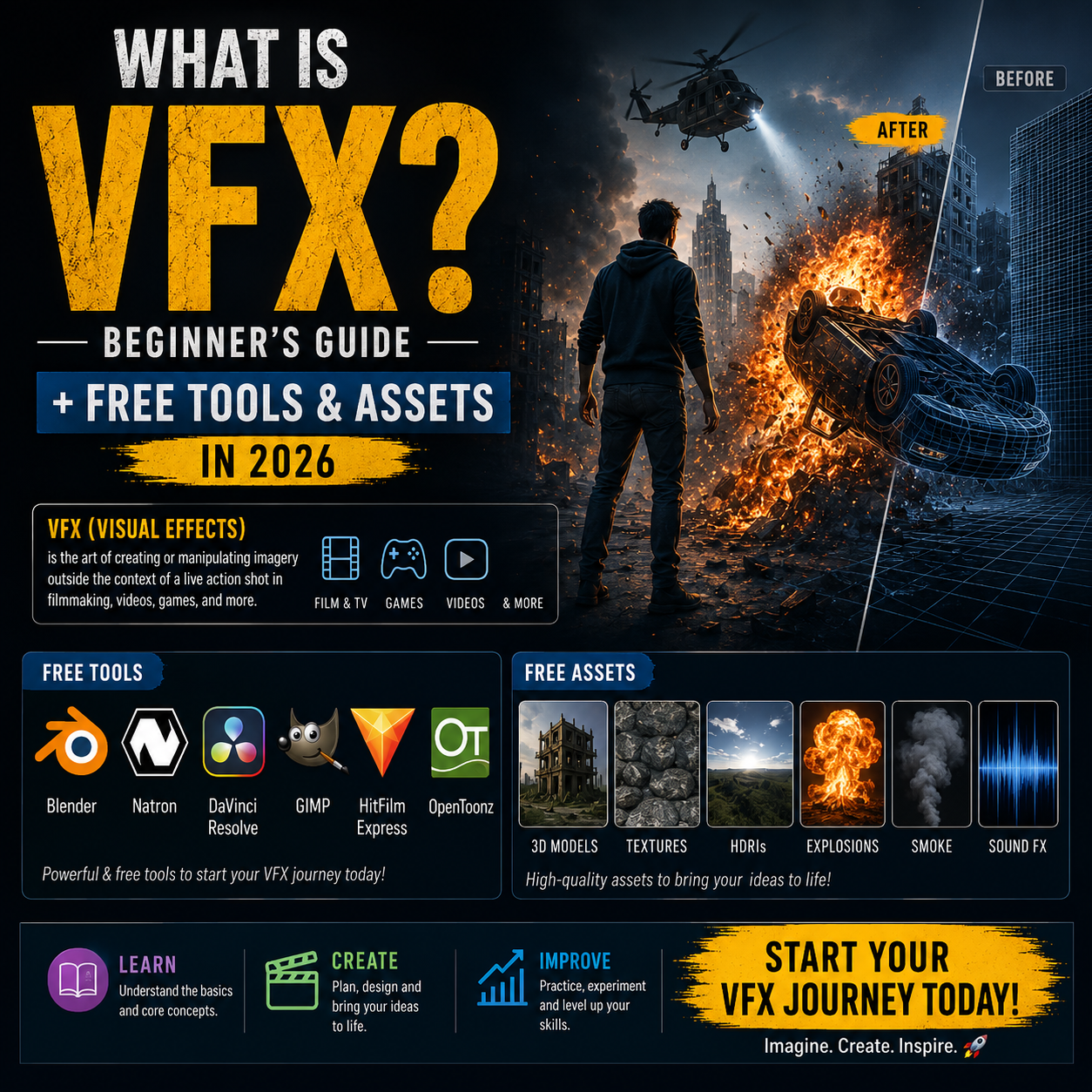
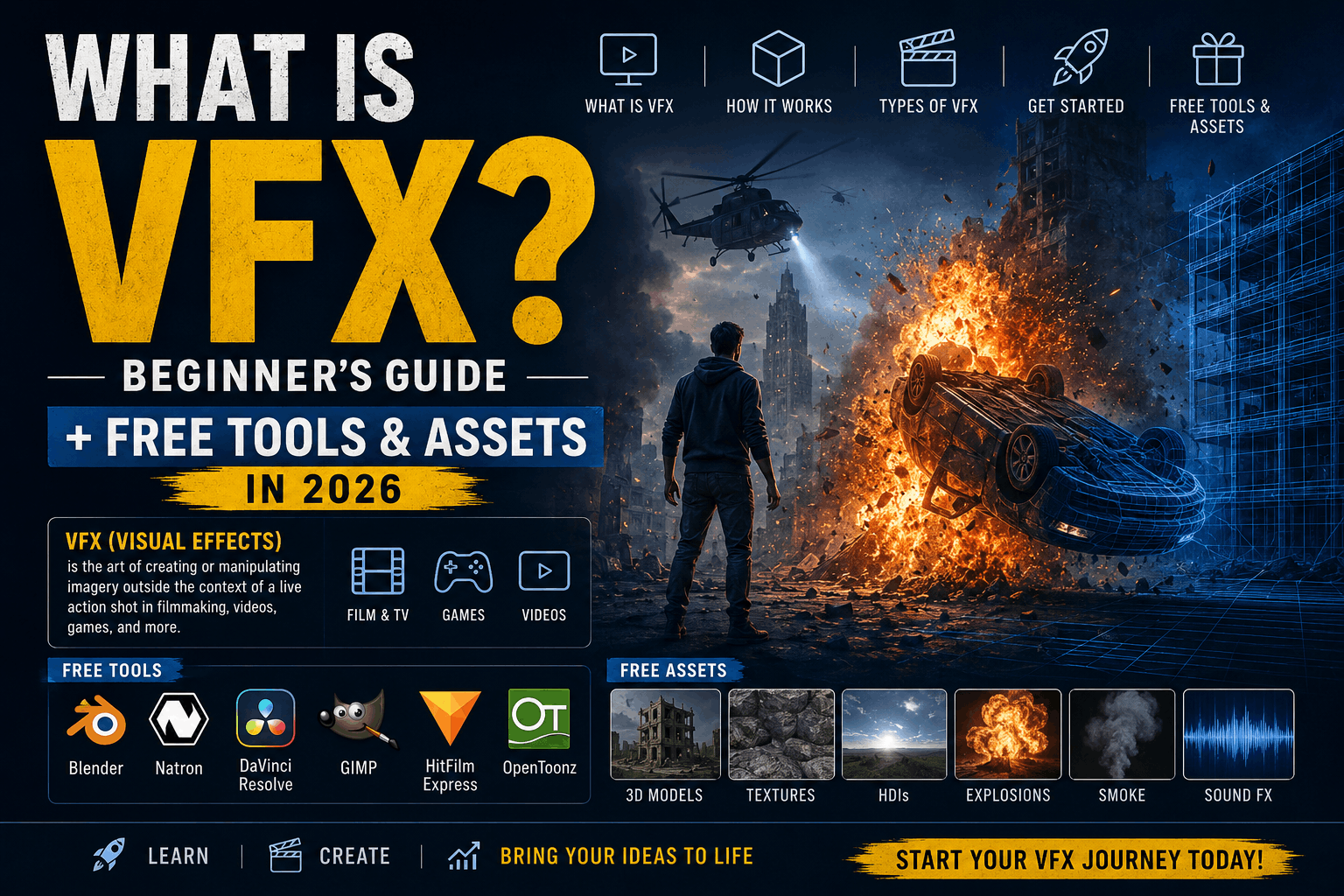
What is VFX? Beginner's Guide + Free Tools & Assets in 2026
Everything you need to know about VFX. Learn the definition, types, tools, and how to get started with free effects and software.
What is VFX? The Simple Definition
VFX is what makes movies, TV, YouTube videos, and video games look cinematic. Without VFX, we wouldn't have:
- Movie explosions and action scenes
- Superhero powers and flying
- Fantasy creatures and worlds
- YouTube video transitions and effects
- Gaming visuals and particles
-
TikTok/Instagram effects and filters
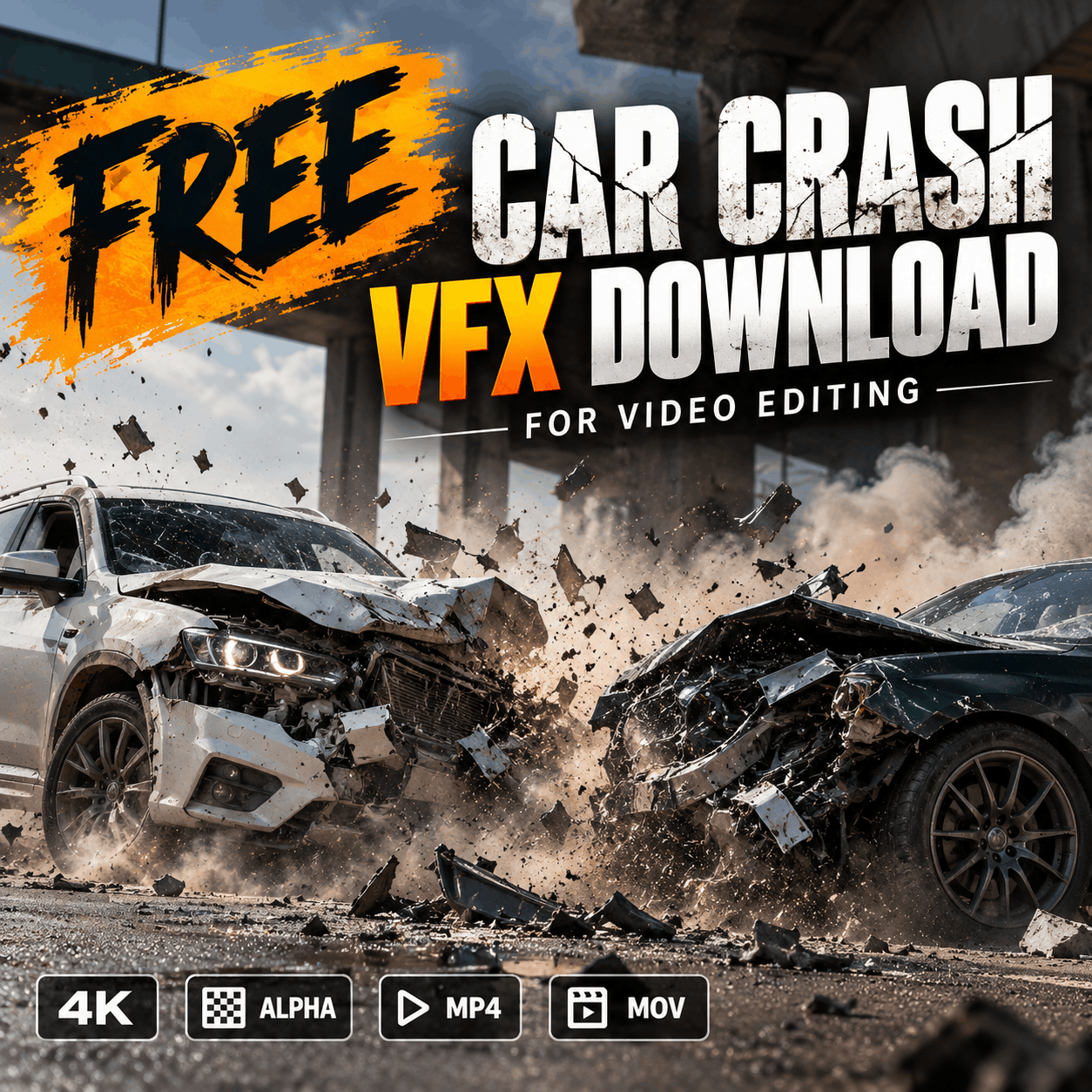
 Click Here To Download
VFX vs SFX vs CGI: What's the Difference?
| Term | Definition | Example |
|---|---|---|
| VFX (Visual Effects) | Digital effects added in post-production (after filming) | Adding fire to a video, green screen, glitch effect |
| SFX (Special Effects) | Physical effects created ON SET during filming | Fake blood, explosions, fog machines, pyrotechnics |
| CGI (Computer Generated Imagery) | Fully digital 3D objects created by computer | Avatar aliens, dinosaurs, virtual characters |
In modern filmmaking: Most effects combine all three. A superhero movie uses practical explosions (SFX) filmed on set, then digital effects added later (VFX), plus 3D characters (CGI). All work together.
A Brief History of VFX
1970s-1980s: The Beginning
First digital effects in films. "Tron" (1982) used early CGI. Effects were limited and expensive.
1990s: Hollywood Goes Digital
"Terminator 2" (1991) featured groundbreaking CGI liquid metal T-1000. VFX became mainstream.
2000s: VFX Democratizes
Software became more affordable. VFX tools moved from studios to independent creators.
2010s: VFX for Everyone
YouTube creators could add Hollywood-quality effects. Free software (Blender, DaVinci) emerged.
2020s: AI-Powered VFX
AI tools automate VFX creation. Free libraries (like MyCreativeFX) make pro effects accessible.
Types of VFX: 5 Major Categories
🎨 Compositing
Combining multiple video layers. Green screen removal, layering effects, masking, color correction. Most common type of VFX work.
🎬 Motion Graphics
Animated text, graphics, and motion. Intros, titles, lower-thirds, transitions. Used in all video.
🎯 3D/CGI
Creating digital 3D objects and characters. Requires 3D modeling software (Blender, Cinema 4D). Most complex.
✨ Particle Effects
Simulating particles: fire, smoke, rain, dust, magic. Procedurally generated. Highly customizable.
🎥 Color Grading
Color correction and cinematic color. Technical but crucial for professional look. DaVinci Resolve specializes here.
🌍 Rotoscoping
Frame-by-frame masking and animation. Time-consuming but precise control. Used for complex selections.
Where is VFX Used?
Film & Television
Every modern film and TV show uses extensive VFX. Action movies especially rely on explosions, superhero effects, and CGI creatures.
YouTube & Content Creation
YouTubers use VFX for:
- Transitions between clips
- Fire, explosions, effects on gameplay
- Green screen backgrounds
- Title cards and intros
- Trending effects (glitch, light leak, etc.)
TikTok & Social Media
TikTok's success is largely due to built-in effects filters. Effects are THE main draw for creators on short-form video platforms.
Gaming
Real-time VFX (rendering as you play). Fire, smoke, particles, explosions, weather. Different from pre-rendered video VFX (post-production).
Advertising
Commercial ads heavily use VFX to make products look better, more exciting, or impossible.
VFX Software: Tools Professionals Use
Blender
3D modeling, animation, particles, rendering
DaVinci Resolve
Editing, color grading, Fusion compositing
Adobe After Effects
Motion graphics, compositing, VFX
Adobe Premiere Pro
Professional video editing, basic effects
Nuke
Professional compositing (Hollywood standard)
CapCut
Free mobile/desktop editing with effects
Free VFX Tools & Assets for Beginners
Free Software
- Blender: 3D, animation, rendering (steep learning curve)
- DaVinci Resolve: Professional editing + Fusion compositing
- Natron: Node-based compositing (Nuke-like, free)
- OpenShot: Basic video editing
- CapCut: Mobile editing with trending effects
Free VFX Assets
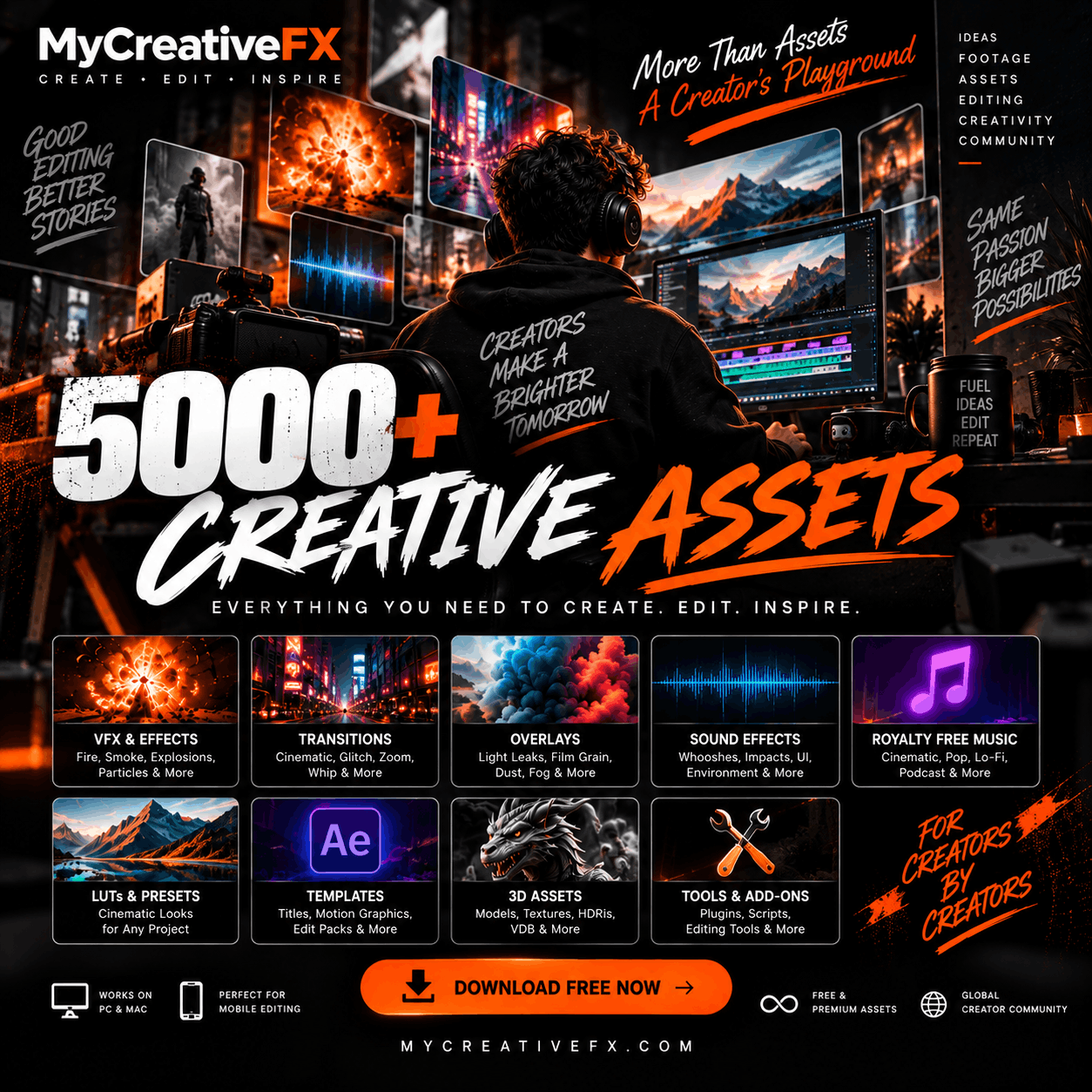
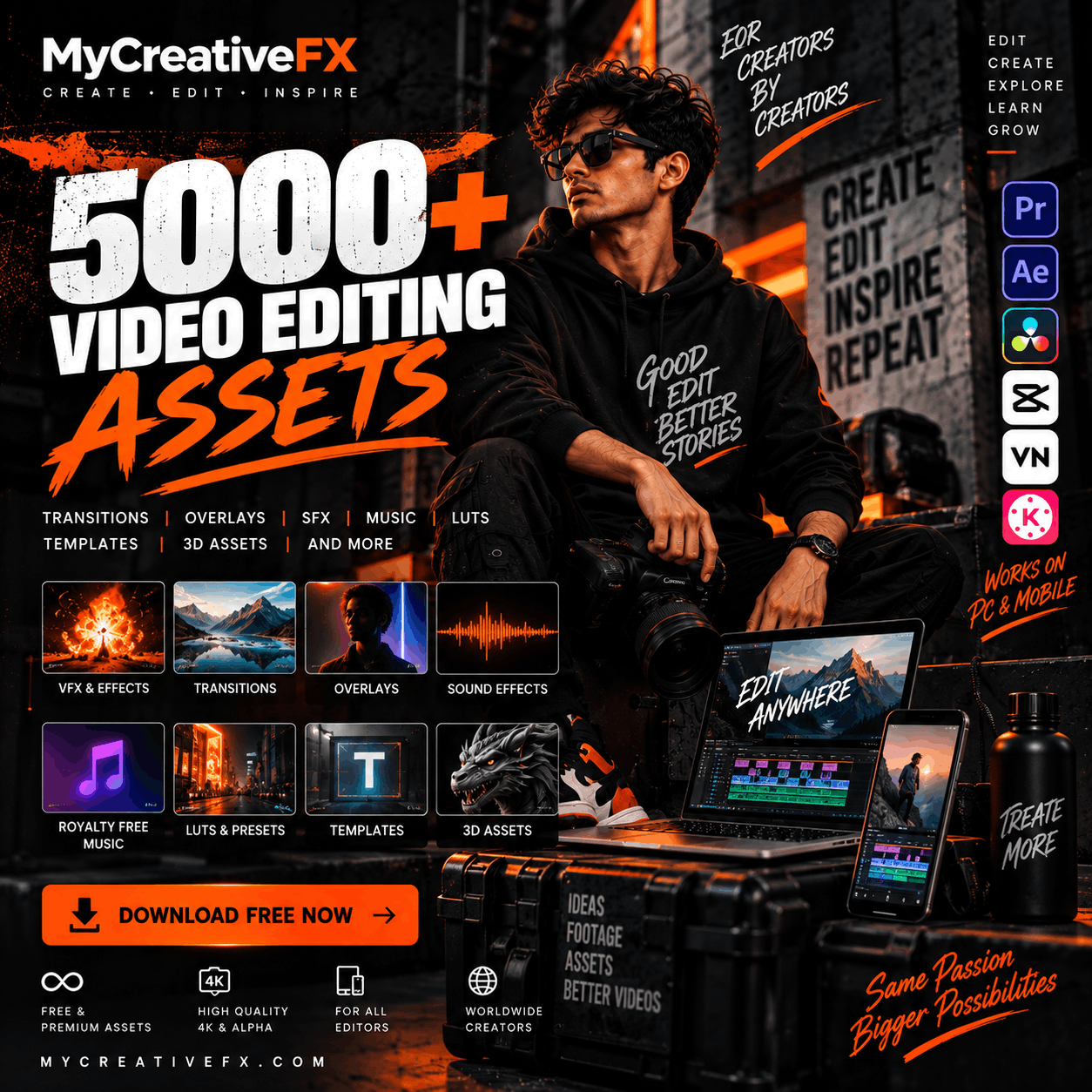
Free effects libraries (like MyCreativeFX) provide pre-made effects. Download and use immediately—no creation needed.
- Fire, explosions, smoke, rain, lightning
- Transitions, glitch, light leaks
- Motion graphics templates
- Color grade LUTs
How to Learn VFX: Learning Paths
🎯 Path 1: The Fast Track (For Content Creators)
- Start with DaVinci Resolve free version (professional-grade, free)
- Download free VFX effects (MyCreativeFX)
- Watch 5-10 YouTube tutorials (DaVinci basics)
- Start making videos with pre-made effects
- Learn color grading + transitions
- Advanced: Learn Fusion page
Time: 2-4 weeks to beginner level
🎨 Path 2: The Professional Track (For VFX Artists)
- Master Blender (3D, modeling, particles)
- Learn node-based compositing (Natron or Nuke basics)
- Study color theory and grading
- Advanced Fusion workflows
- Specialize: Motion graphics OR 3D OR compositing
- Build portfolio of VFX work
Time: 6-12 months to junior level
VFX Career Opportunities
VFX is a billion-dollar industry. Career paths:
Junior VFX Artist (Entry-Level)
- Salary: $40k-$60k/year
- Work: Compositing, rotoscoping, particle effects
- Skills needed: Software proficiency, portfolio
Senior VFX Artist (Experience)
- Salary: $80k-$150k/year
- Work: Complex shots, supervision, problem-solving
- Skills needed: Deep software knowledge, creative vision
Freelance VFX Artist
- Salary: $50-$200/hour
- Work: Project-based, flexible
- Skills needed: Self-motivation, client communication, portfolio
YouTube/Content Creator
- Salary: Ad revenue + sponsorships
- Work: Creating entertainment content with effects
- Skills needed: Creativity, editing, audience engagement
Key Takeaways: VFX in 2026
- VFX is accessible: Free software and pre-made effects level the playing field
- VFX is essential: Every modern video needs professional effects
- VFX is valuable: It's a well-paying, growing career
- VFX is learnable: Start with free tools, practice, build portfolio
- VFX is everywhere: Film, TV, YouTube, gaming, social media, advertising
Frequently Asked Questions
Start Your VFX Journey Today
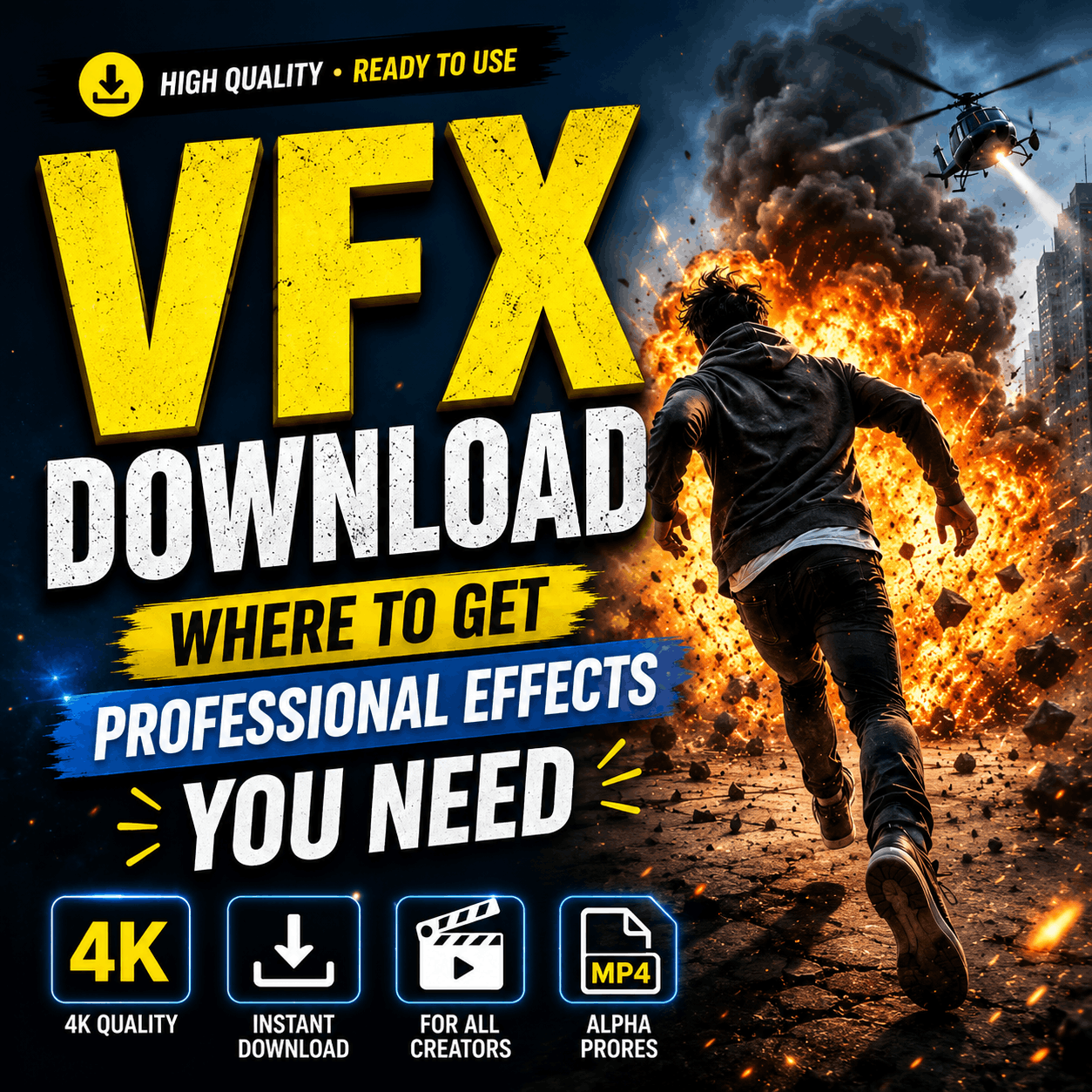
Download free professional VFX effects and start creating. No expensive software needed. No steep learning curve. Just quality effects and tools.
Download Free VFX Effects Now