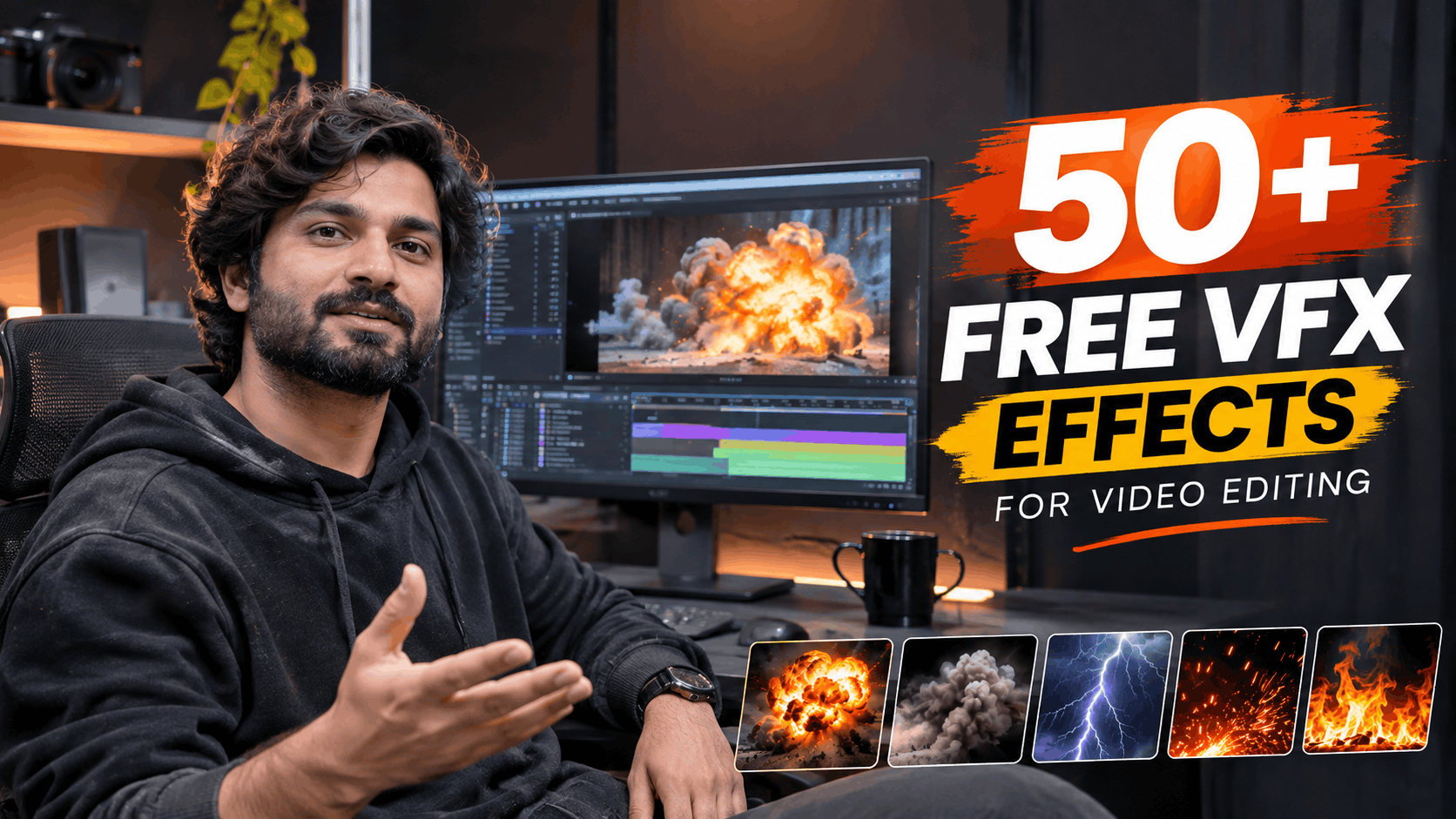
Want to make your videos look more cinematic, professional and visually engaging? The right visual effects can completely transform ordinary footage into something extraordinary.
Whether you're a YouTuber, filmmaker, content creator or video editor, having access to high-quality VFX assets can save hours of editing and help you create impressive visuals.
At MyCreativeFX, you can explore a growing collection of free and premium VFX assets designed for modern video editing workflows. From realistic explosions and fire effects to cinematic smoke, lightning, overlays and energy effects, there's something for every creative project.
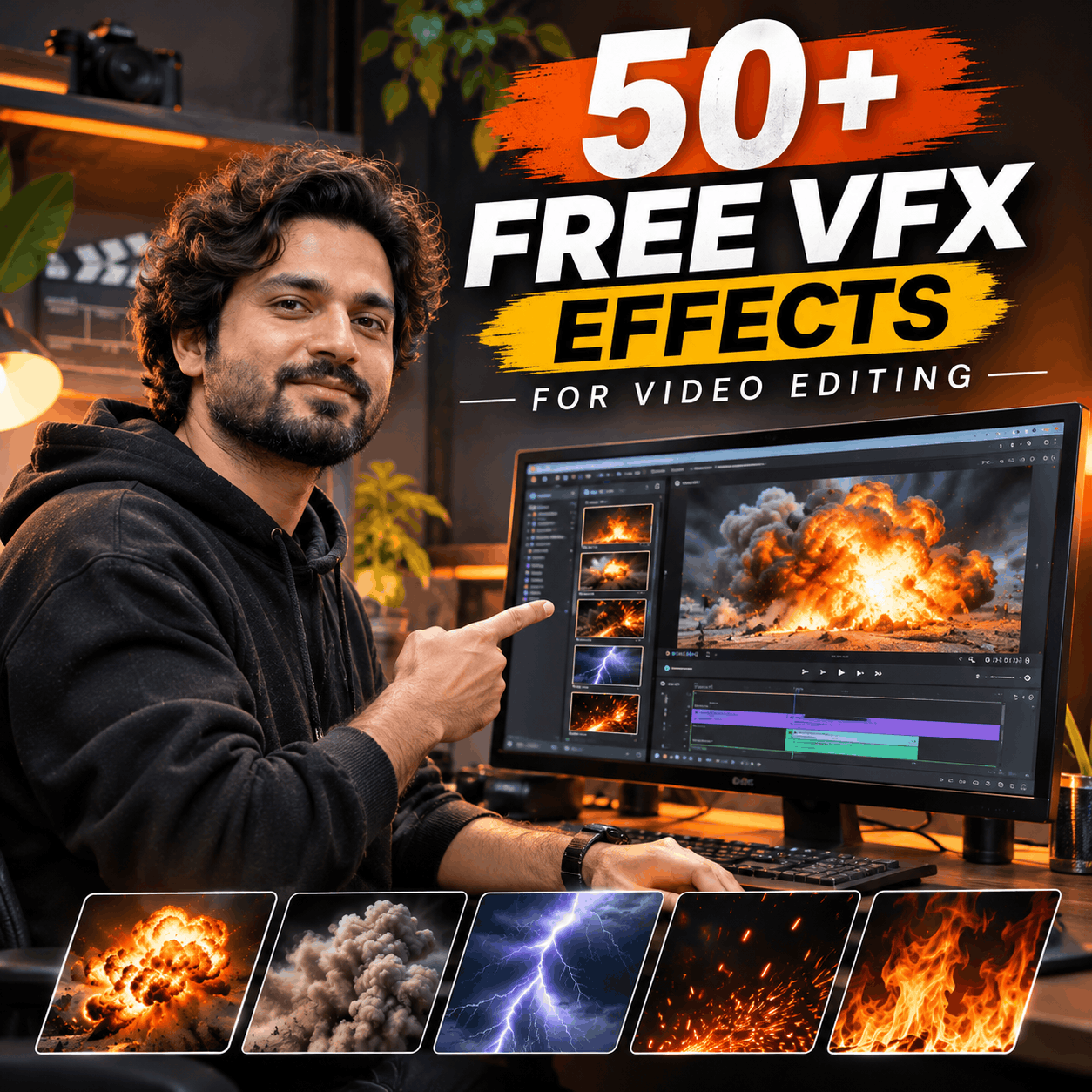
In this guide, we'll explore 50+ popular VFX effects you can use in your videos and show you where to find visual effects for your next project.
If you're searching for free VFX effects, you don't need to create every visual element from scratch. Ready-to-use VFX overlays make it easier to add cinematic details to your footage.
Visit MyCreativeFX – Free VFX Download to explore visual effects, preview available assets and discover downloads for your editing projects.
You can find assets suitable for:
YouTube videos and cinematic content
Instagram Reels and YouTube Shorts
Action films and short movies
Music videos and promotional videos
Gaming videos and montages
Commercials and creative projects
Here are some of the most useful visual effects categories for video creators.
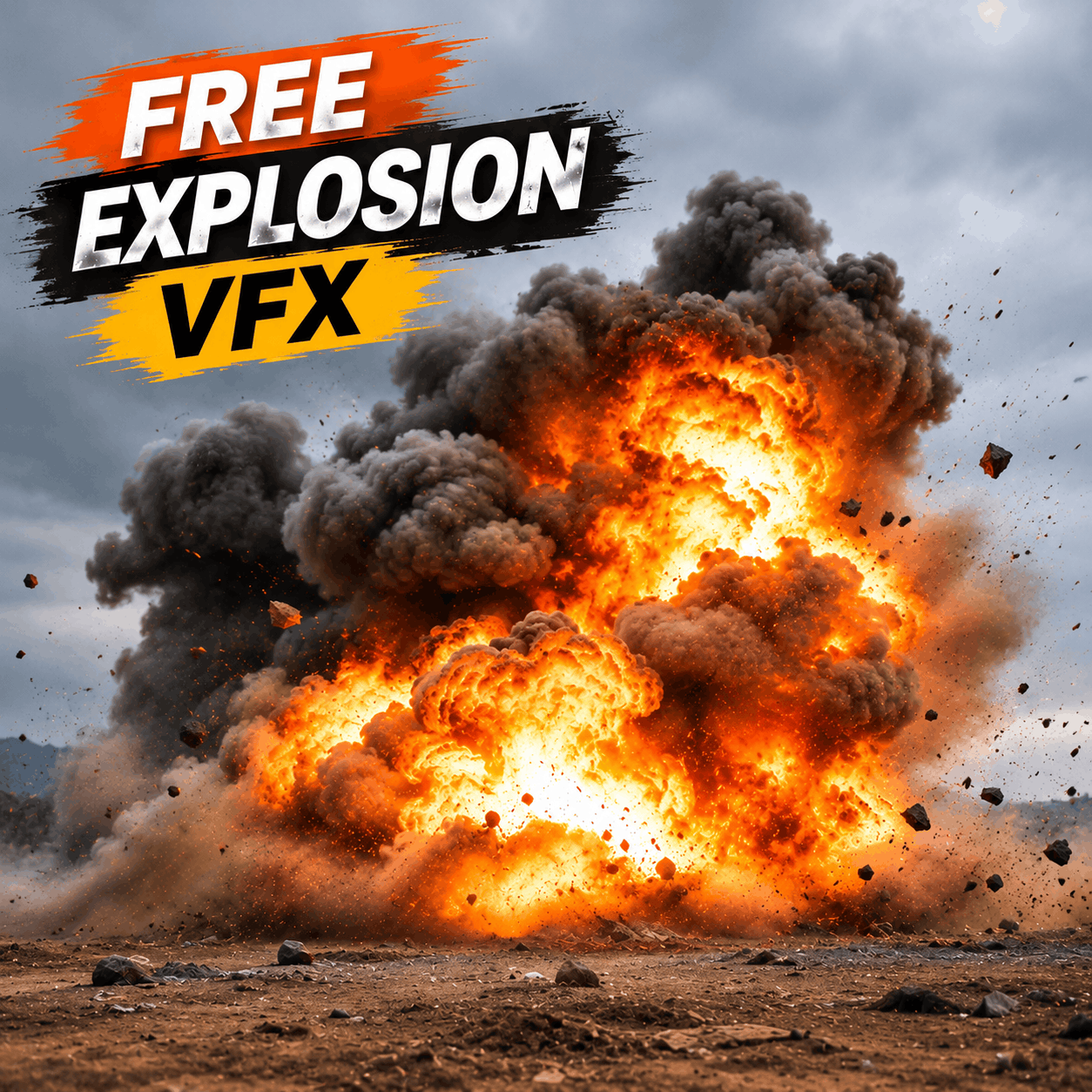
Explosion effects are essential for action sequences, cinematic edits and destruction scenes. Use them to create powerful visual moments without filming practical explosions.
Popular explosion effects include:
Fireball explosions
Ground explosions
Large cinematic explosions
Building destruction
Impact explosions
Shockwave effects
Orange fire explosions
Smoke-filled explosions
Explore Explosion VFX and visual effects assets.
Fire effects can add intensity and realism to almost any video. Use flame overlays to create burning objects, fire transitions, cinematic backgrounds and action sequences.
Popular fire effects:
Realistic flames
Fire bursts
Fire trails
Burning particles
Fire embers
Ground fire
Flame explosions
Fire rings
Smoke is one of the most versatile elements in visual effects. It can create atmosphere, hide transitions, add depth and make scenes feel more cinematic.
Useful smoke overlays include:
White smoke
Black smoke
Thick cinematic smoke
Ground fog
Dust clouds
Smoke bursts
Atmospheric haze
Explosion smoke
Muzzle flash effects are frequently used in action films, gaming videos and cinematic edits.
Some popular variations include:
Pistol muzzle flashes
Rifle muzzle flashes
Shotgun flashes
Automatic weapon flashes
Gunfire sparks
Bullet impact effects
Weapon smoke
Electricity effects are perfect for superhero edits, science-fiction videos, energy sequences and dramatic transitions.
Try these visual effects:
Lightning strikes
Electric energy
Blue electricity
Electric sparks
Energy beams
Electrical arcs
Thunder effects
Electric explosions
Create superhero-style visuals using energy effects and glowing overlays.
Popular assets include:
Energy blasts
Power charging effects
Magic energy
Energy shields
Glowing hands
Energy waves
Power auras
Plasma effects
Cinematic overlays help enhance footage without complicated compositing.
Useful overlays include:
Film grain
Light leaks
Lens flares
Film burns
Dust particles
Scratches
Glowing particles
Bokeh overlays
Green screen effects are useful when you want to remove a solid background and composite an effect into your footage.
Look for:
Green screen explosions
Fire elements
Smoke effects
Magic effects
Lightning effects
Energy blasts
Particle effects
Muzzle flashes
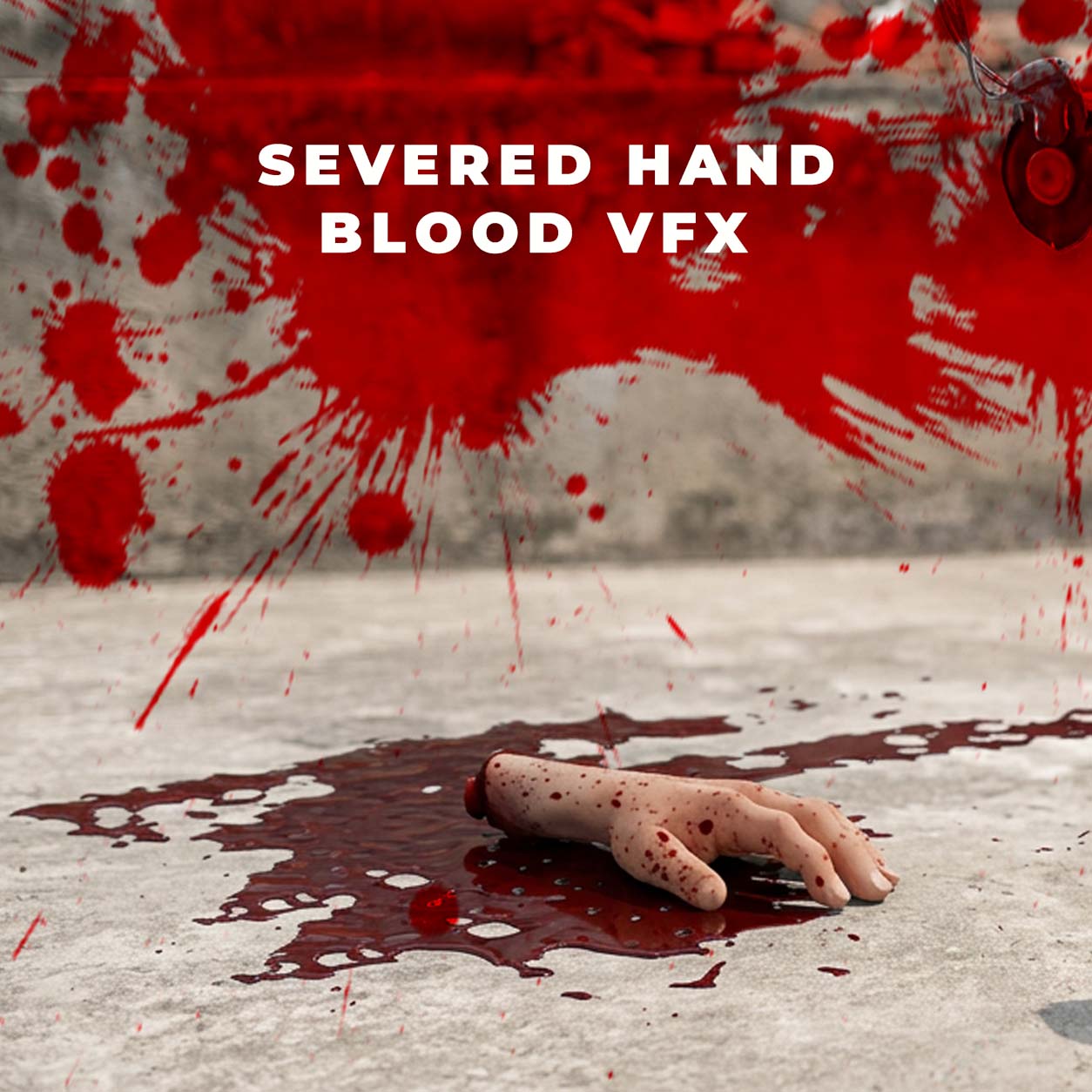
Horror effects can help create suspenseful scenes, supernatural moments and dramatic storytelling.
Popular effects include:
Ghostly smoke
Dark fog
Horror particles
Creepy shadows
Blood-free impact effects
Supernatural energy
Atmospheric dust
Distortion overlays
Motion graphics and transitions make your videos more dynamic and visually polished.
Some useful assets include:
Glitch transitions
Cinematic transitions
Digital distortion
Shape animations
Light sweep transitions
Camera shake effects
Animated backgrounds
Particle transitions
You don't need to be a professional VFX artist to use ready-made visual effects.
Follow these basic steps:
Download a suitable VFX asset from MyCreativeFX.
Import your original footage into your editing software.
Place the VFX clip on a layer above your original footage.
Select the appropriate blending mode, such as Screen or Add, if the asset has a black background.
Adjust position, scale, timing and color to match your footage.
Add sound effects to make the final result more convincing.
Export your finished video.
These techniques work across software such as Adobe After Effects, Premiere Pro, DaVinci Resolve and supported mobile editing applications.
Choosing the right file format makes a difference in your editing workflow.
| Format | Best use |
|---|---|
| MOV ProRes 4444 | High-quality effects with alpha transparency |
| MOV ProRes 422 | High-quality video effects without alpha |
| MP4 | Lightweight effects and mobile editing |
| PNG Sequence | Individual frames for compositing |
| Green Screen Video | Effects that can be keyed out |
| EXR | Advanced VFX and compositing workflows |
For professional compositing, ProRes 4444 is especially useful when you need transparency and high-quality visual effects.
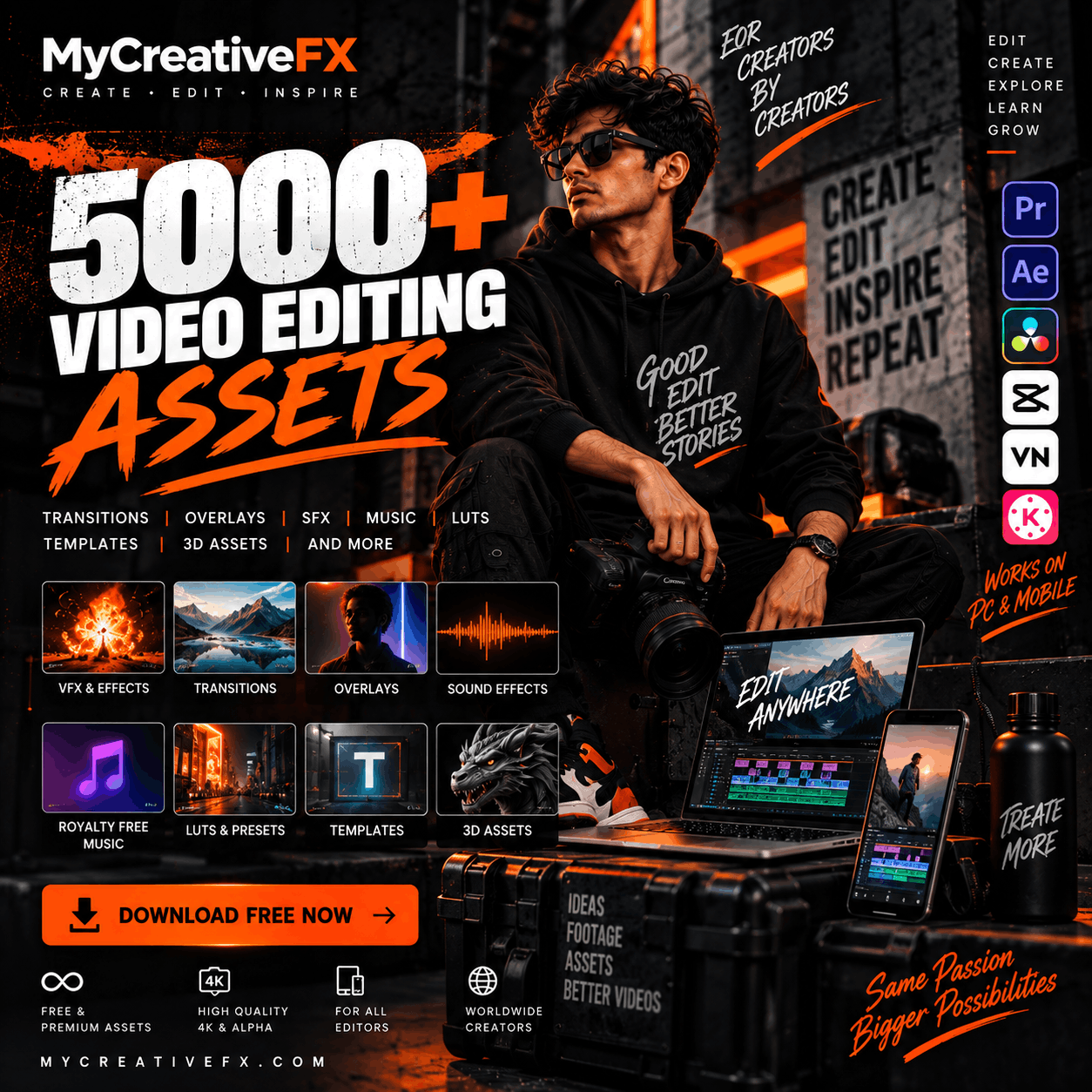
You can use VFX assets with several popular editing applications.
Adobe After Effects: Ideal for advanced compositing, tracking, animation and cinematic VFX.
Adobe Premiere Pro: Useful for quickly adding overlays, transitions and visual effects to videos.
DaVinci Resolve: Great for professional editing, color grading and compositing with Fusion.
CapCut: A convenient option for mobile creators who want to add visual effects to short-form content.
VN Video Editor: Suitable for adding overlays and visual elements to mobile videos.
Finding high-quality VFX assets can be challenging, especially when you need clean footage, professional formats and effects that work with your editing software.
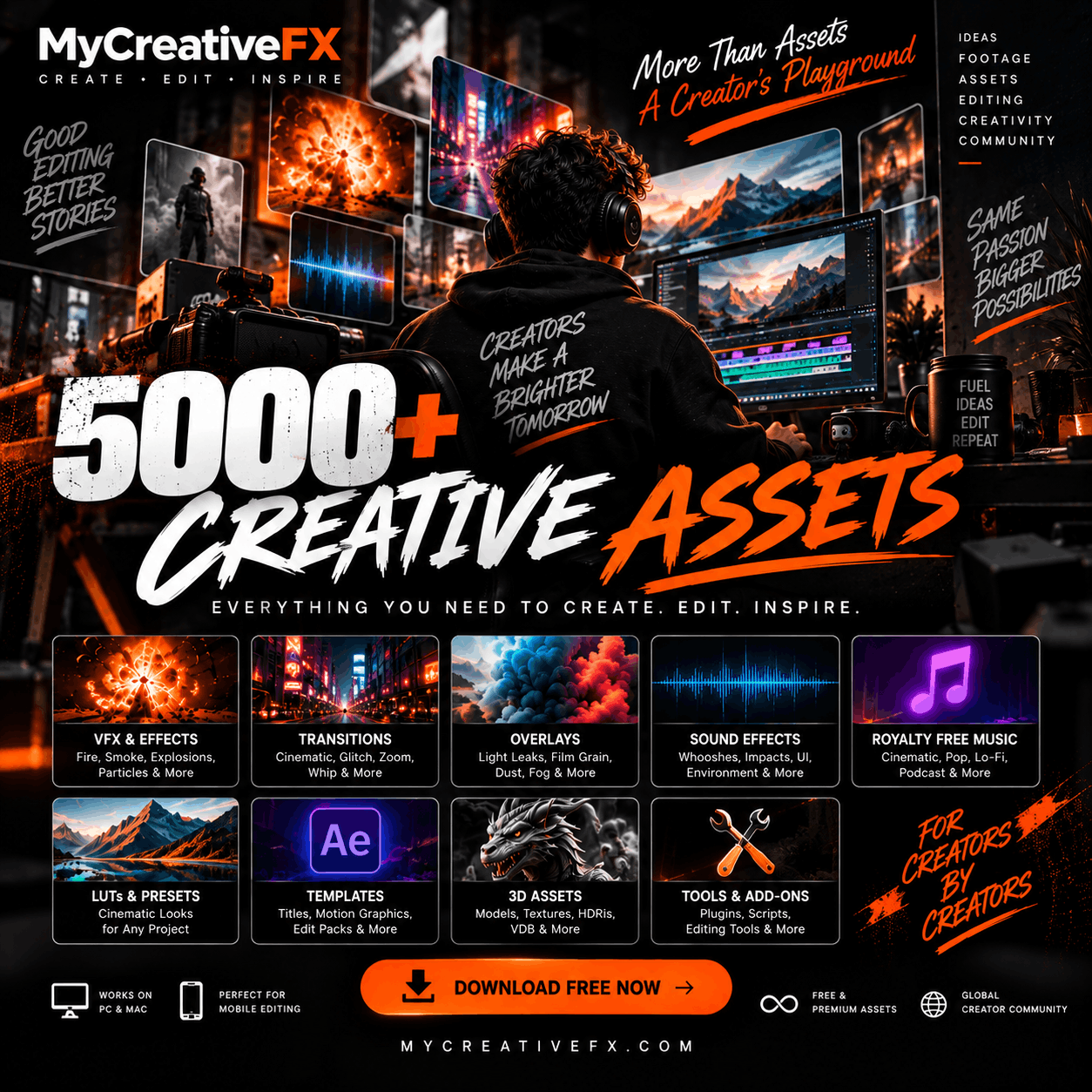
MyCreativeFX.com is a VFX asset marketplace for video editors, filmmakers and content creators.
Explore different collections, including:
Action VFX
Fire and Explosion Effects
Smoke and Dust Overlays
Superpower VFX
Horror Effects
Green Screen Effects
Cinematic Overlays
LUTs and Color Grading Assets
Sound Effects
Motion Graphics
Whether you're editing a short Instagram Reel or working on a professional cinematic project, you can discover assets for different creative requirements.
You can explore free visual effects and premium VFX assets at MyCreativeFX, including overlays, explosions, fire, smoke and other editing elements.
Yes. Many MP4 and MOV overlays can be imported into CapCut. Depending on the background, you may need to use a blending mode or chroma key.
MOV ProRes 4444 is an excellent choice for high-quality overlays that require an alpha channel. ProRes 422 is useful for high-quality footage without transparency.
Yes. Free assets can be suitable for professional projects when they have sufficient resolution, good compositing quality and appropriate usage rights.
Always check the license associated with each asset before using it in commercial projects. Usage permissions can differ between free and premium assets.
Great visual effects don't always require expensive software or complicated production setups. With the right VFX assets, you can transform ordinary footage into cinematic visuals and create more engaging content.
Explore the collection of visual effects at MyCreativeFX.com and discover free and premium assets for your next video editing project.
Download. Create. Transform.








 Premium Plans