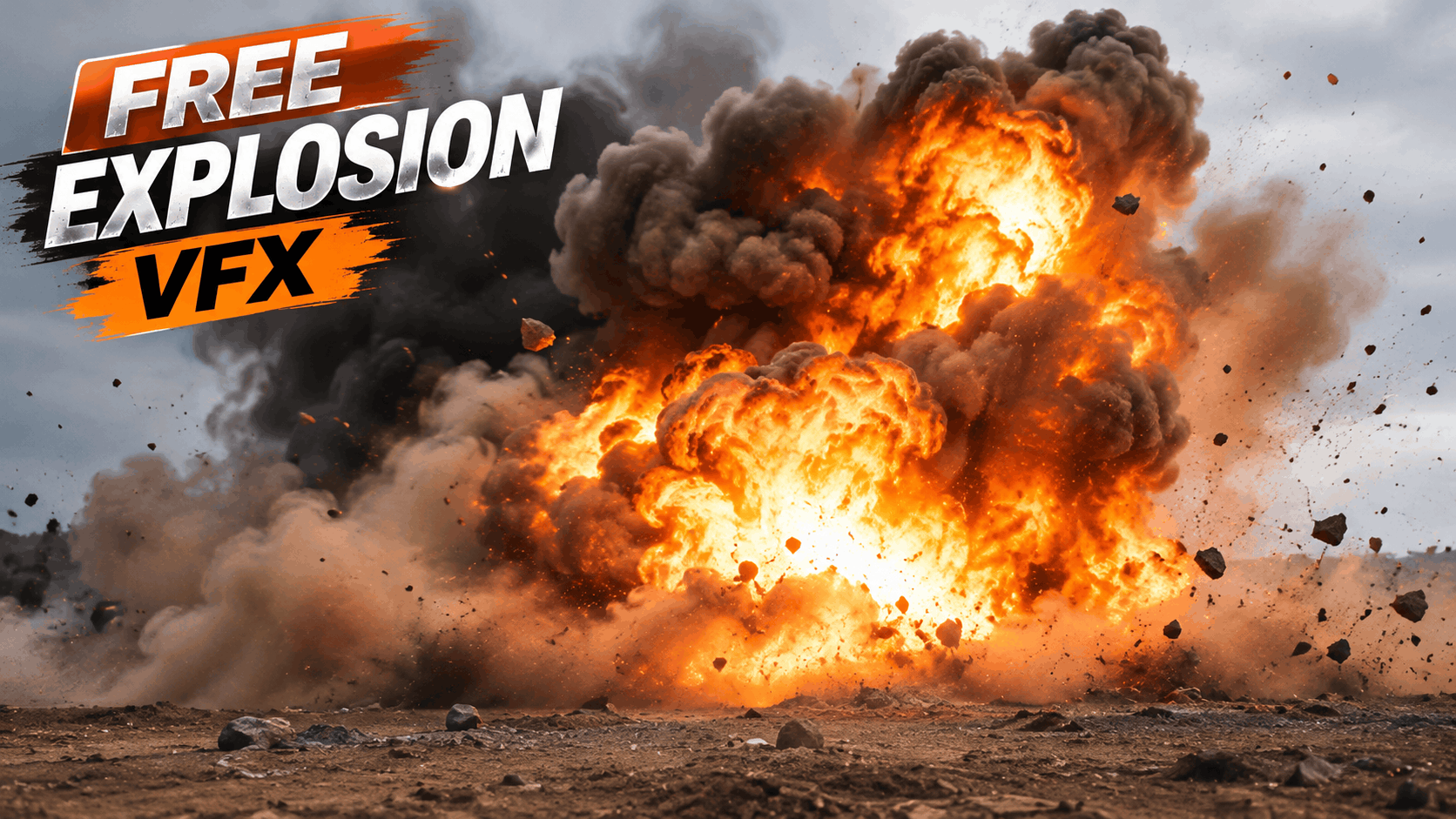
Want to create Hollywood-style explosions in your videos? You don't need expensive practical effects or complicated 3D simulations to make your footage look cinematic. With high-quality explosion VFX overlays, you can add realistic fireballs, smoke, shockwaves and destruction effects to almost any video.
Whether you're a filmmaker, YouTuber, content creator or professional video editor, explosion visual effects can transform ordinary footage into powerful action sequences.
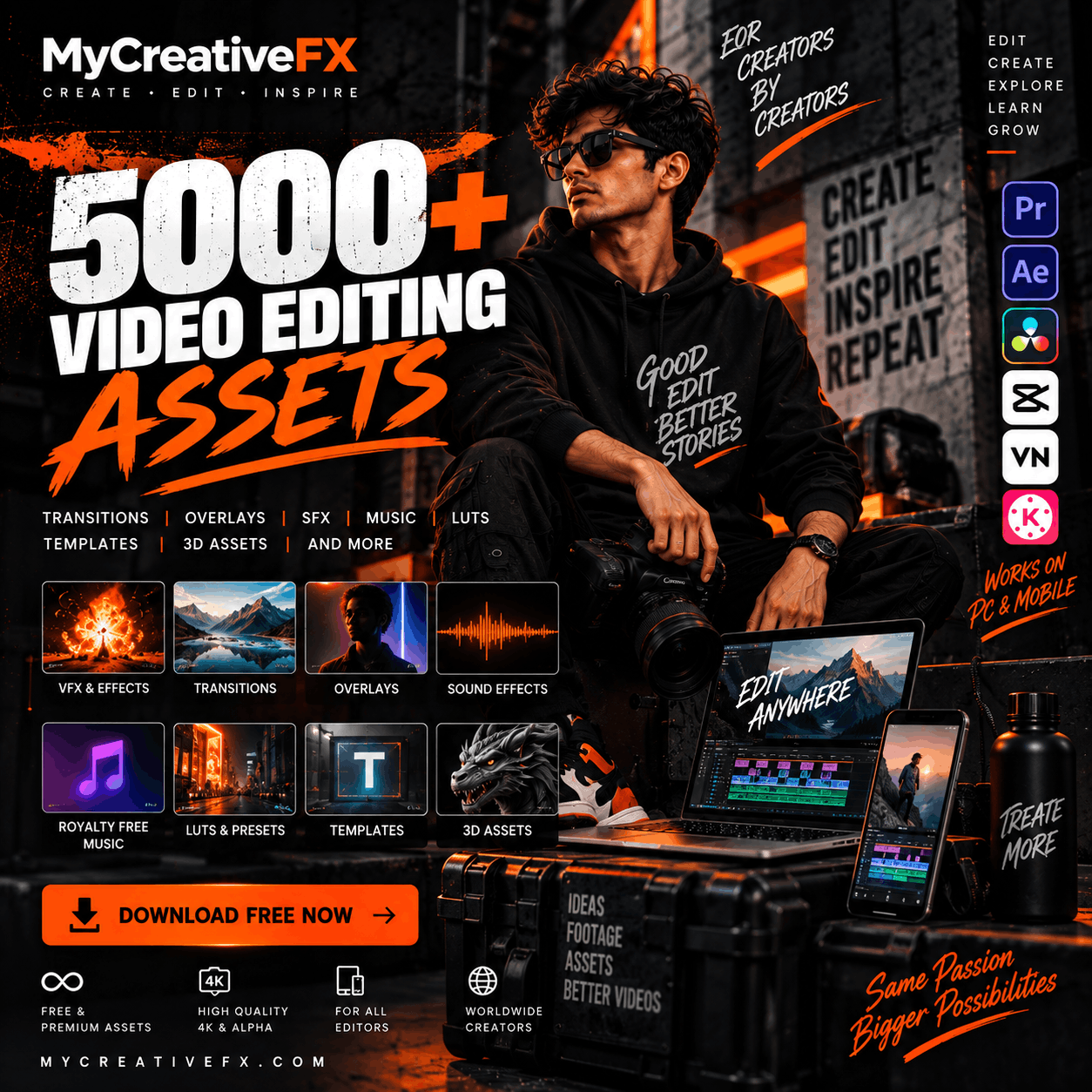
At MyCreativeFX, you can explore free and premium VFX assets designed for modern video editing and compositing workflows.
In this guide, we'll explore different types of explosion effects, how to use them and how to download high-quality 4K explosion VFX for your next creative project.
Looking for realistic explosion effects for your next video?
Explore the collection at MyCreativeFX – Free VFX Download and discover visual effects for action scenes, cinematic edits, short films, gaming videos and social media content.
You can find different styles of explosion elements, including:
Realistic fireball explosions
Large cinematic explosions
Ground impact explosions
Orange and yellow fire blasts
Smoke and dust explosions
Shockwave effects
Debris and destruction effects
Fire and particle bursts
Hollywood-style action effects
Green screen explosion effects
These assets help video editors create impressive visual sequences without filming dangerous practical effects.
Not every explosion looks the same. Different scenes require different explosion styles, depending on the environment, camera angle and creative direction.
Fireball explosions are among the most popular visual effects for action videos and cinematic sequences.
They combine bright flames, expanding fire, smoke and heat distortion to create a powerful explosion effect.
Common applications include:
Action movie sequences
Vehicle destruction scenes
Cinematic trailers
Gaming videos
Commercial video production
Ground explosions are useful for creating impact moments when something hits the ground.
These effects typically combine dust, debris, smoke and an expanding impact cloud.
They work especially well in:
Action sequences
Sci-fi movies
Battle scenes
Cinematic storytelling
Game trailers
A convincing explosion is not just about fire. Smoke plays an equally important role in creating realistic visual effects.
Smoke explosion overlays can add depth, volume and atmosphere to your composition.
Popular variations include:
Black smoke explosions
Grey smoke clouds
Thick cinematic smoke
Dust and smoke bursts
Volumetric smoke effects
Shockwave effects help communicate the force of an explosion.
They can be used alongside fireballs, debris and camera shake to make a scene feel more powerful.
Common elements include:
Expanding shockwaves
Ground impact rings
Air distortion
Energy impact bursts
Dust waves
Green screen explosion footage allows editors to remove the background using chroma key tools.
This makes it possible to place an explosion into different environments and composite it with live-action footage.
Green screen explosion effects are particularly useful for mobile editing and beginner-friendly workflows.
You can create convincing explosion compositions using ready-made VFX footage.
Follow these steps:
Download an explosion VFX asset from MyCreativeFX.
Import your original footage into Adobe After Effects.
Import the explosion footage into your project.
Place the explosion layer above your background footage.
If the asset has a black background, try the Screen or Add blending mode.
If the footage has an alpha channel, use it directly without removing the background.
Adjust position, scale and timing to match the scene.
Add camera shake, dust and sound effects for a more convincing result.
Fine-tune the colors to match your original footage.
The same basic compositing approach can also be adapted for Premiere Pro and DaVinci Resolve.
You can also add explosion effects to mobile videos using CapCut.
Open CapCut and import your video.
Add the explosion effect as an overlay.
Position and scale the explosion to match your scene.
Use blending modes or chroma key when appropriate.
Adjust the duration and timing.
Add an explosion sound effect.
Export your finished video.
For the best results, choose an overlay compatible with your editing software and check whether it has a transparent background.
Choosing the right file format is important for maintaining quality during compositing.
| Format | Best use |
|---|---|
| MOV ProRes 4444 | High-quality explosion footage with transparency |
| MOV ProRes 422 | High-quality explosion footage without alpha |
| MP4 | Lightweight overlays and mobile editing |
| PNG Sequence | Frame-by-frame compositing |
| Green Screen Video | Background removal using chroma key |
| EXR | Advanced compositing and VFX workflows |
For professional editing, ProRes 4444 is an excellent choice when you need an alpha channel. ProRes 422 is suitable for high-quality footage without transparency.
Downloading a good explosion overlay is only the beginning. Proper compositing makes the final result believable.
Here are some practical tips:
Match the lighting: The explosion should illuminate nearby objects and the environment.
Add camera shake: A small amount of camera movement can make a powerful impact feel more realistic.
Use smoke and dust: Fire without surrounding smoke and debris can look artificial.
Match the perspective: Adjust the position and scale of the explosion according to the camera angle.
Add sound design: Layer explosion sounds, low-frequency impacts and debris sounds to improve the overall experience.
Match the color grading: Adjust brightness, contrast and color temperature to blend the effect into your footage.
You can use explosion overlays with different editing applications.
Adobe After Effects: Advanced compositing, tracking and cinematic VFX.
Adobe Premiere Pro: Fast video editing and overlay compositing.
DaVinci Resolve: Professional editing, color grading and Fusion compositing.
CapCut: Easy mobile and desktop video editing.
Final Cut Pro: Professional editing for macOS users.
Finding clean, high-quality explosion footage can be difficult. Some assets have poor resolution, unwanted backgrounds or formats that are unsuitable for professional compositing.
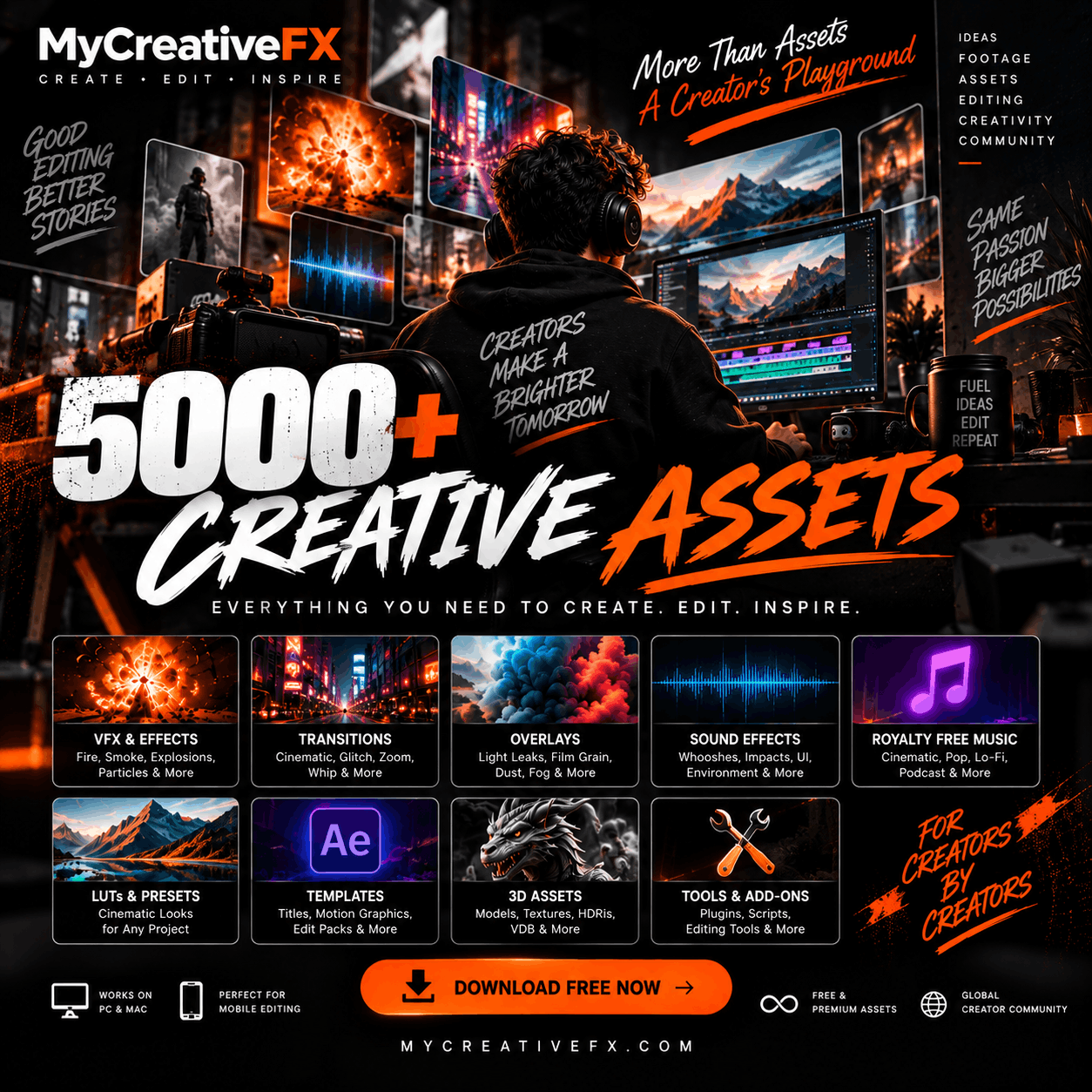
MyCreativeFX.com provides a marketplace for creators looking for visual effects, overlays and professional editing assets.
Explore more VFX categories, including:
Explosion VFX
Fire and Flame Effects
Smoke and Dust Overlays
Destruction Effects
Green Screen VFX
Action VFX
Superpower Effects
Cinematic Overlays
Whether you're creating a YouTube video, action short film, music video or cinematic trailer, you can discover assets for different creative workflows.
You can explore free and premium explosion visual effects at MyCreativeFX. Check individual asset details for available formats and download permissions.
Yes. Compatible MP4 and MOV explosion overlays can be imported into CapCut. Depending on the background, you may need to use blending modes or chroma key.
MOV ProRes 4444 is excellent for high-quality explosion footage with transparency. MP4 is a convenient option for lightweight editing workflows.
Yes. Import the footage and composite it above your original video. Use the alpha channel, blending modes or chroma key depending on the asset.
Yes. High-quality 4K footage provides more detail and flexibility for scaling, cropping and professional compositing, provided the source footage is genuinely 4K.
Commercial usage depends on the individual asset's license. Always review the usage rights before using an effect in commercial projects.
Great action sequences don't always require expensive production setups. With the right explosion overlays, smoke effects and sound design, you can create impressive cinematic visuals using your existing footage.
Explore free and premium visual effects at MyCreativeFX and find the right explosion VFX for your next project.
Download. Create. Make Every Impact Count.










 Premium Plans