 Premium Plans

Halloween VFX Effects: Create Scary, Cinematic Videos with Spooky Overlays and Horror Assets
Halloween VFX Effects: Create Scary, Cinematic Videos with Spooky Overlays and Horror Assets
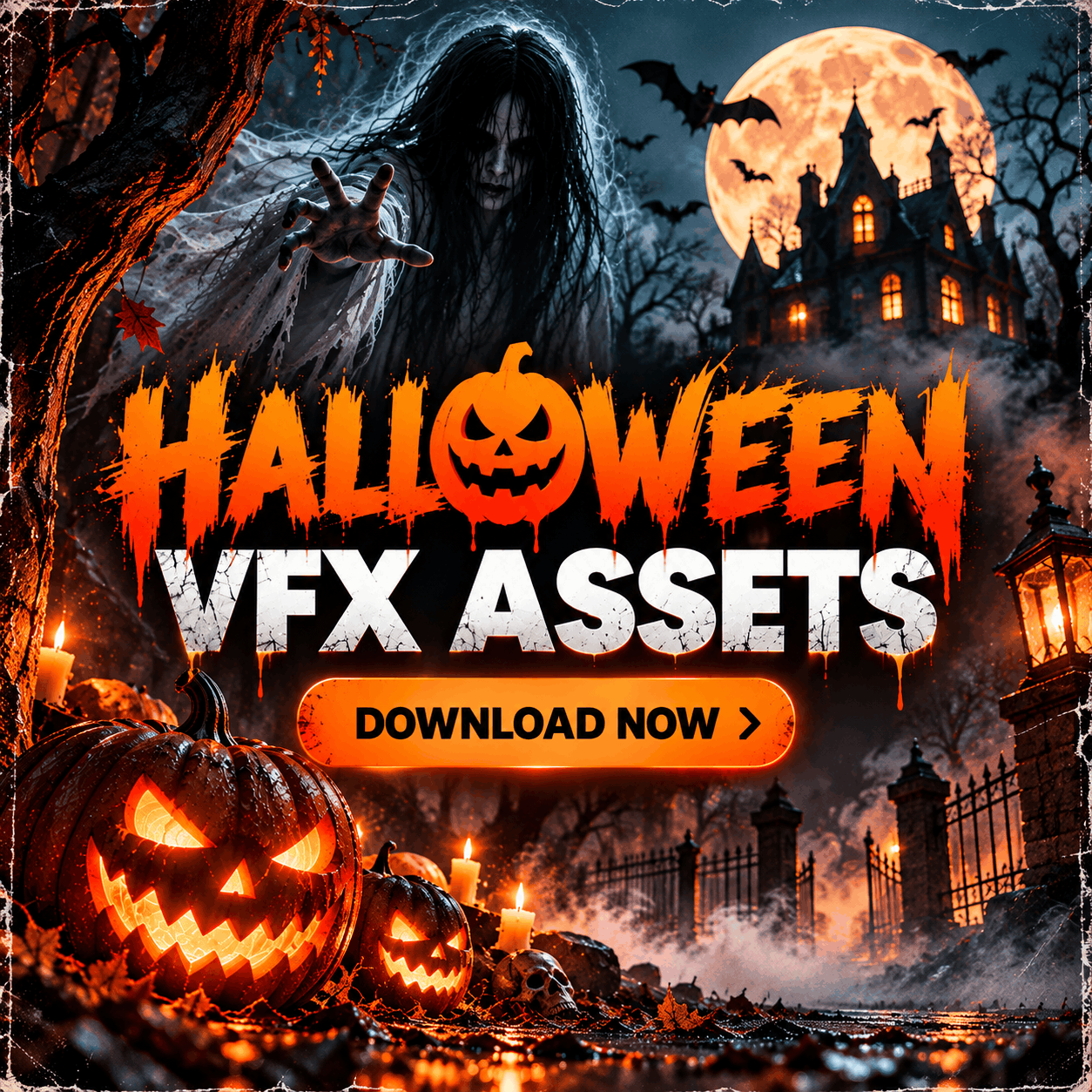
Halloween edits live or die on small details: the way a ghost slides out of a wall, how dark smoke curls through a doorway, or whether a pumpkin glow feels like it belongs in the shot. This guide walks through the Halloween VFX, horror audio and 3D assets on MyCreativeFX, explains how each type of file works inside an editor, and shares compositing tips so your spooky footage looks intentional instead of pasted on.
You can browse every Halloween-tagged asset on the Halloween search page and use its Free and Premium filter to narrow things down. The sections below group those assets by effect type so you can jump straight to what your project needs.
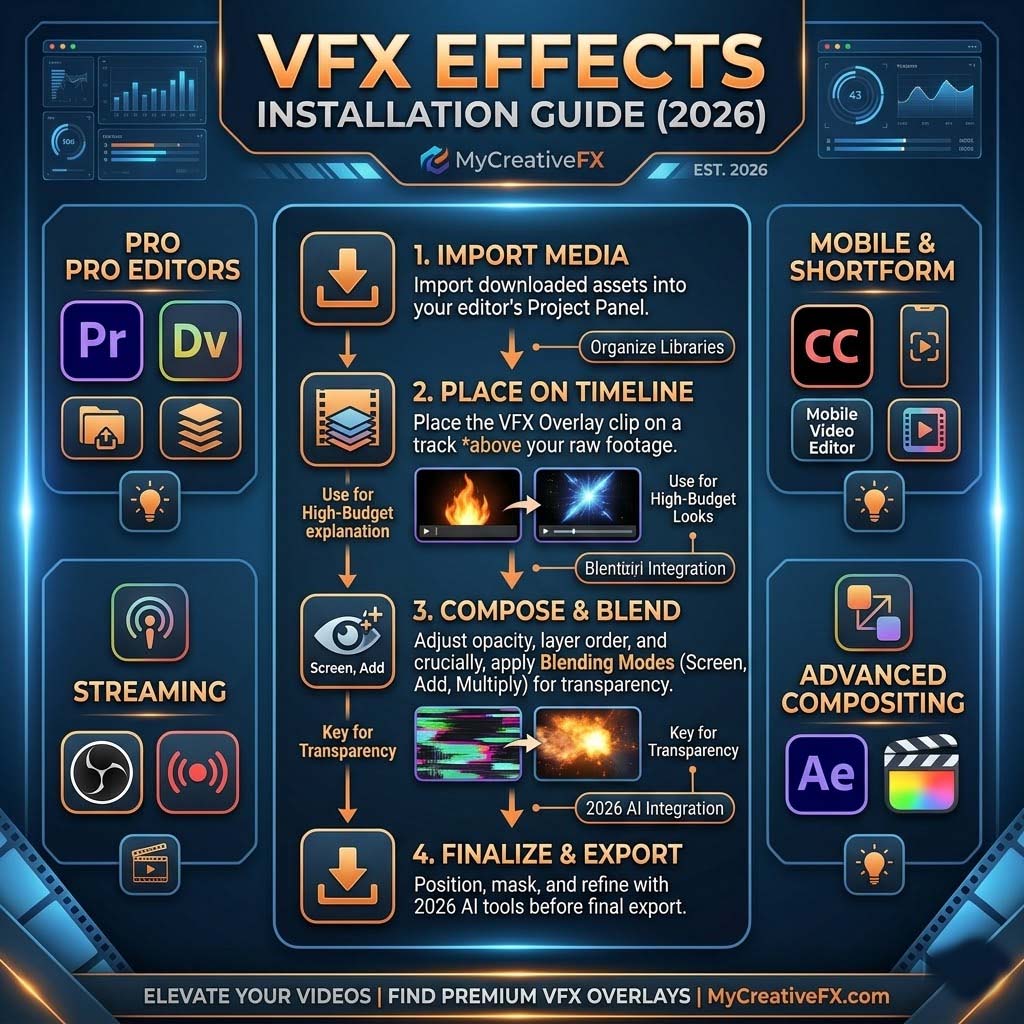
Before picking an effect, look at how it is delivered. On MyCreativeFX you will mainly see three styles, and each one is placed in your timeline differently.
If you are editing on a phone, browse the Mobile and CapCut FX category too. Some Halloween assets, like Ghost In A Wall – Mobile VFX, have dedicated mobile versions.
Ghosts are the backbone of most Halloween edits, and the site has a deep set to choose from. The Female Ghost VFX series runs from 01 to 19, and each clip is listed in a standard version and a Green Screen version. The names describe the action, which makes it easy to match a clip to a scene:
For a different look, try Ghost In A Wall, the Hunted Ghost 4K clips, Free Invincible Ghost 4K, Floating Ghost, Ghost Dance and the Ghost Cloth 4K clips. If your story leans on South Asian folklore, Ghost Chudail 4K 02 Mobile FX and the Chudail attack, run and die clips give you a character you will not find in most Western packs.
The full set lives in the Horror & Ghost VFX and Zombies and Ghost categories.
Seasonal loops are the fastest way to make a video feel like Halloween without a full production. The pumpkin set includes Pumpkin Light Animation 01 Loop, Pumpkin Light Animation 02 and a Green Screen version of the loop. There are also Halloween Pumpkin Animation 4K clips and the Free Halloween Pumpkin 4K clips if you want to test the style first.
The pumpkin light listing names CapCut, Alight Motion, VN Editor, KineMaster, Filmora, Adobe Premiere Pro, After Effects and DaVinci Resolve as suitable editors, which makes it a good first asset whether you edit on a phone or a desktop.
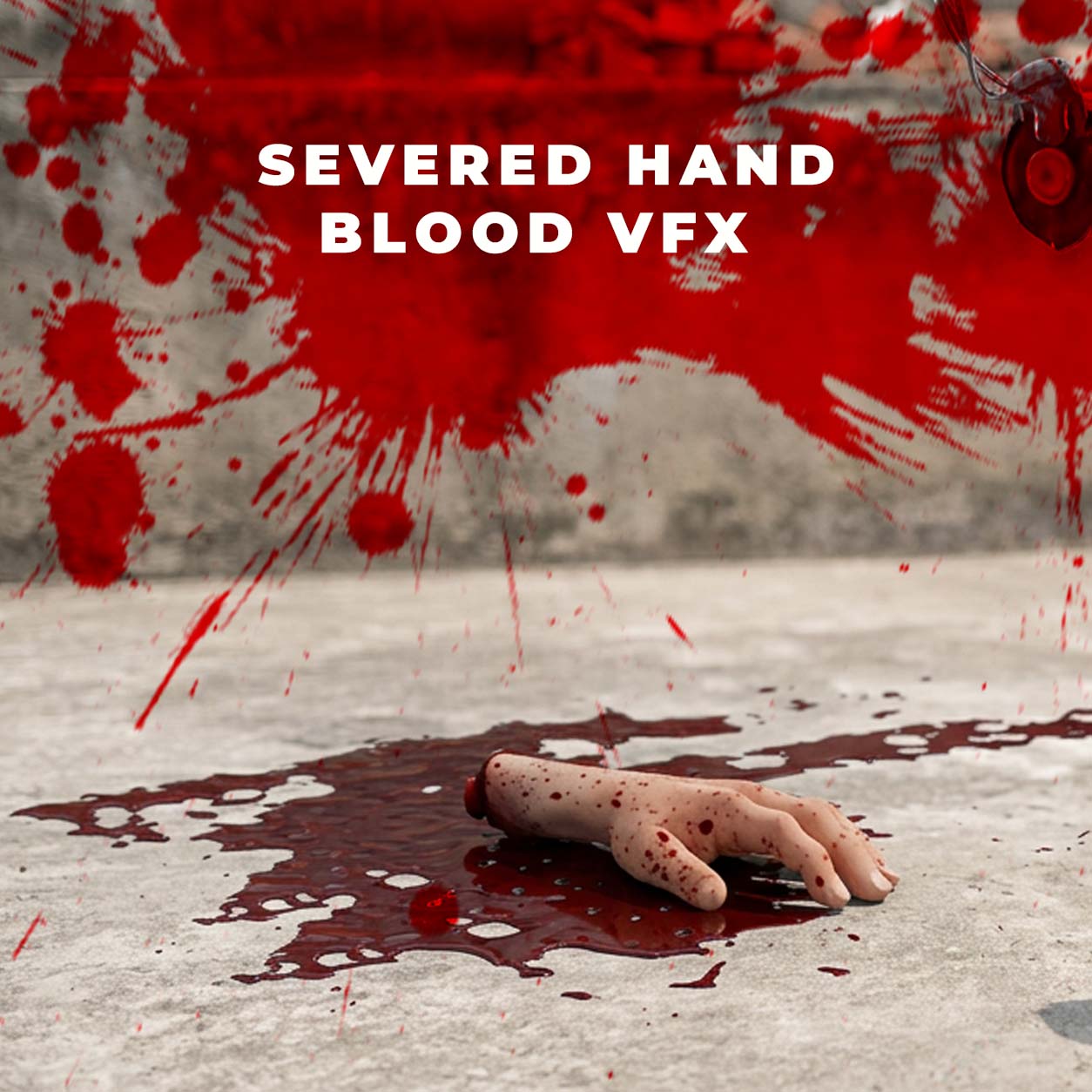
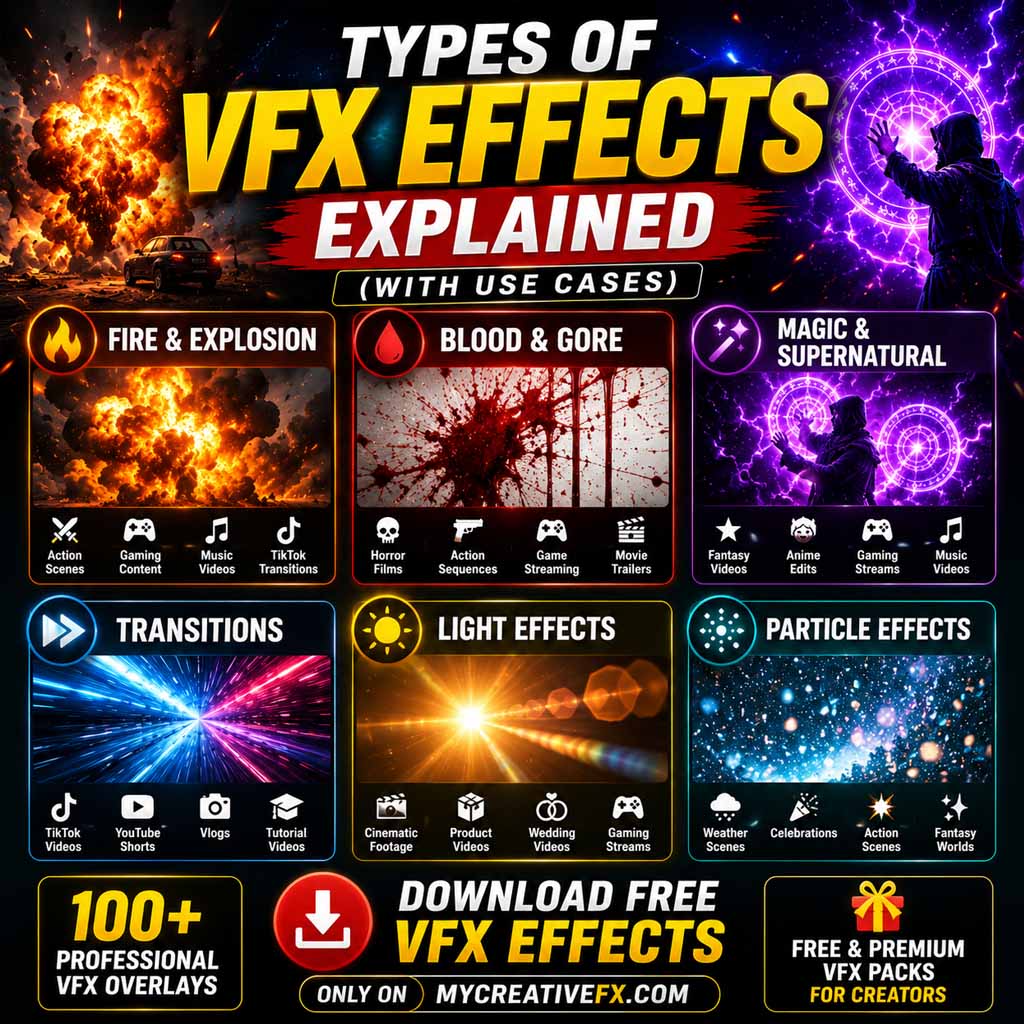
Horror films and Halloween shorts still need convincing blood and injury effects, and compositing them is safer, cheaper and easier to control than doing it practically. The Blood & Gore VFX category includes:
A quick responsibility note: graphic effects can trigger age restrictions or removals on some platforms. Check the community guidelines of wherever you publish, and consider cutting away just before the most graphic frame. Suggestion usually scares more than detail does.
Atmosphere is what makes a still room feel haunted. Dark smoke and fog clips are useful behind a ghost, in a doorway, or as a cover for a cut. The Dust & Smoke VFX Footages category holds many of them, and the Halloween search surfaces these in particular:
Beyond ghosts, the Halloween results include a handful of classic monsters and animals:
Half of a scare is audio. The Horror & Dark Background Music category fits the Halloween theme, with titles such as The Haunted House, Halloween Night Finale, Indian Haunted Haveli, Haunted Temple and Haunted Banyan Tree. The listing for The Haunted House 2 states WAV and MP3 formats, 24-bit/48 kHz audio and a royalty-free license.
For voices and hits, look for items such as Horror Voice FX, Haunted Male Whisper, Haunted Male Ghost Laugh, female ghost vocal and Dark Male Narrator. You can also browse the wider Sound Effects and Royalty Free Music categories, which include items like Bats SFX.
If you work in Blender, Unreal Engine, Unity or a similar 3D tool, the 3D Model Downloads category includes Ghost 02 | 3D Model FBX Animated, the Ghost 151 3D Model and a Grim Reaper 3D Model. Models give you full control over camera angle and lighting, which flat footage cannot.
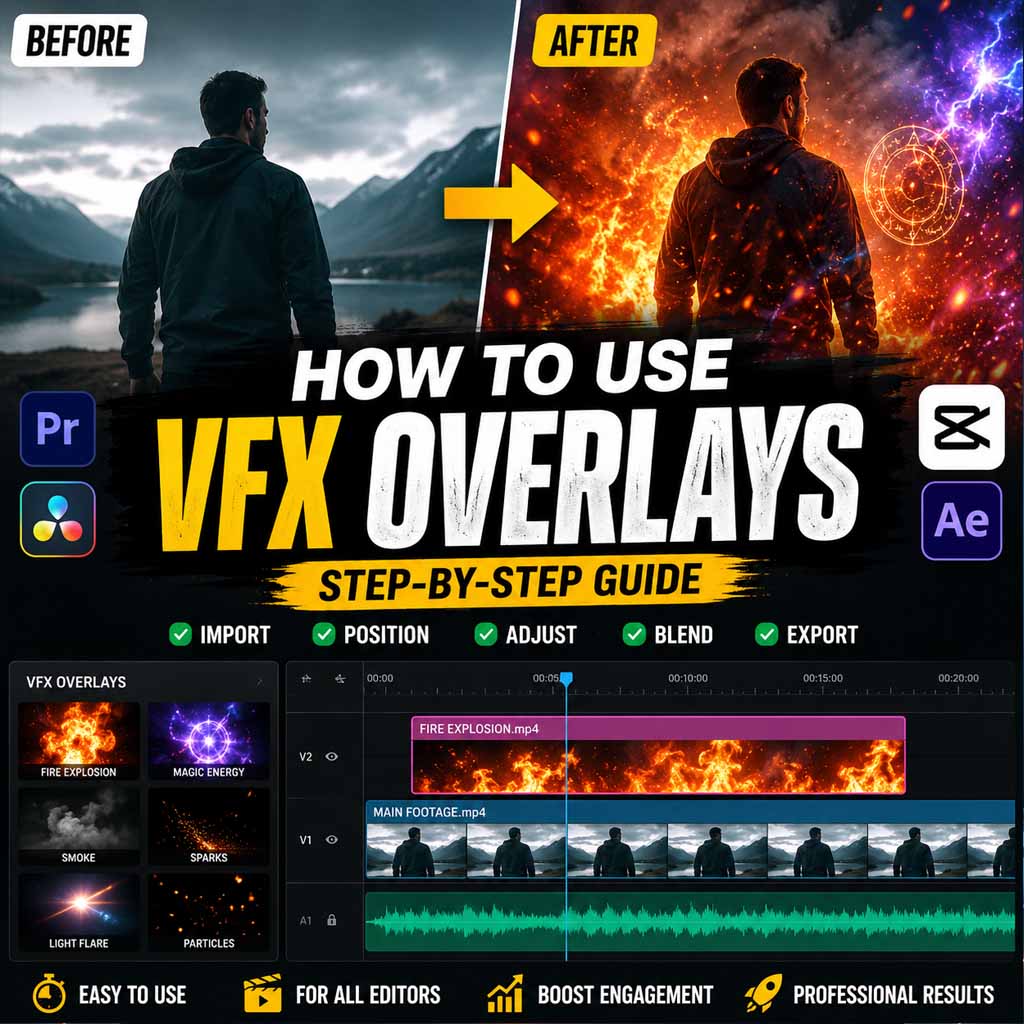
The difference between a convincing scare and an obvious overlay is almost always in the finishing. Follow this order on any clip:
The Halloween results mix free and premium assets, and some listings are clearly marked Free in their titles. Use the Free and Premium filter on the search page to see which is which. Licensing can differ from one asset to the next, so read each listing’s license note before using a clip commercially or redistributing it. You can also review the Copyright Policy and Terms & Conditions, and see the Premium Plans for subscription options.
A MOV Alpha file has a transparent background built in. You place it above your footage and it blends in without chroma keying. The Pumpkin Light Animation listing is one example.
Use alpha when it is available because it is the quickest to place. Use a Green Screen version when you want control over the key, or when your editor handles chroma key better than alpha channels.
There is a mix of free and premium assets. Use the Free and Premium filter on the Halloween search page, and check each listing for its current terms.
The pumpkin light listing names CapCut, Alight Motion, VN Editor, KineMaster, Filmora, Adobe Premiere Pro, After Effects and DaVinci Resolve. Other assets list their own compatibility, so check the details on each page.
That depends on the license of the specific asset. Read the listing’s license note and the site’s Copyright Policy before publishing commercially, and contact the team through the contact page if you are unsure.
Open the Halloween search results, or browse the wider FX Collection for other effect types.
Pick one ghost, one atmosphere layer and one sound, and build the scene around them. Restraint is what makes a scare land. When you are ready, open the Halloween VFX collection, grab a few clips, and check the tutorials for editing walkthroughs.