 Premium Plans

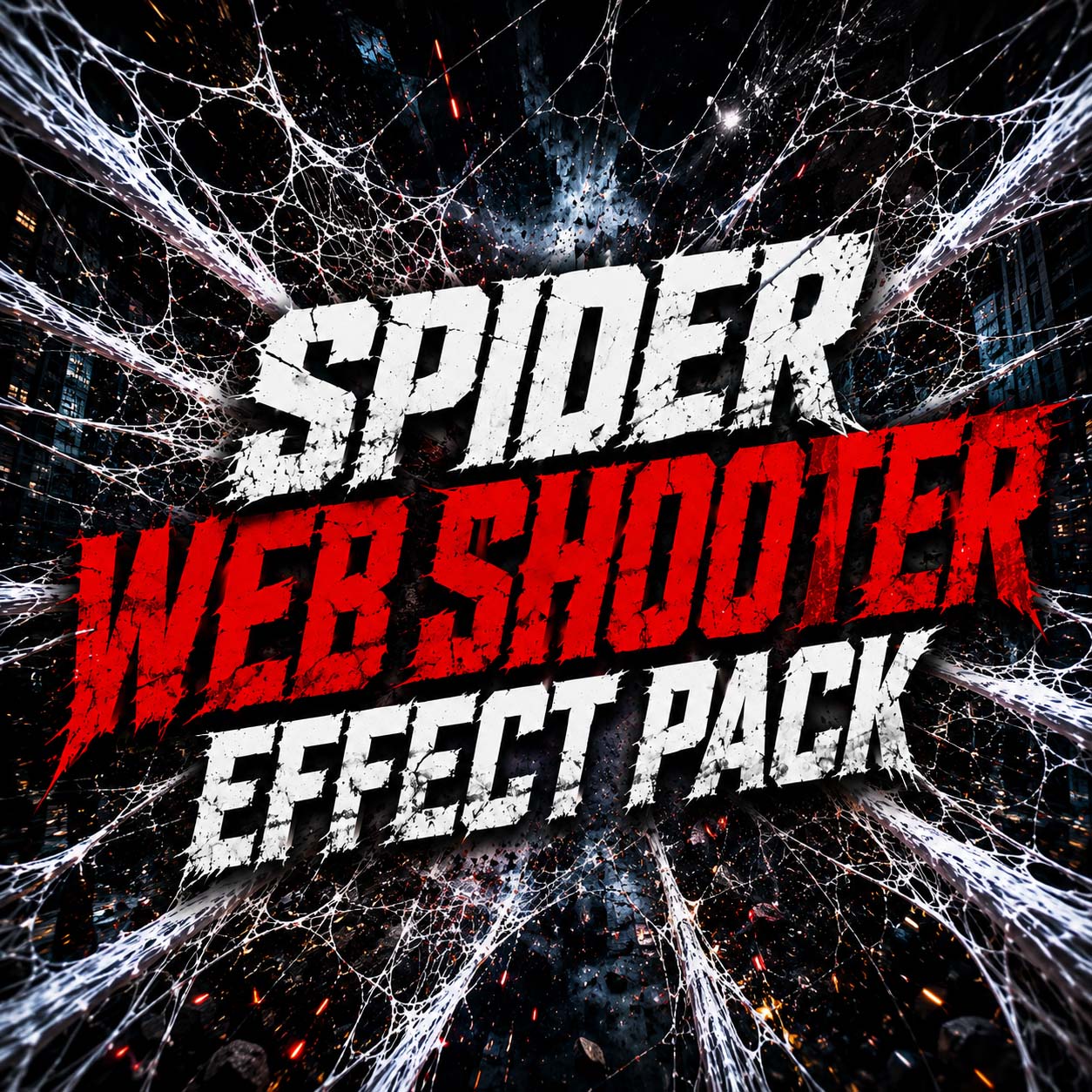
Free Halloween VFX Download: Ghost, Blood, Smoke, Horror
Free Halloween VFX Download: Ghost, Blood, Smoke, Horror

Halloween is the perfect time to experiment with eerie visuals, unsettling sound design and cinematic horror storytelling. Whether you're creating a spooky Instagram Reel, a YouTube horror short, a haunted-house promo, a Halloween party teaser or a full supernatural scene, the right visual effects can turn ordinary footage into something unforgettable.
You don't need a huge production budget or a complicated VFX pipeline to make your video feel scary. With carefully chosen overlays, smoke, fog, ghost elements, lighting effects and sound effects, you can build atmosphere and tell a stronger story. MyCreativeFX brings creators a practical library of editing assets designed to help make that process faster.
Click Here Download Now Halloween VFX
What Are Halloween VFX Effects?
Halloween VFX effects are visual elements added to footage during editing to create a spooky, supernatural or horror-inspired look. They can be subtle—such as drifting mist, flickering lights and floating dust—or dramatic, such as ghost appearances, magical energy, sparks and cinematic impact effects.
These assets can be used in short-form social videos, horror trailers, music videos, gaming edits, event promos, films and Halloween-themed advertisements. The goal is not simply to add more effects; it is to make each effect support the mood, action and story.
1. Ghost Effects and Supernatural Overlays
A ghost reveal is a classic Halloween visual. Place a ghostly figure in the background, let it appear briefly in a mirror, or reveal it at the end of a slow camera move. For a more believable result, match the overlay's brightness and color to the scene, soften its edges where appropriate, and add a little blur or grain so it sits naturally in the footage.
Try building tension before the reveal: hold on an empty hallway, lower the ambient sound, introduce a faint movement in the background, and then reveal the ghost for only a moment. Often, a short and unexpected appearance is more effective than keeping the creature on screen for too long.
2. Smoke, Fog and Creepy Atmosphere
Fog and smoke help transform a normal location into a mysterious environment. Use low-lying mist around the ground, drifting smoke near a doorway, or a soft haze behind a subject to create depth. A little atmospheric movement can make a static shot feel more cinematic.
For the most convincing composite, consider the direction of light, the camera angle and the speed of movement. Avoid placing the same fog layer over every part of the image at equal strength. Layering different sizes and densities of smoke can create a more natural result.
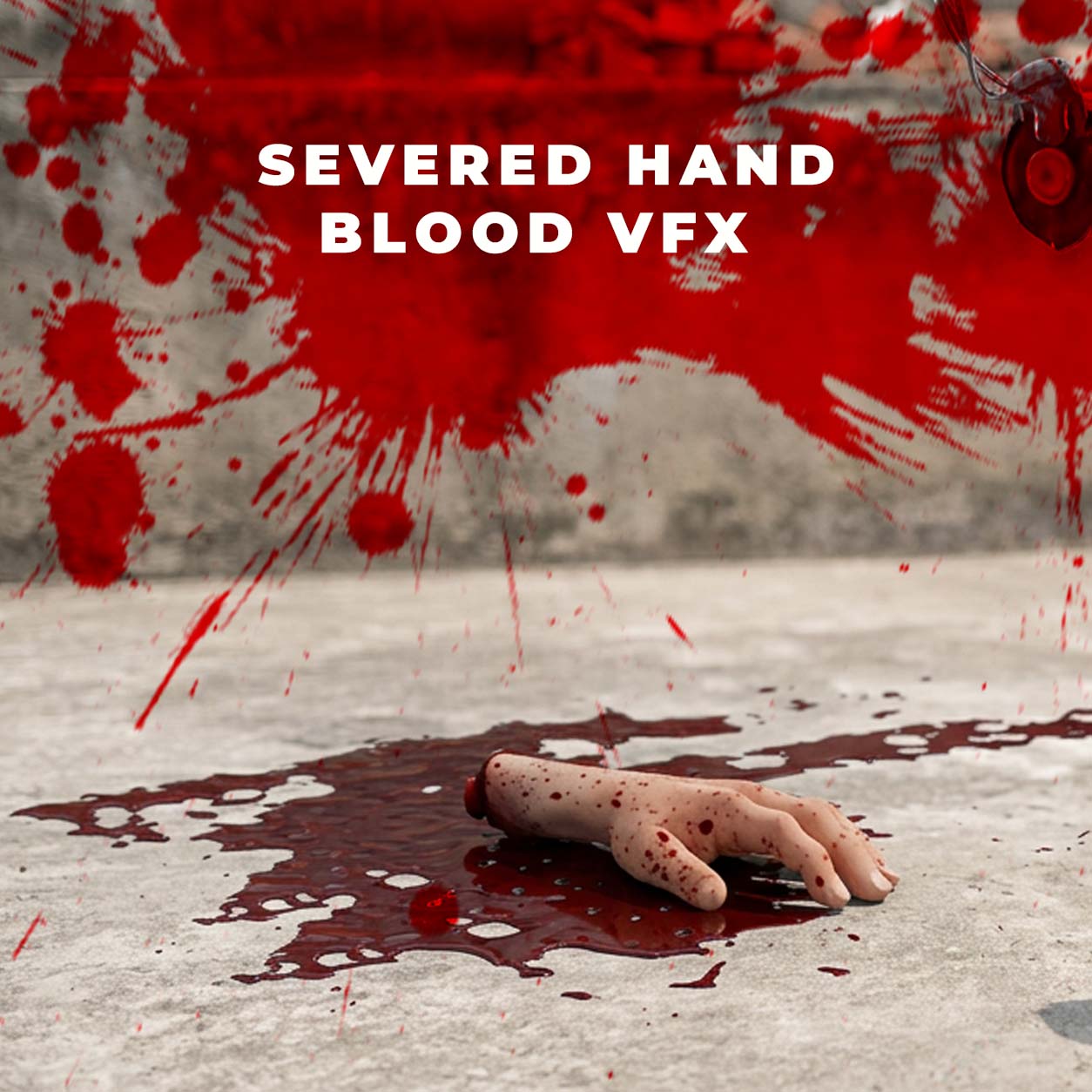
3. Blood-Free Horror, Shadows and Creepy Details
Horror does not need graphic imagery to be effective. Moving shadows, a light that flickers at the wrong moment, a door that slowly opens, a distorted reflection or a silhouette at the end of a corridor can create a strong sense of unease.
Use contrast to guide the viewer's eye. Keep some parts of the frame dark, preserve important details in the highlights, and introduce visual changes at moments when the sound design also shifts. These choices help the scene feel intentional rather than overloaded with effects.
4. Fire, Sparks, Embers and Magical Energy
For supernatural transformations, fantasy horror or high-energy Halloween promos, fire elements, glowing embers and energy effects can add scale and drama. Use warm orange highlights against cool shadows for a classic cinematic contrast, or choose sickly green, deep violet and cold blue accents for a more supernatural mood.
Match the effect to the action. If a burst of energy appears on screen, add a brief light interaction on nearby objects or the subject's face when your editing setup allows it. A subtle light wrap or glow can help the effect feel connected to the scene.
5. Halloween Sound Effects That Make the Scene Feel Real
Sound is a major part of horror. A quiet room tone, distant creak, reversed swell, low drone, sudden impact or carefully timed silence can build anticipation before the viewer sees anything frightening.
Try layering three types of sound: a quiet atmospheric bed, a specific detail such as footsteps or a door creak, and a short accent sound for the reveal. Keep the layers balanced so the important sound remains clear. Avoid using a loud jump-scare sound for every moment; contrast gives the biggest moments more impact.
Always check the license and permitted use of any music or sound effect before publishing or monetizing your video.
6. Halloween Video Editing Ideas for Reels, Shorts and YouTube
The haunted mirror: Film a person looking into a mirror, then add a delayed reflection, a ghostly silhouette or a subtle flicker.
POV: Something is behind you: Use a slow handheld move, distant footsteps, low fog and a brief background reveal.
The cursed object: Build a close-up around an object with a strange glow, drifting particles and a low cinematic drone.
A normal room turns haunted: Start with clean footage, shift the color grade, add atmospheric haze and introduce small environmental changes.
Halloween transformation: Use a whip-pan or match cut, a short flash, particles and sound design to transition into a supernatural look.
30-second horror story: Give the viewer a clear setup, one visual clue, a pause, and a final reveal. Keep the story simple and the timing deliberate.
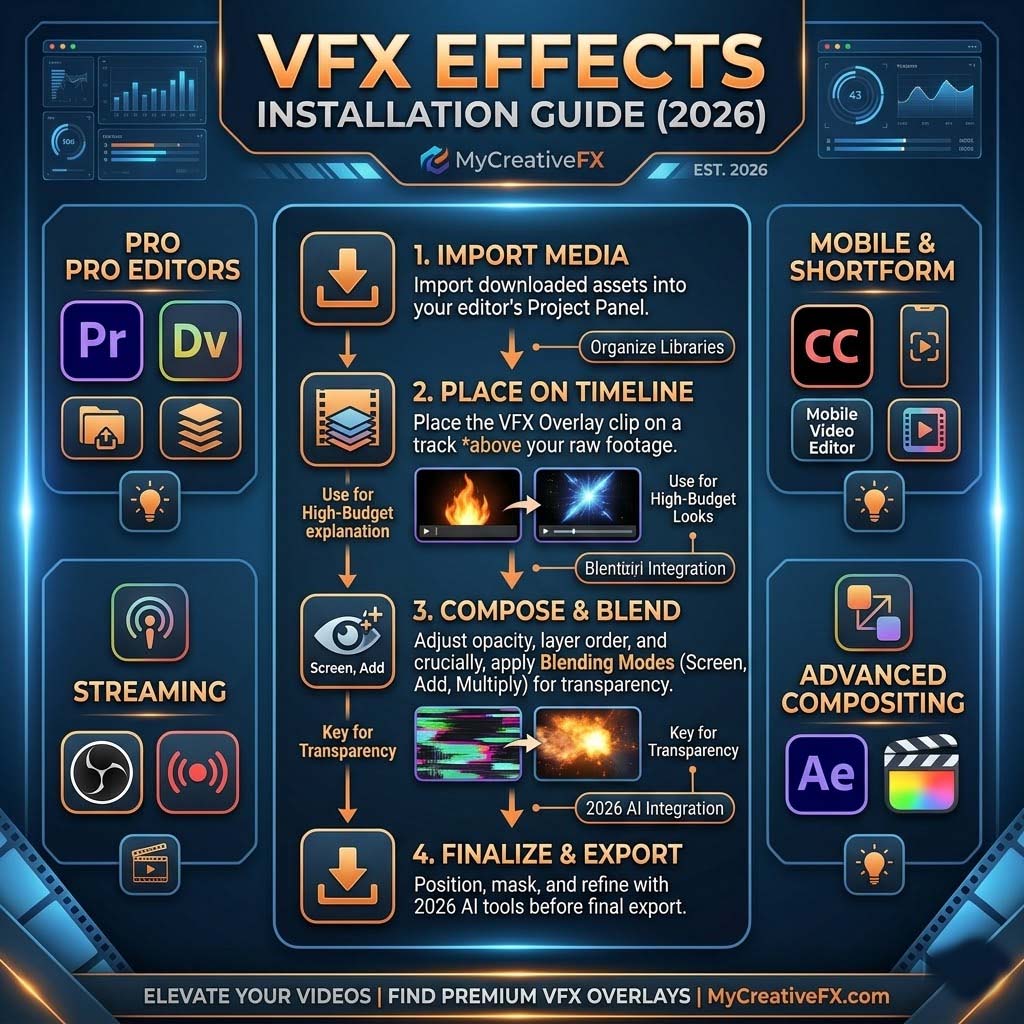
7. How to Add Halloween VFX to Your Video
Plan the scare. Decide what the viewer should notice and when. A simple, clear idea is easier to execute well.
Shoot with the effect in mind. Keep the camera movement manageable and leave space in the frame for the visual element.
Choose the right asset. Select a ghost, fog, smoke, particle, light or transition element that fits the shot.
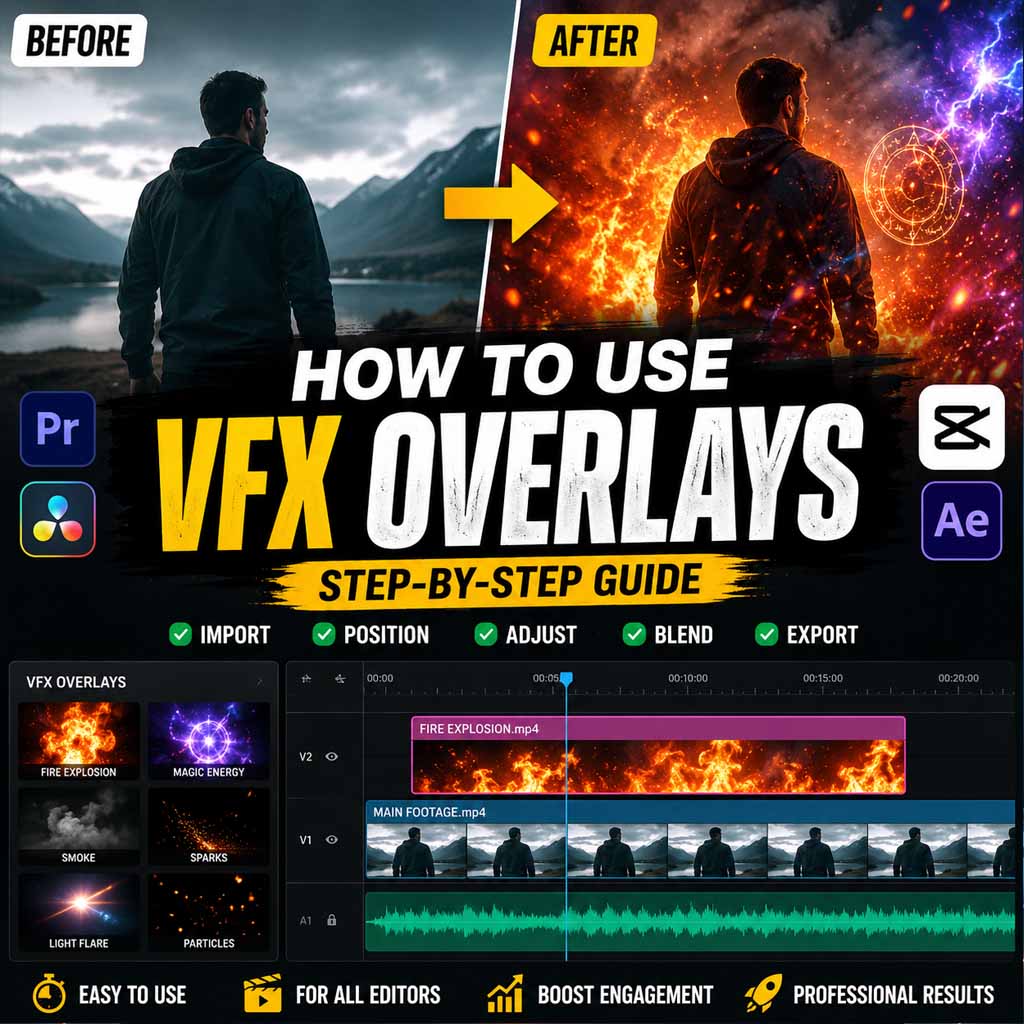
Composite and blend. Adjust scale, position, opacity, color and timing. Use masks or blend modes when supported by your editor and asset format.
Match the atmosphere. Apply a consistent color grade, add subtle grain if appropriate, and make sure the lighting feels cohesive.
Design the sound. Use restrained ambience, detail sounds and one or two well-timed accents to support the visual story.
Export and review. Watch the video on a phone and a larger screen. Check edges, timing, audio peaks and readability before publishing.
8. Halloween Effects for CapCut and Mobile Editing
You can create effective Halloween edits on a phone. In CapCut or another mobile editor, place compatible overlay footage above your main clip, resize and position it, then use the available blending, masking, opacity and keyframe controls to integrate it. The exact options depend on the app version and the format of the asset.
For a quick spooky Reel, try this sequence: start with a dark establishing shot, add a gentle fog layer, cut to a close-up, introduce a brief flicker or shadow, and finish with a reveal synchronized to a sound effect. Keep transitions clean and avoid stacking effects that compete for attention.
Before downloading, check whether the asset is a transparent video, a black-background overlay, a stock clip or a project template. Different formats require different compositing methods.
9. Halloween VFX for Premiere Pro, After Effects and Desktop Editors
Desktop editors offer more control over tracking, masking, color matching and compositing. Transparent ProRes or other alpha-channel footage can be useful when you need an element to sit over your footage without manually removing a background. Other assets may use a black background and require a suitable blend mode.
In After Effects, you can refine placement with masks and keyframes, track an element when the camera moves, and add light interaction or atmospheric depth. In Premiere Pro and other editors, focus on timing, blending and color consistency. Always check the asset's included instructions and technical specifications.
10. Where to Find Halloween VFX Assets
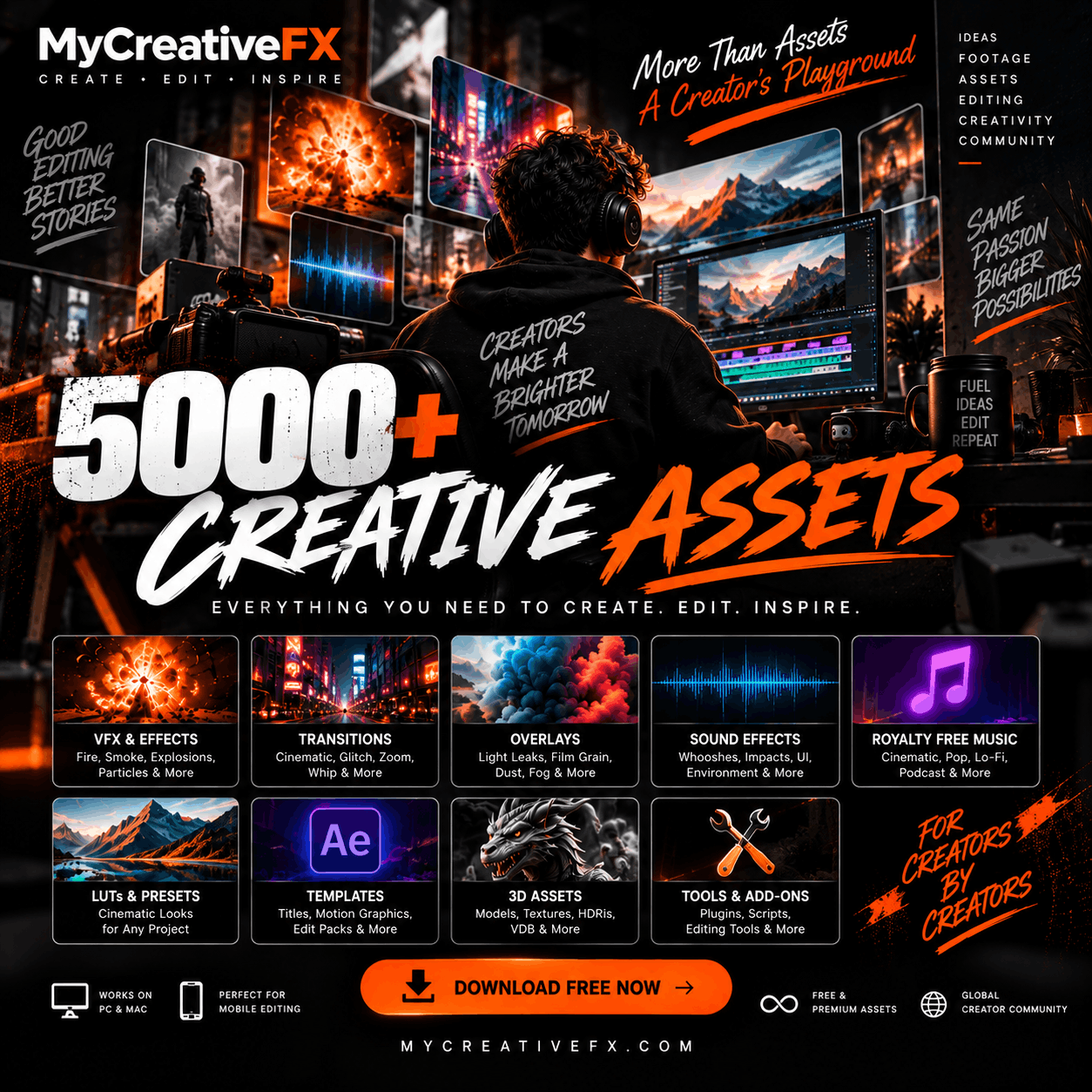
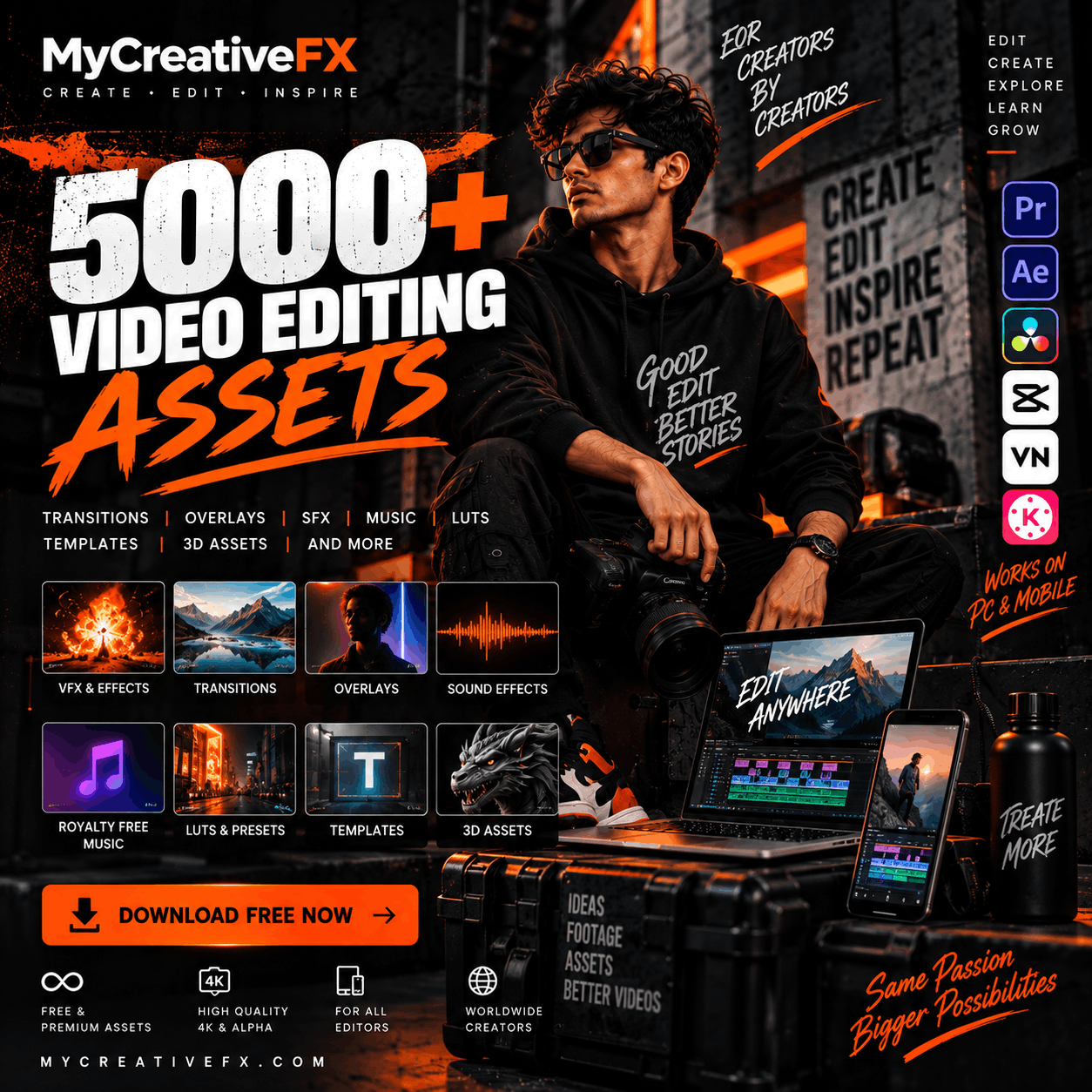
A practical VFX library can save editing time by giving you ready-to-use elements for different styles of Halloween content. On MyCreativeFX, explore the available VFX assets, overlays, sound effects, music, LUTs and templates to find elements that fit your project.
Explore MyCreativeFX: https://mycreativefx.com/
Look for assets that match your editor, resolution and compositing workflow. If you're creating a mobile edit, prioritize easy-to-use formats. For desktop compositing, check resolution, frame rate, codec and whether an alpha channel is included. Asset availability and download terms can vary, so confirm the details on the relevant product page.
11. Tips for More Convincing Halloween VFX
Start with a story, not an effect. Every visual element should help the audience feel or understand something.
Use restraint. A single well-timed reveal can be more effective than a frame full of effects.
Match color and contrast. Effects should belong to the same visual world as the footage.
Pay attention to scale and perspective. An element that is too large or positioned incorrectly can break the illusion.
Use sound intentionally. Silence, low ambience and small details can create tension without constant loud hits.
Check the edges. Look for halos, unwanted black backgrounds, hard cutouts and mismatched blur.
Keep your workflow organized. Label overlays, sound effects and versions so revisions are faster.
Confirm licensing. Read the current license terms for commercial, client, social and monetized use before publishing.
12. Create Your Halloween Edit with MyCreativeFX
Your next Halloween video can be eerie, cinematic and memorable without making the workflow unnecessarily complicated. Start with a strong idea, build atmosphere with fog and shadows, use a well-timed supernatural reveal, and finish with sound design that supports the story.
Explore the VFX assets and creator resources available at MyCreativeFX.com and choose the elements that suit your editing app and project. Whether you're making a quick CapCut Reel, a horror short or a polished promo, the right assets can help you spend less time building every element from scratch and more time creating.
Ready to create something spooky? Visit MyCreativeFX.com
Frequently Asked Questions
What are Halloween VFX effects?
Halloween VFX effects are digital visual elements such as ghosts, smoke, fog, particles, flickers and supernatural overlays used to create spooky or horror-inspired videos.
Can I use Halloween overlays in CapCut?
Yes, if the asset format is compatible with your version of CapCut. Import the overlay and use the available blending, opacity, masking or keyframe tools as needed.
How do I add a ghost effect to a video?
Place a compatible ghost clip or overlay above your footage, position and time it, then adjust opacity, color and blending so it fits the scene. Use masking or tracking if the shot requires it.
What makes a Halloween video look cinematic?
Consistent lighting and color, believable compositing, controlled camera movement, purposeful pacing and well-designed sound all help create a cinematic result.
Can I use VFX assets in commercial projects?
That depends on the license for the specific asset and your intended use. Always review the current license terms before using an asset in client work, advertising or monetized content.
Which Halloween effects should beginners try first?
Start with fog, smoke, flickering lights, simple transitions and sound effects. These are approachable ways to establish atmosphere before trying complex composites.
Suggested Internal Links
Link the phrase “VFX assets” to the relevant MyCreativeFX category page.
Link “sound effects” to the MyCreativeFX sound-effects category.
Link “LUTs and color grading” to the relevant LUTs or color-grading page.
Link “CapCut overlays” to the relevant mobile-editing or overlay collection.
Link “free VFX assets” to the existing free-assets landing page or blog, if available.
Publishing Notes
Replace general homepage links with exact category or product URLs where available.
Only say “free download,” “royalty-free,” “unlimited downloads,” or quote prices if the current product page and license terms support those claims.
Add a compressed, descriptive featured image and meaningful alt text.
Use descriptive anchor text and link to relevant category pages naturally; avoid adding unrelated links.
Check the final article in mobile view and confirm that all CTAs work before publishing.