 Premium Plans

Best Higgsfield AI Alternatives for Better Video Creation
Best Higgsfield AI Alternatives for Better Video Creation
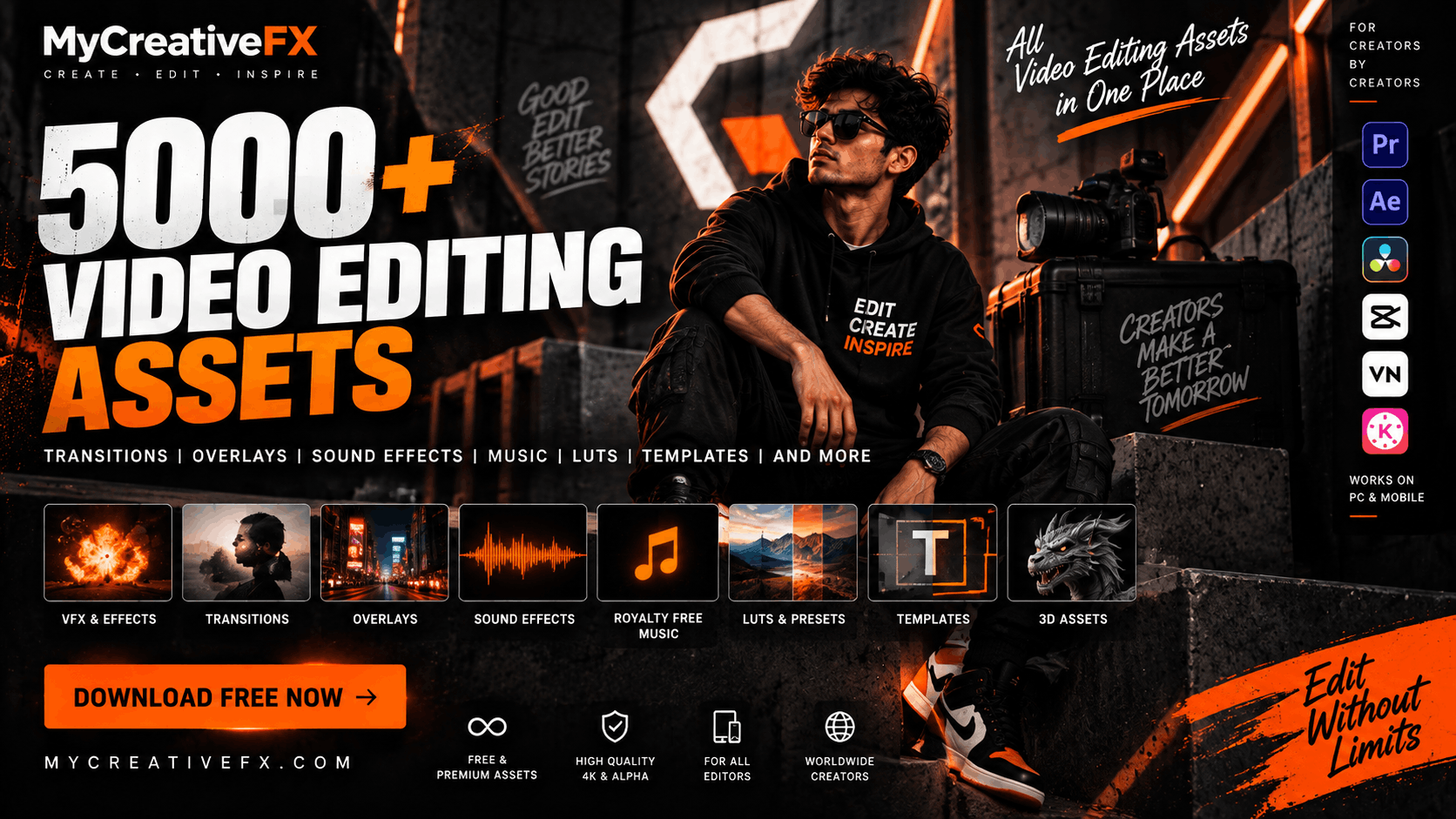 Creating professional videos is no longer limited to Hollywood studios or expensive production houses. Today, creators can produce cinematic videos, YouTube content, Instagram Reels, short films, advertisements, gaming videos, music videos, documentaries, and social media content using a camera or smartphone combined with the right video editing assets.
The biggest challenge, however, is finding high-quality resources that can actually improve your editing workflow.
You may need a cinematic transition for one project, a realistic sound effect for another, a smoke overlay for a VFX shot, background music for a YouTube video, or an After Effects editing pack for a motion graphics project.
Instead of searching for individual assets across dozens of websites, creators can use a dedicated video editing asset library such as MyCreativeFX, which brings together thousands of resources for both professional editors and mobile creators.
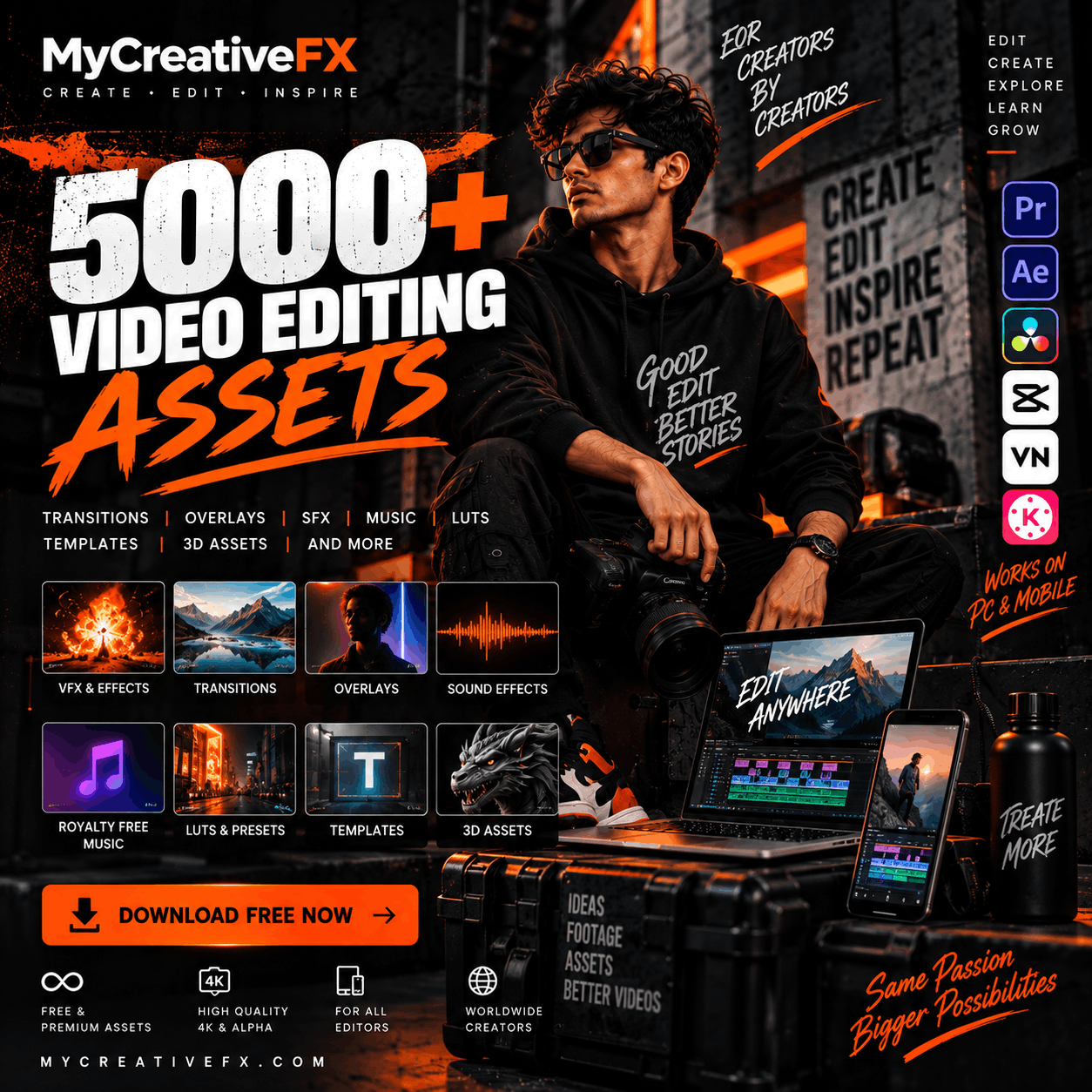
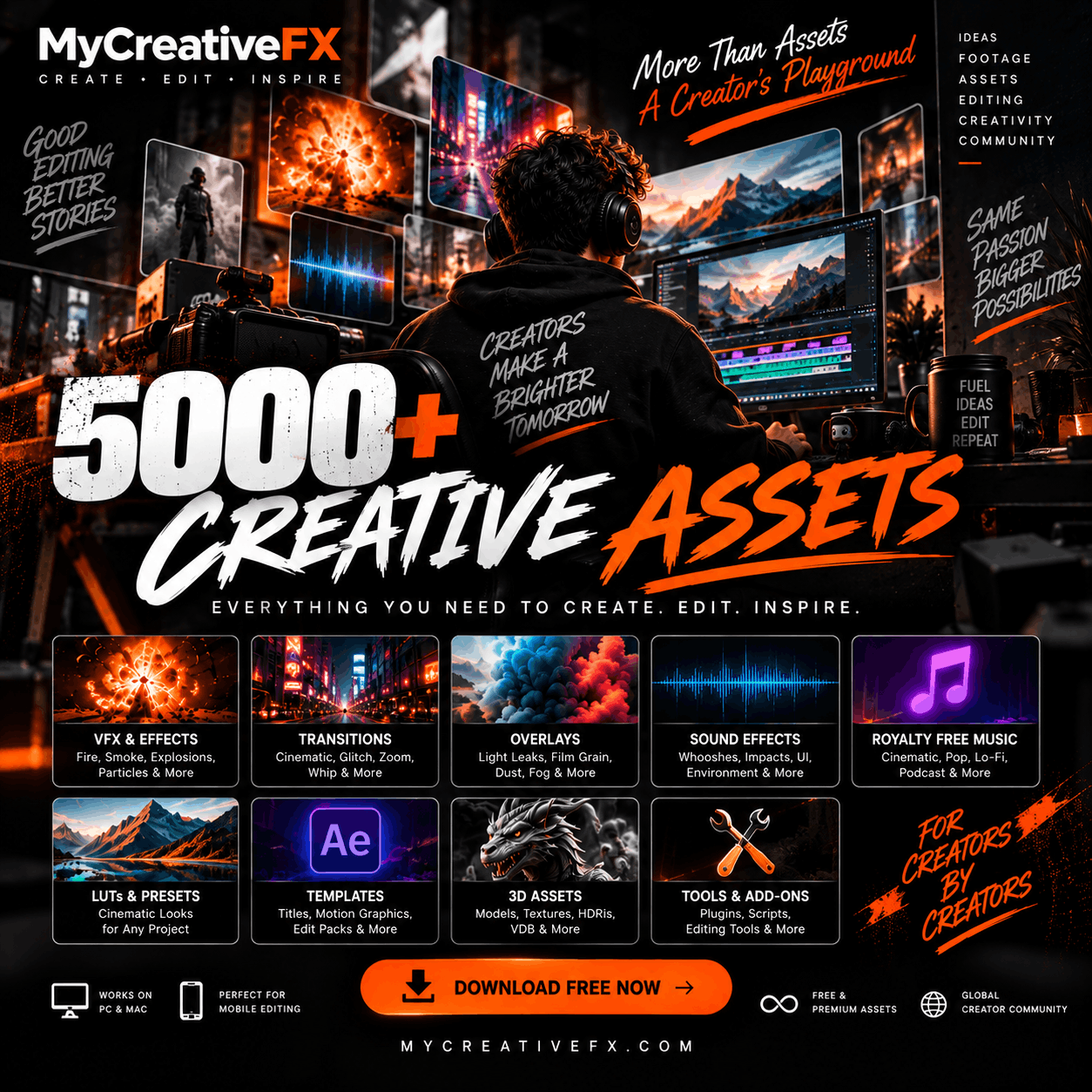
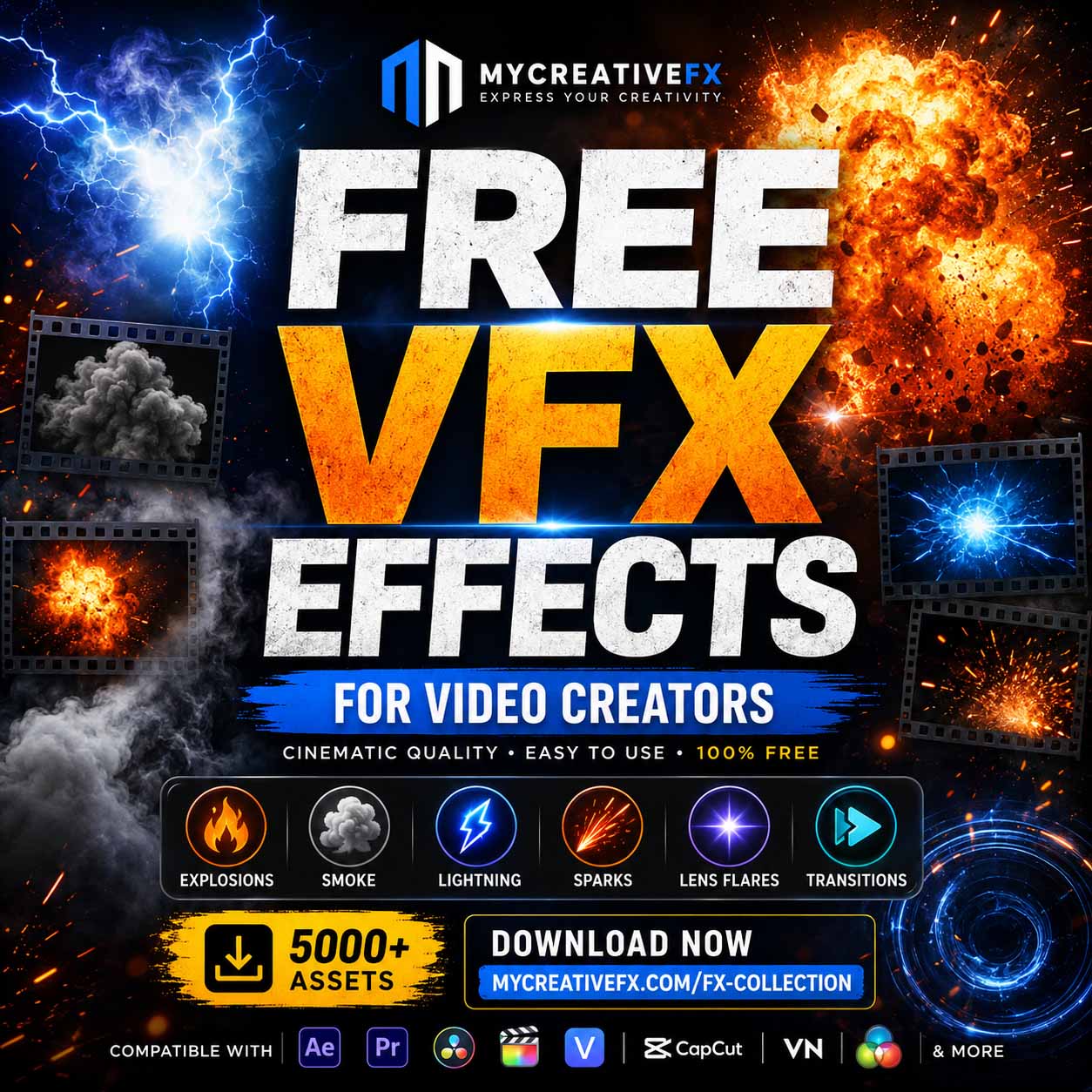
With 5,000+ VFX, video editing assets, sound effects, music, overlays and creative resources, MyCreativeFX is built for creators who want to spend less time searching for assets and more time creating.
Video editing assets are ready-to-use digital resources that editors can add to their video projects to improve visuals, transitions, sound, motion graphics, color, or overall production quality.
Instead of creating every effect from scratch, editors can download an asset and integrate it directly into their editing software.
Common video editing assets include:
Video transitions
Light leaks
Film burns
Smoke overlays
Fire overlays
Dust particles
Explosion effects
Energy effects
Glitch effects
Cinematic overlays
Motion graphics
Sound effects
Background music
LUTs
Color grading presets
After Effects templates
Editing presets
Green screen elements
Alpha-channel VFX
3D assets
Textures
HDRIs
And many more resources
These assets can significantly reduce editing time while giving creators more creative options.
Modern video editors often work across multiple platforms.
A filmmaker may edit in Premiere Pro.
A VFX artist may work in After Effects.
A colorist may use DaVinci Resolve.
A mobile creator may use CapCut, VN, Alight Motion or another mobile editing app.
This is why having a large, organized asset library can make the editing workflow much easier.
MyCreativeFX provides a growing collection of 5,000+ creative assets designed for video editors, filmmakers, VFX artists, YouTubers, social media creators and mobile editors.
You can explore resources for both professional desktop workflows and mobile editing projects.
Searching for a video editing pack free download is common among new creators.
A complete editing pack can contain multiple assets designed to work together, allowing editors to create a consistent visual style instead of downloading individual effects one by one.
A video editing pack may include:
Transitions
Overlays
Sound effects
Motion graphics
Light effects
Glitches
Film elements
Background elements
VFX
Titles
Color presets
Using packs can also speed up the editing process because you have a collection of related assets ready when you need them.
For creators looking for downloadable video editing resources, MyCreativeFX provides a growing library of VFX, overlays, music, sound effects and editing resources.
Mobile video editing has become a major part of the creator economy.
Creators no longer need a high-end workstation to produce engaging social media videos. Applications such as CapCut allow users to edit videos directly on smartphones and tablets.
A video editing pack for CapCut can be useful for:
Instagram Reels
YouTube Shorts
TikTok-style videos
Travel videos
Gaming edits
Cinematic reels
Product videos
Fashion videos
Personal vlogs
Promotional videos
Mobile editors can combine transitions, overlays, sound effects, VFX and music to create more dynamic videos.
For example, a creator can combine:
Video clip → transition → cinematic overlay → sound effect → color grade → music
This simple workflow can transform a basic clip into a much more polished social media edit.
If you are searching for a free editing pack for CapCut, look for assets that are easy to import and don't require complicated desktop software.
Useful assets for mobile editors include:
Transitions help connect two clips smoothly.
Popular transition styles include:
Zoom transitions
Whip transitions
Flash transitions
Glitch transitions
Spin transitions
Blur transitions
Light transitions
Camera transitions
Overlays can add additional visual layers to your footage.
Examples include:
Film grain
Dust
Particles
Light leaks
Lens flares
Smoke
Fog
Rain
Snow
Fire
Sparks
Sound effects make mobile videos feel more energetic.
You can use:
Whooshes
Impacts
Risers
Hits
Swishes
Glitches
Camera sounds
UI sounds
Footsteps
Environmental sounds
Combining visual effects with properly timed sound effects is one of the easiest ways to improve the perceived production quality of a video.
Transitions are among the most frequently used video editing assets.
A transition controls how one shot moves into another.
Instead of simply cutting between two clips, editors can use transitions to create movement, rhythm and visual continuity.
Some popular transition categories include:
Zoom transitions simulate rapid camera movement between clips.
They are popular in:
Travel videos
Reels
Fashion videos
YouTube edits
Cinematic montages
Whip transitions create the appearance of rapid horizontal or vertical camera movement.
They work particularly well when the movement direction matches between two shots.
Glitch transitions are commonly used for:
Gaming videos
Technology content
Cyberpunk edits
Music videos
Action videos
Light flashes can create quick, energetic transitions between shots.
They can work especially well for:
Music videos
Fashion edits
Cinematic reels
Action sequences
Film-inspired transitions can give digital footage a more organic visual character.
Examples include:
Film burns
Film flashes
Film rolls
Light leaks
Dust
Scratches
Overlays are another essential part of modern editing.
An overlay is essentially a visual element placed above your original footage.
Depending on the asset, you can use blending modes, opacity and masking to integrate the overlay into your scene.
Popular overlays include:
Smoke can be used for:
Atmosphere
Scene transitions
Horror videos
Cinematic shots
Action scenes
Environmental effects
Fire overlays can help create:
Fireballs
Burning objects
Flames
Fire transitions
Cinematic destruction
Dust is useful for:
Impact shots
Footsteps
Explosions
Vehicle movement
Environmental scenes
Light leaks can create a film-inspired look and are often used during transitions.
Lens flares can enhance bright light sources and create a cinematic appearance when used carefully.
Particle effects can represent:
Sparks
Magic
Energy
Dust
Snow
Ash
Floating particles
Visuals are only one part of a great edit.
Sound is equally important.
A simple visual effect can feel much more powerful when it is synchronized with the correct sound.
For example:
Explosion + Impact + Debris + Low Boom
can create a much stronger result than using an explosion visual by itself.
A good video editing asset library should therefore contain a large selection of sound effects.
MyCreativeFX includes resources for creators looking for different types of audio and video assets.
Explore the MyCreativeFX library
Whooshes are useful when objects or cameras move quickly through the frame.
Use them for:
Transitions
Text animations
Logo reveals
Camera movement
Fast motion graphics
Impact sounds are useful for emphasizing moments such as:
Text appearing
Objects hitting the ground
Action shots
Cinematic cuts
VFX impacts
Risers gradually build tension.
They are commonly used before:
Reveals
Drops
Explosions
Title sequences
Scene changes
Cinematic hits can emphasize important moments in a video.
UI sounds are useful for:
App demonstrations
Technology videos
Motion graphics
Tutorials
Product videos
These can help create atmosphere.
Examples include:
Rain
Wind
Thunder
Forest ambience
City ambience
Traffic
Water
Crowd sounds
Music can completely change the emotional tone of a video.
A cinematic scene with dramatic music feels very different from the same scene with energetic electronic music.
Creators commonly need music for:
YouTube videos
Short films
Instagram Reels
Documentaries
Travel videos
Commercials
Product videos
Tutorials
Cinematic edits
Vlogs
Using appropriately licensed royalty-free music can make it easier for creators to build a soundtrack for their content while considering the licensing terms associated with the individual asset.
Browse royalty-free music on MyCreativeFX
Cinematic editing isn't only about adding black bars or applying a LUT.
A cinematic edit usually combines multiple elements:
Story + Editing + Color + Sound + Music + Visual Effects
For example, imagine a simple shot of a character walking into a dark room.
You could add:
A subtle camera shake
Atmospheric smoke
Dust particles
A cinematic color grade
A low-frequency ambience
Footsteps
A cinematic impact
Background music
The original footage hasn't changed dramatically, but the combination of elements can create a much richer presentation.
Professional editors working on computers typically use applications such as:
Adobe Premiere Pro
Adobe After Effects
DaVinci Resolve
Final Cut Pro
Blender
Other professional editing and compositing software
Desktop editors can work with high-resolution footage, professional codecs, alpha-channel assets, motion graphics and VFX elements.
For professional workflows, useful asset formats can include:
MOV
MP4
ProRes
ProRes 4444
PNG sequences
Alpha-channel video
PSD
AI
WAV
MP3
LUT formats
3D formats
When choosing an asset, always check the format and compatibility with your editing software.
Adobe After Effects is widely used for motion graphics, compositing and visual effects.
An After Effects editing pack can contain resources that make it easier to build complex visuals.
Examples include:
Motion graphics
Transitions
VFX
Particle effects
Glitches
Light effects
Titles
Logo animations
Backgrounds
Overlays
Cinematic effects
After Effects editors can also combine downloaded video assets with masks, keyframes, blending modes, tracking and compositing.
For example:
Footage + Smoke Overlay + Color Grade + Camera Shake + Impact Sound
can become a complete cinematic VFX shot.
Creators searching for an After Effects editing pack free download should pay attention to compatibility.
Before downloading a pack, check:
After Effects version
Required plugins
Resolution
Frame rate
File format
Commercial-use rights
Personal-use restrictions
Whether fonts are included
Whether third-party assets are required
A pack that looks impressive but requires unavailable plugins may slow down your workflow.
For individual VFX elements, overlays and other editing resources, MyCreativeFX provides a large collection of downloadable creative assets.
Mobile editing has changed dramatically.
Creators can now shoot footage on smartphones and edit complete videos directly from their devices.
Mobile creators may use:
CapCut
VN
Alight Motion
KineMaster
Other mobile editing applications
Useful assets for mobile editing include:
MP4 overlays
Transparent effects
Sound effects
Music
Transitions
LUTs
Green-screen elements
Motion graphics
VFX clips
The key is choosing assets that are simple to import and don't require complicated desktop workflows.
CapCut creators frequently search for ready-made resources to improve their editing workflow.
A useful CapCut video editing pack may include:
Transitions
Sound effects
Overlays
VFX
Light effects
Glitches
Film elements
Background music
Motion graphics
You can combine these assets with CapCut's built-in editing tools to create short-form content for social media.
For creators who want a larger collection beyond a single CapCut pack, MyCreativeFX offers a broader library of VFX, sound effects, music and other editing resources.
Many creators search for a free online video editor with no watermark because they want to create content without investing in expensive editing software.
Online editors can be useful for:
Quick social media videos
Simple cuts
Text animations
Short-form content
Basic transitions
Reels
YouTube Shorts
However, online editing software and downloadable video assets solve different problems.
An online editor provides the editing environment.
An asset library provides the creative ingredients.
You can therefore use an online editor together with downloaded assets such as:
Sound effects
Music
VFX
Overlays
Transitions
Backgrounds
LUTs
This gives creators more control over the final result.
If you are searching for a video editing website free resource library, look for a platform that provides more than just one type of asset.
A complete creator library can save time by bringing multiple resources into one place.
Instead of searching:
Website A → transitions
Website B → sound effects
Website C → VFX
Website D → music
you can use a centralized asset library for multiple parts of your workflow.
Professional editors often require higher-quality assets than basic mobile templates.
A video editing website for PC should ideally provide resources compatible with professional workflows.
Useful resources include:
4K VFX
ProRes footage
Alpha-channel effects
High-resolution overlays
Cinematic sound effects
Music
LUTs
Motion graphics
After Effects resources
3D assets
These assets can be imported into professional editing and compositing software.
Searching for a video editing website free download can lead to many different types of resources.
Instead of downloading random editing software, creators should first identify what they actually need.
If you need:
Editing software → choose an editor.
Visual effects → choose VFX assets.
Transitions → choose transition packs.
Sound → choose sound effects.
Music → choose properly licensed music.
Color → choose LUTs.
Motion graphics → choose templates or animation assets.
3D content → choose 3D models, HDRIs or textures.
This approach makes the workflow much more efficient.
Creating every visual element manually can take hours.
For example, creating a realistic smoke effect from scratch may involve simulation, rendering, compositing and color correction.
With a ready-made smoke asset, the editor can focus on compositing and storytelling.
The same applies to:
Fire
Explosions
Dust
Sparks
Blood
Energy
Weather
Particles
Transitions
Sound effects
Asset libraries don't replace creativity.
They give creators more building blocks to express that creativity.
A powerful editing workflow can be structured into several stages.
Import your camera or smartphone footage and organize your clips.
Remove unnecessary footage and build your story.
Use transitions only where they support the movement or story.
Add visual effects where necessary.
Use smoke, dust, particles, film elements and other overlays.
Synchronize impacts, whooshes, footsteps and environmental sounds.
Choose music that matches the mood and pacing.
Use color correction and grading to establish the visual style.
Balance dialogue, music and sound effects.
Export using settings appropriate for your platform.
One of the biggest advantages of having a large asset library is flexibility.
A beginner editing a Reel on a smartphone may need a simple overlay.
A YouTube creator may need cinematic sound effects.
A professional editor may need 4K ProRes footage.
A VFX artist may need an alpha-channel element.
A filmmaker may need atmospheric sound design and royalty-free music.
Different creators have different requirements, but the underlying goal is the same:
Find the right asset quickly and use it in the edit.
That is the purpose behind MyCreativeFX.
Discover the full MyCreativeFX library
With the right combination of assets, creators can produce:
Use transitions, sound effects, music, overlays and motion graphics to improve long-form content.
Use fast transitions, impact sounds, VFX and music to create engaging short-form edits.
Combine quick cuts with sound effects, motion graphics and visual effects.
Use VFX, atmospheric overlays, cinematic music and sound design.
Combine transitions, overlays, light effects, particles and visual effects.
Use motion graphics, transitions and sound design to present products.
Use glitches, impacts, UI effects and energetic sound effects.
Use cinematic transitions, music, light leaks and environmental sound.
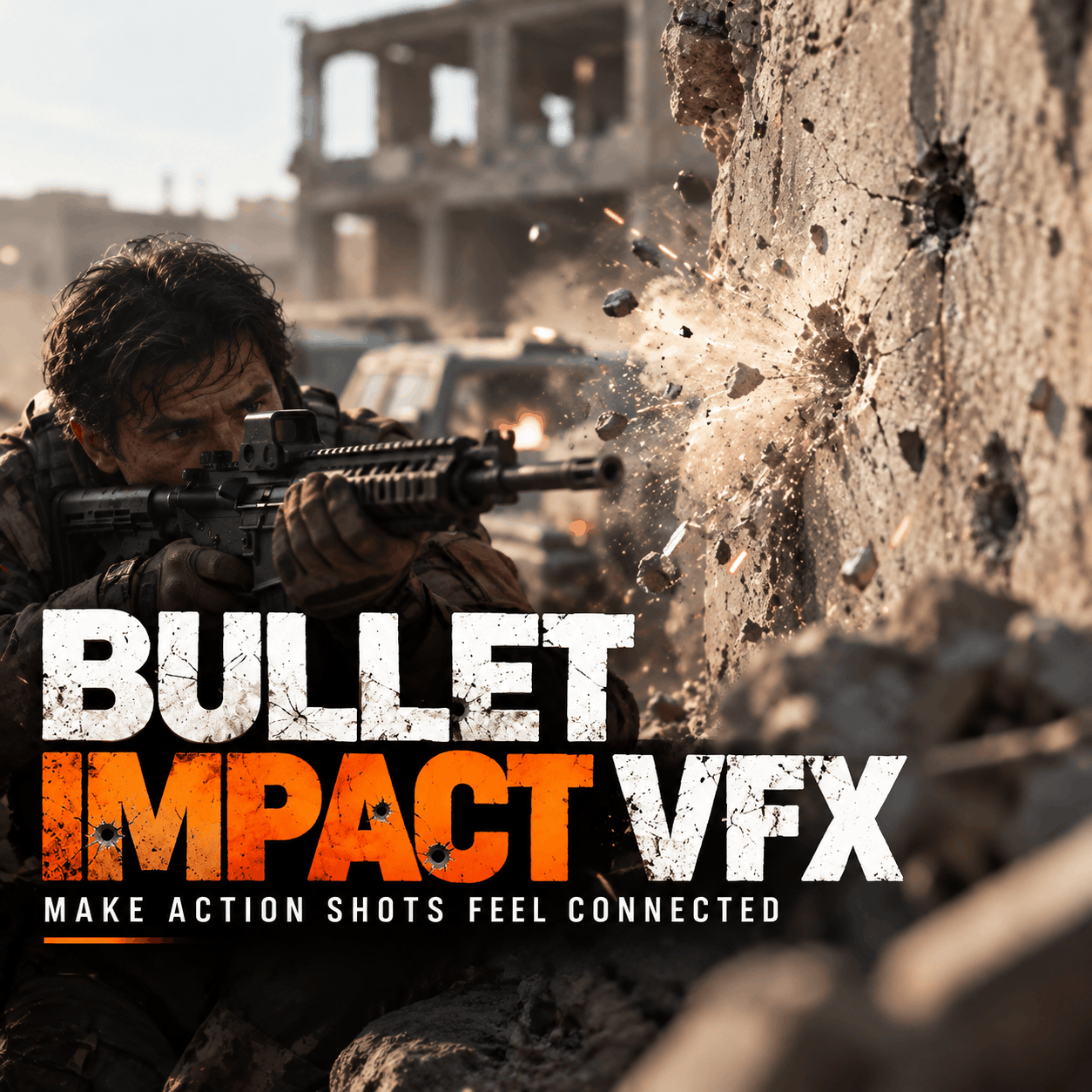
Combine footage with smoke, fire, explosions, particles, destruction and other visual effects.
A large asset library becomes especially useful when you are producing content regularly.
Instead of stopping your edit every time you need a new effect, you can build your own collection of frequently used resources.
You can organize your workflow around categories such as:
VFX → Overlays → Transitions → Sound Effects → Music → LUTs → Motion Graphics → 3D Assets
This creates a repeatable editing system.
For creators who publish frequently, that can save significant time.
If you're searching for video editing packs, transitions, overlays, VFX, sound effects, royalty-free music, LUTs and other creative assets, explore the MyCreativeFX library.
The platform is designed for both:
Mobile Creators
and
Professional Desktop Editors
Whether you're editing a short Reel on your phone or compositing a cinematic VFX shot on a PC, you can use different types of assets depending on your workflow.
With 5,000+ creative assets, MyCreativeFX is building a growing resource library for the modern creator.
Video editing assets are ready-to-use digital resources such as transitions, overlays, VFX, sound effects, music, LUTs, motion graphics and templates that can be added to video projects.
Creators can explore video editing asset libraries such as MyCreativeFX for downloadable VFX, overlays, sound effects, music and other editing resources.
Many video assets can be used in mobile editing applications, depending on their format and compatibility. Always check the asset format before downloading.
Assets such as MOV, MP4, PNG sequences, overlays, VFX footage and other supported formats can be imported into After Effects depending on the file type.
Some of the most commonly used categories include transitions, overlays, sound effects, music, VFX, LUTs and motion graphics.
Yes. Mobile editors can use compatible VFX clips, overlays, transitions and sound effects in applications such as CapCut and other mobile editing apps.
You can explore the MyCreativeFX royalty-free music library for music resources for creative projects.
A video editing pack is a collection of multiple assets designed to help editors create videos more efficiently. Depending on the pack, it can contain transitions, overlays, sound effects, music, VFX, presets or motion graphics.
Great editing isn't only about the software you use.
It's about having the right combination of footage, storytelling, transitions, sound, music, color and visual effects.
Whether you're a CapCut creator, YouTuber, filmmaker, VFX artist, content creator, social media editor or professional post-production artist, having a reliable collection of editing assets can make the creative process faster and more flexible.
From video editing packs and transitions to VFX, overlays, sound effects, royalty-free music, LUTs and motion graphics, the right resources can become an important part of your editing workflow.
Explore the growing collection of 5,000+ creative assets on MyCreativeFX and find resources for your next project.
Edit faster. Create more. Build better videos.