 Premium Plans

Bullet Impact VFX: Make Action Shots Feel Connected
Bullet Impact VFX: Make Action Shots Feel Connected
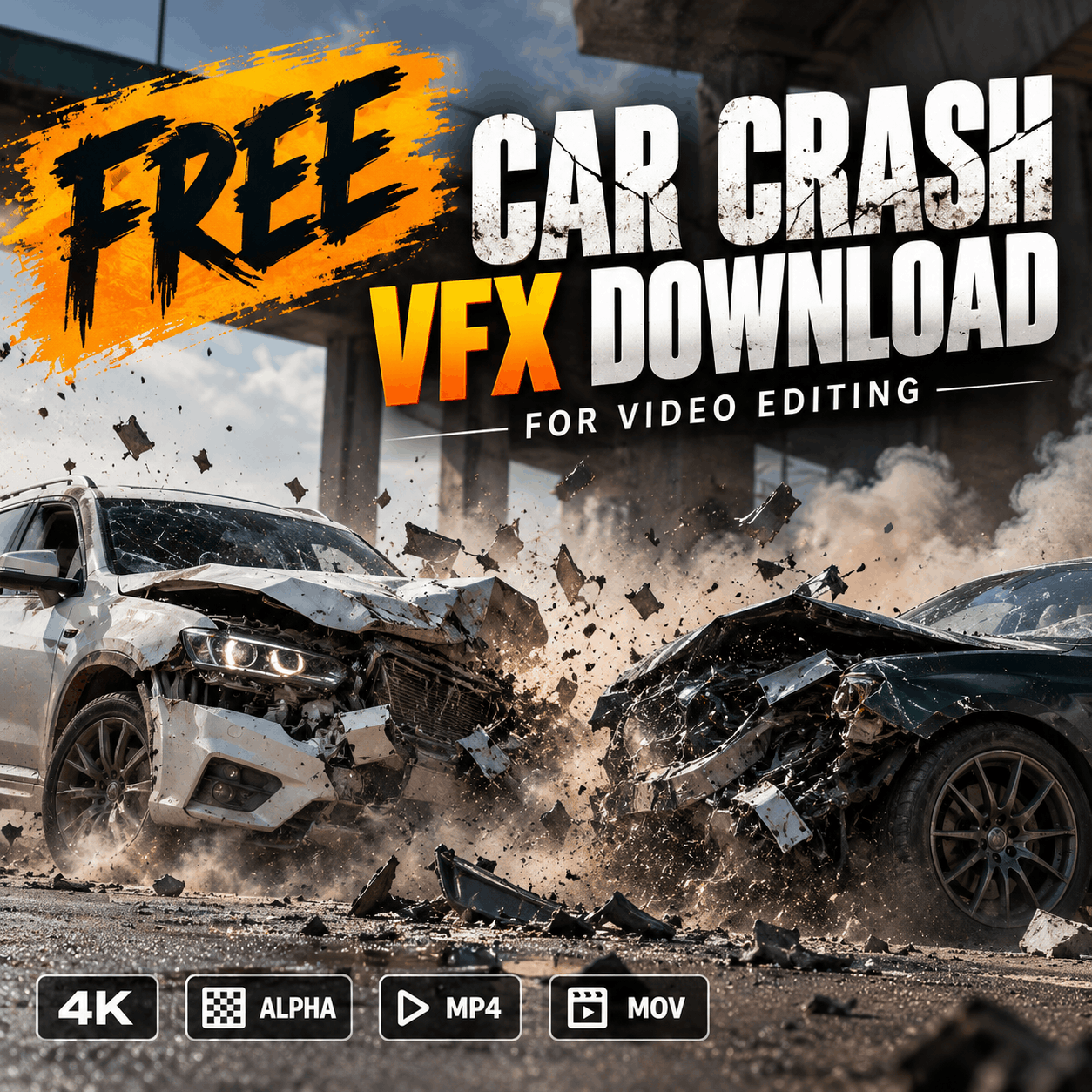
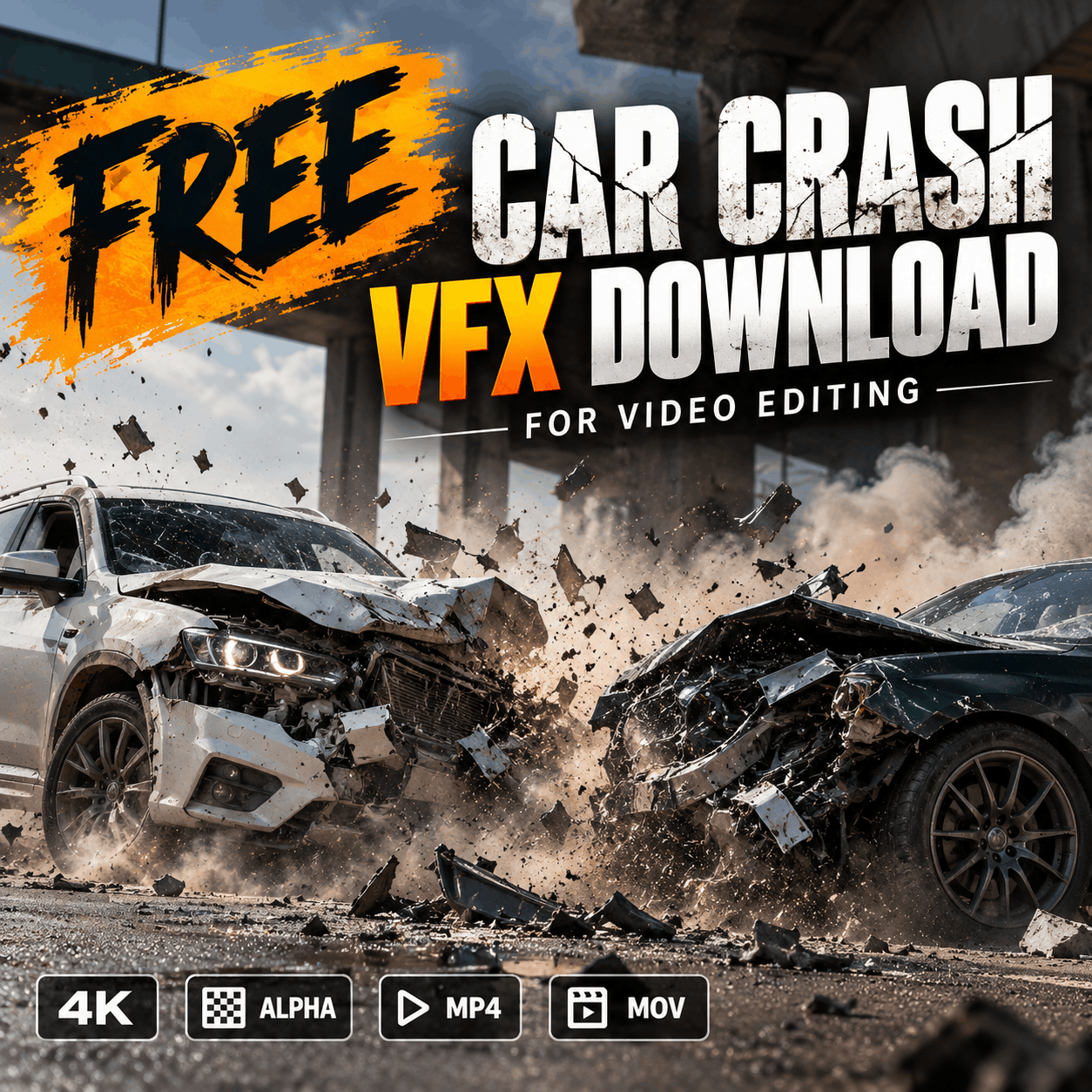
Find car crash VFX overlays for action edits, short films and mobile videos. Learn how to choose front, side and green-screen collision effects and composite them naturally.
A convincing vehicle collision needs more than a clip of a car moving across the frame. The impact has to feel connected to the camera angle, the road, the timing and the sound. Car crash VFX overlays let editors add a collision, debris burst, sparks or smoke without staging a dangerous real-world stunt.
On MyCreativeFX, start with the car crash VFX collection or browse the green-screen car crash collection. Mobile-focused examples include Car Crash 2K Front and Car Crash 2K Side. Check each asset page for its current format, resolution, download availability and license before using it in a project.
A front-view crash is usually the best match when the vehicle approaches the camera or collides head-on. Check the direction of movement in your original footage. A front-view effect placed into a side-on shot can look disconnected even if the effect itself is high quality.
A side-view effect can work for a crossing vehicle, a sideways impact, a racing edit or a profile shot. Match the crash direction and perspective first. Then adjust scale and position so the vehicle and impact share the same visual space.
Green-screen footage can be useful when the effect includes a visible green background that needs keying out. It is not automatically transparent: you must remove the green in your editor, inspect edges around smoke and debris, and clean any remaining green spill.
For a quick mobile edit, import the original clip into CapCut, add the car crash video as an overlay, resize and position it, then choose the appropriate background-removal or blend option based on the asset. If the clip has a green background, use chroma key and carefully adjust intensity and edge/shadow controls. If it has a black background, test Screen or another supported blend mode instead of keying it as green.
Preview the shot at full-screen size. Check the vehicle edges, the impact point and the first and last frames of the effect. Export a short test before rendering the entire video.
Yes, when the clip format and background-removal options are supported by your version of CapCut. Check the asset’s file type and use chroma key, a blend mode or alpha transparency as appropriate.
No. Some clips use a green background, some use black, and some are delivered with an alpha channel. Check the individual product specifications before downloading.
Review the license attached to the specific asset and the site's current terms. Do not assume every asset has identical permissions.
Browse the Car Crash VFX collection, the Green Screen Car Crash collection, or compare the front-view and side-view mobile effects. Choose the angle and file format that best fits the shot, then build the composite around the footage you already have.