 Premium Plans

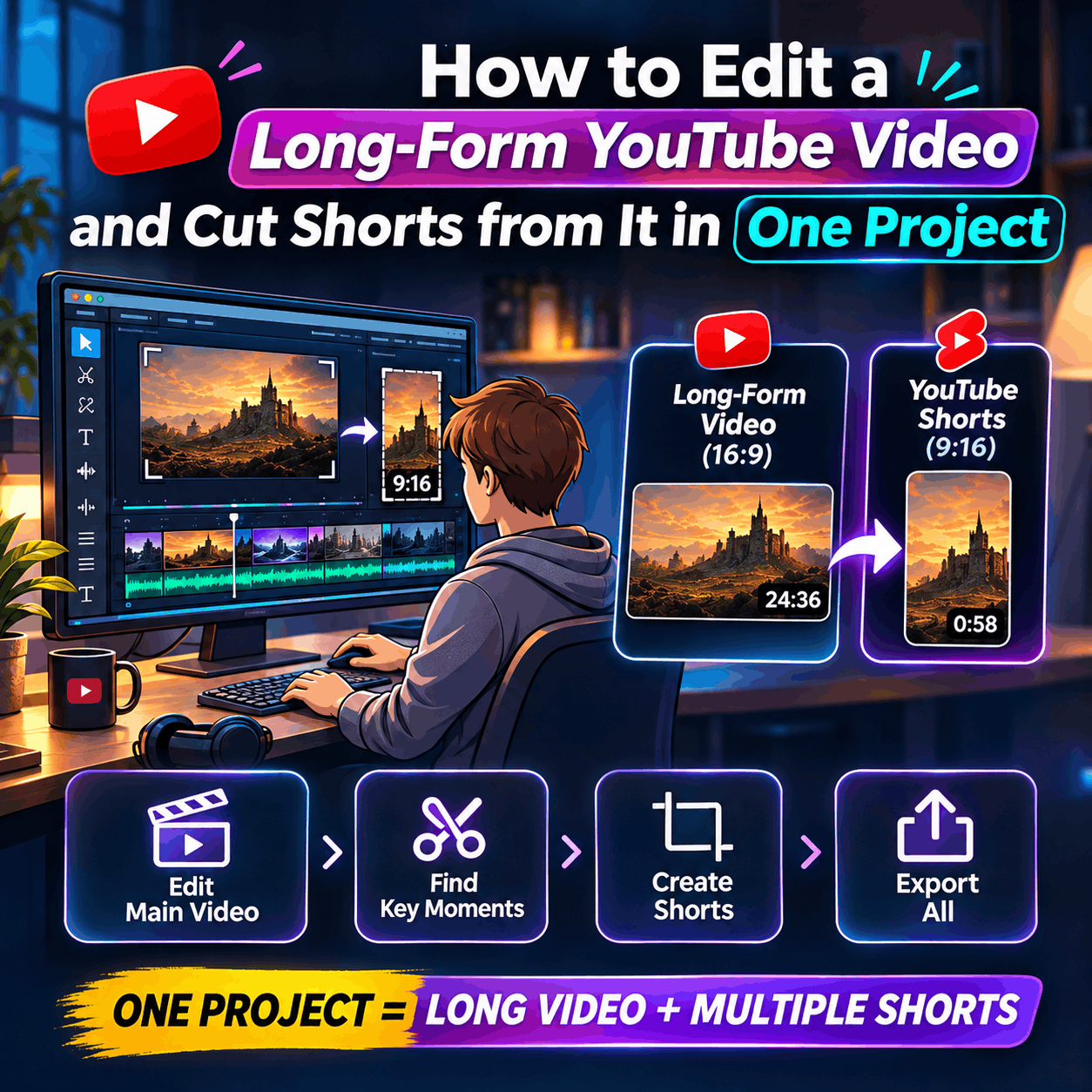
How to Edit a Long-Form YouTube Video and Cut Shorts from It in One Project
How to Edit a Long-Form YouTube Video and Cut Shorts from It in One Project
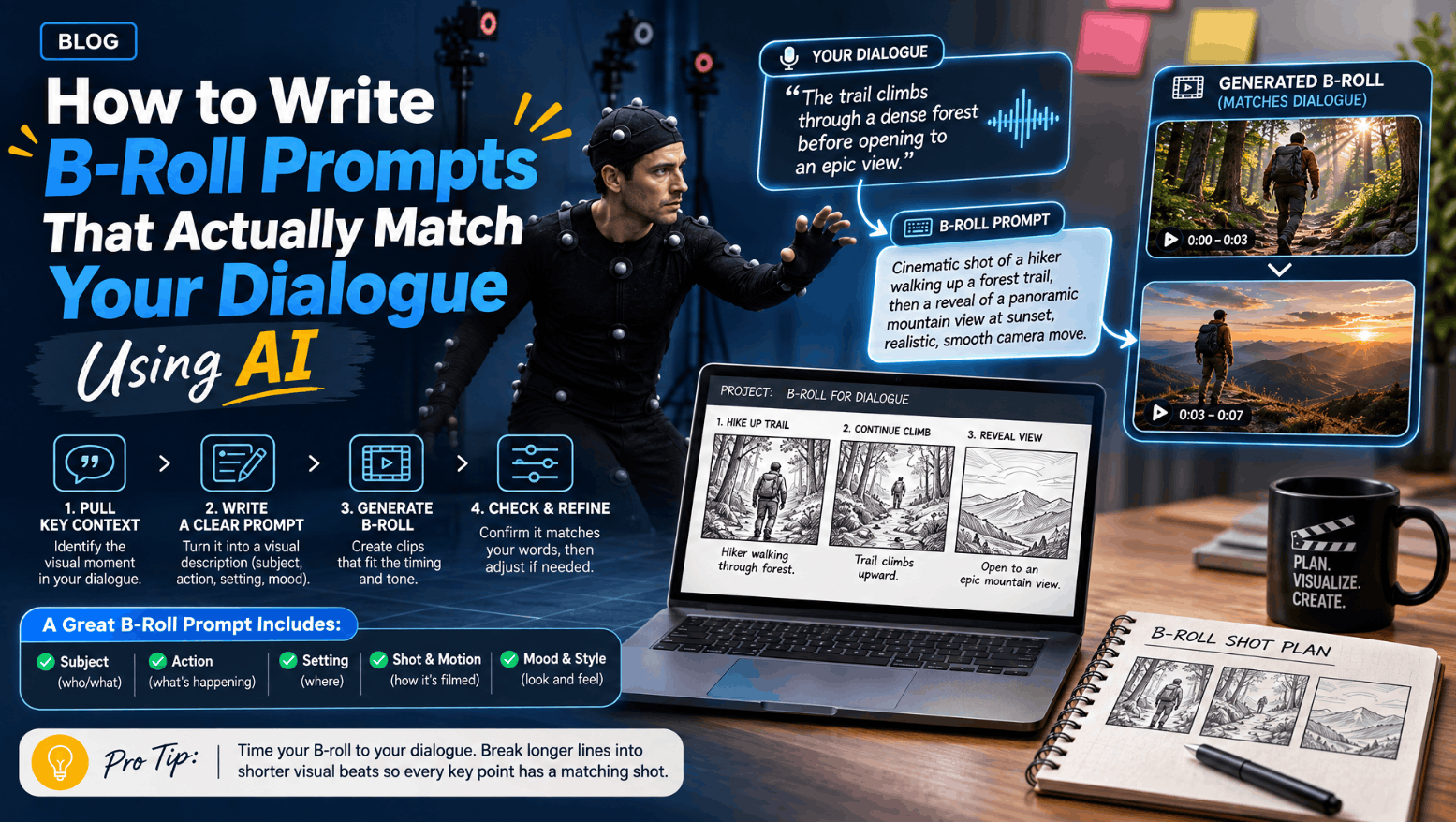
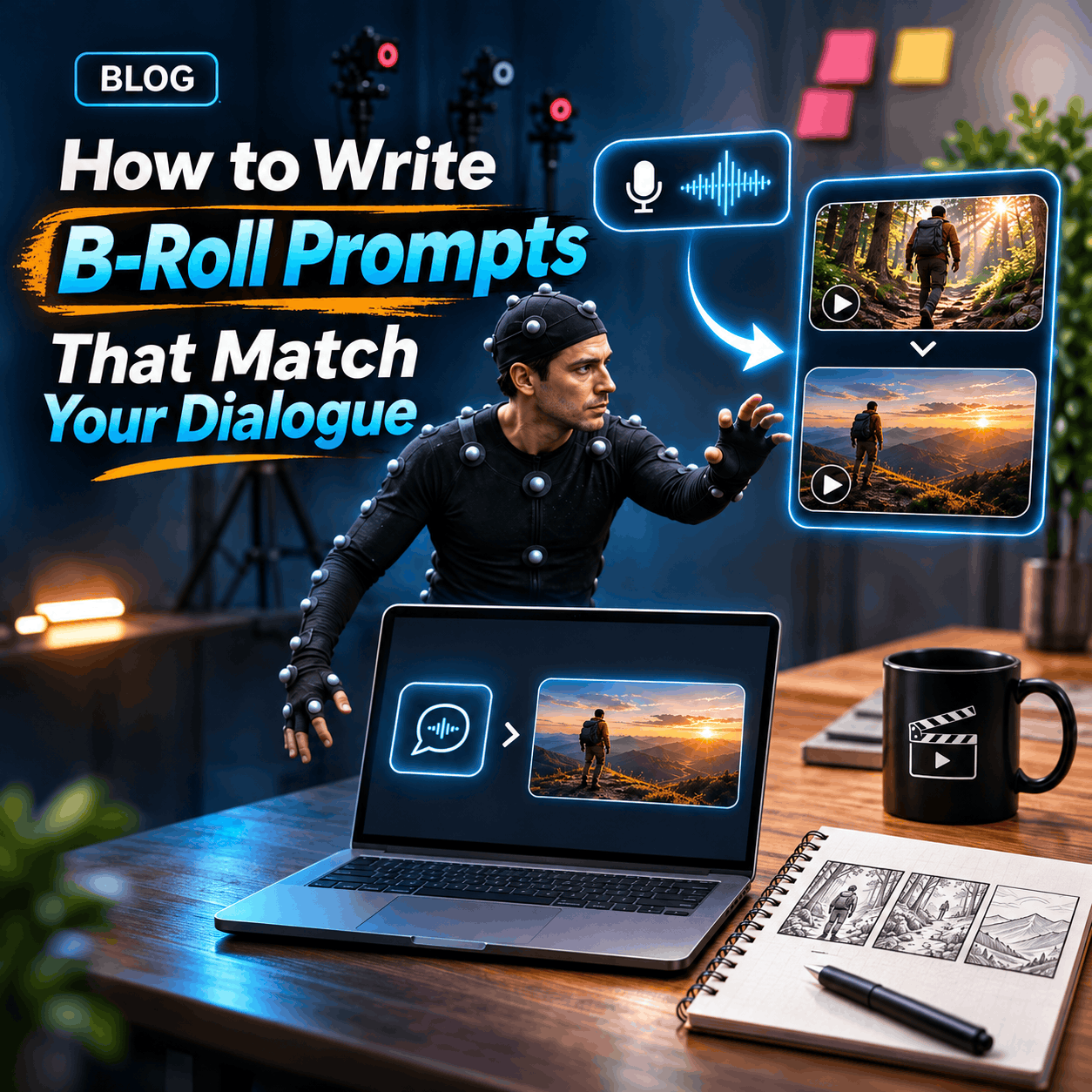
B-roll is the supporting footage that plays under narration, interviews, or voiceover, the shots that illustrate what’s being said instead of showing the person saying it. Good B-roll makes a video feel richer and easier to follow. Bad B-roll, or B-roll that doesn’t match the dialogue at all, makes a video feel padded and disconnected. The difference almost always comes down to how specific the prompt was.
Writing a B-roll prompt is really a translation exercise. You’re taking a line of dialogue, a concept, or a moment in your script, and turning it into a visual instruction clear enough that whatever generates or finds the footage knows exactly what to show. Vague prompts get vague results. Specific prompts get footage that actually supports the point being made.
A common mistake is prompting from the general subject of a video instead of the specific line that needs support. If a speaker says “our team ships new features every week,” prompting for “a busy office” will get you generic footage that could belong to any business video. Prompting for “close-up shots of a product team reviewing a feature on a laptop screen, fast-paced, collaborative” gets you something that actually illustrates the claim being made.
The invideo AI B-roll Generator is built around this kind of direction. You tell the agent what the video needs, and it either sources stock footage or generates custom B-roll and places it directly on your timeline. The more precisely you describe what a specific moment needs to show, the closer the result lands to something you’d actually use without reshooting the prompt three more times.
A prompt that consistently produces usable footage tends to cover a few things at once, rather than just naming a general subject.
Subject. What exactly is in frame. Not “a city” but “a crowded subway platform during rush hour.”
Action. What’s happening. Static shots of a product on a table read very differently from a hand reaching for it.
Setting. Where it’s happening. Indoors or outdoors, time of day, type of location.
Visual style. The tone of the shot. Documentary and handheld reads differently from polished and cinematic.
Where it belongs. Which line, topic, or moment in your video the shot needs to support.
You don’t need to use all five in every single prompt, but subject and action together almost always get better results than either alone. A prompt built from just a noun gives the generator too much room to guess.
Topic-matching and dialogue-matching aren’t the same thing, and mixing them up is where a lot of B-roll feels slightly off even when it’s technically on-topic. A video about running a business might mention “the daily grind of early mornings” in one line and “closing a big client deal” two sentences later. Both are “business” footage in a loose sense, but they call for completely different shots, one quiet and routine, the other a specific, charged moment.
This is where telling the agent which line or moment a shot needs to support matters more than describing the subject alone. If your script mentions a busy city, a daily routine, or an industry trend, pointing to that specific moment lets the agent align the B-roll with the dialogue around it rather than the video’s broad subject. You can also point to individual timestamps or lines directly, and the agent places and times the clips to match rather than scattering them loosely across the cut.
A few patterns show up again and again when B-roll doesn’t land:
Prompting the category instead of the moment. “Office footage” instead of “a manager handing a document to a colleague across a desk.”
Leaving out action. A still, empty room reads very differently from the same room with someone actively working in it. Naming the action removes a huge amount of ambiguity.
Ignoring tone. A serious, somber line paired with bright, energetic footage feels wrong even if the subject matches. Mention the mood the shot needs to carry, not just what’s physically in frame.
Batching too many ideas into one prompt. Asking for several distinct and complex shots in a single instruction tends to blur all of them. For anything detailed, it’s easier to prompt one shot at a time and refine each before moving to the next.
Even a well-written prompt won’t always land perfectly on the first try, and that’s normal. If a generated shot is close but not quite right, describe exactly what should change rather than starting over completely. You can revise the subject, the action, the framing, or the movement, and ask for another version without losing the parts that already worked.
Because the footage lands on an editable timeline rather than being baked into a final file, you also get a second chance at the match through timing. Even accurate B-roll can feel off if it holds a beat too long or cuts in a half second early relative to the line it’s supporting. Adjusting placement and timing after the fact is often what makes a decent shot feel exactly right.
What’s the most important thing to include in a B-roll prompt?
Action. Naming what’s happening in the shot, not just the subject, removes most of the ambiguity that leads to generic or mismatched footage.
Can I prompt B-roll without a finished script?
Yes. Describing the video’s direction, what it needs to communicate, and the general shots you’re looking for is enough to work from, even without a word-for-word script.
How specific should a B-roll prompt be?
Specific enough to cover subject, action, and where it fits in the video. A prompt with only a general subject tends to produce generic results.
Can I ask for several B-roll shots in one prompt?
Yes, though for more complex or detailed shots, prompting one at a time makes it easier to refine each one individually and give focused feedback.