 Premium Plans

Best Higgsfield AI Alternatives for Better Video Creation
Best Higgsfield AI Alternatives for Better Video Creation
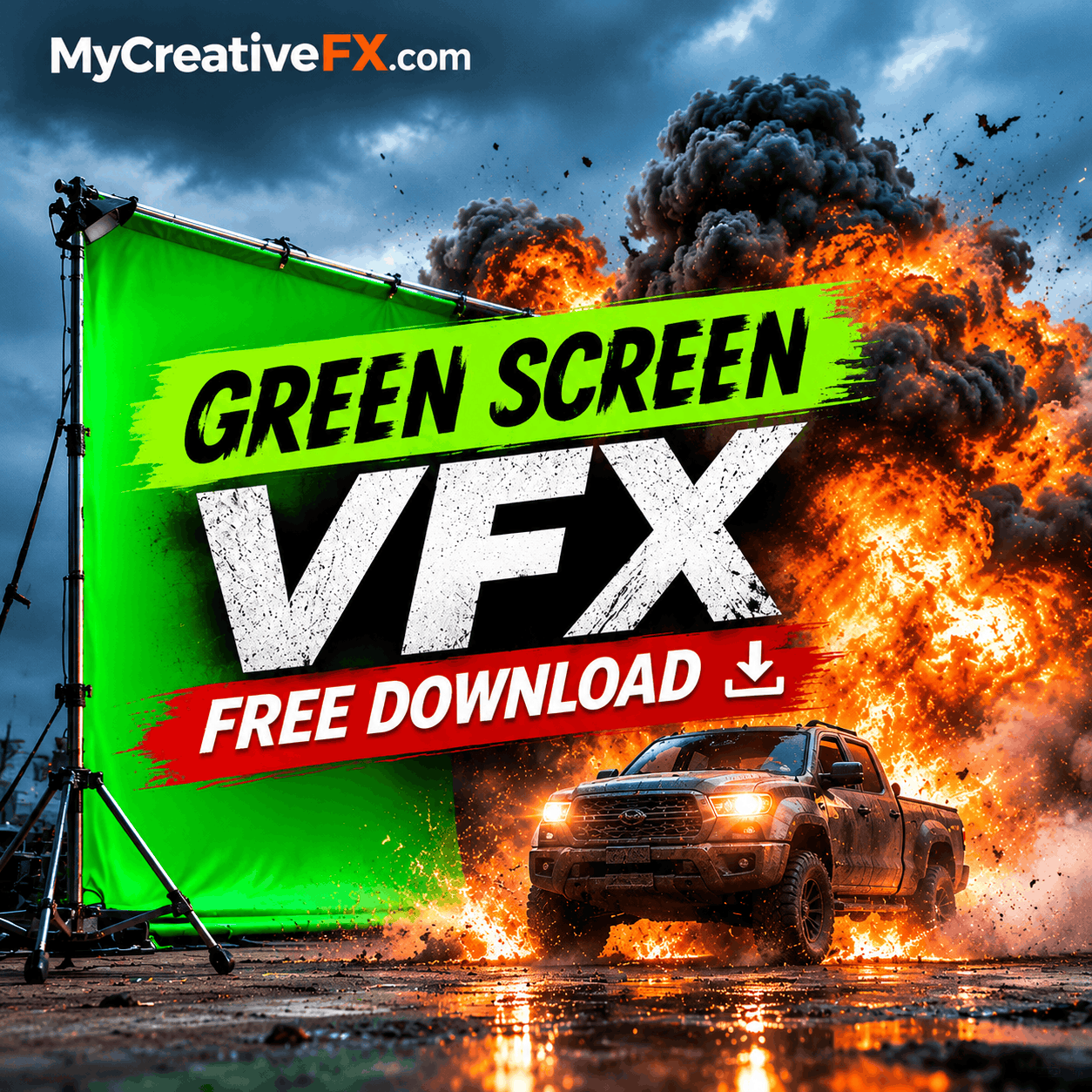
Looking for high-quality Green Screen FX to make your videos more creative and cinematic? Whether you're a professional video editor, filmmaker, VFX artist, YouTuber or mobile content creator, green screen effects provide an easy way to add impressive visual elements to your projects.
From realistic explosions and fire to smoke, lightning, magic, energy effects, particles, muzzle flashes and cinematic transitions, Green Screen FX can help transform ordinary footage into professional-looking videos.
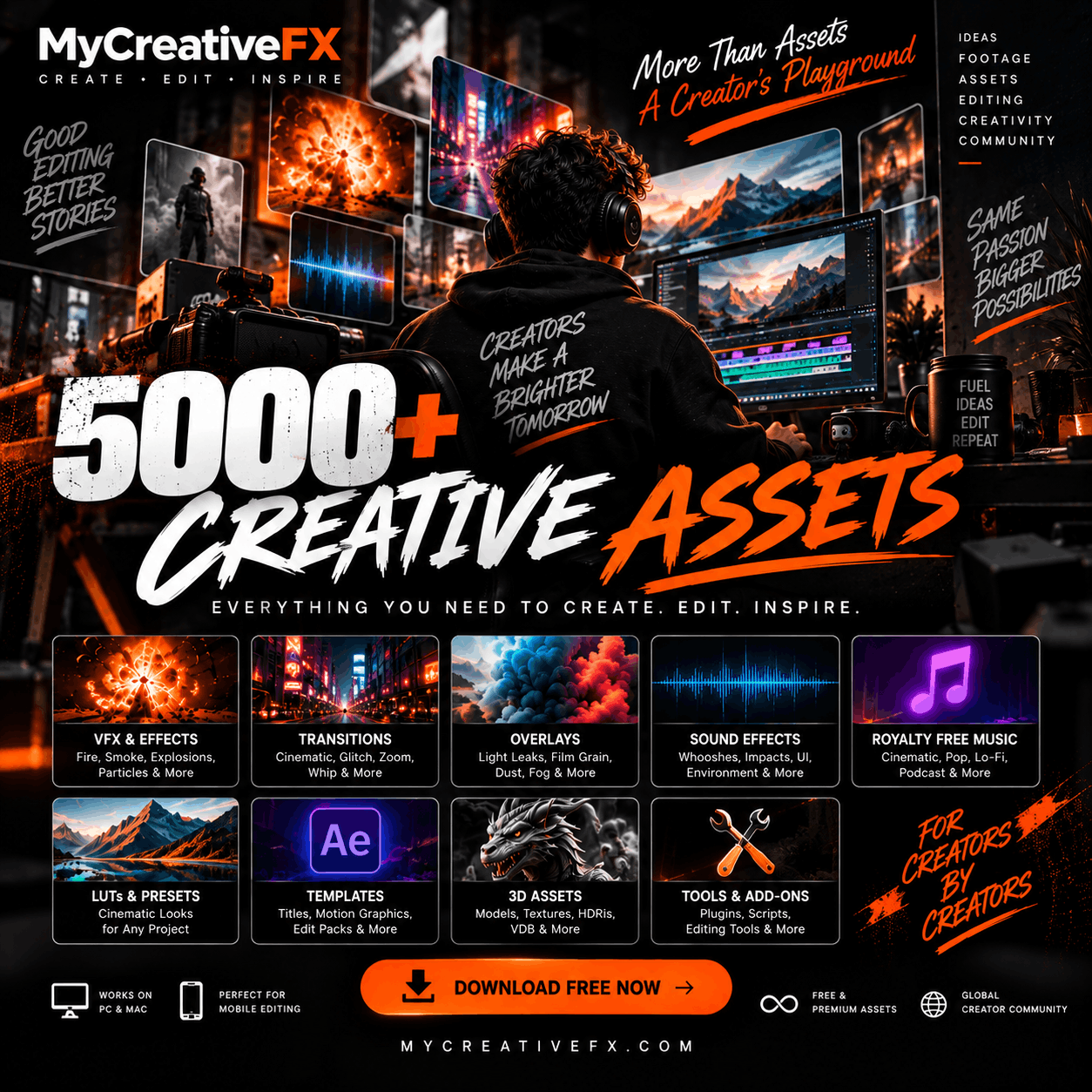
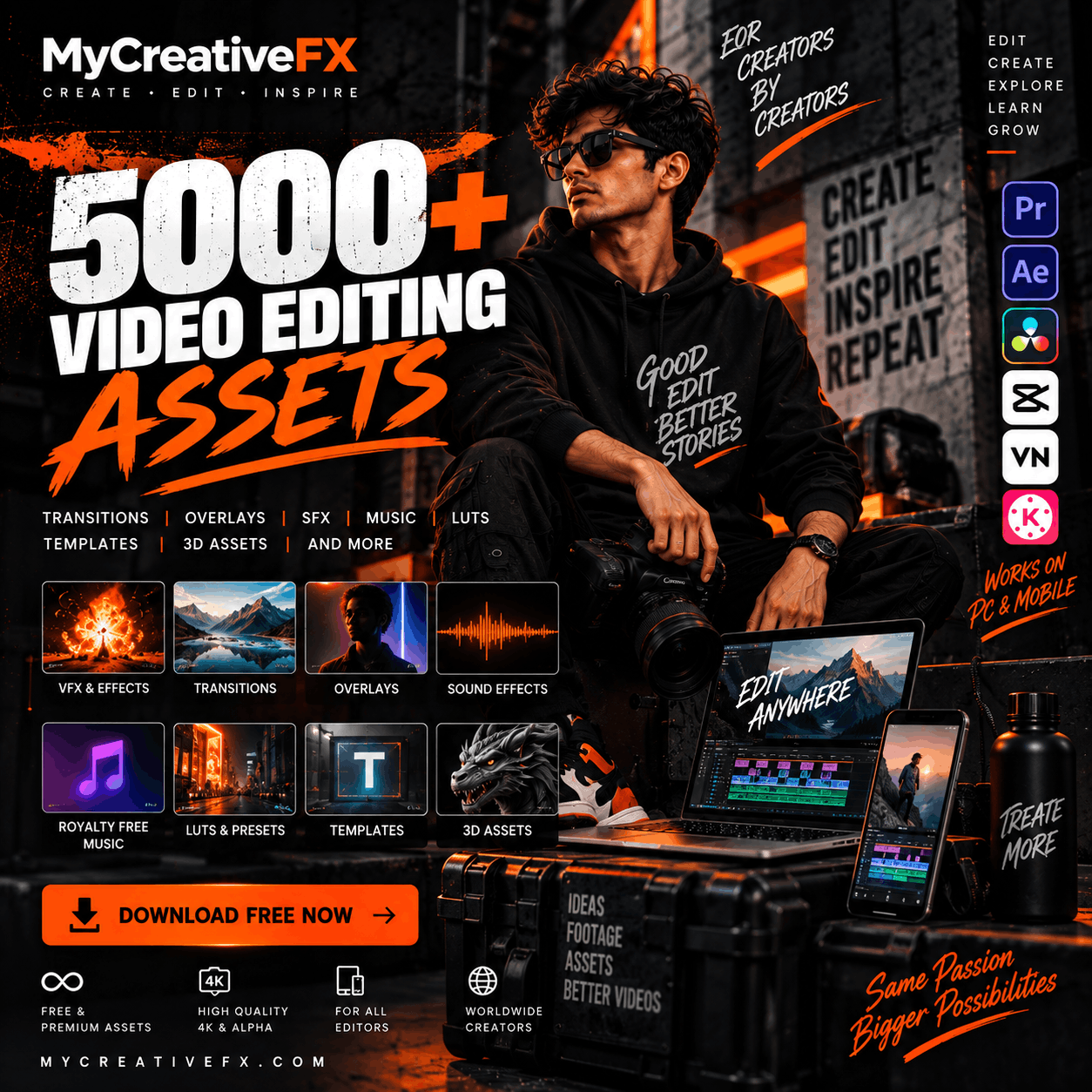
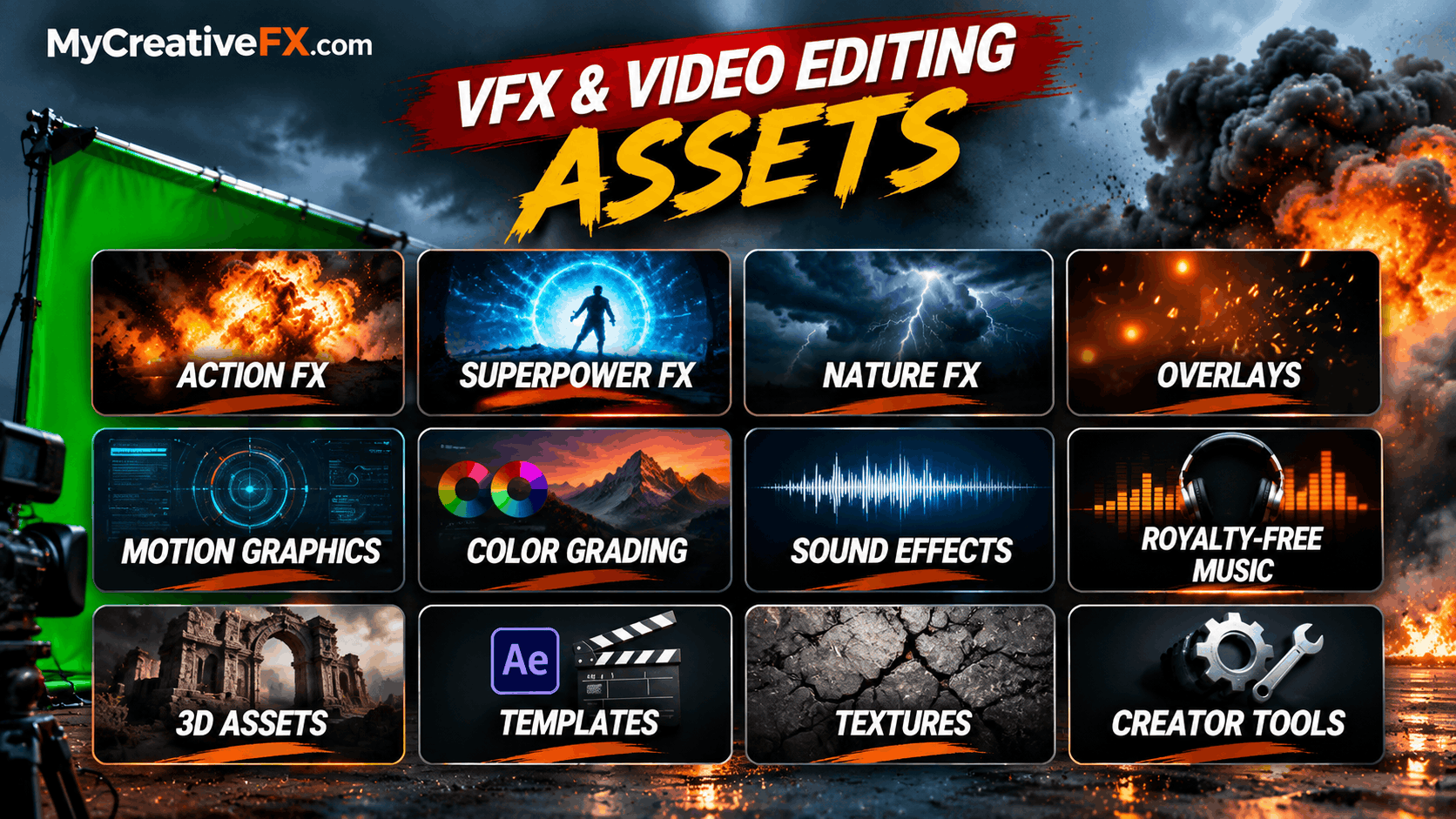
MyCreativeFX brings together a growing collection of VFX assets, green screen effects, overlays, sound effects, music and video editing resources designed for both professional desktop editors and mobile creators.
Green Screen FX are pre-created visual effects recorded or rendered against a green background. Using chroma key technology, editors can remove the green background and integrate the effect into their original footage.
This makes green screen effects useful for almost every type of video production, including:
YouTube videos and cinematic edits
Short films and filmmaking
Action and adventure sequences
Music videos
Gaming videos
Social media Reels and Shorts
Advertisements and promotional videos
Motion graphics and compositing
Educational and explainer videos
Professional VFX production
Explore more creative resources at MyCreativeFX – Video Editing & VFX Assets.
Add realistic explosions, fireballs, debris and impact effects to action scenes and cinematic videos.
Create burning objects, flames, fire bursts and dramatic fire transitions.
Use realistic smoke, dust clouds, fog and atmospheric elements to add depth to your footage.
Create magical powers, lightning bolts, electric energy, glowing effects and supernatural visual elements.
Add sparks, embers, floating particles, snow, rain and other environmental effects.
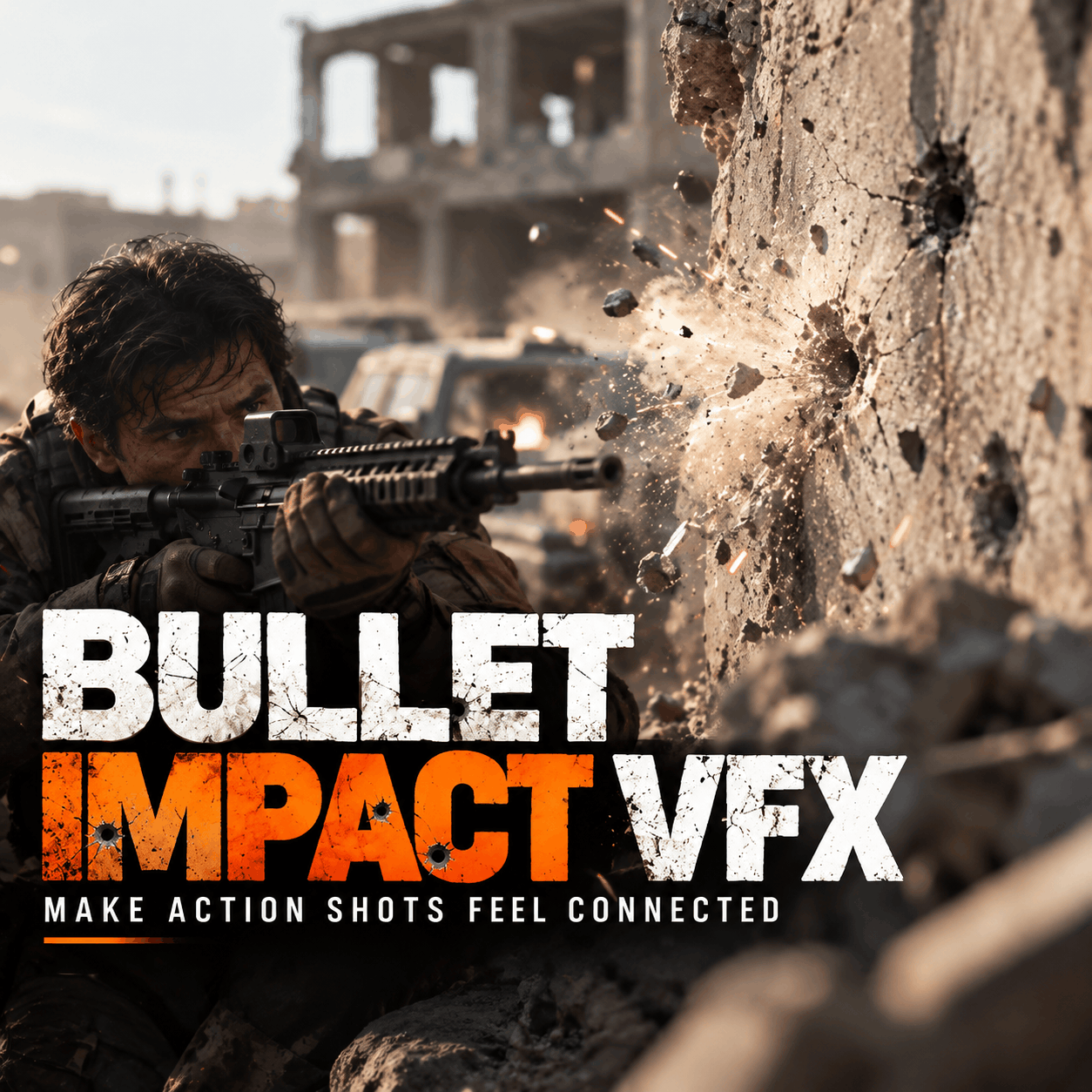
Enhance action sequences with muzzle flashes, gunfire effects, bullet impacts and cinematic weapon effects.
Create magical portals, energy beams, glowing objects, fantasy powers and supernatural animations.
Use flash effects, light bursts, motion elements and creative transitions to connect video clips.
Add rain, lightning, wind, storms, snow and other environmental effects.
Enhance promotional videos, presentations and social media content with animated graphics and visual elements.
Find more visual effects and creative resources in the MyCreativeFX VFX and Video Editing Library.
Green screen effects can be used across different editing applications, depending on their format and compatibility.
CapCut: Mobile creators can use chroma key tools to remove green backgrounds and combine effects with their footage.
Adobe Premiere Pro: Editors can use Ultra Key to remove green backgrounds and composite VFX footage into their timelines.
Adobe After Effects: VFX artists can use Keylight, masks, tracking and compositing techniques to integrate green screen elements into complex scenes.
DaVinci Resolve: Editors can use its chroma key and compositing tools to combine green screen footage with cinematic projects.
Other supported applications and workflows may also be compatible depending on the downloaded asset format.
For more editing resources, visit MyCreativeFX – Creative Assets for PC and Mobile Editors.
Green screen and alpha-channel effects are two popular ways of using ready-made visual effects.
Green Screen FX: Contains a green background that can be removed using chroma key.
Alpha Channel VFX: Contains transparency, allowing the effect to be placed directly over footage without removing a green background.
Formats such as ProRes 4444 and supported image sequences can preserve transparency.
Both formats are useful for professional editing and compositing workflows.
Import your original footage into your editing software.
Download and import your Green Screen FX clip.
Place the effect on a layer above your footage.
Apply a chroma key effect.
Select the green background to remove it.
Adjust spill suppression, edges and transparency.
Position and scale the effect.
Add sound effects and music for a more immersive result.
You can explore additional VFX elements, overlays and editing resources at MyCreativeFX.com.
Professional editors and VFX artists can use green screen elements alongside alpha-channel footage, masks, tracking and compositing techniques.
Whether you're creating cinematic explosions, realistic environmental effects, supernatural scenes or action sequences, having access to the right visual assets can save production time and expand creative possibilities.
Explore MyCreativeFX to discover creative resources for your next video project.
Finding the right visual effect shouldn't slow down your creative workflow.
Explore MyCreativeFX, a growing creative asset library featuring VFX effects, green screen elements, overlays, transitions, sound effects, royalty-free music, LUTs, templates and more.
Whether you're creating an explosion sequence, adding realistic smoke, building a magical scene or producing a cinematic YouTube video, discover creative resources for your next project.
Designed for both PC and mobile creators, MyCreativeFX – Green Screen FX & VFX Assets helps bring different parts of the video editing workflow together.
Create More. Edit Better. Inspire Everyone.
Start exploring: https://mycreativefx.com/