 Premium Plans
How to Edit a Long-Form YouTube Video and Cut Shorts from It in One Project
How to Edit a Long-Form YouTube Video and Cut Shorts from It in One Project
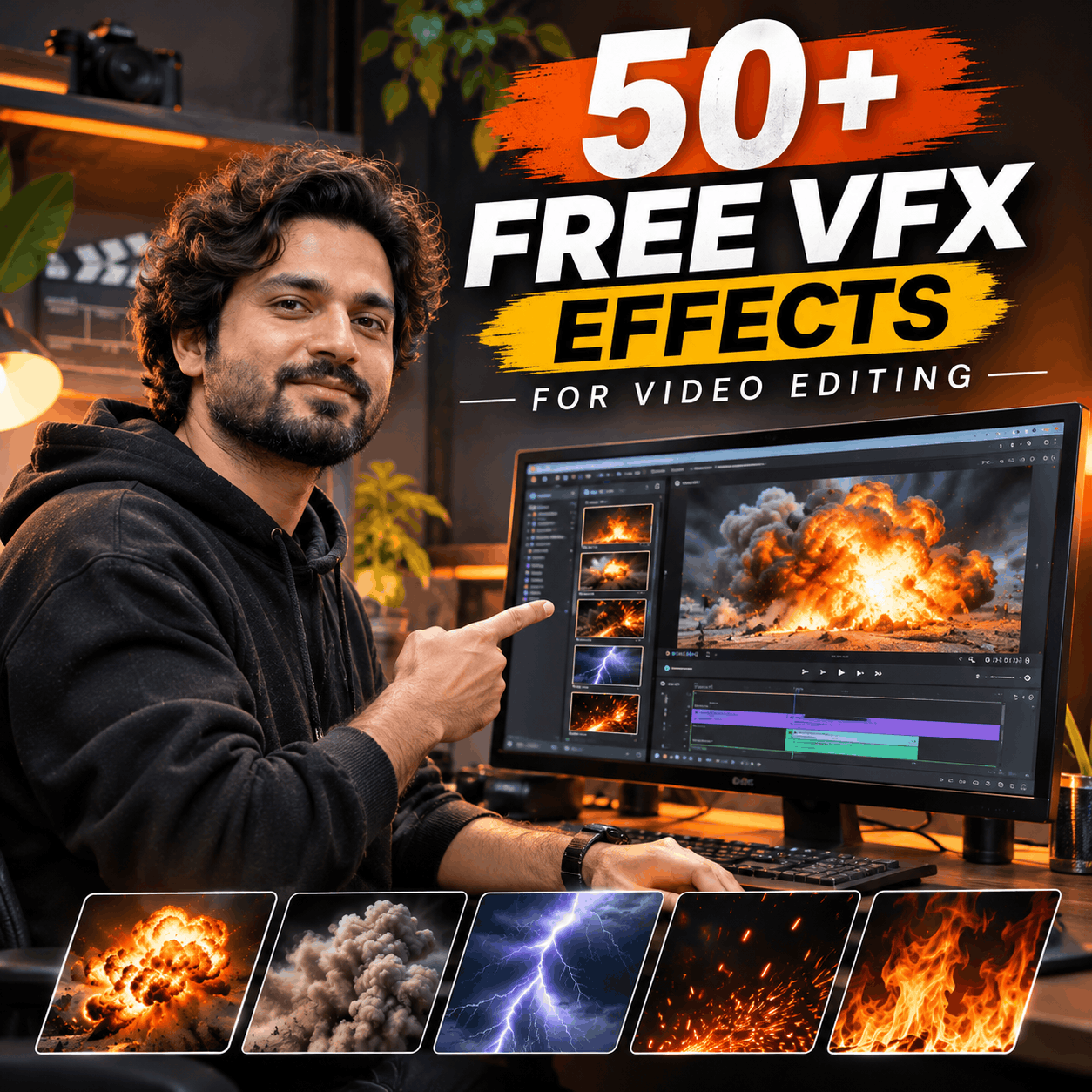
Creating professional-looking videos is easier when you have the right creative resources. Whether you're editing a YouTube video, creating cinematic Instagram Reels, producing a short film, making gaming edits, working on a commercial project, or creating visual effects for a music video, high-quality VFX assets can transform your workflow.
But finding the right assets isn't always easy.
Creators often spend hours searching different websites for explosions, smoke, fire, green screen footage, cinematic overlays, sound effects, transitions, and editing resources. Some assets are difficult to use, some have limited formats, and others require expensive subscriptions.
MyCreativeFX brings thousands of creative assets together in one growing library designed for video editors, filmmakers, VFX artists, mobile creators, and digital storytellers.
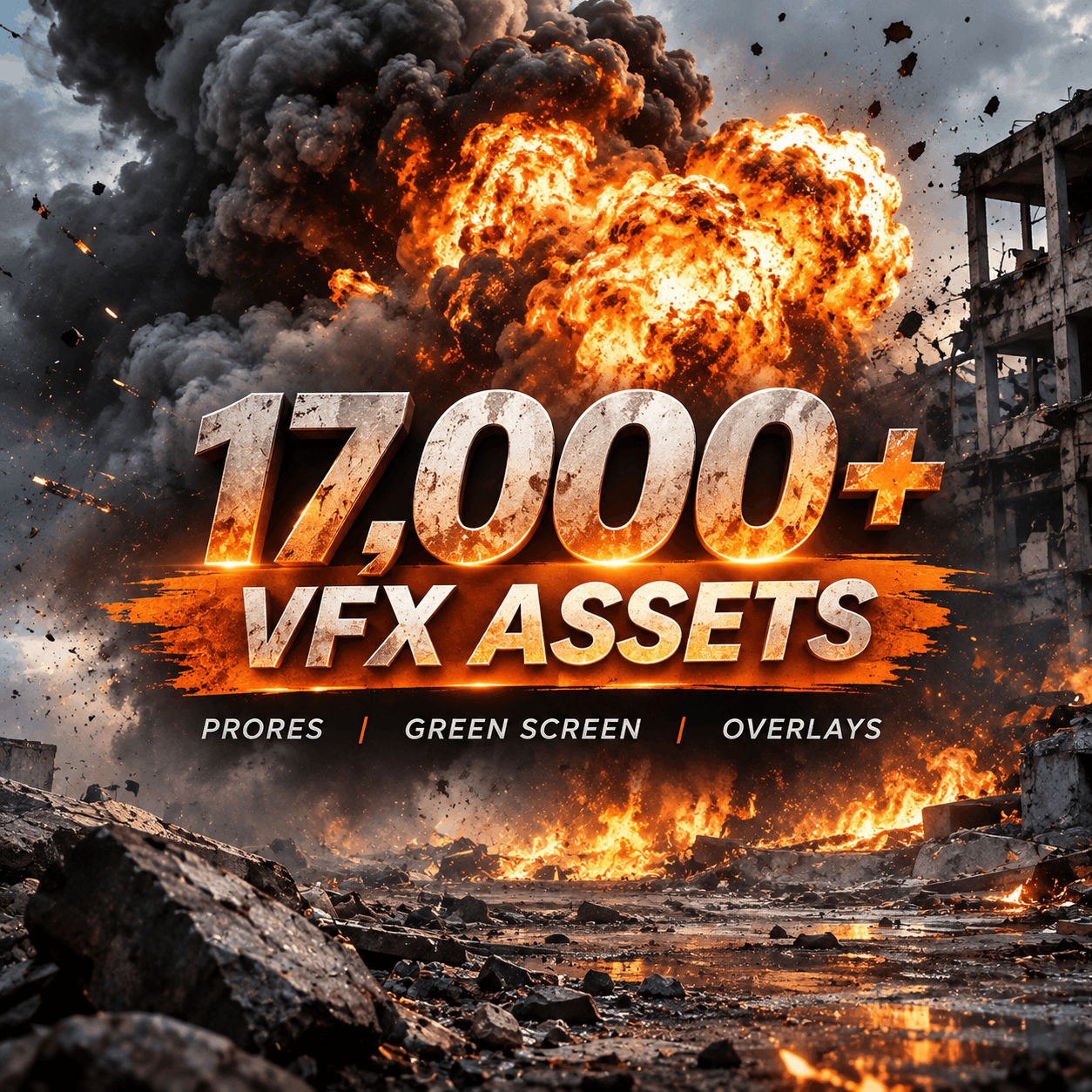
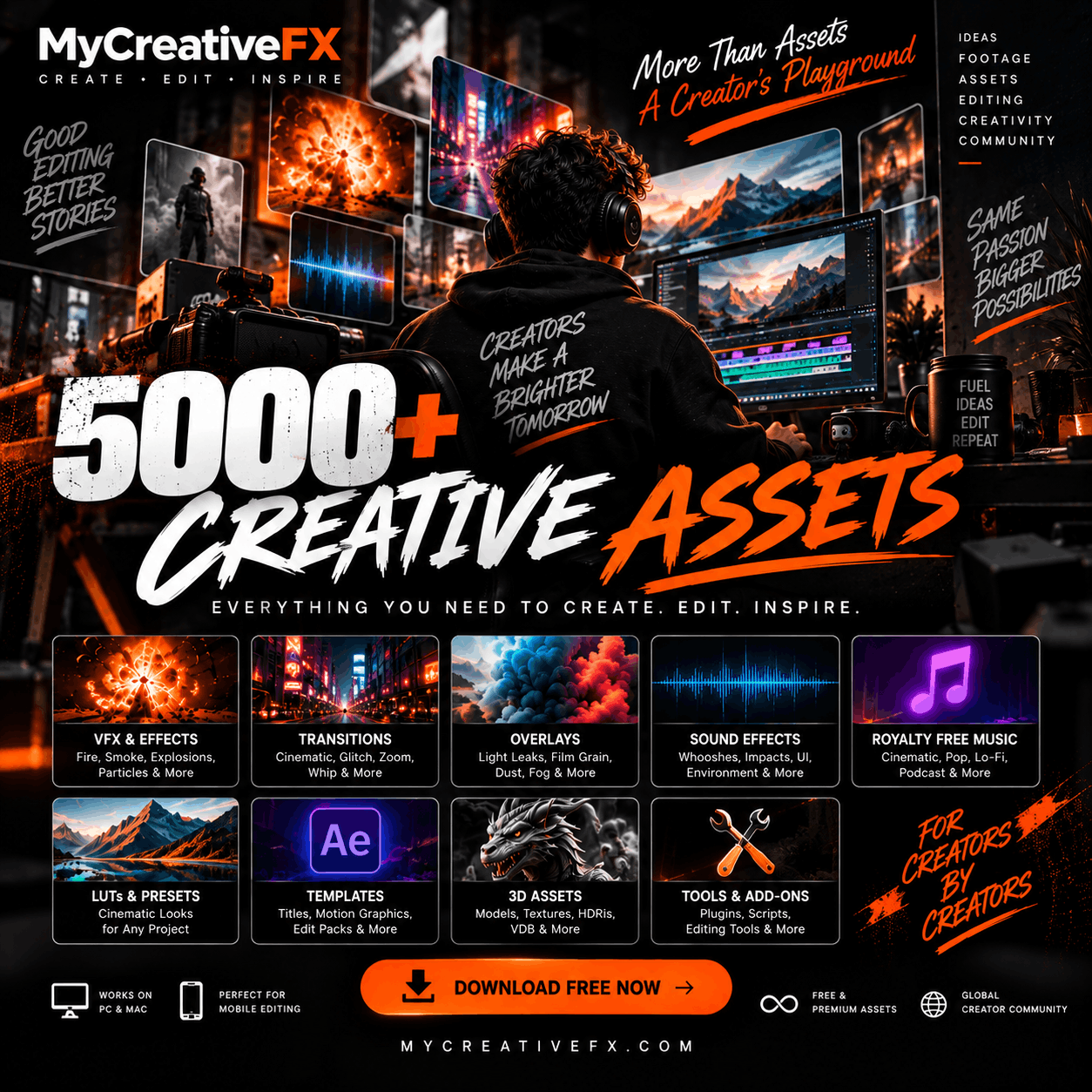
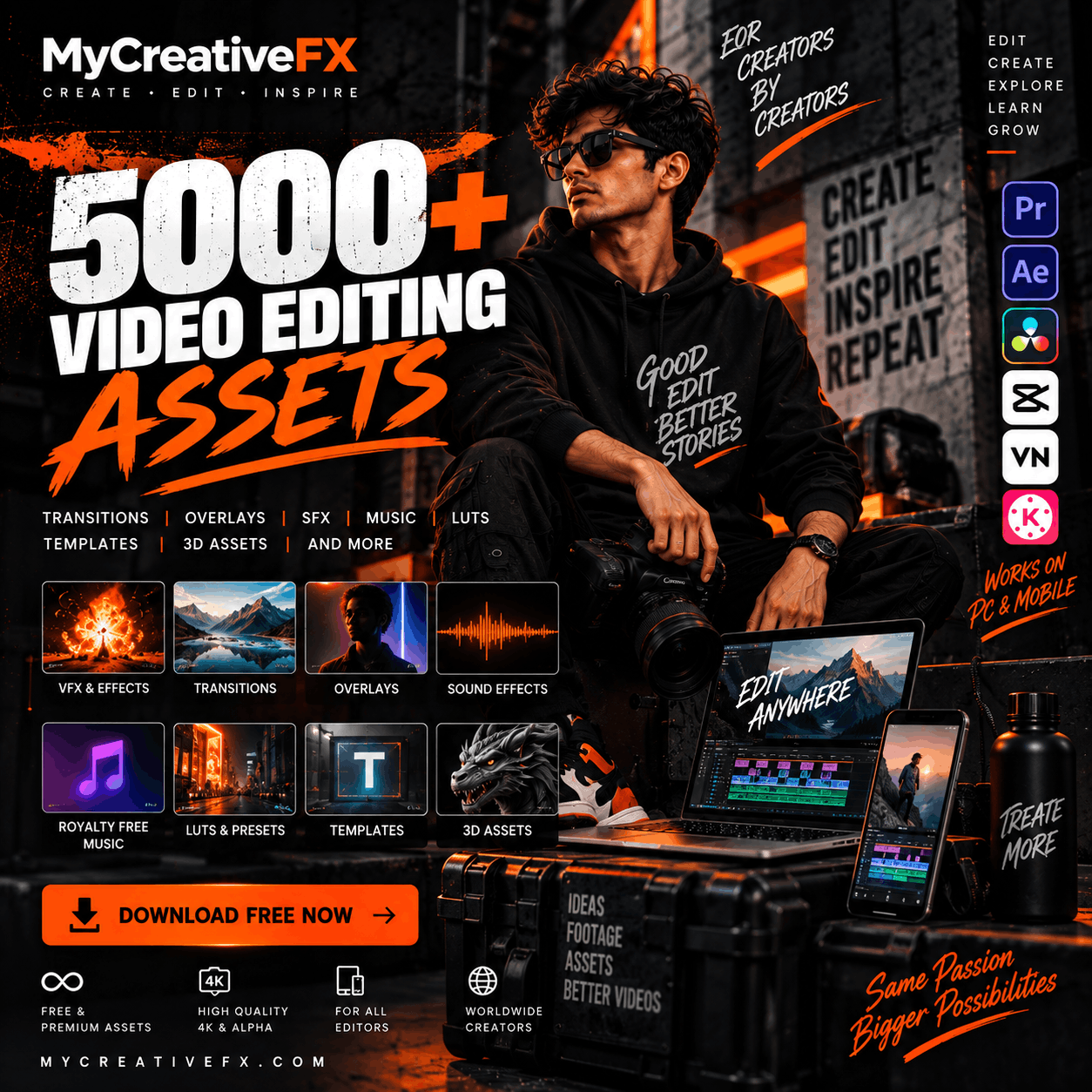
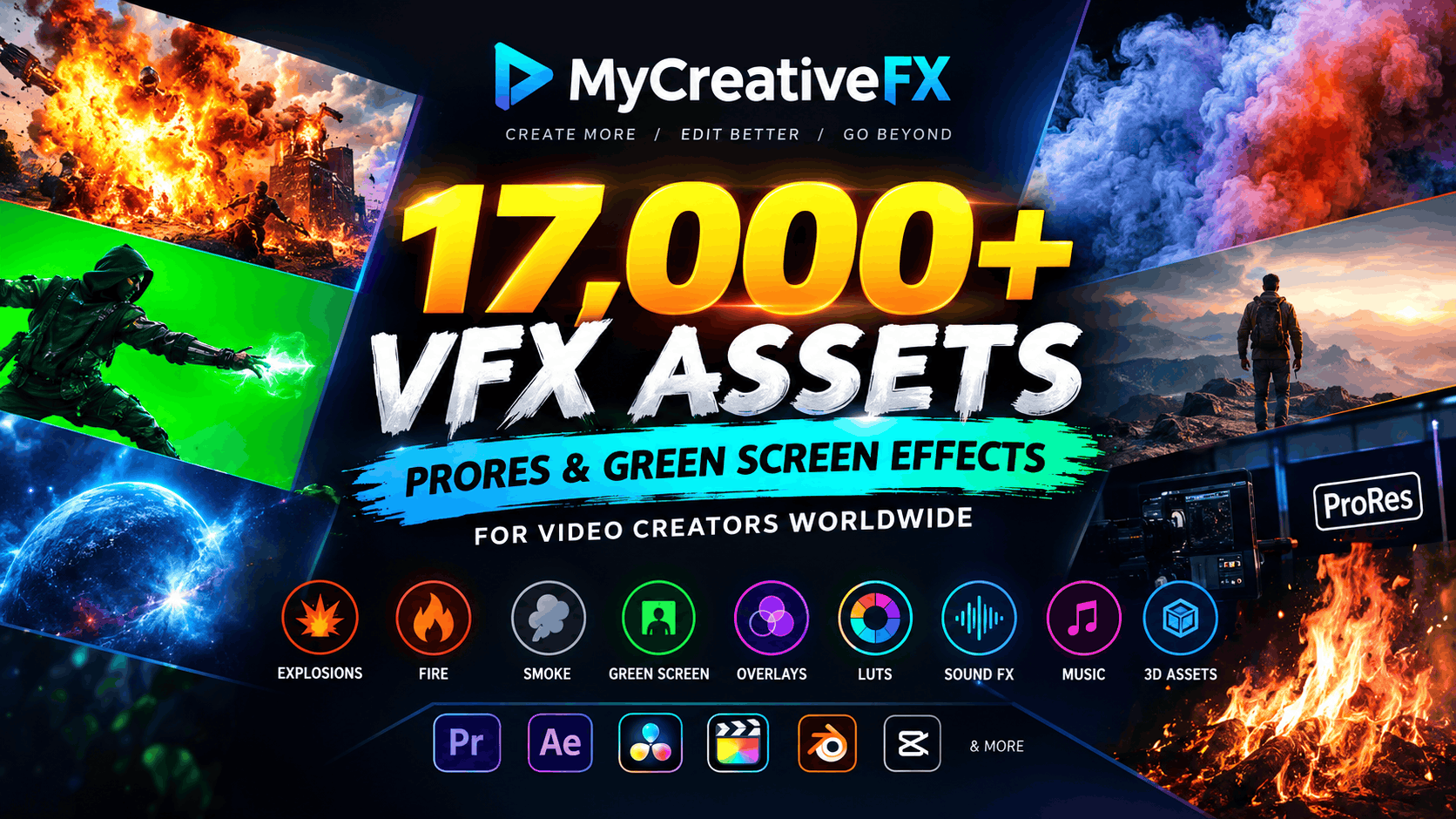
Explore more than 17,000+ assets covering professional VFX footage, green screen effects, ProRes elements, cinematic overlays, mobile editing FX, sound effects, royalty-free music, LUTs, templates, and much more.
Explore the library: Download VFX Assets on MyCreativeFX
MyCreativeFX is a growing digital creative asset library for video editors, filmmakers, content creators, motion designers, and visual artists looking for ready-to-use resources for their video projects.
The library includes a wide range of creative resources, from action VFX and cinematic effects to mobile editing overlays and professional post-production assets.
Creators can explore:
ProRes VFX footage
Green screen VFX assets
Explosion and destruction effects
Fire, smoke, dust, and fog
Bullet impacts and muzzle flashes
Superpower and energy effects
Nature and weather effects
Cinematic overlays and transitions
Color grading LUTs
Sound effects
Royalty-free music
3D assets and elements
Backgrounds and motion graphics
Instead of creating every visual element from scratch, creators can use ready-made assets and spend more time focusing on storytelling, editing, creativity, and the final result.
A good VFX library isn't just about having a large number of downloads. It is about having the right effects for the right creative situation.
MyCreativeFX is expanding its library to cover different types of video production and editing requirements.
Whether you need a realistic explosion for an action scene, smoke for an atmospheric shot, a green screen energy blast for a superhero edit, or an overlay to make your footage look cinematic, you can explore different categories from one creative platform.
Action FX – Explosions, impacts, sparks, debris, destruction, fire and action elements.
Mobile & CapCut FX – Effects and editing resources for mobile creators.
Superpower FX – Energy blasts, lightning, magic, portals and supernatural visuals.
Nature & Weather FX – Rain, snow, fog, wind, storms and atmospheric effects.
Cinematic Overlays – Film effects, textures, light leaks, visual overlays and creative elements.
Sound Effects – Audio elements for action, cinematic scenes, transitions and storytelling.
Royalty-Free Music – Music resources for video creators.
Color Grading LUTs – Color grading resources to change the visual mood and style of your footage.
3D Assets – Additional digital elements and resources for creative projects.
Browse the full MyCreativeFX VFX library and discover assets for your next video.
When working on professional video projects, quality and workflow compatibility matter.
ProRes footage is widely used in professional post-production workflows where editors need high-quality media suitable for editing, compositing, and finishing.
MyCreativeFX offers ProRes VFX resources for creators who want to integrate cinematic effects into their video projects and professional editing pipelines.
ProRes VFX footage can be useful for:
Professional video editing
Cinematic compositing
Commercial video production
Music videos
Short films
Film trailers
YouTube cinematic videos
Motion graphics projects
Advanced post-production
With the right VFX element, you can enhance your scene without spending hours simulating the same effect from scratch.
Add explosions, smoke, fire, sparks, particles, debris, atmospheric elements, and other effects to your composition.
Explore VFX footage and creative downloads on MyCreativeFX.
Professional-looking visual effects are often created by combining multiple elements rather than relying on a single clip.
For example, an explosion scene may include:
An explosion element
Smoke and dust
Flying debris
Sparks
Light flashes
Camera shake
Sound effects
Color grading
Combining different elements allows editors to control the look, intensity, scale, and timing of the final shot.
This approach is useful for filmmakers, VFX artists, video editors, gaming creators, and anyone creating cinematic content.
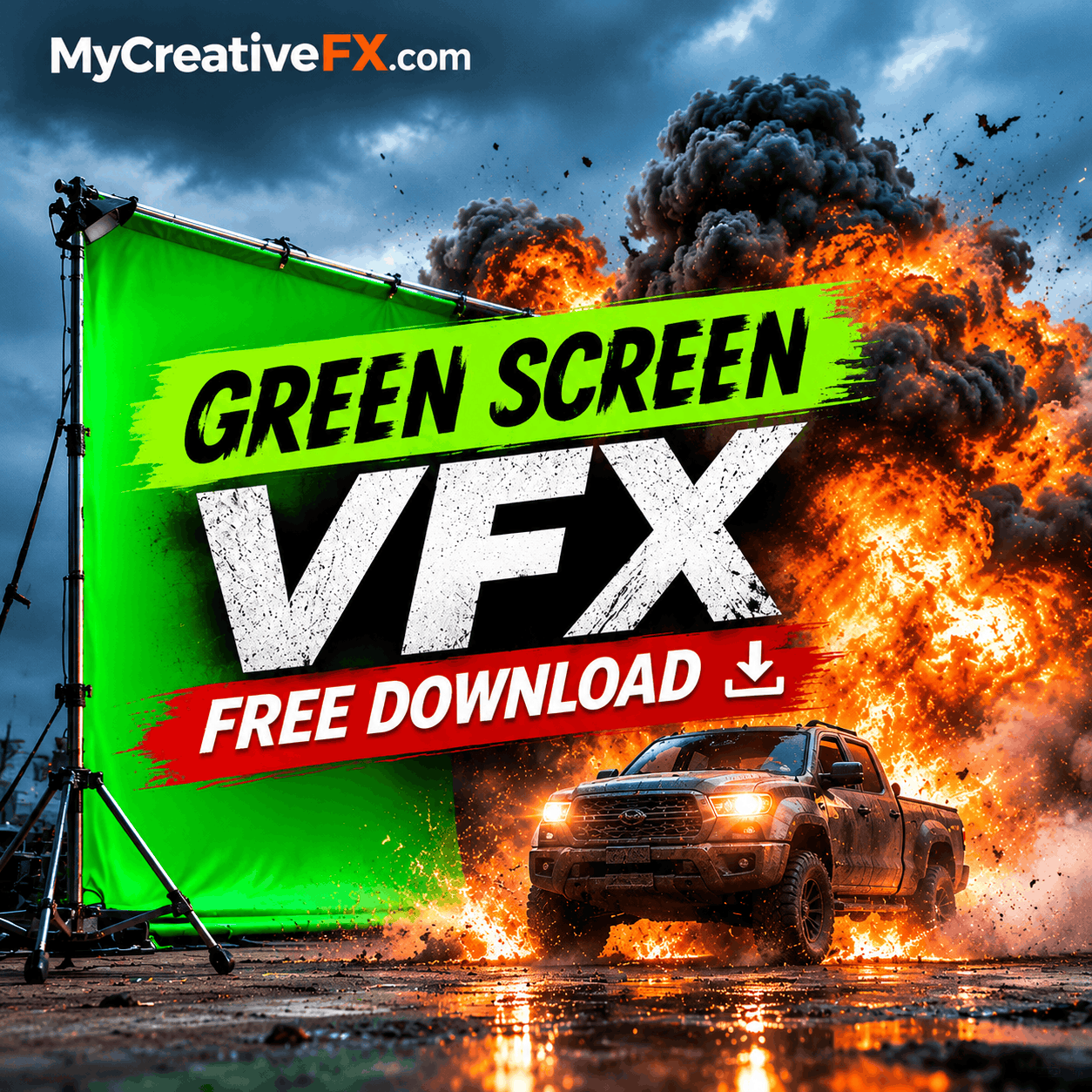
Green screen effects offer flexibility that can completely change the way you edit videos.
With chroma key compositing, creators can remove a green background and place the visual effect into their own footage. This makes green screen VFX useful for action scenes, cinematic edits, creative transitions, social media content, and visual storytelling.
Explore Green Screen VFX and visual effects resources to find effects for your next composition.
You can use green screen elements for:
Explosion effects
Fire and flames
Smoke and dust
Lightning and electric effects
Magic and energy blasts
Particle effects
Action impacts
Superpower effects
Cinematic transitions
Environmental effects
The workflow is simple:
Import your video into your editing software.
Import the green screen effect.
Place the effect on a layer above your footage.
Apply a chroma key or green screen removal effect.
Remove the green background.
Adjust size, position, opacity, color, and blending.
Add sound effects to make the scene feel more realistic.
Even beginners can create impressive effects using a simple compositing workflow.
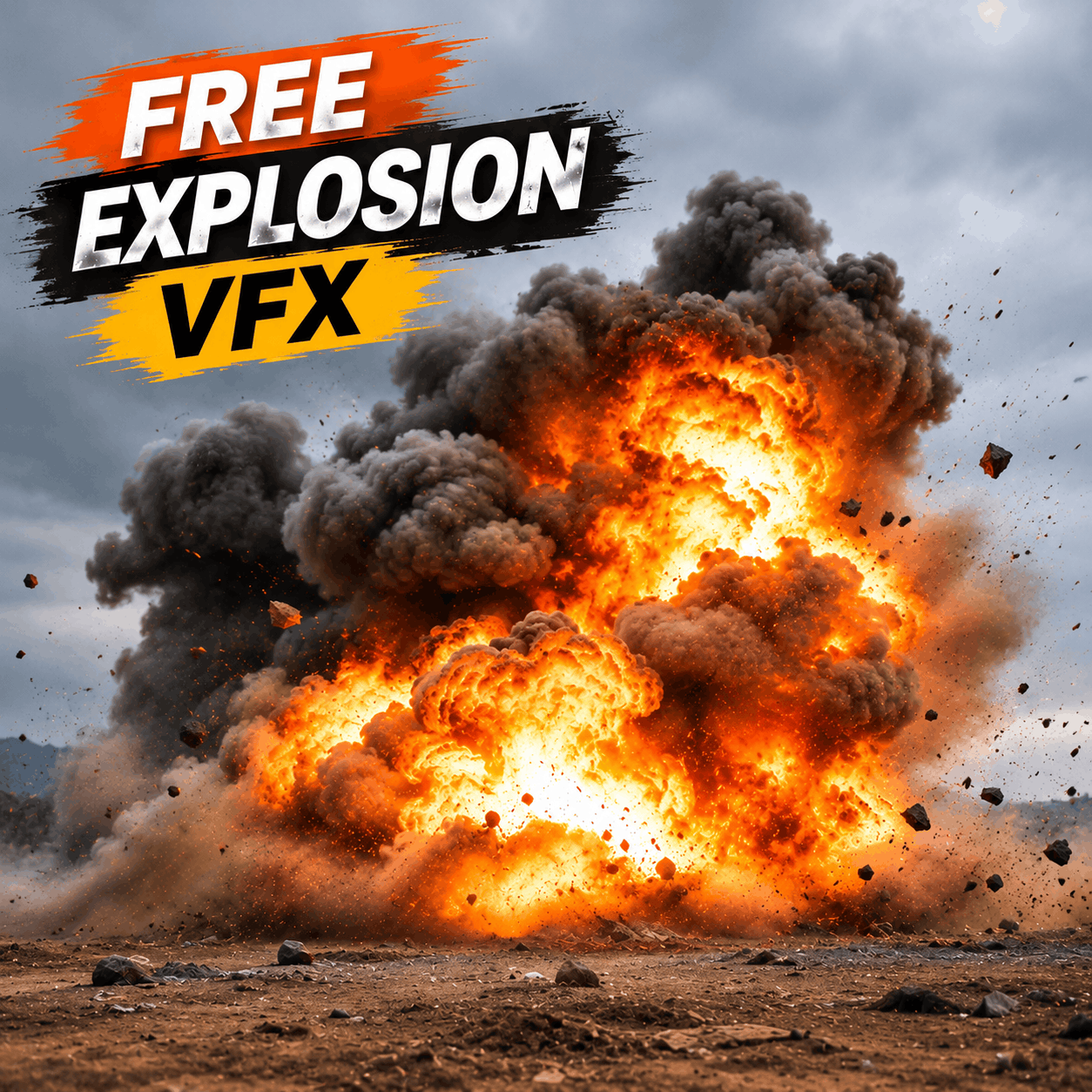
Explosions are among the most popular effects used in cinematic videos, action edits, gaming montages, trailers, short films, and social media content.
A well-timed explosion can make a scene more powerful, add dramatic impact, and transform an ordinary shot into an action sequence.
MyCreativeFX features a growing collection of explosion and action effects, including visual elements for different editing styles and creative workflows.
Explore Explosion and Action VFX for visual effects such as:
Fireball explosions
Cinematic blast effects
Smoke explosions
Dust explosions
Impact explosions
Shockwaves
Ground impacts
Debris and destruction
Action scene effects
These assets can be used in filmmaking, gaming edits, YouTube content, music videos, cinematic reels, and other creative projects.
Atmospheric effects are essential for building mood and adding depth to a video.
Fire can add danger, energy, or dramatic lighting. Smoke can create atmosphere, conceal objects, and make a scene feel larger. Dust can add realism to movement, impacts, destruction, and environmental shots.
MyCreativeFX offers a growing collection of cinematic VFX resources for editors looking to enhance their footage.
Use fire elements for:
Burning objects
Action sequences
Cinematic explosions
Background fire
Fire transitions
Dramatic scenes
Music videos
Smoke can be used for:
Explosion aftermath
Atmospheric backgrounds
Scene transitions
Cinematic reveals
Industrial environments
Horror sequences
Dust and debris help create scale and realism.
Add dust bursts, impact dust, ground debris, falling particles, and environmental elements to make scenes feel more dynamic.
Browse VFX downloads for fire, smoke, dust, and other cinematic effects.
Video editing is no longer limited to desktop computers.
Millions of creators now produce content directly from smartphones. Reels, TikTok videos, YouTube Shorts, gaming edits, cinematic transitions, and creator videos are all being edited using mobile applications.
MyCreativeFX supports creators looking for assets to use in mobile editing workflows.
Explore Mobile & CapCut FX for creative resources suited to mobile editors.
Creators can use compatible downloaded assets in applications such as:
KineMaster
Use overlays, green screen effects, transitions, particles, cinematic effects, light leaks, and other creative elements to make mobile videos more engaging.
You can use VFX assets to create:
Cinematic Instagram Reels
YouTube Shorts
TikTok edits
Gaming montages
Action edits
Beat-sync videos
Transitions
Superpower edits
Travel videos
Cinematic storytelling
The best part is that you don't always need complicated software or an expensive workstation to create engaging visual content.
Professional editors require flexibility and assets that fit their existing workflows.
MyCreativeFX assets can be used in compatible software depending on the asset format, including professional editing and compositing applications.
Adobe Premiere Pro is widely used for video editing, commercial production, YouTube videos, music videos, documentaries, and cinematic content.
Use compatible VFX footage and overlays to enhance your timeline with explosions, smoke, fire, impacts, particles, cinematic textures, and transitions.
Adobe After Effects is a popular tool for compositing, motion graphics, animation, and advanced visual effects.
Combine multiple VFX elements, use masks, adjust blending modes, animate layers, and create complex compositions using downloaded assets.
DaVinci Resolve combines video editing, color grading, visual effects, and audio post-production tools.
Compatible VFX footage and overlays can help editors build creative compositions in the editing timeline or Fusion workflow.
Final Cut Pro is popular among Mac-based creators and professional editors.
Use compatible footage, overlays, and visual effects to improve your videos and accelerate your editing workflow.
Blender is a powerful free 3D creation tool used for modeling, animation, rendering, compositing, and visual effects.
Creators can combine stock footage and 3D elements with their own scenes to develop more complex visual projects.
MyCreativeFX is expanding beyond visual effects footage to support more parts of the creative process.
The library includes and continues to grow across multiple asset categories.
Use film burns, light leaks, particles, textures, lens effects, and other visual overlays to enhance footage and create a cinematic look.
Browse creative collections.
Color grading can completely change the mood of a video.
Use LUTs and color grading resources to create cinematic looks, stylized visuals, dramatic contrast, warm tones, cool environments, and consistent color across footage.
Explore the MyCreativeFX library for color grading resources.
Sound is just as important as visuals.
Add impacts, whooshes, explosions, movement sounds, ambient audio, cinematic hits, and other sound elements to make your video feel more immersive.
Explore Sound Effects resources.
Music helps establish emotion, pacing, and storytelling.
Discover royalty-free music resources for content creation, videos, cinematic edits, and creative projects.
Expand your workflow with 3D assets, digital elements, backgrounds, and additional creative resources available through the growing MyCreativeFX library.
Creating visual effects from scratch isn't always practical.
A creator working on a weekly YouTube schedule may not have time to simulate explosions. A filmmaker working on a low-budget project may not have the resources to shoot additional effects footage. A social media editor may need to finish an edit within hours.
A dedicated VFX library can reduce repetitive production work.
Download ready-to-use effects instead of creating every element manually.
Use cinematic visual elements to create more dynamic and engaging scenes.
Experiment with effects you might not have created yourself.
Combine different elements to develop unique visual styles.
Find resources for mobile editing and compatible desktop workflows.
Access a growing library of VFX, overlays, music, audio, LUTs, and digital resources.
MyCreativeFX is designed for a broad community of creators.
YouTube Creators – Add cinematic effects, action sequences, transitions, and engaging visuals to videos.
Instagram & TikTok Editors – Create attention-grabbing edits, transitions, reels, and short-form content.
Filmmakers – Enhance short films, independent productions, trailers, and cinematic sequences.
Freelance Video Editors – Improve client work and reduce time spent creating repetitive visual elements.
VFX Artists – Use stock elements as compositing layers, creative references, and production resources.
Music Video Editors – Build dramatic sequences, energetic transitions, and cinematic visuals.
Gaming Creators – Create montages, cinematic gameplay edits, action sequences, and dramatic highlights.
Students & Beginners – Learn visual effects, editing, compositing, and creative workflows without needing to create every effect from scratch.
The world of video creation continues to evolve.
Creators are producing more videos than ever across YouTube, Instagram, TikTok, streaming platforms, advertisements, independent films, and digital media.
MyCreativeFX is growing alongside this creative ecosystem.
With 17,000+ assets and an expanding collection of visual effects, ProRes footage, green screen elements, overlays, music, sound effects, LUTs, and creative resources, the goal is to provide creators with more tools and more possibilities.
We are continuously working to expand the library, add new assets, improve the browsing experience, and make creative resources easier to discover.
Whether you edit on your phone, work on a laptop, or produce videos using a professional workstation, MyCreativeFX is built to help you create more.
Your next project doesn't need to start with hours of searching.
Find explosion VFX, fire footage, smoke overlays, green screen effects, ProRes assets, cinematic overlays, LUTs, sound effects, royalty-free music, mobile FX, and much more in one growing creative library.
Explore the collection and find the right effects for your next edit.
17,000+ assets. ProRes footage. Green screen VFX. Cinematic effects. Creative resources for every editor.
MyCreativeFX — Create More. Edit Better. Go Beyond.
Visit MyCreativeFX.com and start your next creative project today.