Premium Plans
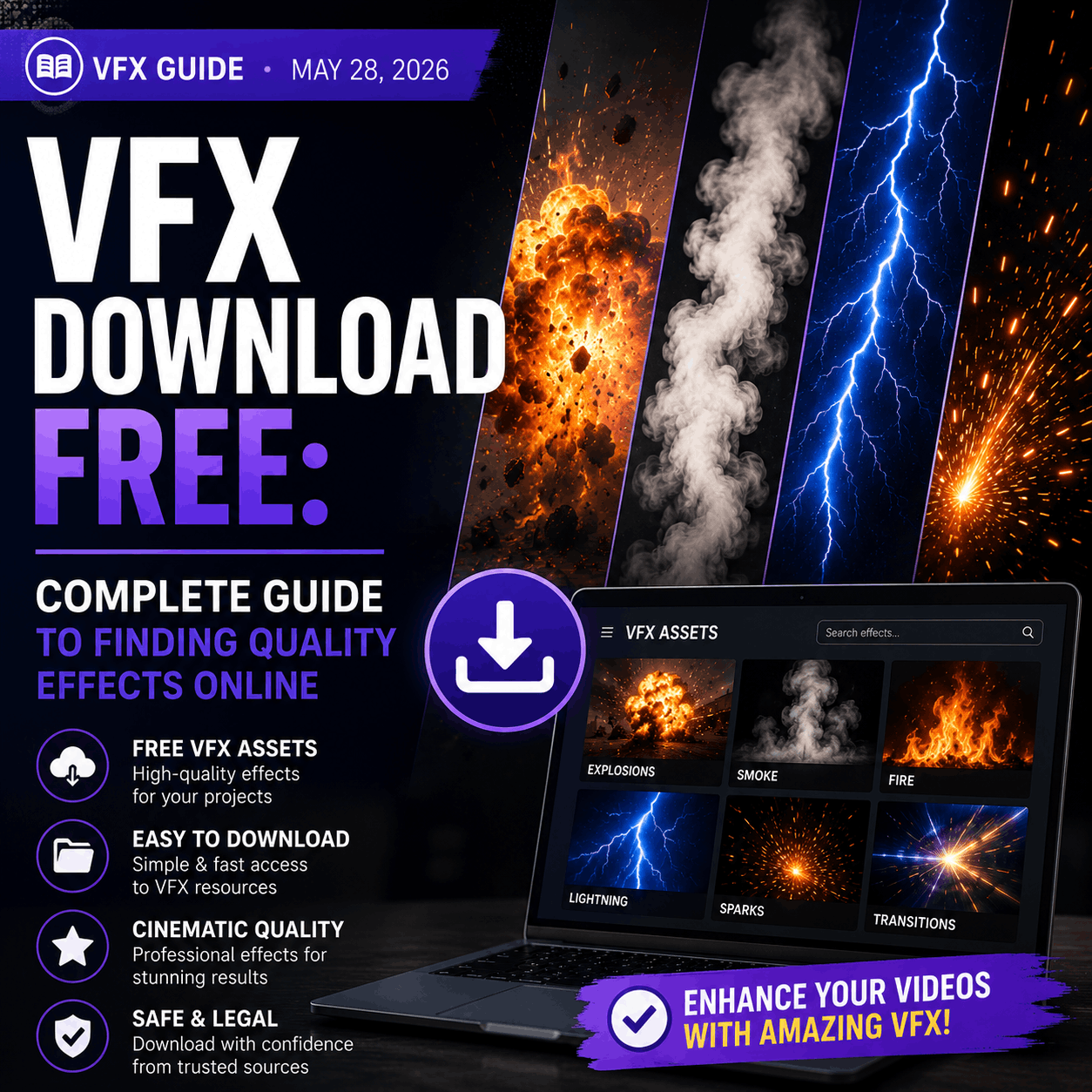
VFX Download Free: Complete Guide to Finding Quality Effects Online
The internet is full of "free VFX" that's actually low-quality, outdated, or worse—malware-infected. Learn how to spot quality free VFX, avoid piracy, and find legitimate sources.
The Free VFX Problem (And How to Solve It)
Every video creator wants free VFX. But free VFX sites have a problem: they're inconsistent. You find one effect that looks great, then the other 99 are terrible. Or the site disappears. Or you download something infected with malware.
This guide teaches you how to:
- Spot quality VFX immediately (resolution, frame rate, file format)
- Avoid pirate sites and malware (red flags to watch)
- Understand licensing (what you can legally do with free effects)
- Find the best legitimate sources (10-15 handpicked platforms)
- Organize your VFX library (so you actually use what you download)
Let's start by understanding what makes VFX "quality."
What Makes Quality VFX? (The Technical Standards)
1. Resolution
Quality VFX comes in 1080p (HD), 4K, or higher. Anything lower is outdated.
- 1080p (1920x1080): Bare minimum for modern YouTube videos
- 4K (3840x2160): Industry standard for professional work
- 8K+: Overkill for most creators (file sizes are massive)
Red flag: If a site offers 720p or 480p effects in 2026, they're using effects from 2015. Skip it.
Choose a high-resolution source whenever one is available. If an older clip is the only suitable option, an AI video upscaler can help raise its resolution and reduce compression artifacts before you test it in the final composite.
2. Frame Rate
Frame rate determines smoothness. 24/30fps is film-like. 60fps is broadcast quality.
- 24fps: Cinematic look (for films)
- 30fps: Standard broadcast (TV, YouTube)
- 60fps: Smooth motion (for fast effects, gaming)
- 120fps+: Ultra-slow-motion
Red flag: Effects under 60fps in 2026 are outdated. Modern effects should be 60fps minimum.
3. File Format & Transparency
Professional VFX use formats that support transparency (alpha channel).
- MOV (ProRes): Best for professional work. Transparent background. Huge file size (500MB+).
- MP4: Smaller files. Transparent if properly encoded. Good for web.
- PNG Sequence: Maximum flexibility for compositing. But hundreds of files per effect.
Red flag: If a site only offers AVI or WMV (Windows-only formats), they're outdated or low-quality.
4. Customization & Flexibility
Good VFX effects let you adjust color, speed, intensity, duration.
- Can you change the color of fire effects (blue, red, green)?
- Can you slow down / speed up the effect?
- Can you adjust the opacity/transparency?
- Does it come in multiple variations (weak, medium, intense)?
Red flag: Effects that are "locked" or non-editable are useless for customization.
5. Community & Support
A good VFX site has active users, reviews, and support channels.
- Do other users review/rate the effects? ✓ Good sign
- Does the site have tutorials or documentation? ✓ Good sign
- Are effects updated regularly? ✓ Good sign
- Is there a forum or community? ✓ Good sign
Red flag: No reviews, no tutorials, no updates since 2020 = abandoned site.
🚩 Red Flags: Sites to Avoid
- Website looks unprofessional (broken links, ugly design, typos) = abandoned or scam
- Very old copyright dates (site last updated 2019) = outdated effects
- No user reviews or ratings = either new or users hate it
- Offers free versions of paid products = likely pirated/cracked software
- Download links redirect to sketchy sites = potential malware
- Requires registration for basic free content = scam to steal data
- Effects are GIFs or low-res previews = cheap knockoffs
- No clear licensing information = legal gray area, risky
- Files are password-protected or encrypted = possible malware
- Only offers old formats (AVI, MOV, WMV from 2000s era) = very outdated
✓ Quality Checklist: Before You Download
- Effect is 4K resolution (or at least 1080p)
- Frame rate is 60fps (or specifies 24/30fps for cinema)
- File format is MOV, MP4, or PNG sequence
- Transparent background (alpha channel) included
- Download is from official website (not mirror/torrent site)
- Effect has user reviews or ratings (4+ stars)
- License is clear (royalty-free, Creative Commons, or free commercial use)
- Website looks professional and is regularly updated
- File size seems reasonable (50MB-500MB for high-quality effect)
- Preview video shows actual effect, not just an advertisement
Understanding VFX Licensing (What You Can Actually Do)
Free doesn't mean you own the effect. Understanding licensing is crucial to avoid legal issues.
📜 Royalty-Free
You can use the effect in commercial projects forever, pay once. Most professional VFX falls under this. Safest choice.
🎬 Creative Commons (CC)
Free to use but credit required (or other restrictions). Check CC license type: CC-BY (credit required), CC-BY-SA (must share alike), CC0 (public domain, no restrictions).
📺 YouTube License
Free for YouTube videos only. Can't use in other platforms (TikTok, Instagram, client projects). More restrictive.
⚠️ Personal Use Only
Free for hobby/personal projects only. Can't use commercially. Check carefully to avoid legal trouble.
Top 10 Legitimate Free VFX Sources (Compared)
| Platform | Library Size | Quality | Organization | Licensing | Best For |
|---|---|---|---|---|---|
| 🏆 MyCreativeFX | 500+ effects | Excellent | Excellent | Royalty-Free | All creators (best overall) |
| Pixabay | 100+ effects | Good | Good | CC0 (Public Domain) | Simple, safe effects |
| Pexels | 50+ effects | Good | Good | CC0 | Stock footage / motion graphics |
| OpenMotionGraphics | 200+ effects | Medium | Medium | Various CC licenses | Motion graphics / AE templates |
| Coverr | 30+ effects | Good | Good | Royalty-Free | Cinematic / commercial |
| Unsplash | 20+ effects | Good | Good | CC0 | Simple stock footage |
| HamzaVFX | 50 effects | Good | Good | Royalty-Free | Trending YouTube effects |
| Action VFX (Free Tier) | 100+ effects | Excellent | Excellent | Limited / Trial | Professional (mostly paid) |
| YouTube Creators | Varies | Medium | Poor | YouTube License (may vary) | YouTube only / tutorials |
| Sketchy Torrent Sites | Many | Unknown | Poor | Pirated (illegal) | ❌ AVOID |
Recommendation: Start with MyCreativeFX for the best combination of quality, organization, and licensing. Supplement with Pixabay/Pexels for stock footage when needed. Avoid anything not on this list.
How to Organize Your Downloaded VFX Library
Most creators download effects but never use them because they're disorganized. Here's how to build a library you'll actually use:
- Create a master folder: "VFX Library" on your main drive (not Downloads folder, not cloud storage)
- Organize by type: Fire, Rain/Weather, Glitch, Transitions, Text, Cinematic, Explosions, etc.
- Name files clearly: Instead of "effect_01.mov", use "fire-explosion-4k-60fps.mov"
- Keep a spreadsheet: List each effect (name, file type, resolution, duration, where it's from, license)
- Back up important effects: Once organized, back up to external drive or cloud (just not as your main folder)
- Review quarterly: Every 3 months, review your library. Delete effects you never use. Add trending new ones.
Legal Considerations: Licensing & Rights
Can I use free VFX commercially?
It depends on the license. Most high-quality free VFX are "Royalty-Free" which means yes, use them however you want. But some are restricted:
- Royalty-Free: Use commercially forever, no additional payment required ✓
- Creative Commons 0 (CC0): Public domain, use however you want ✓
- Creative Commons Attribution (CC-BY): Can use commercially, but must credit creator ✓
- Creative Commons Share-Alike (CC-SA): Can use commercially, but your project must be CC-SA too ⚠
- Personal Use Only: Cannot use commercially ✗
- Pirated content: Illegal to use ✗
Do I need to credit the creator?
Only if the license requires it. Check before downloading:
- Royalty-Free (most MyCreativeFX effects): Credit optional, not required
- Creative Commons Attribution: Credit required (put in video description or on screen)
- CC0: Credit optional but appreciated
Frequently Asked Questions
Ready to Find Quality Free VFX?
Start with MyCreativeFX — 500+ professional-grade effects, all free, all legitimate, all regularly updated. No piracy, no malware, no hidden costs.
Download Free VFX Effects Today