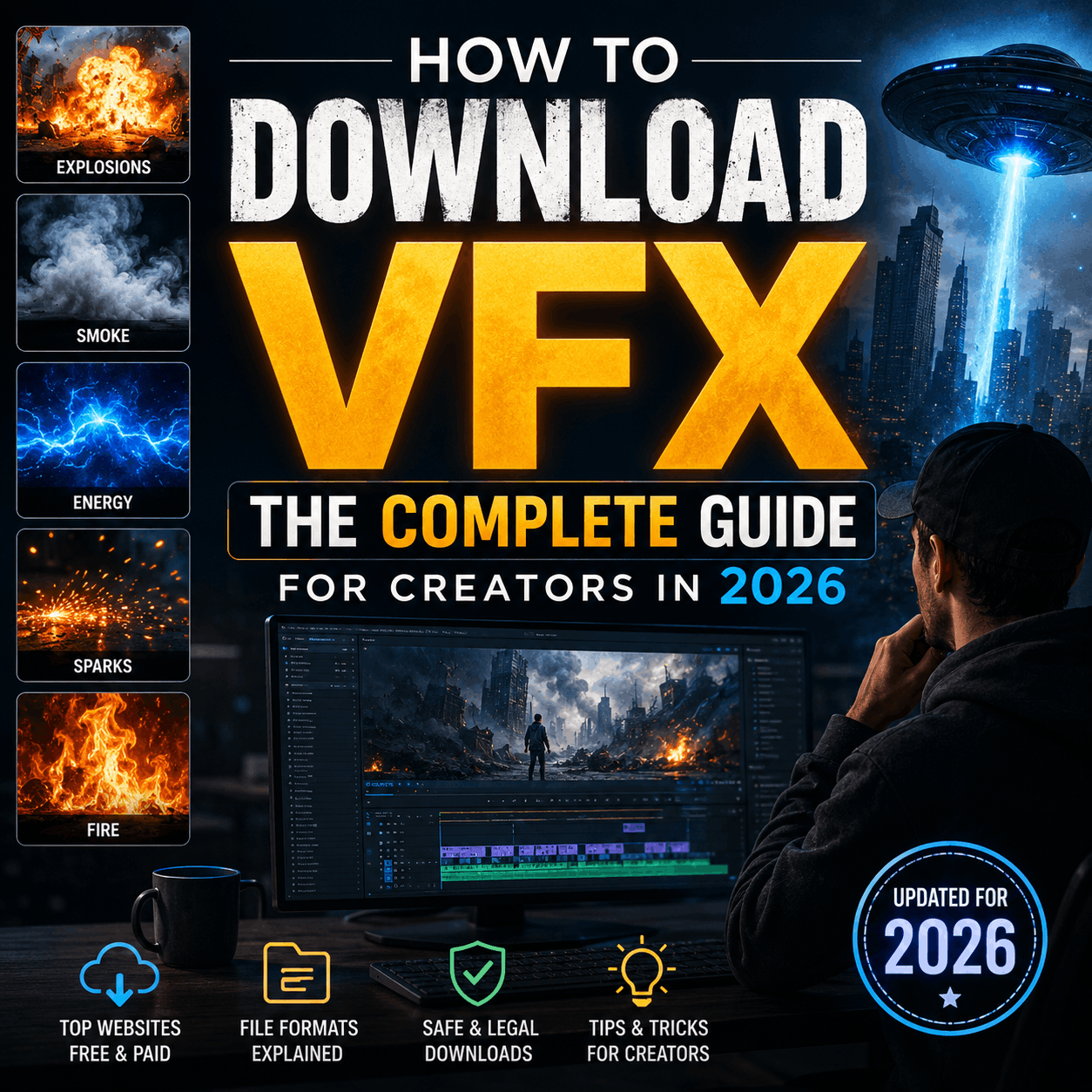
How to Download VFX: The Complete Guide for Creators in 2026
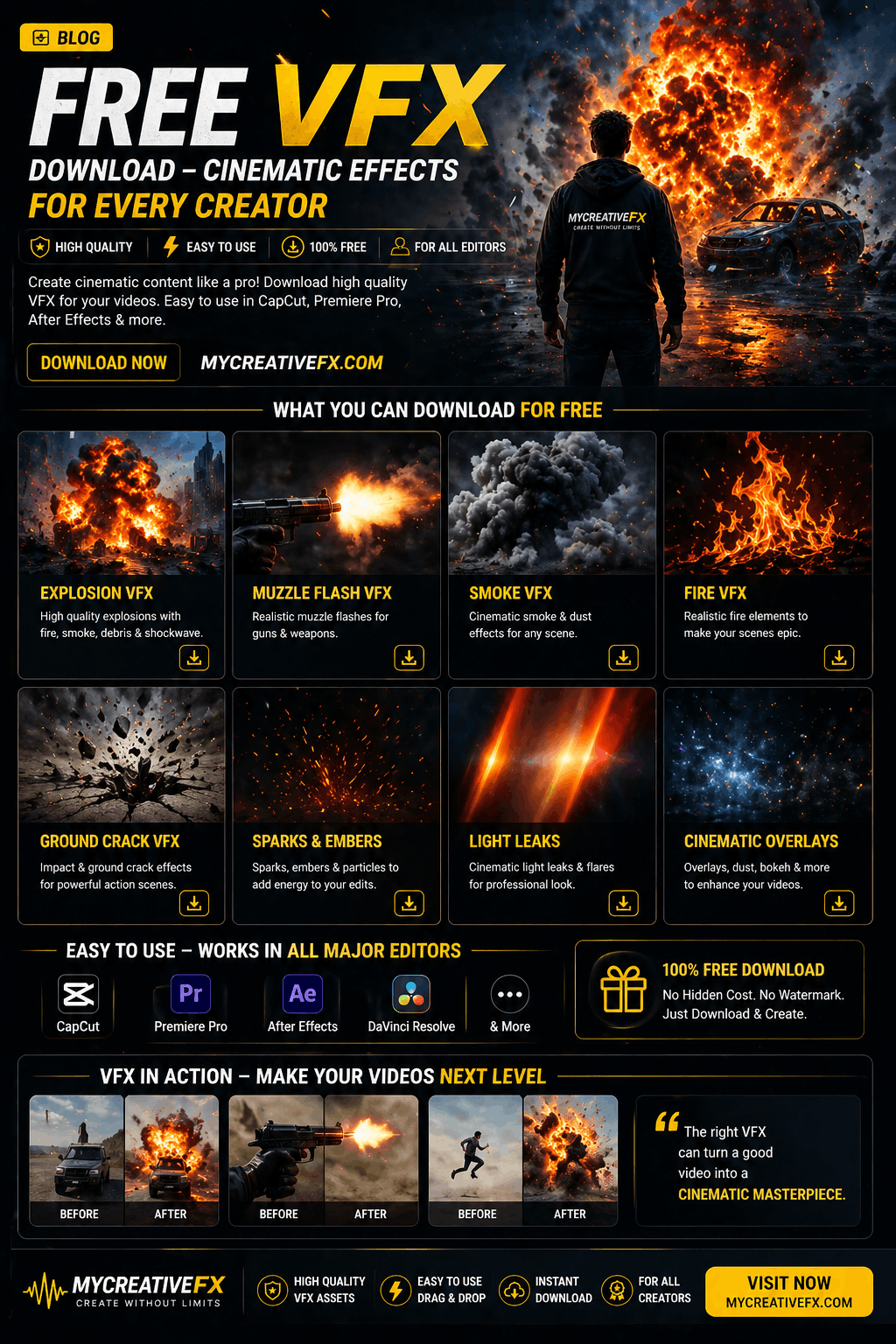
Click Here To Download
Finding the right VFX to download shouldn't be complicated. Whether you're editing YouTube videos, producing films, or creating short-form content, understanding where to download VFX, what quality indicators matter, and how to evaluate bundle variety is essential to saving production time and maintaining professional standards.
This guide walks through the complete VFX download process—from platform evaluation to integration—so you can confidently select assets that match your project needs.
Why Downloading VFX Has Become Essential for Modern Creators
Pre-made VFX downloads have transformed the creator economy. What once required months of training and specialized software now takes minutes.
The practical advantages are significant:
- Production speed: Download and integrate effects in hours instead of weeks
- Professional quality: Tested, render-ready assets created by industry specialists
- Cost efficiency: Fractional cost vs. hiring freelance VFX artists
- Creative freedom: Experiment with effects without technical barriers
Yet not all VFX download platforms are equal. Library size, bundle variety, and asset quality vary dramatically.
What to Look for When Downloading VFX: The 5 Core Criteria
1. Library Size & Variety
The largest VFX download libraries contain 5000+ assets across multiple categories. This matters because:
- Broader creative options: More variations of the same effect (10 fire types vs. 2)
- Specialized bundles: Collections built for specific genres (horror, sci-fi, action, motion graphics)
- Category depth: Full ecosystems rather than sparse collections (comprehensive explosions, fire, smoke, electricity, light effects)
- Bundle combinations: Pre-curated packs that work together aesthetically
For example, a library with 5000+ assets typically offers:
- 200+ explosion variations across 8 bundle types
- 300+ fire/smoke effects in specialized packages (cinematic, stylized, sci-fi)
- 400+ light leak and lighting effect bundles
- 200+ transition effects for motion graphics
- Specialized bundles for green screen, mobile CapCut creators, and specific software
Compare this to smaller platforms with 500-1000 assets: you'll hit creative ceilings faster.
2. Bundle Variety & Curation
Not all assets are created equal. Quality VFX platforms organize downloads into curated bundles that solve specific problems:
Category-based bundles (what effect do you need?):
- Explosion packs
- Fire & smoke effects
- Blood & injury effects
- Muzzle flash & gunfire
- Light and glow effects
- Transition packs
- Green screen effects
Tool-specific bundles (what software are you using?):
- After Effects presets
- CapCut mobile effect packs
- Premiere Pro plugins
- DaVinci Resolve color grades
- Generic video file exports
Genre bundles (what's your project type?):
- Horror/thriller VFX
- Action movie effects
- Sci-fi visual effects
- Motion graphics assets
- YouTube gaming overlays
- TikTok/Instagram Reels effects
Professional vs. stylized bundles:
- Realistic cinema-grade effects
- Stylized/cartoon effects
- Neon/synthwave bundles
- Glitch and digital effects
A robust VFX library with 5000+ assets allows you to download effects tailored to your specific project type, not generic one-size-fits-all packs.
3. Format & Software Compatibility
Before downloading, verify the formats included:
- Video files (MOV, MP4, ProRes) - Universal, work anywhere
- After Effects (AEP, preset files) - Motion graphics professionals
- CapCut (mobile effect packs) - Short-form creators, TikTok/YouTube Shorts
- Premiere Pro (Dynamic Link, presets) - Video editors
- DaVinci Resolve (fusion compositions, LUTs) - Color graders, cinematic workflows
- Native source files (PSD, blend files) - Maximum customization
The best platforms offer multiple formats in single bundles so you can download once and use across your entire toolkit.
4. Quality Indicators
Download only VFX that meet professional standards:
- Resolution minimum: 4K or higher (1920x1080 minimum for most uses)
- Alpha channel: Transparent backgrounds (MOV with alpha, not flattened MP4)
- Render quality: Pre-rendered with professional lighting and color correction
- File organization: Clearly labeled by effect type and intensity
- Licensing clarity: Explicit commercial use rights included
Many free VFX download sites offer low-resolution, heavily watermarked assets. Premium bundles typically provide production-ready files without watermarks or resolution restrictions.
5. Licensing & Commercial Use Rights
This is critical and often overlooked.
Before downloading VFX, confirm:
- Can you use it commercially? (YouTube monetization, client work, broadcast)
- Do you need attribution? (Credit requirements vary)
- Can you redistribute? (Some licenses prohibit reselling or including in your own packs)
- Perpetual or subscription? (Pay once vs. monthly access model)
Most professional VFX download bundles include commercial licenses out of the box. Free VFX often require attribution or prohibit commercial use entirely.
Where to Download VFX: Platform Comparison
High-Volume, Curated Libraries (5000+ Assets)
Platforms with extensive asset libraries typically offer:
- Deepest bundle variety: 50+ specialized packs organized by category and tool
- Multiple download formats: Same effects in After Effects, CapCut, Premiere Pro, generic video
- Active updates: New bundles monthly based on creator trends
- Community-sourced insights: User reviews highlighting which bundles work best for specific projects
- Subscription or lifetime options: Flexibility in how you access assets
These platforms are best if you:
- Shoot frequently and need diverse effects
- Work across multiple tools (After Effects, CapCut, Premiere)
- Want specialized bundles for your specific genre
- Value unlimited downloads vs. pay-per-asset
Specialized Platforms (Category-Focused)
Some sites focus exclusively on one category:
- Explosion/action effects only - Deeper archive in that niche
- Motion graphics transitions only - Specialized for MoGo
- Green screen effects only - Complete green screen solutions
These work if:
- You need extreme depth in one category
- You don't mind sourcing other effects elsewhere
- Your projects are highly specialized
How to Download VFX Efficiently
Step 1: Define Your Project Needs
Before browsing, clarify:
- What effect type do I need? (explosion, fire, blood, transition, etc.)
- What software am I using? (After Effects, CapCut, Premiere, DaVinci)
- What's my budget? (Free, monthly subscription, lifetime purchase)
- How many effects do I need? (Single effect vs. bundle for entire project)
Step 2: Search by Bundle, Not Individual Assets
Libraries with 5000+ assets can be overwhelming. Instead of browsing randomly:
- Search for themed bundles ("horror effects," "explosion pack," "CapCut transitions")
- Filter by software (After Effects, CapCut, Premiere Pro, DaVinci)
- Sort by project type (cinematic, social media, gaming, broadcast)
- Read bundle descriptions for what's included and file formats
Step 3: Preview Before Downloading
Most platforms let you preview:
- Thumbnail images of each effect
- Short video previews showing effects in action
- File specifications (resolution, duration, file size)
- Included formats (video file, preset, plugin, etc.)
Download a sample or preview before committing to the full bundle if possible.
Step 4: Check File Organization After Download
Quality bundles are organized logically:
- Folders by intensity (light, medium, heavy)
- Folders by color variation
- Metadata files with duration and resolution details
- Clear naming (not cryptic codes like "FX_001.mov")
Disorganized downloads waste time hunting for the right file.
Step 5: Test Compatibility in Your Workflow
After downloading:
- Import into your primary software (After Effects, Premiere, etc.)
- Test alpha channel transparency
- Check color grading (does it match your footage?)
- Verify audio sync if effects include sound
- Confirm file duration works for your edit length
Bundle Variety: What Different Project Types Need
YouTube & Social Media Creators
Download bundles you'll actually use:
- Transition packs ( 50+ variations)
- Text animation presets
- Lower-third graphics
- Intro/outro effect sequences
- Color grading LUTs for consistent look
These creators typically download transition and motion graphics bundles monthly because short-form content is effects-heavy.
Filmmakers & Cinematographers
Cinematic bundles emphasize realism:
- Explosion effects (cinema-grade, not stylized)
- Muzzle flash & gunfire (film-accurate)
- Blood & injury effects (practical cinema look)
- Light leaks and lens effects
- Dust, smoke, and atmospheric elements
- Green screen composite packs
Professional film bundles often cost more but include higher-resolution files and commercial broadcast licenses.
Motion Graphics Designers
MoGo-specific bundles include:
- Particle effects (not pre-rendered video)
- Shape morphs and transitions
- Sound design effects
- Color correction presets
- Typography animation packs
- 3D object libraries
These download in After Effects project format for maximum editability.
CapCut & Mobile Creators
Mobile-optimized bundles are essential:
- Effect packs designed for CapCut's native format
- Vertical video optimizations (9:16 aspect ratio)
- Quick-apply presets (one-tap integration)
- Trend-specific effects (updated monthly)
- Sticker and text effects
- Sound effect packs matching video effects
CapCut creators download mobile-specific bundles because they're optimized for the app's interface and don't require desktop software.
Avoiding Common VFX Download Mistakes
❌ Mistake 1: Downloading Without Checking Licensing
The problem: Free VFX download sites often require attribution or prohibit commercial use. Downloading without reading terms can expose you to copyright claims.
The fix: Always read the license before downloading. Platforms offering 5000+ assets typically include clear licensing documentation with each bundle—commercial use is usually explicitly stated.
❌ Mistake 2: Ignoring File Format Compatibility
The problem: You download VFX as generic MP4 files, but need them as After Effects presets or CapCut mobile effects. Conversion is time-consuming and quality degrades.
The fix: Choose platforms that offer multiple formats in the same bundle. Download the version that matches your software, not generic video files.
❌ Mistake 3: Downloading Without Previewing
The problem: You download a 500MB bundle only to discover the effects don't match your project style or color grading.
The fix: Preview effect videos and descriptions before downloading. Read user reviews if available. Some platforms let you download sample files first.
❌ Mistake 4: Over-downloading Small Libraries
The problem: You exhaust a small VFX library's options quickly, then need to switch platforms mid-project.
The fix: Start with platforms offering 5000+ assets across multiple categories and bundles. Larger libraries reduce the need to source effects elsewhere and ensure consistent quality across your projects.
❌ Mistake 5: Ignoring Software-Specific Bundles
The problem: You download generic VFX video files, but your primary workflow is CapCut or After Effects. Integration is clunky.
The fix: Prioritize bundles created for your specific software. CapCut creators should download CapCut effect packs, not generic MOV files. After Effects editors should download AEP projects or presets.
Optimizing Your VFX Workflow After Download
Folder Organization
Create a system on your drive:
VFX Library/
├── Explosions/
│   ├── Realistic (cinema)
│   ├── Stylized (motion graphics)
│   └── Sci-Fi
├── Fire & Smoke/
│   ├── Small fires
│   ├── Large explosions
│   └── Atmospheric smoke
├── Blood & Injury/
├── Transitions/
├── CapCut Effects/
└── After Effects Presets/
This structure saves hours compared to dumping all downloads into one folder.
Metadata & Tagging
Use file organization tools to tag effects:
- Resolution (4K, 2K, HD)
- Duration (1 sec, 3 sec, 5+ sec)
- Color (warm, cool, neutral)
- Style (realistic, stylized, neon, glitch)
This accelerates searches when you're in active editing mode.
Regular Updates
Quality platforms release new bundles monthly. Set a reminder to check for:
- Trend-specific effects (seasonal, cultural events)
- Software updates (new CapCut features, After Effects versions)
- Creator requests (community voting on new bundle ideas)
Choosing the Right VFX Download Platform
For Maximum Bundle Variety & Volume
Look for platforms that offer:
- ✅ 5000+ total assets across all categories
- ✅ 20+ specialized bundles minimum
- ✅ Multi-format downloads (After Effects, CapCut, Premiere, video files)
- ✅ Clear commercial licensing
- ✅ Regular updates (new bundles monthly)
- ✅ Both free and premium tiers (freemium model)
These platforms serve creators across all skill levels and project types.
Questions to Ask Before Committing
- Can I download all my effects from one platform, or do I need multiple sources?
- Does the platform offer my primary software format?
- Is licensing clearly stated and commercially friendly?
- Can I preview before downloading?
- Are assets organized logically, or is it a mess?
- Does the library match my project genre/style?
- What's the pricing model—subscription or lifetime?
Conclusion: Download Smart, Create Faster
Downloading VFX is no longer about finding generic effects—it's about finding the right effects for your specific project, organized in the formats you actually use, with bundle variety that prevents creative repetition.
Platforms offering 5000+ assets with diverse bundle options let you:
- Download once, use across multiple projects
- Access effects for every software in your toolkit
- Experiment with different styles without sourcing elsewhere
- Maintain professional quality consistently
The days of struggling with low-res, watermarked VFX are over. Modern creators have access to production-ready asset libraries that rival what studios paid thousands for a decade ago.
Start by defining your project type (filmmaker, motion graphics, CapCut creator, etc.), then download the bundles built for that workflow. You'll save hours of production time and maintain professional quality from frame one.
Ready to start? Choose a platform with extensive bundle variety, download effects that match your software and project style, and organize your library for quick access. Your future self will thank you when you need that perfect explosion in 30 seconds instead of 30 minutes.
Next step: Browse bundle collections by your primary software and project type. Most platforms let you filter downloads this way—use it. The right bundle saves far more time than browsing individual assets.

 Premium Plans