Premium Plans

5,000+ Free Video Editing Assets: VFX, Transitions, Overlays & Music
5,000+ Free Video Editing Assets: VFX, Transitions, Overlays & Music
Creating a realistic severed arm VFX shot might look complicated, but with today's professional stock footage and compositing tools, you can achieve Hollywood-style results much faster than you think. Instead of simulating everything from scratch, I used high-quality drag-and-drop VFX elements, realistic blood overlays, and a severed hand asset to build the entire scene in just a few steps.
The entire shot was created using professionally designed VFX stock footage. Instead of spending hours creating blood simulations or modeling assets from scratch, I simply dragged and dropped pre-made VFX elements into my timeline, matched the lighting, and blended everything together using standard compositing techniques.
The process includes:
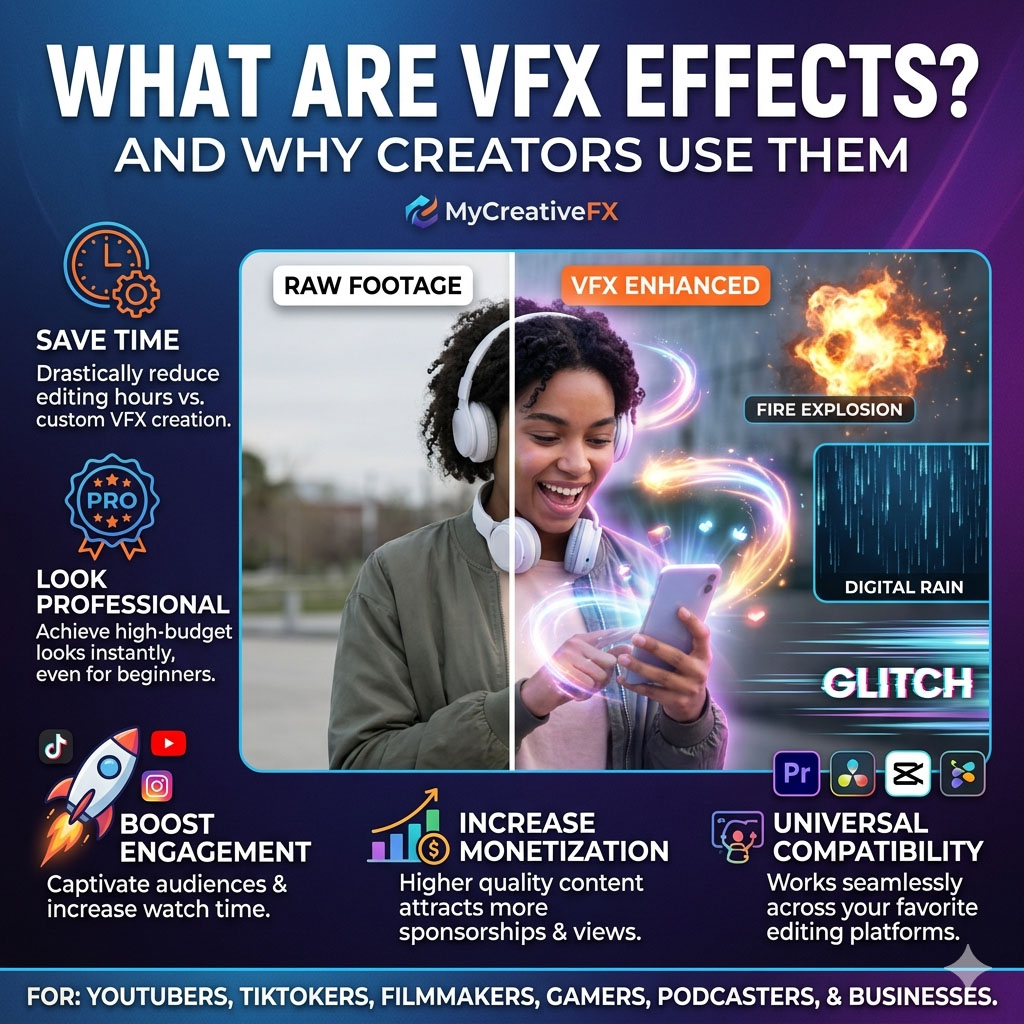
Professional stock footage saves countless hours in production. Instead of creating every visual effect manually, filmmakers can simply drag the assets into After Effects, Premiere Pro, DaVinci Resolve, CapCut, or other editing software and instantly achieve cinematic results.
Want to recreate this effect yourself? Download the same severed hand stock footage, blood overlays, gore effects, and hundreds of filmmaking assets from MyCreativeFX.
Download Severed Hand VFX Stock Footage →
Realistic VFX doesn't always require complicated simulations. By combining high-quality drag-and-drop stock footage with proper color matching, lighting, motion blur, and compositing, you can create convincing cinematic effects in minutes. Whether you're making action films, horror scenes, YouTube videos, or short films, professional VFX assets can dramatically speed up your workflow while delivering stunning results.
Browse thousands of professional VFX assets at MyCreativeFX and start creating Hollywood-quality visual effects today.