 Premium Plans
Download 17,000+ VFX Assets
17,000+ VFX Assets: Download ProRes VFX Footage, Green Screen Effects & Cinematic Overlays – MyCreativeFX
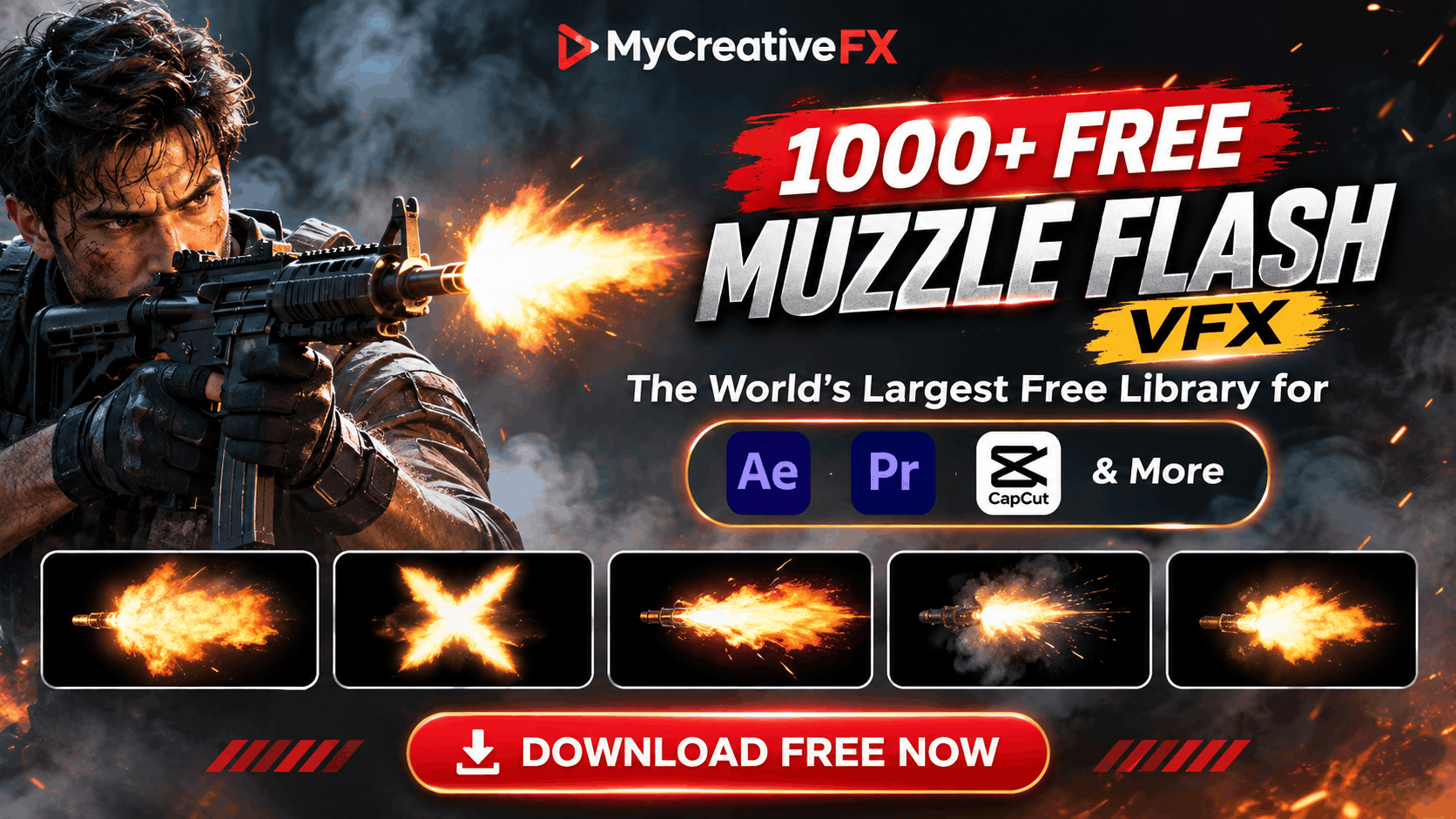
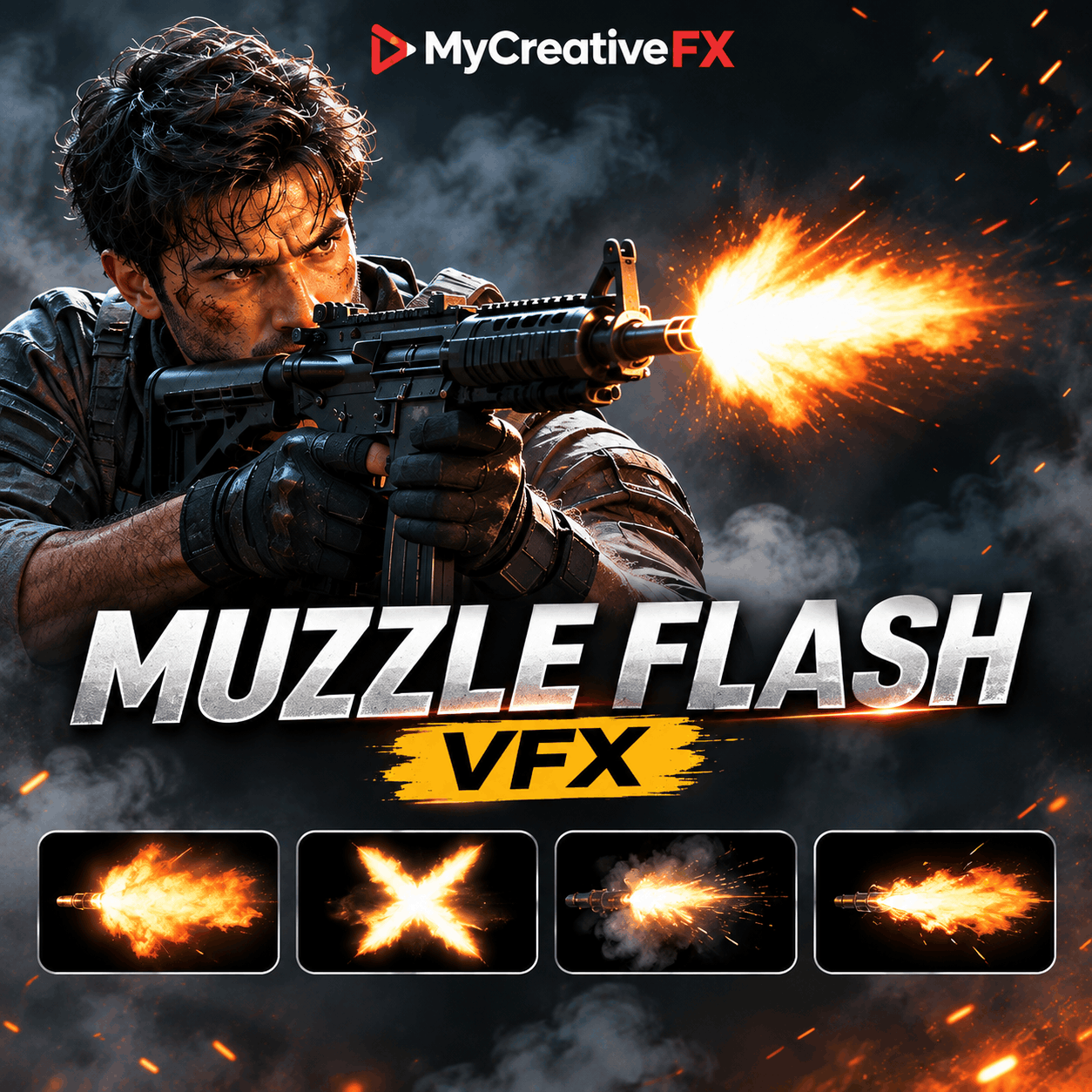
If you edit action scenes, short films, music videos or game montages, you already know the problem. A gunshot without a convincing muzzle flash looks fake in two seconds. Viewers can't always tell you why, but they feel it.
That's why creators keep searching for one place to download muzzle flash VFX for free, without watermarks, without sketchy ZIP files and without licensing headaches. MyCreativeFX has built the world's largest free muzzle flash VFX library, with over 1000+ muzzle flash assets you can download for free, made for real editing workflows. This guide shows what's inside, how to pick the right flash for your shot, and how to composite it so it looks believable.
WHAT IS A MUZZLE FLASH VFX?
A muzzle flash is the burst of fire and light that comes out of a gun barrel when it is fired. In video editing, a muzzle flash VFX is a pre-made overlay (usually shot on black or green screen, or with an alpha channel) that you place on top of your footage at the exact frame the trigger is pulled.
A good muzzle flash overlay gives you three things:
- The visible fire burst at the barrel
- Light spill that brightens the surroundings for a few frames
- Smoke, sparks and shell debris for added realism
WHY CREATORS USE FREE MUZZLE FLASH LIBRARIES
Shooting real fire effects is expensive, dangerous and often illegal without permits. Prop guns, airsoft guns and blank-firing replicas can't safely deliver the look of a real discharge on camera. Pre-shot VFX fix this.
- Safe: you film with a prop or no gun at all and add the flash in post
- Fast: drag, drop, set blend mode, done
- Consistent: the same flash style across a whole project
- Budget friendly: free downloads save money for indie filmmakers, YouTubers and students
WHAT YOU WILL FIND IN THE WORLD'S LARGEST FREE MUZZLE FLASH LIBRARY
With over 1000+ free muzzle flash assets, the MyCreativeFX collection covers the weapon types and shot situations editors actually need:
- Pistol muzzle flashes: short, sharp bursts for handgun scenes
- Rifle and assault rifle flashes: stronger fire with directional sparks
- Shotgun blasts: wide, heavy flames with thick smoke
- SMG and rapid-fire sequences: loopable bursts for full-auto shots
- Sniper shots: long, narrow flashes with a strong light kick
- Night and low-light flashes: higher contrast for dark scenes
- Side view, front view and angled muzzle flashes: so the perspective matches your footage
- Smoke, sparks and bullet casing add-ons: layer these to build a richer shot
Each download page lists its format and compatibility, so you can check what works with your software before you download.
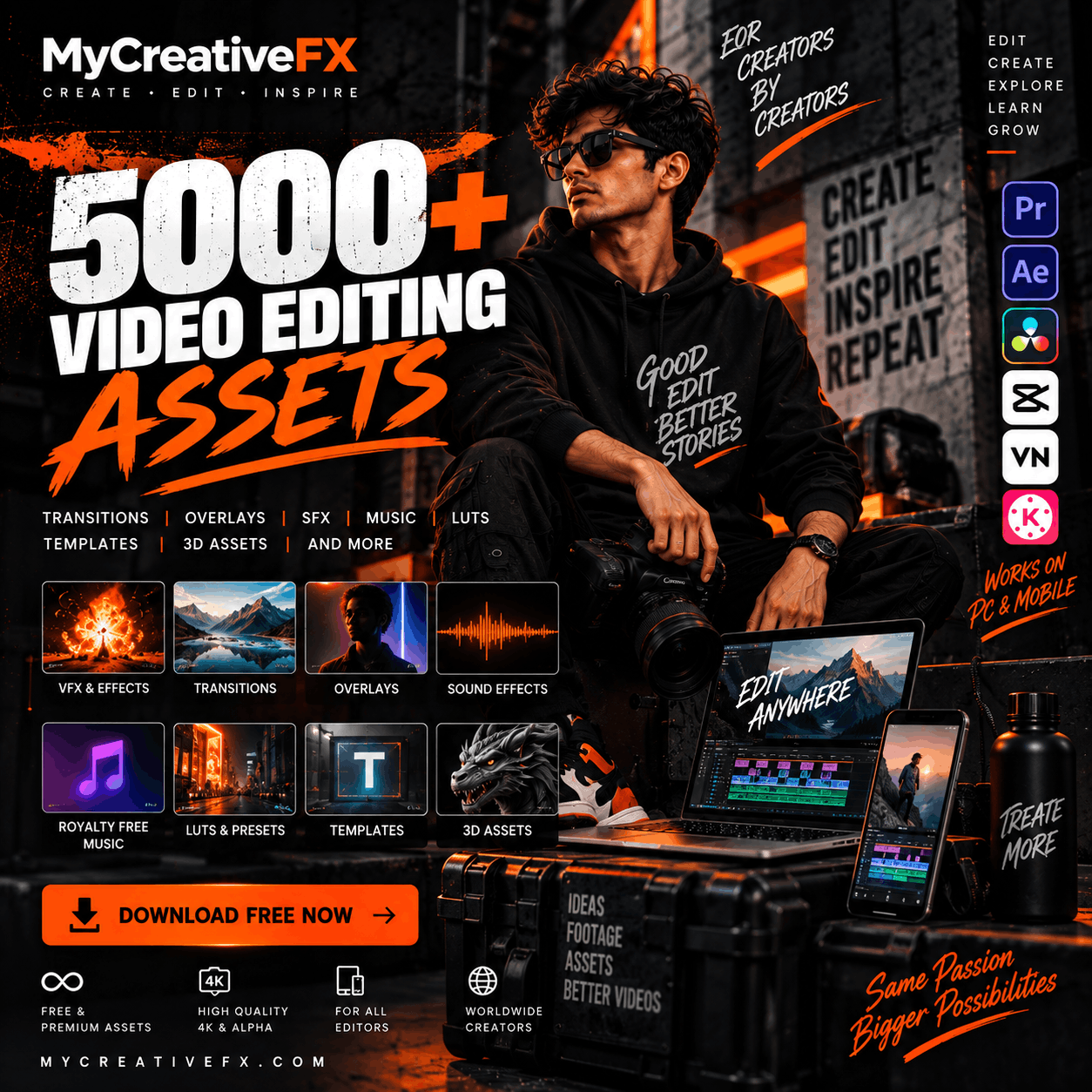
WORKS WITH THE EDITING SOFTWARE YOU ALREADY USE
MyCreativeFX effects are built for the tools creators actually use:
- Adobe After Effects
- Adobe Premiere Pro
- DaVinci Resolve
- Final Cut Pro
- CapCut (mobile and desktop)
- Filmora, Vegas Pro, Kinemaster, Alight Motion and most editors that support overlays
If your editor supports blend modes or alpha channels, you can use these overlays.
HOW TO ADD A MUZZLE FLASH IN YOUR EDIT (STEP BY STEP)
1. Download your muzzle flash and import it into your project.
2. Place it on a track above your main clip.
3. Find the exact frame where the gun fires. Start the flash on that frame.
4. If the effect is on a black background, set the blend mode to Screen or Add. If it has a green screen, use Chroma Key. If it has an alpha channel, no blend mode is needed.
5. Scale and rotate the flash so it comes out of the barrel in the correct direction.
6. Position it using the barrel tip as the anchor point.
7. Add a small camera shake on the same frame to sell the recoil.
8. Add a quick brightness or exposure bump for 1 to 2 frames to imitate the light flash on the actor and the environment.
9. Layer a gunshot sound effect, perfectly synced to the first frame.
In CapCut, import the effect as an overlay, choose the Screen blend mode under Blend, then adjust size and position with the keyframe tool.
PRO TIPS FOR REALISTIC GUN FIRE VFX
- Keep it short. A real muzzle flash lasts only a few frames. Longer is not better.
- Match the lighting. A bright warm flash in a dark scene needs light spill on faces and walls. Add a subtle glow layer.
- Use two flashes, not one. Stack a small flash on top of a bigger one with slightly different timing for a natural look.
- Add smoke. Even a tiny wisp of smoke after the shot makes the effect feel physical.
- Vary the angle. Don't reuse the identical flash for rapid fire. Flip, rotate and scale each one.
- Never forget sound. Visuals do half the work. Sound does the other half.
- Color grade after compositing. Apply your LUT or grade to the whole shot so the flash blends with the footage instead of looking pasted on.
BEST USES FOR FREE MUZZLE FLASH EFFECTS
- Short films and action trailers
- Music videos and cinematic reels
- Gaming montages and cinematic game edits
- YouTube skits and web series
- Student and film school projects
- Instagram Reels, YouTube Shorts and TikTok edits
LICENSING AND USAGE
MyCreativeFX is built for creators. Check the license shown on each download page for the exact terms before using an effect in your project, especially for commercial work. When you publish, follow your platform's rules on weapon depictions and keep any content that shows weapons clearly fictional and cinematic.
A NOTE ON SAFETY AND LAW
Always film with props, never with real firearms unless you are a licensed professional on a controlled and insured set. Local laws on replica weapons in public places vary, so be careful where you shoot.
FREQUENTLY ASKED QUESTIONS
Where can I download free muzzle flash VFX?
You can download free muzzle flash effects from the MyCreativeFX VFX library, the world's largest free muzzle flash collection with over 1000+ assets. Browse the muzzle flash and gun effects section, pick the style you need and download it for your editor.
Are the muzzle flash effects really free?
Yes. Over 1000+ muzzle flash assets are available to download for free. Check the individual listing for the license details of that effect.
Do I need After Effects to use them?
No. The overlays work in any editor that supports blend modes, chroma key or alpha channels, including Premiere Pro, DaVinci Resolve, Final Cut Pro and CapCut.
Can I use muzzle flash overlays on my phone?
Yes. CapCut and other mobile editors can use these overlays with the Screen blend mode or chroma key.
What is the best blend mode for muzzle flash?
Screen or Add for black background effects. They remove the black and keep only the light.
Can I use these in YouTube videos?
In most cases yes, but always read the license on the download page and follow YouTube's policies on depicting weapons.
How do I make a muzzle flash look more realistic?
Keep it short, add light spill, add smoke, sync a good gunshot sound, add a bit of camera shake and color grade the whole shot.
START DOWNLOADING
Ready to level up your action edits? Head to the MyCreativeFX VFX library, open the world's largest free muzzle flash collection and download from over 1000+ assets that fit your scene. New effects are added regularly, so bookmark the page and check back often.
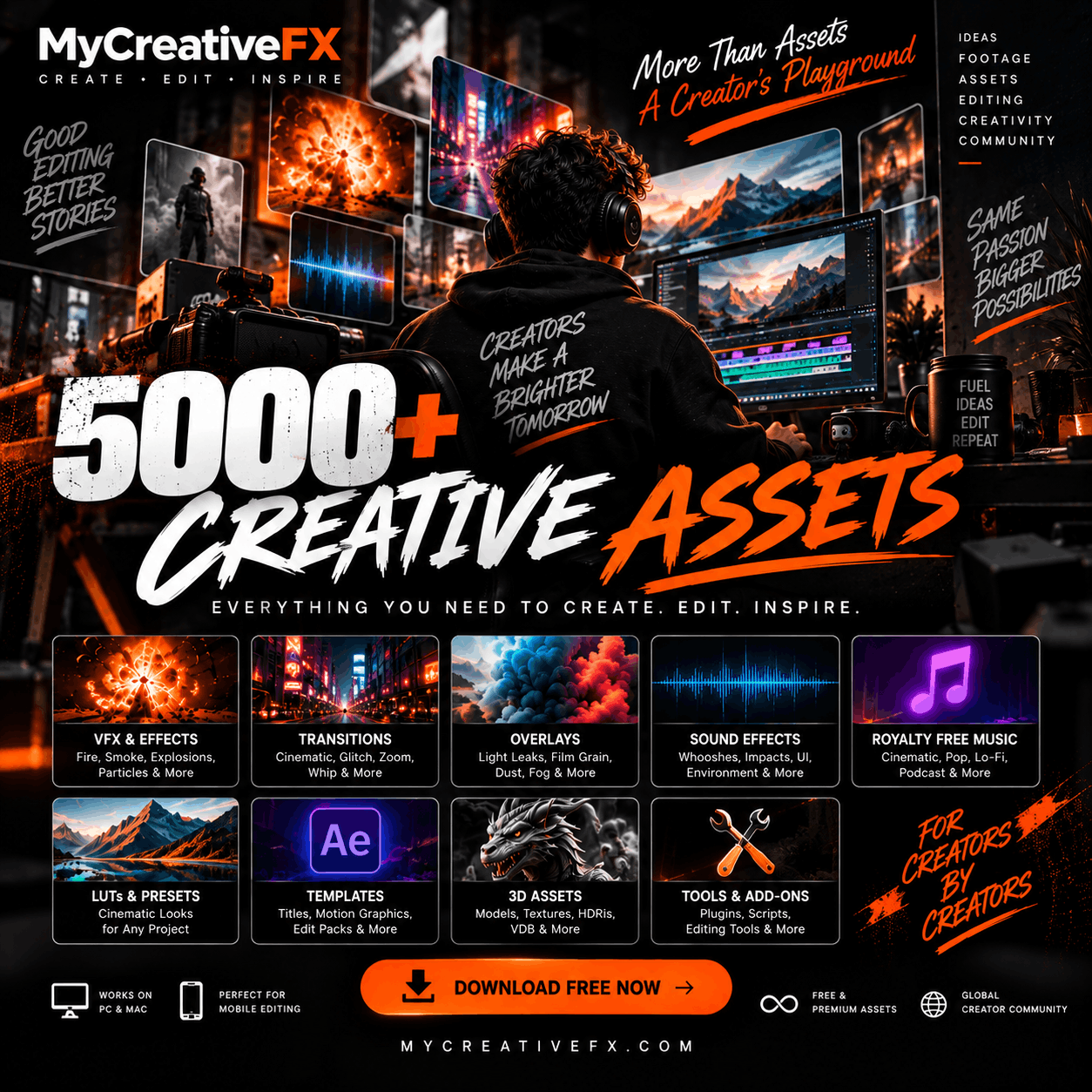
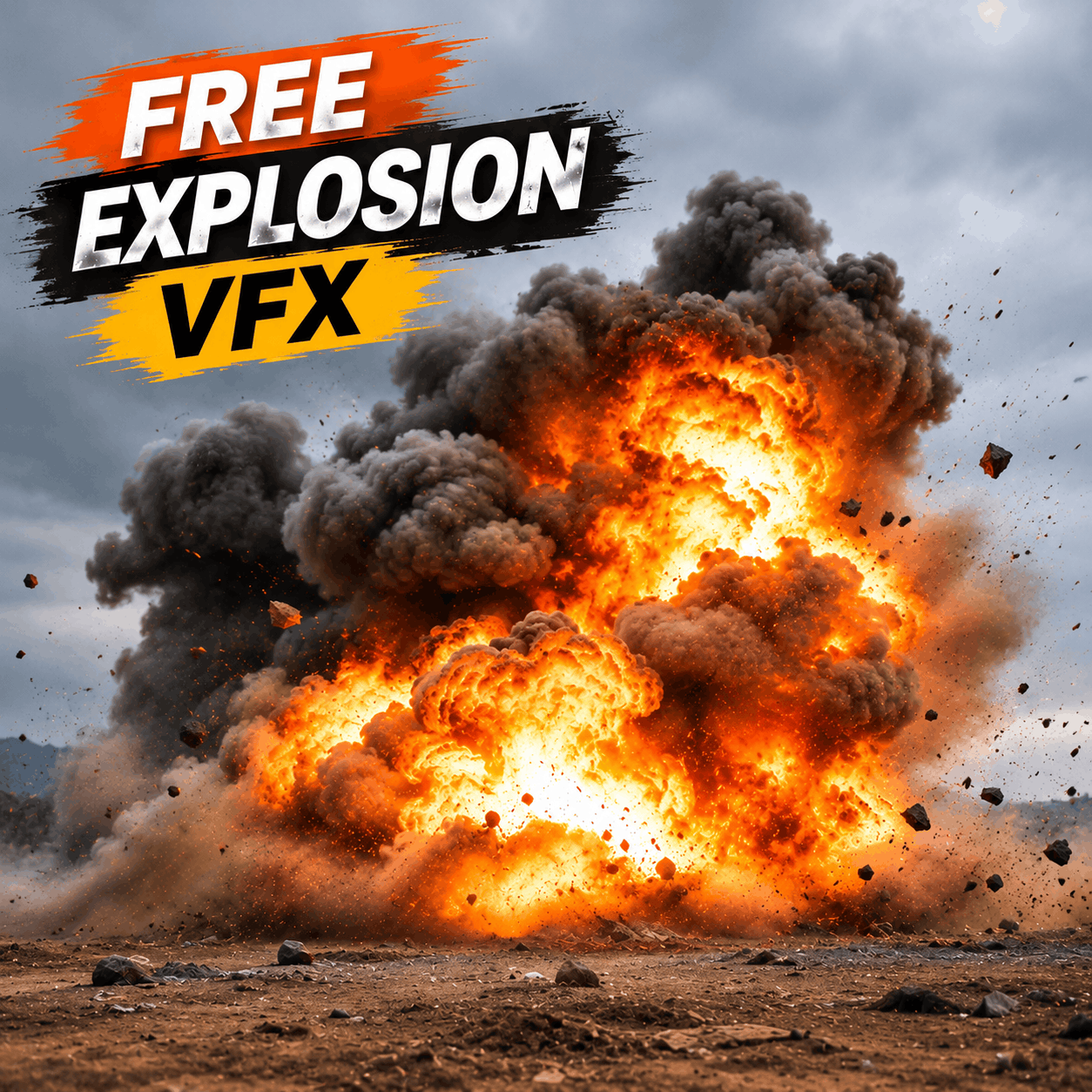
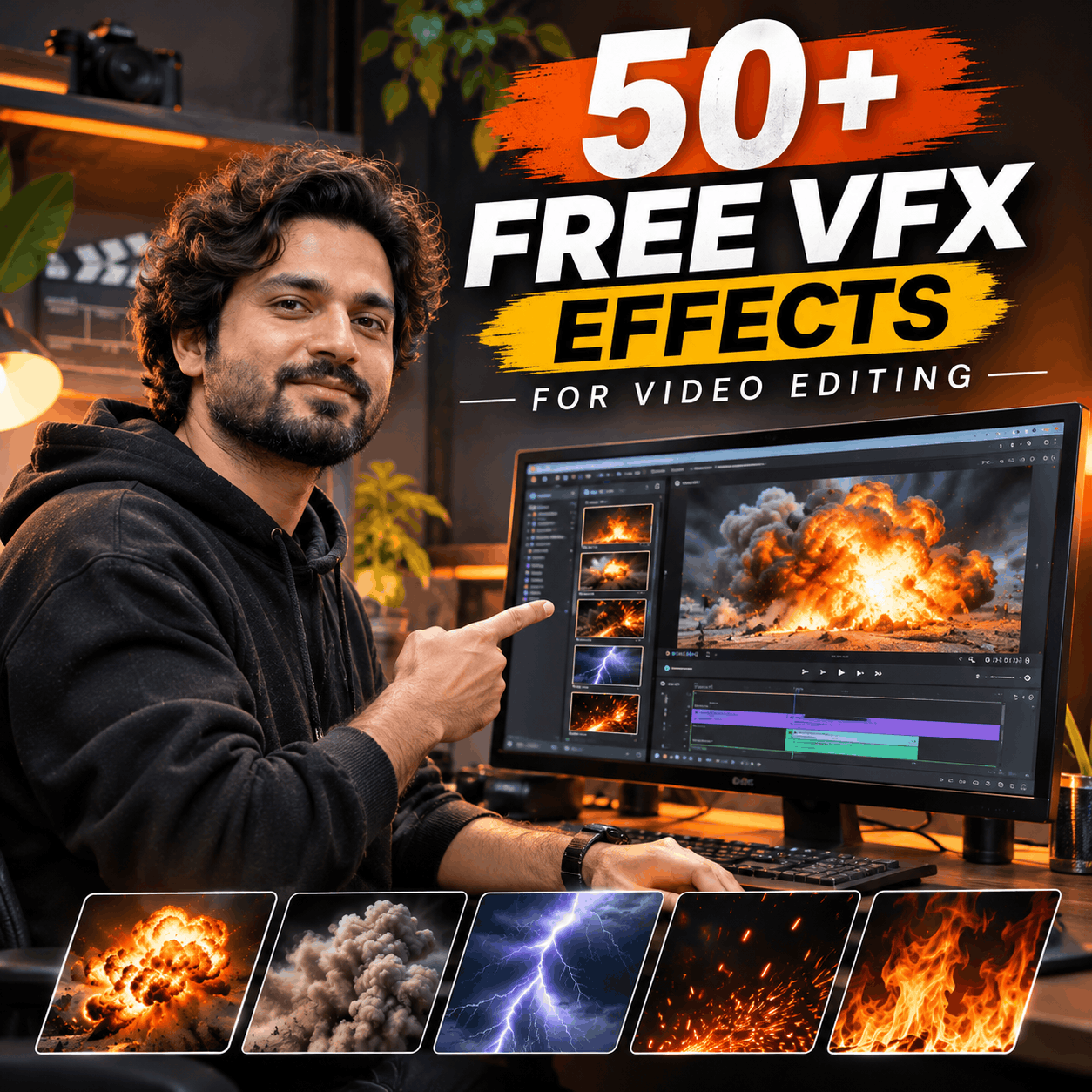
Explore more free resources while you are there: sound effects for gunshots and impacts, royalty-free music for trailers, LUTs for cinematic color grades, and VFX packs for explosions, smoke, sparks and more.
Create bigger. Edit faster. MyCreativeFX.