

Blog Details

Top Best VFX Editor Creators 2026: How They Edit Viral Content

๐ŸŽฌ Real Creator Workflows โฑ๏ธ 12 min read โœ… 100M+ Followers Combined

What editors do top creators really use? How do they add VFX to stand out? We break down the actual workflows of the biggest names on YouTube, TikTok, and Instagram—with their real tools, editing strategies, and VFX secrets that make millions stop scrolling.

The 2026 Creator Editing Landscape

In 2026, there's no single "best" editor. Top creators use different tools based on their content type:

  • YouTube creators (MrBeast, Linus Tech Tips): Adobe Premiere Pro + After Effects for complex editing and motion graphics
  • TikTok/Instagram dance creators (Charli D'Amelio, Addison Rae): CapCut desktop + CapCut mobile for speed and trends
  • VFX magic creators (Zach King): Adobe Premiere Pro + After Effects + custom VFX pipelines
  • Film/cinematic creators: DaVinci Resolve for professional-grade color grading and VFX

The common thread: All top creators layer free VFX effects (like MyCreativeFX) alongside their primary editing software.

๐ŸŽฉ Zach King - The VFX Wizard

Platform: TikTok, YouTube, Instagram

๐Ÿ“Š 78M+ TikTok Followers
๐Ÿ’ฐ $131,270 per TikTok
๐ŸŽ“ Film Studies Background

Who He Is

Zach King is a digital illusionist who mesmerizes audiences with mind-bending visual effects and "magic" videos, with seamless editing tricks and creative storytelling making every video a visual masterpiece. His entire brand is built on VFX and editing innovation.

Primary Editing Tools

Adobe Premiere Pro
Main timeline editing, clip arrangement
Adobe After Effects
Advanced VFX, motion graphics, compositing
Cinema 4D / Blender
3D effects, custom VFX elements
Custom VFX Plugins
Proprietary effects for unique looks

His VFX Strategy

  • Digital illusions: Seamless transitions that look impossible (object teleportation, size changes, perspective tricks)
  • Editing precision: Frame-perfect compositing and layering
  • Storytelling through effects: VFX serves narrative, not just visual flash
  • Cinematic quality: 4K+ resolution with professional color grading
  • Trend innovation: Creates new editing trends others copy

Why he wins: Zach doesn't chase trends—he creates them. His unique VFX style is instantly recognizable, setting him apart from millions of creators using the same stock effects.

๐Ÿ’ฃ MrBeast - The Scale Master

Platform: YouTube, TikTok, Instagram

๐Ÿ“Š 200M+ YouTube Subscribers
๐ŸŽฏ 122M+ TikTok Followers
๐ŸŽฌ Team of Professional Editors

Who He Is

MrBeast is a YouTube giant known for high-impact, short-form clips that drive traffic to his long-form ecosystem, maintaining a constant presence in the viral cycle through philanthropic challenges and massive giveaways. His editing is fast-paced, high-energy, and designed for maximum engagement.

Primary Editing Tools

DaVinci Resolve
5–7 drafts before final export
Adobe Premiere Pro
Backup and team collaboration
Adobe After Effects
Title cards, motion graphics, reveals
Submagic AI
Auto-captions, silent removal, pacing

His Editing Strategy

  • Rapid iteration: 5–7 complete edits before publishing (each refined from feedback)
  • Pacing obsession: Every cut is timed to maximize retention
  • Retention hooks: Dynamic transitions, text overlays, dramatic reveals every 5–10 seconds
  • Sound design: Music, SFX, and voiceover sync perfectly
  • Team workflow: Specialized roles (color, sound, graphics, final cut)

Why he dominates: MrBeast's editing is scientifically optimized. Every cut, every transition, every effect is designed to keep viewers watching. His team treats editing as a science, not an art.

๐Ÿ’ƒ Charli D'Amelio - The Dance Icon

Platform: TikTok, Instagram, YouTube

๐Ÿ“Š 157M+ TikTok Followers
๐Ÿ’ฐ $246,618 per TikTok
โœจ Trend Setter

Who She Is

Charli D'Amelio rose to fame through viral dance routines with smooth edits perfectly timed to music, giving each video a polished and professional look, often using subtle outfit and location transitions. She's the blueprint for dance content on TikTok.

Primary Editing Tools

CapCut Desktop
Fast editing for daily posts
Adobe Premiere Rush
Mobile-friendly backup
CapCut Mobile
On-the-go quick edits
Adobe Photoshop
Graphics and overlays

Her Editing Strategy

  • Smooth transitions: Match cuts, outfit changes, location swaps (seamlessly synced to music beats)
  • Music synchronization: Every cut aligns with audio peaks and beat drops
  • Simplicity: Clean edits without overwhelming VFX (VFX serves the dance, not distracts)
  • Quick pacing: Fast cuts (0.5–2 seconds) keep viewers engaged
  • Behind-the-scenes authenticity: Mix of polished clips with casual moments

Why she leads: Charli D'Amelio's growth was fueled by early-mover advantage and a high-frequency posting schedule that kept her at the top of the feed during the platform's most aggressive expansion phase. Her editing is about enhancing the dance, not replacing it.

โœจ Addison Rae - The Trendsetter

Platform: TikTok, Instagram, YouTube

๐Ÿ“Š 88M+ TikTok Followers
๐Ÿ’ฐ $142,031 per TikTok
๐ŸŽฏ Multi-Platform Success

Who She Is

Addison Rae's editing style revolves around quick cuts, smooth transitions, and impeccable timing to match the beat of the music, with vibrant personality and engaging content making her a sensation in music and entertainment.

Primary Editing Tools

CapCut
Primary editing for trends
Adobe Premiere Rush
Cloud sync, team sharing
Snapchat Filters
AR effects, real-time filters
Native TikTok Editor
Quick trend hops

Her Editing Strategy

  • Trending audio speed-runs: First to edit and post new trending sounds
  • High-energy cuts: Fast transitions that match trending beats
  • Filter integration: AR filters that enhance without overwhelming
  • Cross-platform optimization: Different edits for TikTok vs. Instagram vs. YouTube
  • Lifestyle blending: Dance + beauty + fashion in seamless edits

Why she's everywhere: Her editing style revolves around quick cuts, smooth transitions, and impeccable timing to match the beat of the music, with vibrant personality engaging millions. She leverages every platform's native features while maintaining a consistent brand.

๐ŸŽฎ Linus Tech Tips - The Technical Creator

Platform: YouTube

๐Ÿ“Š 17M+ YouTube Subscribers
๐Ÿ“น Tech Reviews & Tutorials
๐Ÿญ In-House Production Studio

Who He Is

Adobe Premiere Pro remains one of the best video editing software for YouTube used by top creators like Linus Tech Tips. Linus has built one of the most successful tech channels through detailed reviews and fast-paced, information-dense editing.

Primary Editing Tools

Adobe Premiere Pro
Main timeline + effects
After Effects
Titles, graphics, overlays
Audition
Audio cleanup & mixing
Multicam Editing
Professional multi-angle sync

His Editing Strategy

  • Information density: Pack valuable content into tight edits (no fluff)
  • Visual aids: B-roll, graphics, and overlays explaining technical concepts
  • Pattern cuts: Rhythmic editing that keeps pace with narration
  • Color-coded segments: Different visual styles for different video sections
  • Professional motion graphics: Custom-designed effects and lower thirds

Why he succeeds: Linus treats editing as part of storytelling. His fast-paced, information-rich style matches his target audience's expectations and keeps viewers engaged despite technical depth.

The Common Thread: What All Top Creators Do

Despite using different tools and targeting different platforms, every successful creator follows these patterns:

  • Audio first: All top creators nail sound design and music sync before visual effects
  • Pacing obsession: Every cut is intentional, no wasted frames
  • VFX as enhancement: Effects serve the story, never overshadow content
  • Iterative refinement: Most creators do 2–7 full edits before posting
  • Platform optimization: Same content edited differently for YouTube vs. TikTok vs. Instagram
  • Free VFX integration: All use accessible VFX libraries (not just premium)
  • Technical mastery: They know their tool inside out—no wasted time searching menus

The Real Secret: Editing Software ≠ Success

Zach King uses After Effects. Charli D'Amelio uses CapCut. MrBeast uses DaVinci Resolve. They're all massively successful. The tool doesn't matter—the strategy, pacing, and understanding of your audience's attention span does.

What matters more than software: free VFX effects (like MyCreativeFX), sound design, and ruthless editing discipline.

Editing Tools by Creator Type (2026)

Short-Form Creators (TikTok, Reels, Shorts)

Best editor: CapCut (free, AI-powered, trend-optimized)

Why: Built for speed, viral features, mobile-first. Charli and Addison chose this for a reason—it's designed for their workflow.

YouTube Long-Form Creators

Best editor: Adobe Premiere Pro or DaVinci Resolve

Why: Professional-grade tools handle complex projects, team collaboration, and advanced VFX integration. MrBeast and Linus need this scale.

VFX-Heavy Creators

Best editor: Adobe Premiere Pro + After Effects

Why: After Effects is the industry standard for motion graphics and advanced compositing. Zach King's magic requires this depth.

Budget-Conscious Creators

Best editor: DaVinci Resolve (free version)

Why: 90% of professional features at zero cost. Professional creators are switching to DaVinci to save money.

The VFX Layer: How Top Creators Use Stock Effects

Every creator mentioned above uses free or stock VFX effects as an additional layer:

  • Zach King: Uses custom VFX + free transition effects for quick turnarounds
  • MrBeast: Integrates free VFX (transitions, text reveals) into his rapid editing workflow
  • Charli D'Amelio: Uses CapCut's built-in transitions (free) + subtle effects from MyCreativeFX
  • Addison Rae: Layers free transition effects over her dance choreography

Key insight: Top creators don't create all VFX from scratch. They use free libraries like MyCreativeFX for 70% of their effects, reserving custom VFX for signature moments.

Next Step: Learn From These Creators

The lesson isn't "buy Premiere Pro" or "use CapCut." The lesson is:
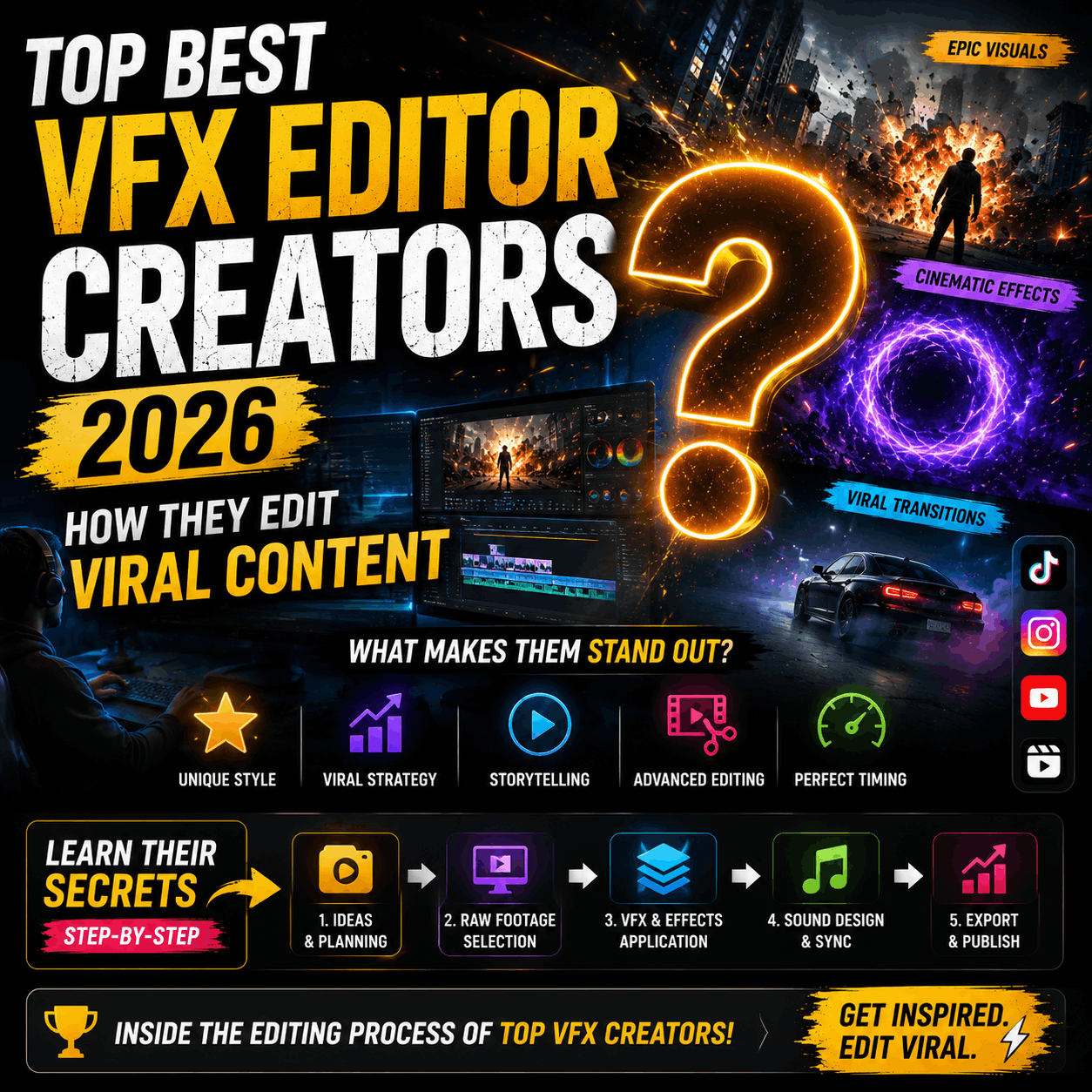
  1. Pick ONE editor and master it (don't jump between tools)
  2. Build a free VFX library (download 100+ effects from MyCreativeFX)
  3. Obsess over pacing and audio (these matter more than fancy effects)
  4. Iterate ruthlessly (do 2–5 full edits before posting)
  5. Optimize for your platform (TikTok ≠ YouTube ≠ Instagram)

Download Free VFX Used by Top Creators

Top Best VFX Editor Creators 2026: Real Workflows from YouTube & Instagram Icons | MyCreativeFX

You may also like

Search Menu 0$0
Top

















