Premium Plans

5,000+ Free Video Editing Assets: VFX, Transitions, Overlays & Music
5,000+ Free Video Editing Assets: VFX, Transitions, Overlays & Music
Visual effects can transform your video projects from amateur to cinematic. But professional VFX tools and assets traditionally come with professional price tags—$50, $100, sometimes $1,000+ per plugin or asset pack.
Here's the good news: you don't need to spend a fortune to access professional-quality visual effects. Whether you're a student filmmaker, indie content creator, or professional editor on a tight budget, free VFX resources have evolved dramatically in recent years.
This guide breaks down exactly where to find free VFX, how to use them effectively, and when you might want to invest in premium assets for maximum impact.
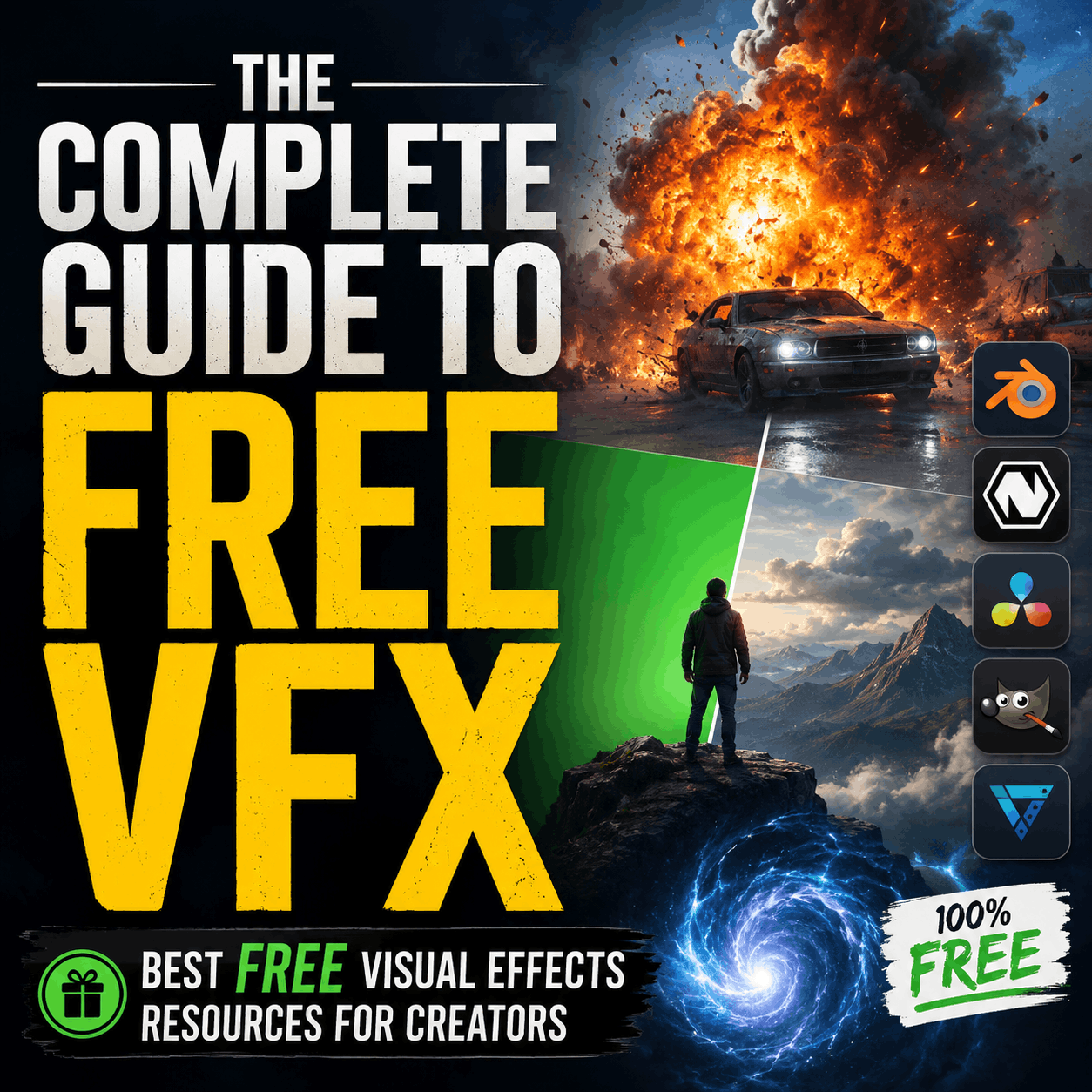
Before diving into where to find free VFX, let's talk about why they've become so important.
The democratization of video production has created a massive shift in the industry. In 2015, creating broadcast-quality visual effects required $5,000+ in software licenses alone. Today, tools like DaVinci Resolve, HitFilm Express, and Adobe's suite offer powerful VFX capabilities at a fraction of that cost—or free.
Content creators across YouTube, TikTok, Instagram, and emerging platforms have proven that quality matters more than budget. A short film shot on an iPhone with excellent color grading and subtle visual effects beats a 4K production with poor storytelling and sloppy effects.
Free VFX packs democratize access to the building blocks of professional production:
The caveat: free doesn't mean "one-size-fits-all." You need to know where to look, what quality standards to expect, and how to integrate free assets into a professional workflow.
The easiest starting point is platforms built specifically to distribute free (and premium) visual effects.
MyCreativeFX offers a carefully curated collection of free VFX packs across multiple categories. Their library includes:
What makes MyCreativeFX valuable is curation. Not all free VFX are created equal. Their team reviews submissions and tests compatibility across major editing platforms before publishing. This saves you hours of trial-and-error with poorly-made assets.
ActionVFX (ActionVFX.com) maintains an extensive free library:
Pixabay and Pexels offer free stock footage, including VFX elements:
Coverr specializes in short, loopable video clips perfect for background effects and transitions.
If you subscribe to Adobe Creative Cloud, you already have access to more VFX than you might realize.
Adobe Stock includes thousands of free video clips, transitions, and effects available to Creative Cloud subscribers:
Plus, Adobe's built-in effects libraries in After Effects and Premiere Pro are genuinely robust:
Many creators overlook these native tools, assuming they need expensive plugins. In reality, 80% of common VFX work can be accomplished with built-in features.
Some of the best free VFX come bundled with tutorial videos.
Channels like CineJourney, Film Riot (premium tier has paid content, but extensive free library), Captain Disillusion, and Benn TK don't just teach effects—they often provide downloadable project files and effect sources.
Tutorial channels focused on specific tools:
The advantage of YouTube-sourced VFX: you understand how they work. You're not just downloading an asset; you're learning the technique to modify and customize it.
The open-source community has built some genuinely sophisticated VFX tools and resources.
Blender is free, open-source 3D software with capabilities rivaling $5,000+ commercial tools:
GIMP (GNU Image Manipulation Program) offers free image editing and VFX creation capabilities.
OpenShot is a free, open-source video editor with built-in effects and transitions.
Shotcut provides multi-format video editing with effects library.
Some footage libraries offer free tiers or free samples.
Pexels Videos, Pixabay Videos, and Coverr (mentioned above) offer free stock video clips at various resolutions. These work great for:
Mixkit offers free stock video, music, and sound effects in a single platform—useful if you want effects plus audio.
If you're a student, educational discounts and free trials extend your access significantly.
Major software providers offer free or heavily discounted licenses:
Educational institutions often provide free access to Motion Array, Envato Elements, and Adobe Stock through library partnerships.
This is critical: understand the difference between free VFX and professional VFX.
✓ Generic elements (fire, smoke, light leaks, particles) ✓ Stylized effects (cartoonish, abstract, or obviously "effect-heavy" work) ✓ Background elements (atmospheric effects, texture overlays) ✓ Quick edits and social media content (YouTube, TikTok, Instagram) ✓ Learning and experimentation (testing techniques before buying premium assets) ✓ Compositing practice (building skills with real assets)
✗ Photorealistic effects (especially gunfire, explosions, blood) ✗ Client work (commercials, branded content, corporate video) ✗ Broadcast and theatrical (TV shows, films, streaming series) ✗ High-speed or slow-motion work (free packs often lack frame counts for >60fps) ✗ Highly specific scenarios (rare equipment, unique weather, specific locations) ✗ Seamless integration with live-action footage (matching lighting, depth, grain)
The 80/20 principle applies: Free VFX can handle 80% of common creative needs, but the final 20%—the critical, hero shots—often require premium assets or custom creation.
Finding free VFX is one thing. Using them well is another.
1. Test Before Committing Download a free VFX pack and integrate it into a test project before planning your entire production around it. Verify:
2. Composite Thoughtfully Free VFX often need adjustment:
Free fire VFX, for example, rarely integrate seamlessly on first apply. Expect to spend 10-15 minutes color-correcting and positioning even a "simple" effect.
3. Layer Multiple Free Assets Combine smaller, simpler free effects to create complex results:
4. Customize and Manipulate Treat free VFX as starting points:
The more you customize, the more original your result.
5. Use CapCut effects for Mobile-First Content If you're creating for TikTok, Instagram, or YouTube Shorts, mobile VFX libraries are essential. CapCut's built-in effects are surprisingly good, and specialized packs add:
Here's a practical decision framework:
Use Free VFX When:
Invest in Paid VFX When:
Hybrid Approach (Most Common): Use free VFX for 70% of your project's effects, reserve paid assets for hero shots and critical moments. This gives you:
Here's how to build an efficient system:
Before downloading anything, explore what your editing tool already provides:
Spend a few hours experimenting. Many creators skip this and immediately search externally.
Don't randomly search; maintain a curated list:
Create a folder structure on your computer:
VFX_Library/
├── Fire & Explosions/
├── Impact & Blood/
├── Muzzle Flash/
├── Smoke & Fog/
├── Green Screen/
├── CapCut Effects/
├── Transitions/
└── Color Grading LUTs/
This saves hours of searching when you need a specific effect.
Copy effects you use repeatedly into a project template or preset folder:
Keep a spreadsheet noting:
This prevents re-downloading and clarifies licensing restrictions.
Pitfall 1: Using Low-Quality Assets in Professional Work Solution: Test everything at full resolution, on your viewing monitors, before committing.
Pitfall 2: Poor Color Matching Solution: Always color-correct free VFX to match your footage's lighting, temperature, and grade.
Pitfall 3: Overusing Effects Solution: Remember that subtlety is professional. Use one or two strong effects instead of five weak ones.
Pitfall 4: Ignoring Licensing Terms Solution: Read the license. Some "free" VFX require attribution or prohibit commercial use. Keep documentation.
Pitfall 4: Not Matching Motion Solution: Account for camera movement and subject motion. A static effect on moving footage looks amateurish.
Pitfall 5: Skipping the Learning Curve Solution: Treat free assets as educational tools. Understand why they work before applying them blindly.
Essential for action sequences, campfire scenes, and dramatic moments. Free packs typically include:
Critical for action content and realistic gunshot integration. Look for:
For horror, action, and dramatic content:
For compositing and creative backgrounds:
Optimized for mobile creators on TikTok, Instagram, YouTube Shorts:
You'll need software to integrate these effects. Here are the free and affordable options:
Free Video Editing:
Free Compositing (More Complex):
Paid Options (Still Affordable):
The VFX landscape is evolving rapidly:
AI-Generated Effects: Tools like RunwayML and Pika are beginning to generate custom VFX on-demand, potentially eliminating the need for downloaded assets.
Cloud-Based Editing: Platforms like Frame.io are integrating professional effects into cloud workflows, making desktop software less necessary.
Mobile-First Tools: CapCut and TikTok's native effects are advancing so rapidly that dedicated mobile VFX packs may become unnecessary.
Subscription Libraries: More creators are using subscription services (Envato Elements, Motion Array, Shutterstock) instead of one-off asset purchases.
However, for the foreseeable future, free downloadable VFX packs will remain essential for creators on limited budgets or those building specific creative visions.
Here's the practical roadmap:
Free VFX aren't a long-term compromise—they're a legitimate, professional-grade toolkit when used correctly. Even full-time VFX artists maintain free asset libraries for quick turnarounds and experimentation.
The difference between amateur and professional work isn't always budget. It's understanding your tools, matching your assets to your footage, and knowing when less is more.
Q: Can I use free VFX for client work? A: Check the license. Some allow commercial use; others don't. Attribution requirements vary. Always verify before submitting client work.
Q: What file format should I look for? A: Common formats are MOV (with alpha channel/transparency), MP4, and PNG sequences. Check your software's compatibility before downloading.
Q: Why do free fire effects look fake compared to paid ones? A: Resolution, frame rate, and color accuracy matter. Free packs are often lower resolution or lack the fine detail of premium assets. You can compensate with color correction and smart compositing.
Q: Can I modify and redistribute free VFX? A: Almost never. Most licenses prohibit redistribution, even with modifications. Always read the terms.
Q: What's the best way to learn VFX compositing? A: Start with free effects, watch tutorial videos, and practice integrating them into real projects. Learning-by-doing beats theory.
Q: Is CapCut good for professional VFX work? A: CapCut is excellent for mobile-first content and short-form video. For desktop editing, DaVinci Resolve or Premiere Pro offer more control.
Free VFX have democratized professional video production. You no longer need a $10,000 budget to create cinematic visuals.
The key is knowing:
Start downloading today. Build your free VFX library. Experiment with the effects included in your software. And remember: the best visual effect is one that serves your story, not one that dominates it.
Your next cinematic shot is waiting in a free VFX pack somewhere. You just need to know how to use it.