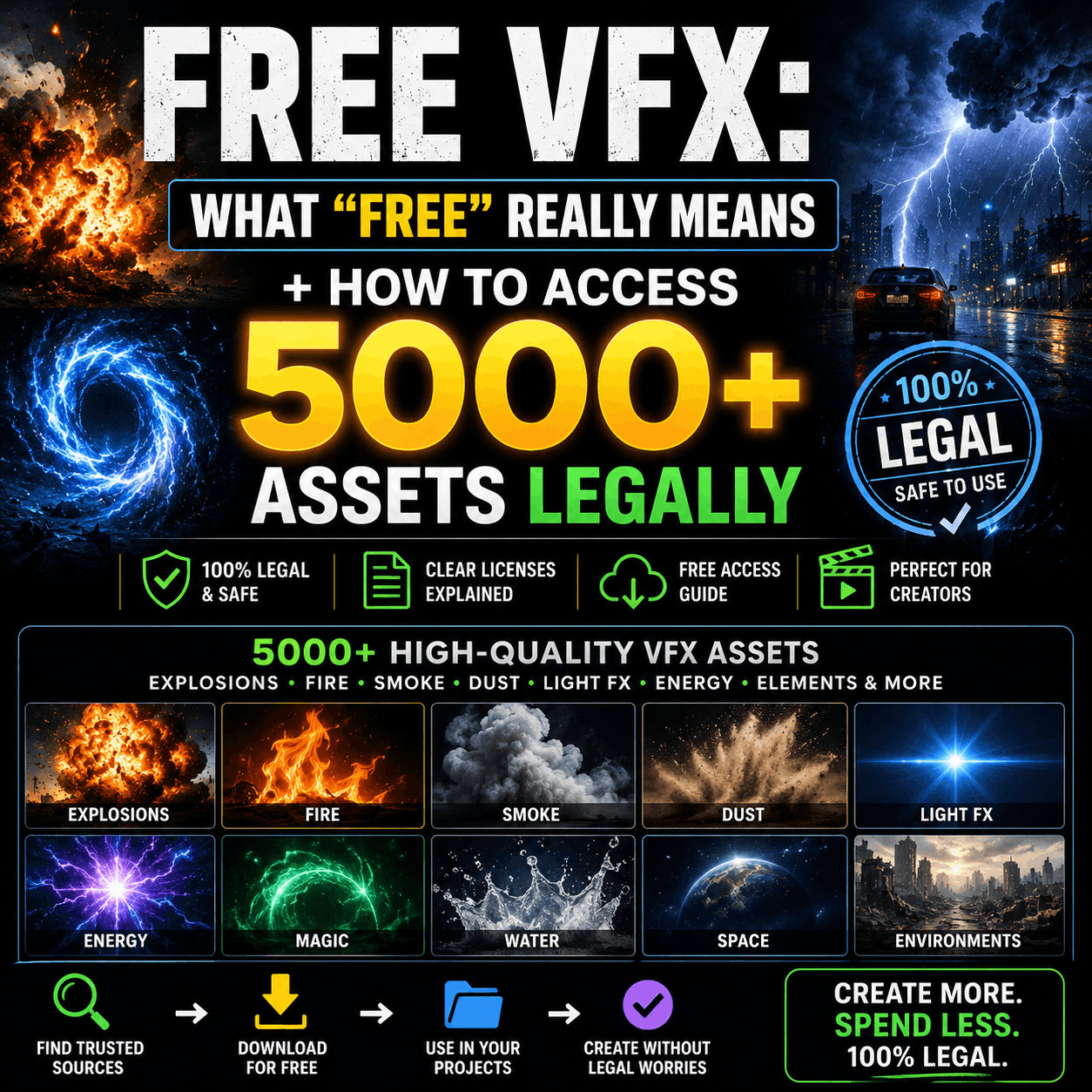
Free VFX: What "Free" Really Means + How to Access 5000+ Assets Legally
Introduction
"Free VFX" sounds simple until you realize there's no universal definition of "free."
Does it mean no watermark? No attribution required? Commercial use allowed? Modification permitted? These questions matter because downloading the wrong free VFX can expose you to copyright claims, even with zero budget involved.
This guide clarifies what "free" actually means for VFX creators, shows you where to find genuinely free bundles with bundle variety, and explains when paid tiers offer better value than free alternatives.
The Pricing Landscape: Free, Freemium, and Paid
Pure Free VFX (No Strings Attached)
True "free VFX with commercial rights" is rarer than you'd think. These effects:
- ✅ No watermark on the video file
- ✅ No attribution required (though crediting is nice)
- ✅ Commercial use allowed (YouTube monetization, client work, broadcast)
- ✅ Modification permitted (color grade, speed up, blend)
- ✅ Redistribution rights (can include in your own bundles if licensed to do so)
These are usually found on:
- Platforms' free tier offerings
- Creative Commons licensed VFX (CC0, CC-BY, CC-BY-SA)
- Creator-donated VFX packs
- Platform freemium models with generous free sections
Reality check: Pure free VFX libraries are typically smaller (50-500 effects) compared to paid platforms with 5000+ assets.
Freemium: The Best of Both Worlds
Freemium platforms offer:
- Free tier: 100-500 effects, no credit card required, commercial rights included
- Premium tier: 5000+ assets across specialized bundles, advanced features, priority support
- One library: Access all your effects from one platform, not juggling multiple sites
This model is increasingly popular because:
- Free users get genuine value (not just watermarked samples)
- Creators can upgrade when they need more bundle variety
- No bait-and-switch licensing surprises
Many creators use free tiers as their baseline for everyday effects, then download specific premium bundles when projects require specialized assets (horror VFX, muzzle flash, blood effects, etc.).
Fully Paid Models
Some platforms charge per download or subscription-only:
- Per-asset pricing: $5-50 per effect
- Monthly subscription: $10-30/month for unlimited downloads
- Lifetime access: $99-299 one-time for entire library
Cost comparison: A creator who downloads 20 effects per year pays more with per-asset pricing ($100-1000) than a $99 lifetime purchase.
The Hidden Costs of "Free" VFX
❌ Watermarks (The Most Common Trap)
Many sites offer "free" VFX that include:
- Small watermarks (removable but time-consuming)
- Large watermarks (require video editing to remove)
- Text overlays (embed credits you must keep)
Removing watermarks often:
- Takes 10-30 minutes per effect (multiply by 50 effects = 10+ hours)
- Degrades video quality if cropped or masked
- Violates licensing terms if removal is prohibited
Better approach: Download from platforms offering free VFX without watermarks rather than spending hours removing them.
❌ Restricted Commercial Use
This is the surprise that bites creators hardest.
Many free VFX bundles allow:
- ✅ Personal projects
- ✅ YouTube uploads (non-monetized)
- ❌ Commercial client work
- ❌ YouTube monetization
- ❌ Broadcast/streaming platforms
A creator produces a YouTube video with "free" VFX, monetizes it, then receives a copyright claim because the license didn't permit commercial use. The video gets demonetized or removed.
Always check the license before downloading, especially for monetized content.
❌ Attribution Requirements
Some free VFX require credit in video descriptions or on-screen:
- "Footage provided by [Site Name]"
- Link to the platform in description
- Creator credit
For short-form content (TikTok, Instagram Reels), on-screen credits reduce visual real estate and look unprofessional. Many creators consider attribution requirements a dealbreaker for free VFX.
❌ Low Resolution & Quality
Budget-conscious platforms sometimes offer:
- 720p instead of 4K (makes videos look low-budget)
- Heavily compressed files (artifacts and quality loss)
- Slow render times (poorly optimized)
- Limited variations (3 fire effects instead of 30)
Free doesn't always mean bad quality, but lower-resolution files are more common in genuinely free tiers.
Bundle Variety in Free VFX Tiers
What You Get in Free Tiers
Quality freemium platforms typically offer free bundles like:
Basic Effects (Available free):
- 20-50 explosion variations
- 30-50 transitions
- 20-30 light effects
- 10-20 color grades (LUTs)
- 5-10 motion graphics presets
Specialized Free Bundles (Often premium-only):
- Complete blood VFX packs
- Muzzle flash & gunfire effects
- Green screen composites
- CapCut mobile effects
- Fire & smoke collections
The free tier typically includes popular, broadly-useful effects, while premium unlocks specialized bundles for niche project types.
Free Tier Limitations
Free tiers usually restrict:
- Number of downloads (unlimited vs. 5 per month)
- Bundle access (popular effects only, not specialized categories)
- File formats (MOV video only, not After Effects presets or CapCut native)
- Resolution (HD max, not 4K)
- Support access (community forums, not priority help)
Premium Tier Advantages
Upgrading to paid tiers unlocks:
- ✅ 5000+ assets across all categories
- ✅ Specialized bundles (horror, action, sci-fi, mobile, etc.)
- ✅ Multiple file formats (After Effects, CapCut, Premiere, DaVinci, generic video)
- ✅ 4K resolution across all assets
- ✅ Unlimited downloads
- ✅ Priority support if integration issues arise
For creators downloading 10+ effects monthly, paid tiers often provide better value than cobbling together free VFX from multiple sites.
Where to Find Genuinely Free VFX (With Commercial Rights)
Freemium Platforms (Free Tier + Paid Upgrades)
These platforms offer:
- Commercial-licensed free effects (no attribution required)
- Watermark-free downloads even in free tier
- Diverse bundle variety (both free and paid)
- One-stop shopping (don't need multiple sites)
Best for creators who want a fallback free option but expect to upgrade for specialized projects.
Creative Commons Licensed VFX
Search for effects tagged:
- CC0 (Public Domain): Completely free, no restrictions
- CC-BY: Free with attribution required
- CC-BY-SA: Free with attribution + derivative works must share same license
Sources:
- Pexels Videos (free stock video, some VFX)
- Pixabay (free video and music)
- Mixkit (free motion graphics and video effects)
- Archive.org (thousands of effects, older but free)
Advantage: Truly free, no paywalls or limited downloads
Disadvantage: Smaller libraries, less curated, older effects may look dated
YouTube Creator Programs & Sponsorships
Some VFX platforms sponsor creators, offering:
- Free access in exchange for credit/review
- Exclusive creator tiers with free premium assets
- Affiliate programs (commission on referrals)
If you create content in video, VFX, or filmmaking, reaching out to platforms for sponsorship can unlock free premium tiers.
Community & Open-Source VFX
Some creators release free bundles:
- Blender open-source VFX projects (highly customizable)
- GitHub repositories with After Effects projects
- Artist donation packs (popular artists releasing free work)
- Patreon creator bundles (free to followers)
Advantage: Often includes source files for learning
Disadvantage: Inconsistent quality and licensing documentation
Free vs. Paid: The Real Cost Comparison
Scenario 1: Hobbyist Creators (5-10 effects/month)
Free approach:
- Use freemium free tiers: $0/month
- Time investment: 5-10 hours/month hunting, downloading, organizing
- Watermark removal: 2-5 hours/month
- Total cost: $0 + 10-15 hours labor
Paid approach:
- Monthly subscription: $10-15/month
- Time investment: 1-2 hours/month (browse, download, done)
- Zero watermark hassle
- Total cost: $10-15 + 1-2 hours labor
Verdict: If your time is worth $10-15/hour, paid is cheaper overall. If you're genuinely free-budget-constrained, freemium free tiers work fine for hobby projects.
Scenario 2: Semi-Professional Creators (20-30 effects/month)
Free approach:
- Cobble together from 3-4 free sites: $0/month
- Time investment: 15-20 hours/month managing multiple platforms
- Watermark removal: 5-10 hours/month
- Learning curve: Different interfaces, different organization
- Total cost: $0 + 20-30 hours labor
Paid approach:
- Monthly subscription: $15-25/month
- Time investment: 3-4 hours/month (centralized library, one interface)
- Zero watermark management
- Total cost: $15-25 + 3-4 hours labor
Verdict: Paid subscription pays for itself in time saved. One platform with 5000+ assets beats managing multiple free sites.
Scenario 3: Professional/Studio Creators (100+ effects/month)
Free approach:
- Not viable. Need specialized bundles, multiple formats, support
- Severe time constraints in professional workflows
Paid approach:
- Lifetime license or subscription: $100-300 total
- Time investment: Professional-grade efficiency
- Total cost: $100-300 + minimal labor
Verdict: Paid is mandatory for professional workflows. Free VFX can't match the bundle variety and format diversity required.
Licensing Red Flags: What to Avoid in "Free" VFX
🚨 Red Flag 1: "License Included" with No Details
If a free VFX site says "all effects are licensed" but doesn't specify what license means, download with caution. You might discover commercial use is prohibited only after monetizing a video.
Before downloading: Always read the actual license document, not just marketing copy.
🚨 Red Flag 2: Unclear Attribution Requirements
If credit is required but not clearly stated (e.g., "credit appreciated" vs. "credit mandatory"), you could face disputes. Some creators claim they never required credit, others say license was violated.
Safe approach: If in doubt, give credit. It costs nothing.
🚨 Red Flag 3: No License Provided at All
Some sites offer effects with zero license documentation. Technically, you have no legal right to use them at all.
Hard pass: Download only from sites with explicit license statements.
🚨 Red Flag 4: Extreme Restrictions
Licenses stating:
- "Non-commercial use only" (kills monetized YouTube content)
- "You cannot modify or adapt" (limits customization)
- "You cannot use in derivative works" (prohibits remixing)
These are "free" in name only if your project violates the terms.
Free VFX Bundle Organization by Project Type
YouTube & Content Creators
Free bundles you actually need:
- Transitions pack (50+ variations)
- Intro/outro sequences (custom branded)
- Lower-third graphics
- Text animation presets
- Thumbnail-ready graphics
Most freemium platforms offer these free because they're high-demand, broadly useful effects. Premium tiers unlock trend-specific updates (seasonal effects, viral trends).
Filmmakers on a Budget
Free bundles with realistic limitations:
- Basic explosion effects (smaller scale)
- Fire and smoke (general, not specialized)
- Basic light effects
- Generic transitions
Usually premium only (not free):
- Muzzle flash bundles (cinema-grade realism)
- Blood and injury effects
- Specialized fire effects (sci-fi, fantastical)
- Professional color grading packs
Filmmakers typically need premium bundles because cinematic VFX require higher quality standards.
Motion Graphics Designers
Free bundles available:
- Shape morphs and basic transitions
- Color correction presets
- Text animation templates
Usually premium:
- Advanced particle systems
- 3D object libraries
- Complex morphing packs
- Industry-standard plugin bundles
After Effects designers usually outgrow free tiers because design projects need endless customization options.
CapCut & Mobile Creators
Free bundles typically include:
- Basic transition effects (30-50 variations)
- Text stickers and effects
- Sound effect packs (no copyright strikes)
- Basic filters and color adjustments
Often available in free tier because CapCut has massive creator community—platforms offer generous free access to attract users. Mobile creators can often produce quality content entirely free.
Premium unlocks:
- Trend-specific effects (updated weekly)
- Advanced filters and adjustments
- Custom brand assets
- Early access to new effects
The Case for Freemium: Why Free + Paid Hybrid Works Best
Freemium platforms (free tier + paid upgrade) are increasingly popular because:
✅ Low Barrier to Entry
Creators can try before committing money. No credit card required, no watermarks in free tier. You experience the platform's quality before paying.
✅ Scalable Pricing
- Broke hobby creators: Use free tier indefinitely, zero cost
- Semi-professionals: Upgrade when projects demand specialized bundles ($10-25/month)
- Studios: Invest in lifetime licenses ($200+) for full 5000+ asset library
Everyone wins.
✅ Bundle Variety Access
Free tiers offer popular bundles (transitions, basic effects). Premium tiers unlock specialized bundles (blood VFX, muzzle flash, genre-specific packs). You get both.
✅ One-Stop Shopping
Don't manage multiple free VFX sites, each with different interfaces, licensing, and organization. One platform, scalable access.
✅ Professional Support
Free tiers often have community support. Paid tiers add priority support, crucial if integration breaks in your workflow.
Honest Assessment: Is Free VFX Actually Worth Your Time?
When Free VFX Makes Sense
- You're learning video editing (free tier = no risk)
- You have abundant time but zero budget (hobby projects)
- You only need 5-10 effects per project (don't need massive bundle variety)
- You're okay with attribution requirements and limited bundle specialization
When Free VFX Wastes Your Time
- You're monetizing content (restricted licensing becomes a problem)
- You work across multiple software (need multiple file formats, rare in free tiers)
- You produce frequently (managing multiple free sites = administrative overhead)
- You need specialized effects (blood, muzzle flash, genre-specific bundles usually premium)
The 5000+ Asset Advantage: When Upgrading Pays Off
Platforms with 5000+ assets offer:
Breadth:
- 300+ explosion variations (vs. 10 in free tier)
- 30+ explosion bundle types (realistic, stylized, sci-fi, etc.)
- Specialized bundles (horror, action, motion graphics, mobile)
- Multiple file formats in same bundle (After Effects, CapCut, Premiere, video)
Consistency:
- All 5000+ assets from same creators (consistent quality/aesthetic)
- Unified organization (find what you need in seconds, not hours)
- Cohesive visual language (effects that work together)
Flexibility:
- Swap out bundle formats based on project software
- Access effects across 8+ categories without switching sites
- Scale from free tier to premium without relearning platform
A creator working with 5000+ curated assets in one library is dramatically more efficient than cobbling together free effects from 5 different platforms with inconsistent quality and licensing.
Conclusion: Free VFX Isn't Free When You Factor in Time
True "free VFX" exists, but the hidden costs—watermark removal, restricted licensing, time managing multiple sites, limited bundle variety—often exceed the cost of freemium or paid platforms.
Best practice for most creators:
- Start with freemium free tier (zero cost, no watermarks, commercial rights)
- Explore what effects you actually use (transitions? explosions? CapCut effects?)
- Upgrade to paid tier only for bundles you repeatedly need
- Benefit from 5000+ asset library, multiple formats, and one centralized platform
This approach gives you the best of both worlds: free access for everyday effects, plus paid options for specialized bundles without breaking your budget.
Question to ask yourself: Is my time worth more than $10-20/month? If yes, invest in a paid tier or freemium upgrade. The time saved hunting and organizing free effects pays for itself in weeks.
Next step: Try a freemium platform's free tier. If you upgrade, you'll likely save money and time compared to managing multiple free VFX sites. If you stay free, you've proven you don't need premium bundles—stick with free tier indefinitely.

 Premium Plans