Premium Plans

5,000+ Free Video Editing Assets: VFX, Transitions, Overlays & Music
5,000+ Free Video Editing Assets: VFX, Transitions, Overlays & Music
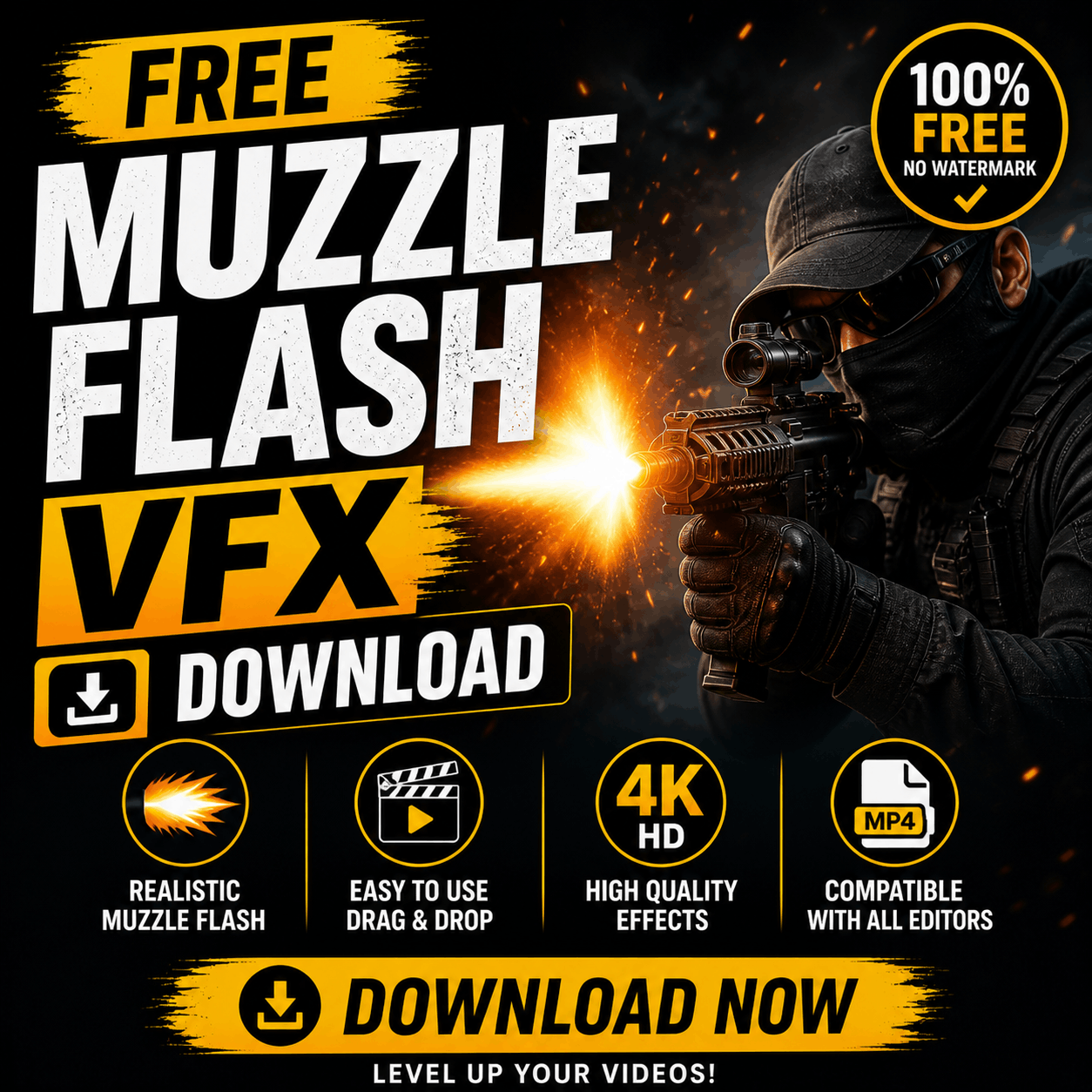
Download free muzzle flash VFX effects. Realistic gunfire for action videos, pranks, and reaction content. Multiple gun types (pistol, rifle, shotgun, sniper). CapCut optimized, no watermarks, royalty-free.

A muzzle flash is the bright burst of light and fire that erupts from a gun barrel when fired. In VFX, it's a digital effect overlay that adds realism to action footage. Perfect for:
Compact, snappy flash. Used for close-range combat, shootouts, and quick shots. Typically 0.1–0.2 seconds duration. Best opacity: 85–95%.
Larger, more sustained flash with smoke. Used for distance shots and military-style scenes. Duration: 0.15–0.3 seconds. Better with layered smoke effects.
Wide, explosive flash with heavy recoil look. Great for slapstick comedy and action slapstick. Duration: 0.2–0.4 seconds.
Concentrated, dramatic flash. Used for movie-style assassination scenes or comedic sniper jokes. High-impact effect.
The flash must sync with the action. If your character pulls the trigger at frame 45, place the muzzle flash to start at frame 45. Audio-visual sync is critical for believability.
Professional gunfire uses 2–3 overlapping effects: initial bright flash + smoke plume + subtle secondary flash. Layer them at slightly different opacities for depth.
Don't use a sniper flash for a pistol shootout. The effect must match the gun size and power level.
In CapCut, animate the camera with a subtle shake or zoom to simulate recoil. This adds cinematic realism.
Muzzle flash without sound = fake-looking. Always pair with matching gunshot audio (CapCut has a library of realistic shots).
Premium gunfire effects cost $50+. MyCreativeFX delivers realistic, layerable muzzle flashes 100% free. Same quality, zero cost. Use in unlimited projects (monetized videos included).
CapCut (Mobile): Simplest, one-click import, mobile-optimized
Adobe Premiere Pro: More control over properties, professional-grade
DaVinci Resolve: Free alternative, advanced color control
iMovie: Limited effect support, not recommended
Conclusion: CapCut is fastest; Premiere Pro for control; DaVinci Resolve for free + professional.
Muzzle flash effects are 100% legal to use in:
Do NOT use for: Threatening messages, fake crime scenes presented as real, or content intended to deceive audiences.
Muzzle flash VFX elevate action content from amateur to cinematic. Download free effects from MyCreativeFX, pair with sound design, and watch your engagement spike.