Premium Plans

5,000+ Free Video Editing Assets: VFX, Transitions, Overlays & Music
5,000+ Free Video Editing Assets: VFX, Transitions, Overlays & Music
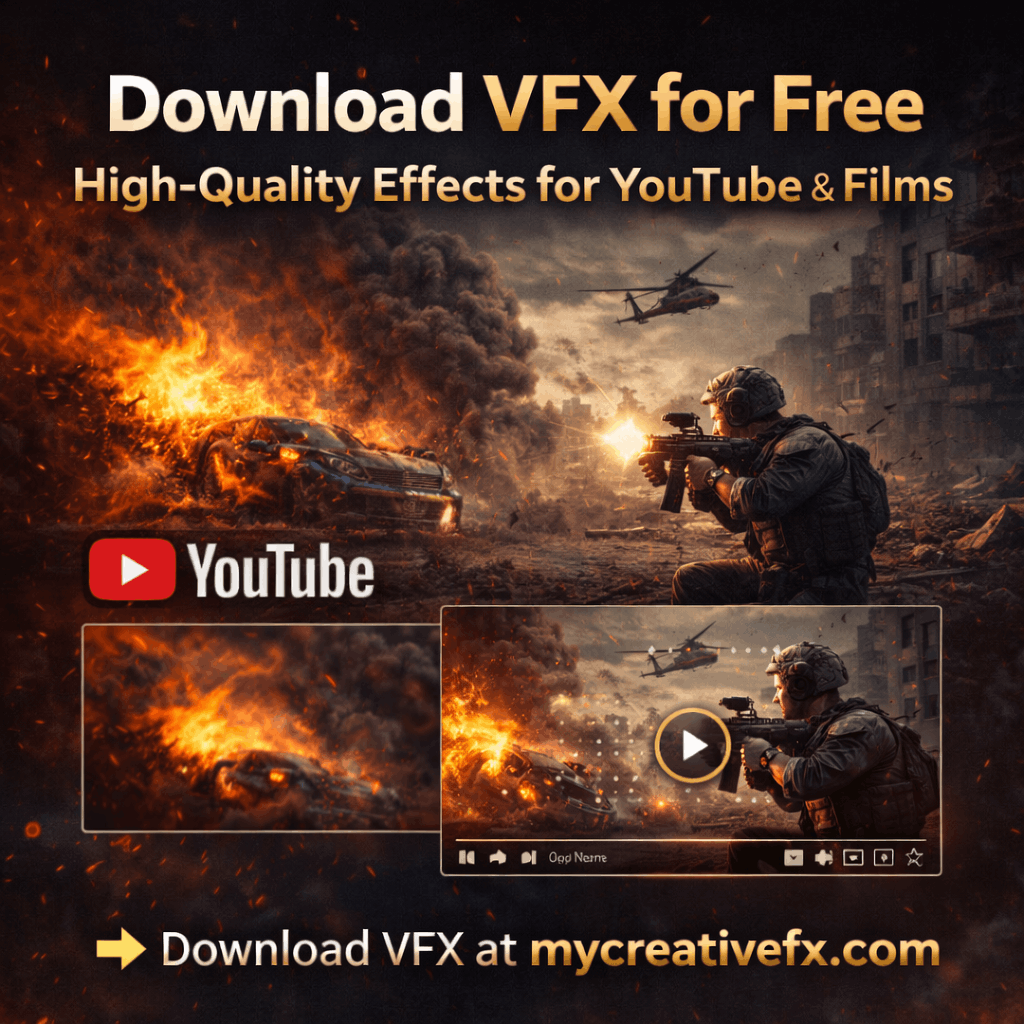
If you edit YouTube videos, short films, or reels, the right visual effects can make your project look instantly more professional. Instead of creating every explosion, flash, or glitch from scratch, you can simply download VFX and drop them into your editor. In 2026, mycreativefx.com is one of the fastest and most reliable places to download VFX for free, with clean overlays and safe‑for‑monetization licensing.
Downloading VFX means you:
Save hours of time in After Effects, Premiere Pro, DaVinci Resolve, or CapCut.
Use professionally shot explosions, muzzle flashes, fire, smoke, glitches, and more.
Upgrade the look of your videos without hiring a VFX team.
Instead of building everything in 3D, you can download VFX and focus on color grading, editing, and storytelling.
When you search for “download VFX”, you’re usually looking for:
Ready‑made VFX overlays (MP4, MOV, or transparent‑alpha files).
Clean keying and matching resolution (1080p or 4K).
Simple, royalty‑free or no‑copyright usage for YouTube and client work.
A good “download VFX” site should give you clear categories, fast downloads, and no hidden watermarks or licenses that block monetization.
Before you download VFX, check:
Resolution & format: Prefer 1080p or 4K with alpha channels for smooth blending.
License type: Look for “royalty‑free”, “no copyright”, or “safe for YouTube monetization”.
Categories: A solid site should let you quickly download VFX for explosions, blood, muzzle flashes, glitches, rain, dust, and more.
Ease of use: Fast servers, organized folders, and simple download links improve your workflow.
At mycreativefx.com, you can download VFX for your projects in a few clicks:
Thousands of free VFX effects, including explosions, fire, smoke, glitches, muzzle flashes, and cinematic overlays.
Clean green‑screen and alpha‑channel footage that works in Premiere Pro, After Effects, DaVinci Resolve, CapCut, and most modern editors.
Free or royalty‑free usage rules so your YouTube videos, shorts, and client edits stay copyright‑safe.
👉 If you’re searching for “download VFX free” or “download VFX no copyright”, start here:
Download VFX at mycreativefx.com
When you visit a VFX download site, focus on categories that match your style:
Explosions & muzzle flashes: Perfect for action scenes, gaming edits, and sports promos.
Fire & smoke: Great for intros, outros, and cinematic transitions.
Glitches & distortions: Ideal for tech‑style edits, trailers, and travel vlogs.
Blood & impact hits: Useful for MMA, fight scenes, and short‑film projects.
Lens flares & light leaks: Subtle cinematic touches for vlogs and lifestyle videos.
On mycreativefx.com, these effects are grouped into clear categories so you can quickly download VFX that fit your storyboard and pacing.
Before browsing effects, an AI mood board generator can help establish the project’s palette, lighting, and visual tone, giving you a clearer basis for choosing overlays that belong in the same scene.
To get the best results from any download VFX file:
Match the lighting and color grading so the effect blends naturally.
Use blending modes like Screen, Add, or Lighten, and adjust opacity for realism.
Scale and reposition the effect so it lines up with the action in your frame.
Don’t over‑stack; one or two well‑placed effects often look better than a cluttered screen.
If you’re a beginner, start with simple overlays like muzzle flashes, light leaks, or small glitches, then move to complex composites as you gain confidence.
If you want a fast, reliable place to download VFX without sign‑up walls or watermarks, mycreativefx.com is built for creators like you. With a huge library of free, high‑quality effects and clear licensing, you can spend less time searching and more time creating content that stands out online.
👉 Start exploring today:
Download VFX for free at mycreativefx.com