Smoke adds mystery, intensity, and cinematic atmosphere to any scene. Whether you're working on an action-packed short film, a moody music video, or a viral YouTube reel, a smoke overlay video can instantly elevate your visuals. At MyCreativeFX.com, we offer smoke overlay video free downloads in ultra high-quality 4K, ready for both professional and mobile editors.
In this blog, we’ll guide you through everything you need to know about using smoke FX overlays, including:
What they are
Why you need them
What formats we offer
How to use them in your edits
Direct download links
And bonus tips to get more out of your visuals
A smoke overlay video is a pre-rendered VFX file featuring realistic smoke or fog effects that can be layered over your existing footage in post-production. These overlays are widely used by filmmakers, content creators, YouTubers, and VFX artists to add:
Depth and realism to scenes
Environmental haze or fog
Dramatic atmospheres (war zones, slow-mo, mystery, etc.)
Transitions between scenes
Explosions, fire, or battle FX
Smoke overlays are non-destructive — they don’t alter your footage. You just place them in your editing timeline above your video and adjust blending or chroma key settings.
We understand that creators work across different platforms — that’s why we offer two high-quality formats for all smoke FX:
✅ Perfect for Adobe After Effects, Premiere Pro, Final Cut Pro, DaVinci Resolve
✅ Pre-keyed, no background — just drag and drop
✅ 4K Resolution (3840 x 2160) for high-end production
✅ Optimized for mobile editors using CapCut, Kinemaster, VN Editor, and more
✅ Easy to chroma key (remove green) and use on the go
✅ Small file size, fast rendering
👉 Download Smoke Overlay Video Free
Smoke is more than just a visual filler — it tells a story. Here's why creators love using smoke overlays:
A simple scene turns dramatic when layered with slow-moving smoke or fog. It instantly adds emotion and mystery.
In fight scenes, gunshots, fire blasts, or chase sequences, adding smoke creates impact and realism.
Smoothly blend two shots by placing smoke between them — it works great as a creative transition.
Creators use smoke overlays to give their Instagram or YouTube Shorts a stylized look without the need for real-world shooting.
Explosion FX
Battlefields & war scenes
Sci-fi fog and magical mist
Cigarette or incense smoke
Fantasy or horror ambiance
Slow-motion dramatic edits
City and street atmosphere
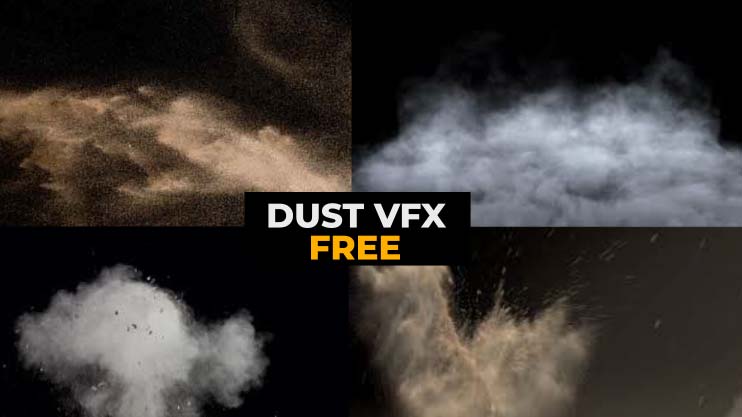
Combine with our Fire FX, Dust FX, or Spark FX for layered, realistic environments.
Here’s a quick step-by-step guide to using your downloaded smoke overlays:
Import the .MOV overlay into your video timeline
Place above your main footage
Use Screen, Add, or Lighten blending mode
Adjust opacity or scale to fit your shot
Done! You’ve added cinematic smoke.
Import the green screen smoke video
Use chroma key or remove background
Layer above your footage
Resize or reposition if needed
Export in high quality
💡 Tip: Speed up or slow down the clip to change smoke movement based on your scene's mood.
✅ 4K Smoke Overlays (3–5 seconds)
✅ Transparent Fire Smoke (ProRes)
✅ Green Screen Smoke Loops (MP4)
✅ Drag-and-drop ready
✅ Compatible with all major editing software
🎁 Free Download – Smoke Overlay Video
Our smoke overlays are tested and optimized for:
Adobe Premiere Pro
After Effects
Final Cut Pro
DaVinci Resolve
CapCut
VN Editor
Kinemaster
InShot
Alight Motion
Whether you're editing on PC or phone, you can easily apply smoke FX in seconds.
Smoke looks even better when used alongside:
Create multi-layered compositions with our full Action FX Bundle to impress your audience.
🧠 Designed by creators, for creators
🌍 Worldwide compatibility (ProRes + MP4)
💥 High-quality 4K resolution
✅ Easy-to-use formats for beginners and pros
🆓 100% free downloads available

















 Premium Plans