 Premium Plans

Best Higgsfield AI Alternatives for Better Video Creation
Best Higgsfield AI Alternatives for Better Video Creation
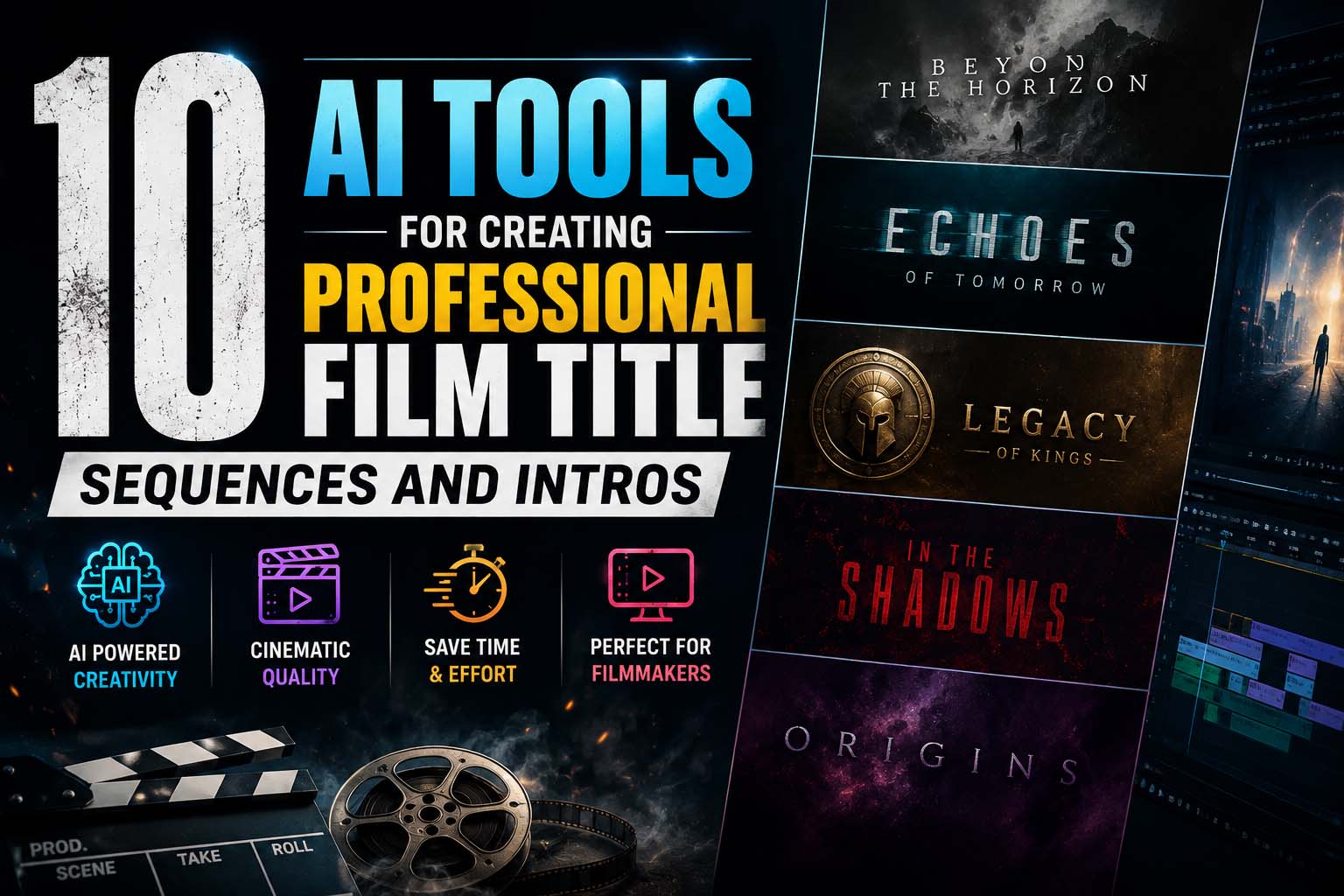
A feature film's opening titles and a YouTube channel's intro sting are solving the same basic job, establishing tone and identity in a few seconds, at completely different scales of budget, craft, and audience patience. A broadcast title sequence can spend two minutes building atmosphere; YouTube's own viewership data shows drop-off starting around the 15-second mark, so a channel intro usually needs to land in 5 to 10 seconds. This list spans both ends, from broadcast-grade compositing tools to fast, template-driven intro makers built for exactly that shorter attention window.
|
Tool |
Best for |
Key feature |
Starting price |
|---|---|---|---|
|
invideo agent |
An opening sequence sharing a full project's visual identity |
Persistent context engine plus 200+ integrated generative models |
$17/month; team and enterprise options available |
|
Kittl |
Distinctive title typography and credit graphics |
AI text-to-vector engine built around advanced typographic control |
Free tier; $12/month |
|
Adobe After Effects |
Frame-exact broadcast title sequences with full compositing control |
AI-assisted rotoscoping, tracking, and motion design |
~$34.49/month |
|
Storyflow |
Planning a title sequence's brief and style before animating |
Canvas-aware AI connecting brief, moodboard, and storyboard |
Free |
|
Renderforest |
Fast, template-driven intros with AI generation built in |
50,000+ intro templates plus an AI intro maker from a text prompt |
Free tier; $9.99/month |
|
Panzoid |
Free, highly customizable YouTube intros with a 3D template world |
Community-built templates in a 3D scene editor |
Free; $1.99/month |
|
Kaiber |
Music-synced, stylized opening sequences |
Custom Models trained on a visual style, paired with camera presets |
$5/month |
|
Recraft |
Consistent vector graphics for supporting title elements |
AI vector generation with brand style consistency |
Free tier; ~$10/month |
|
CapCut |
Fast, mobile-friendly intro templates for short-form creators |
Large template library with word-by-word animated text timing |
Free; ~$20/month |
|
Leonardo AI |
Establishing a title sequence's visual world through key art |
Character and style reference tools for consistent concept art |
Free tier; $12/month |
Most title and intro tools treat the opening as a standalone graphic, designed once and dropped in front of whatever follows. invideo agent generates a title sequence inside the same project as the rest of a video, using the persistent context engine that holds characters, locations, and visual style consistent throughout, so an opening actually shares a visual language with the content it introduces rather than reading as a separately-designed asset.
The platform routes that generation to whichever of its 200+ integrated models fits the intended look, including Veo 3.1, Sora 2, Kling 3.0, Seedance 2.0, Runway, PixVerse, Hailuo, WAN, Recraft, GPT Image 2.0, and Nano Banana, and Camera Controls let a director apply a deliberate move, a slow reveal, a push through an environment, as the opening plays out.
Best for: projects that want an opening sequence generated with the same visual identity as everything that follows, rather than designed as a separate graphic.
Where it falls short: it isn't a dedicated typography or template tool, so a creator who just needs a fast, templated YouTube intro will find a purpose-built intro maker quicker for that narrower job.
Pricing: plans start at $17/month, with team and enterprise options also available.
Kittl's AI text-to-vector engine is built specifically around advanced typographic control, which makes it a strong fit for a title card's most important single element: the actual title text, whether that's a feature film's opening credit or a channel's wordmark.
Best for: designing distinctive title typography and credit-sequence graphics with precise text control.
Where it falls short: its AI video feature is generation-only with no timeline editor, so animating the typography still requires exporting into a separate motion tool.
Pricing: free tier available; Pro plan from $12/month.
After Effects remains where professional motion designers actually finish broadcast title sequences, with 2026 AI updates adding assisted rotoscoping, tracking, and in-painting on top of an already industry-standard compositing toolset, delivering the frame-level timing and easing control pure AI generators still can't match.
Best for: professional motion designers finishing broadcast-grade title sequences that need exact, hands-on control.
Where it falls short: the learning curve is steep and takes months to navigate, a poor fit for anyone who needs fast output over precise craft.
Pricing: roughly $34.49/month as a single app, or included in the Creative Cloud all-apps plan.
Storyflow's canvas connects a project's brief, moodboard, and storyboard in one AI-aware space, and it's been used specifically to plan title sequences and brand intros from brief through animatic before any keyframing begins, since a title sequence is one of the more expensive things to redo once animation has started.
Best for: developing a title sequence or intro's creative direction and style frames before committing to animation.
Where it falls short: it's a planning tool, not an animation or rendering engine, so the sequence still gets built somewhere else once the direction is locked.
Pricing: free, with unlimited boards.
Renderforest is one of the longest-running names specifically in intro-making, with a catalog of over 50,000 templates and, as of 2026, an AI intro maker that generates a polished intro directly from a text prompt or chosen style rather than requiring a template to be picked first.
Best for: fast, professional-looking intros for logo reveals, brand openers, and YouTube channels without starting from a blank canvas.
Where it falls short: the free plan caps output at 360p with a watermark, and full customization depth trails a dedicated compositing tool like After Effects.
Pricing: free tier available; Lite plan from $9.99/month.
Panzoid is built around a genuinely different interface from most intro makers: a 3D scene editor where a creator can place and animate elements in real space, backed by a large community of user-submitted templates that can be customized rather than only a fixed in-house library.
Best for: highly customizable YouTube intros on a completely free plan, for creators willing to work through a less polished interface.
Where it falls short: the interface looks and feels dated compared with newer competitors, and it's not beginner-friendly without following a tutorial first.
Pricing: free version available with a watermark; Starter plan from $1.99/month (annual).
Kaiber's Custom Models let a creator train the platform on a specific visual style, then apply that look consistently across a title sequence's imagery, paired with camera presets suited to the kind of sweeping movement that fits an opening reveal or a music-synced channel intro alike.
Best for: stylized, music-synced opening sequences built around a specific trained visual identity.
Where it falls short: Custom Models training is locked behind the Creator tier, and the credit system can be harder to predict than the sticker price suggests.
Pricing: Explorer plan from $5/month.
Recraft's AI vector generation keeps a color palette, line weight, and overall visual language consistent across every generated asset, which matters for a title sequence or intro's supporting graphics, a recurring logo treatment, chapter cards, lower thirds, that need to look like one coherent system.
Best for: generating consistent vector graphic elements that support a broader title or intro visual system.
Where it falls short: it's an image and vector generation tool rather than an animation platform, so motion still needs to be added downstream.
Pricing: free tier available; paid plans from roughly $10/month.
For creators who don't need a fully custom broadcast title sequence, CapCut's large template library and word-by-word animated text timing get a professional-looking intro assembled quickly from a phone, without a motion-design background.
Best for: fast, template-driven intros for short-form or independent creators on a tight timeline.
Where it falls short: it's built for speed and templates rather than the fully custom, frame-exact typography a broadcast title sequence usually calls for.
Pricing: free plan available; Pro plan around $20/month.
Before a title sequence or intro's motion gets built, its visual world often needs establishing through key art, mood, palette, iconography, and Leonardo AI's character and style reference tools keep that key art consistent across multiple generated images, giving a motion designer a coherent target to animate toward.
Best for: establishing a title sequence or intro's visual world through consistent concept and key art before animation begins.
Where it falls short: it's a stills tool, so it feeds into development rather than producing the finished, animated result itself.
Pricing: free tier with 150 daily tokens; paid plans from $12/month.
An opening sequence sharing the full project's visual identity → invideo agent
Distinctive title typography and credit graphics → Kittl
Frame-exact, broadcast-grade title compositing → Adobe After Effects
Planning the brief and style frames before animating → Storyflow
Fast, AI-generated intros from a text prompt → Renderforest
Free, highly customizable YouTube intros → Panzoid
Stylized, music-synced opening sequences → Kaiber
Consistent vector graphics for supporting elements → Recraft
Fast, template-driven intros for short-form creators → CapCut
Establishing a visual world through key art → Leonardo AI
What's actually different between a feature film's title sequence and a YouTube intro? Mostly scale and pacing. A film title sequence can run one to three minutes and build atmosphere gradually, while a YouTube intro typically needs to land in 5 to 10 seconds before viewer drop-off begins. Broadcast tools like After Effects and Cinema 4D suit the former; fast template tools like Renderforest, Panzoid, and CapCut suit the latter.
Is there a genuinely free way to make a custom YouTube intro? Yes. Panzoid's free plan includes a full 3D template editor with a watermark, and CapCut's free plan covers template-driven intros with no watermark on export, though Renderforest's free tier caps output at 360p.
Can AI generate an intro directly from a text prompt now, or is it still template-based? Both exist. Renderforest's AI intro maker generates an intro from a text description or chosen style rather than requiring a template first, while Panzoid and most competitors remain primarily template-and-customize workflows.
Can a title sequence be generated to automatically match the rest of an AI-made film or video? This is the specific gap invideo agent is built to close: because the title sequence can be generated inside the same project as the rest of the video, using the same persistent context engine and model routing, it shares that project's established visual identity rather than being designed as a disconnected graphic.
Is professional title or intro design free to test on any of these platforms? Several offer usable free tiers, including Kittl, Storyflow, Panzoid, CapCut, Recraft, and Leonardo AI, though full resolution, watermark-free export, and the deepest customization typically require a paid plan.