Premium Plans
Why VFX Downloads Matter in 2025
The short-form video boom has completely changed content creation. In 2025, creators on TikTok, Reels, and YouTube Shorts are producing studio-level visuals from their phones. The secret? Free VFX overlays — pre-rendered effects you simply drop over your footage in CapCut, Premiere Pro, or DaVinci Resolve.
A well-placed fire overlay, muzzle flash, or glitch transition can transform a 15-second clip from average to viral. But finding truly free, high-quality VFX downloads — without hidden watermarks or paywalls — is harder than it looks.
That's where MyCreativeFX comes in. With 5,000+ free and premium effects spanning fire, smoke, rain, explosions, CapCut overlays, cinematic transitions, and AI-generated assets, it's the largest royalty-free VFX library built specifically for short-form creators.
Quick fact: Over 80% of viral short-form videos use some form of VFX overlay — from subtle light leaks to full-blown fire and explosion effects. Knowing how and where to download these effects for free puts you ahead of 90% of creators.
Top VFX Categories to Download in 2025
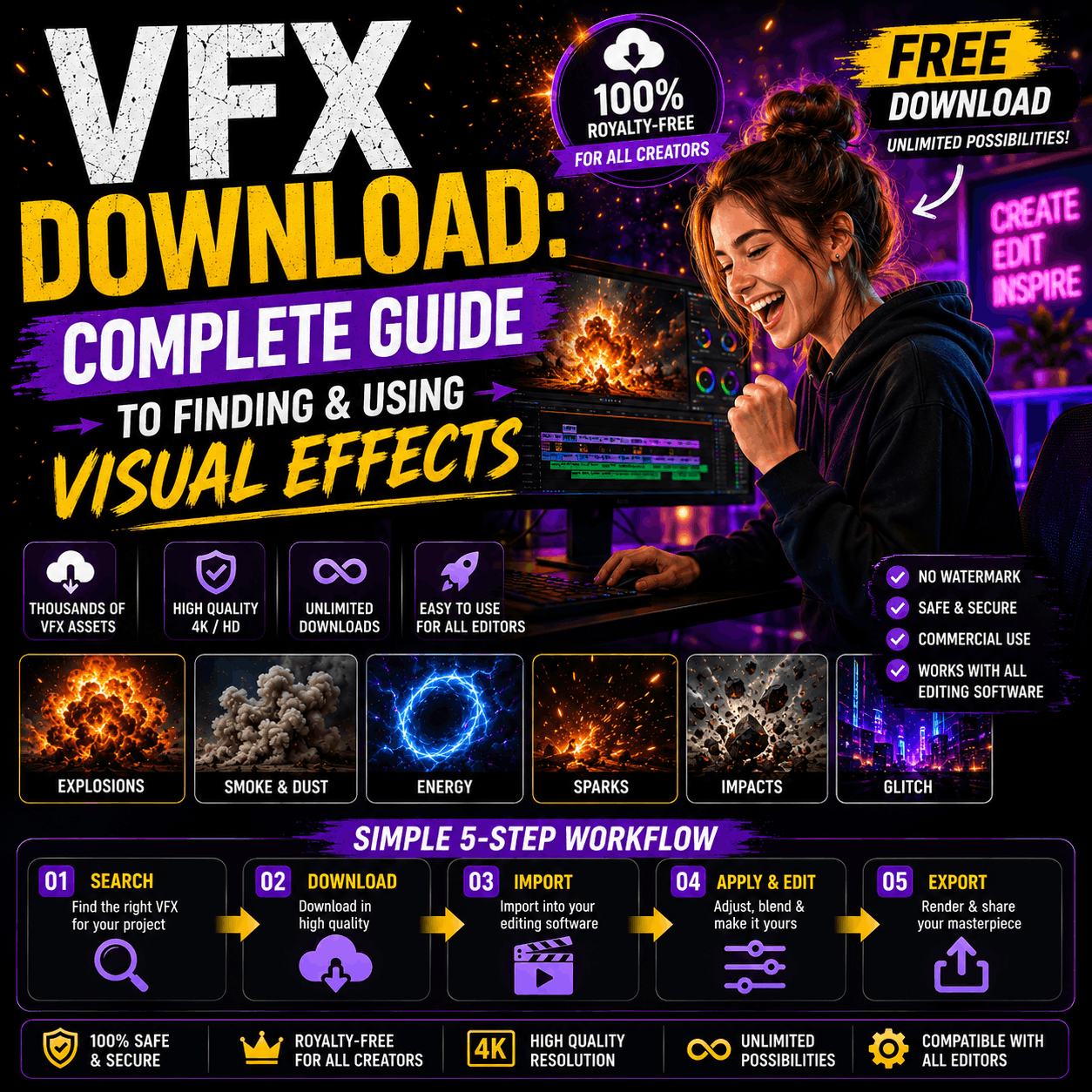
Not all VFX are created equal. Below are the highest-demand VFX categories for short-form video creators this year:
Fire & Flame VFX
Realistic fire overlays for cinematic drama. Works perfectly in CapCut, Premiere Pro and After Effects using Screen blend mode.
Smoke & Fog Effects
Atmospheric smoke loops for moody storytelling. Loop-ready, perfect for 4K timelines and short-form content.
Explosion VFX
Shockwave blasts, debris, and pyro overlays for action edits. Huge demand on TikTok and YouTube Shorts.
Muzzle Flash Effects
Realistic gun muzzle flashes for cinematic action sequences. Alpha-channel ready for transparent compositing.
Rain & Weather VFX
Rain overlays, snow loops, and storm effects for emotional, atmospheric edits. Great for music videos and montages.
Light Leaks & Flares
Film-style light leaks and lens flares to add a cinematic, analog feel to digital footage. Perfect for CapCut transitions.
Lightning & Energy
Electric arcs, energy bursts, and plasma effects for superhero-style video edits and gaming content.
CapCut Overlay Packs
Ready-to-use CapCut VFX overlays — pre-optimized for 9:16 vertical video format with no extra setup required.
Top Free VFX Download Sites — Compared
There are a handful of platforms that offer free VFX downloads. But they're not all equal in terms of quality, file formats, licensing terms, and how creator-friendly they actually are. Here's how the top options stack up:
| Platform | Free Effects | 4K Quality | No Watermark | Royalty-Free | CapCut Ready |
|---|---|---|---|---|---|
| MyCreativeFX | 5,000+ | ✓ | ✓ | ✓ | ✓ |
| FootageCrate | ~800 | ✓ | ✓ | ✓ | ✗ |
| ActionVFX | ~50 free | ✓ | ✗ | Paid only | ✗ |
| Pexels Video | General stock | ✓ | ✓ | ✓ | ✗ |
| Motion Array | Limited | ✓ | Watermarked | Paid | ✗ |
MyCreativeFX is the clear winner for creators who need a large, high-quality, truly free VFX library with no strings attached — and a focus on short-form video formats like CapCut.
How to Download and Use Free VFX
Downloading VFX is just half the battle. Here's the full workflow — from finding the right effect to compositing it in your video editor:
-
1
Browse and Download
Head to mycreativefx.com/effects and filter by category. Choose your effect and hit Download — no account required for free assets.
-
2
Check the File Format
Most high-quality VFX come in MOV (with alpha) for transparent compositing, or MP4 (black background) for use with Screen or Add blend mode.
-
3
Import to Your Editor
Drag the VFX file into CapCut, Premiere Pro, DaVinci Resolve, or After Effects on a layer above your main footage.
-
4
Set Blend Mode
For dark-background VFX (fire, smoke, sparks), set the blend mode to Screen or Add. For MOV files with transparency, leave at Normal.
-
5
Scale, Position and Keyframe
Resize and reposition the effect to match your scene. Add keyframes for movement if needed. Adjust opacity for realism.
Free VFX Downloads for CapCut in 2025
CapCut has become the most popular video editor for short-form creators worldwide — especially in India, Southeast Asia, and Latin America. MyCreativeFX has built a dedicated collection of CapCut-ready VFX overlays optimized for 9:16 vertical format.
Why CapCut VFX Are Different
CapCut handles video overlays differently from desktop editors. The app doesn't support native alpha-channel transparency from MOV files on all devices. That's why our CapCut packs are specifically formatted as MP4 files with black backgrounds — so you simply drag them in and switch to Screen blend mode. One tap, done.
Best CapCut VFX Categories to Download
- CapCut fire overlays — perfect for energy and hype edits
- CapCut glitch transitions — viral beat-sync transition effects
- CapCut light leaks — cinematic warmth for lifestyle content
- CapCut rain overlays — moody, emotional aesthetic
- CapCut dust particles — adds texture and filmic grain
Pro Tips for Using Free VFX Downloads
1. Layer Multiple Effects
Don't be afraid to stack effects. A scene with a fire overlay, light leak, and subtle dust particles will look infinitely more cinematic than any single effect alone.
2. Match the Color Grade
Always color-match your VFX to your footage. A warm orange-tinted fire effect looks out of place over a cold blue-graded clip. Adjust the hue and saturation of your overlay to blend naturally.
3. Use Timing to Create Impact
Cut your VFX precisely to the beat of the music. A muzzle flash or explosion that hits exactly on a drum kick amplifies the impact dramatically. Short-form audiences notice this immediately.
4. Don't Overdo It
More effects don't mean better video. Use VFX purposefully. One well-placed explosion or fire overlay beats a cluttered screen of random effects every time.
VFX File Formats Explained
Understanding file formats saves you hours of troubleshooting. Here's a quick breakdown of what you'll encounter when you download VFX:
- MOV with Alpha — Transparent background. Best for desktop editors (Premiere, After Effects, DaVinci). Largest file size.
- MP4 (Black BG) — Black background. Use Screen/Add blend mode. Works in CapCut, mobile editors, and desktop.
- PNG Sequences — Frame-by-frame transparent image sequence. Best quality, highest flexibility. Larger storage requirement.
- GIF — Lower quality, small file size. Useful for quick web use but not recommended for professional video.
Final Thoughts — Where to Get Your Free VFX in 2025
The demand for high-quality, truly free VFX downloads has never been higher. With platforms like CapCut making pro editing accessible to everyone, the only thing separating good content from great content is the quality of your effects library.
MyCreativeFX offers the most comprehensive free VFX download library built specifically for short-form creators — 5,000+ effects, no watermarks, no hidden fees, and fully royalty-free. Whether you need fire overlays, muzzle flashes, CapCut-ready packs, or AI-generated effects, everything is available to download instantly.
Start building your VFX library today and give every edit the production value it deserves.
Download 5,000+ Free VFX Today
No watermarks. No subscriptions. Just professional effects — ready to use in CapCut, Premiere Pro, and After Effects.
Browse Free VFX Downloads →