Premium Plans

5,000+ Free Video Editing Assets: VFX, Transitions, Overlays & Music
5,000+ Free Video Editing Assets: VFX, Transitions, Overlays & Music
Step-by-step Tutorial:
Start with Base Footage: Record or choose a clip with a simple action—like someone running or ducking—without any VFX.
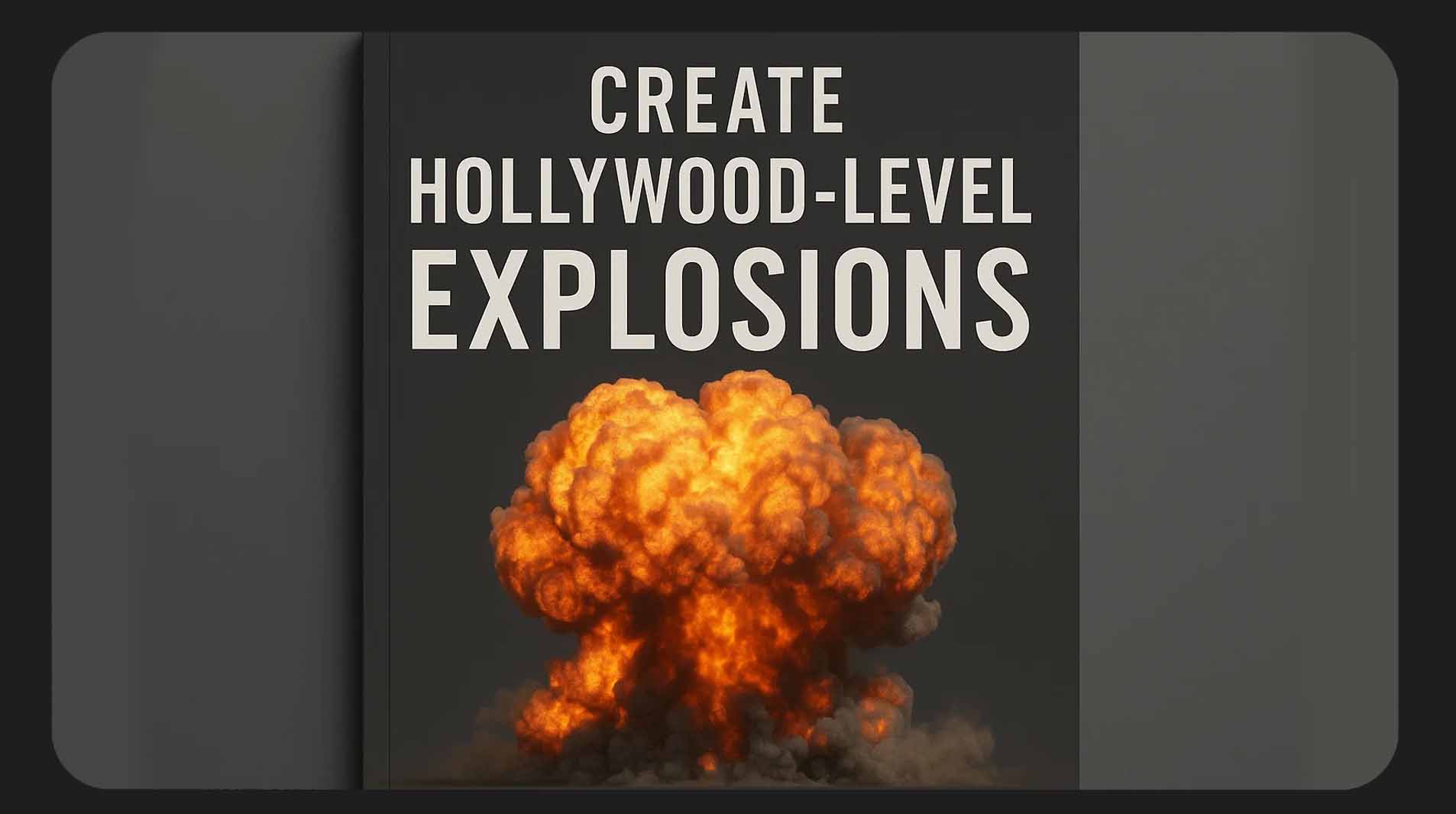
Add Fireball: Import a fireball VFX asset into After Effects. Place it at the point of explosion. Use blending modes like "Add" or "Screen" to integrate it.
Overlay a Shockwave: Add a radial shockwave element to simulate the blast's outward energy. Scale and time it so it expands just after the fireball.
Debris and Rubble: Use flying debris assets to sell the power of the explosion. Track motion if needed to match the camera move.
Smoke and Atmosphere: Layer in thick smoke clouds and lighter wispy smoke. This not only adds realism but also masks VFX seams.
Color Grading: Finish with a warm color grade. Boost reds, oranges, and yellows. Use LUTs if needed to unify the shot.
Sound FX: Use explosive sound effects to complete the illusion. Sync them with the visuals.
SEO Keywords: how to use explosion vfx, realistic explosion effect, vfx explosion tutorial, after effects explosion
CTA: Don't start from scratch. Download our FREE 4K Explosion Starter Pack to follow along!