Premium Plans

5,000+ Free Video Editing Assets: VFX, Transitions, Overlays & Music
5,000+ Free Video Editing Assets: VFX, Transitions, Overlays & Music
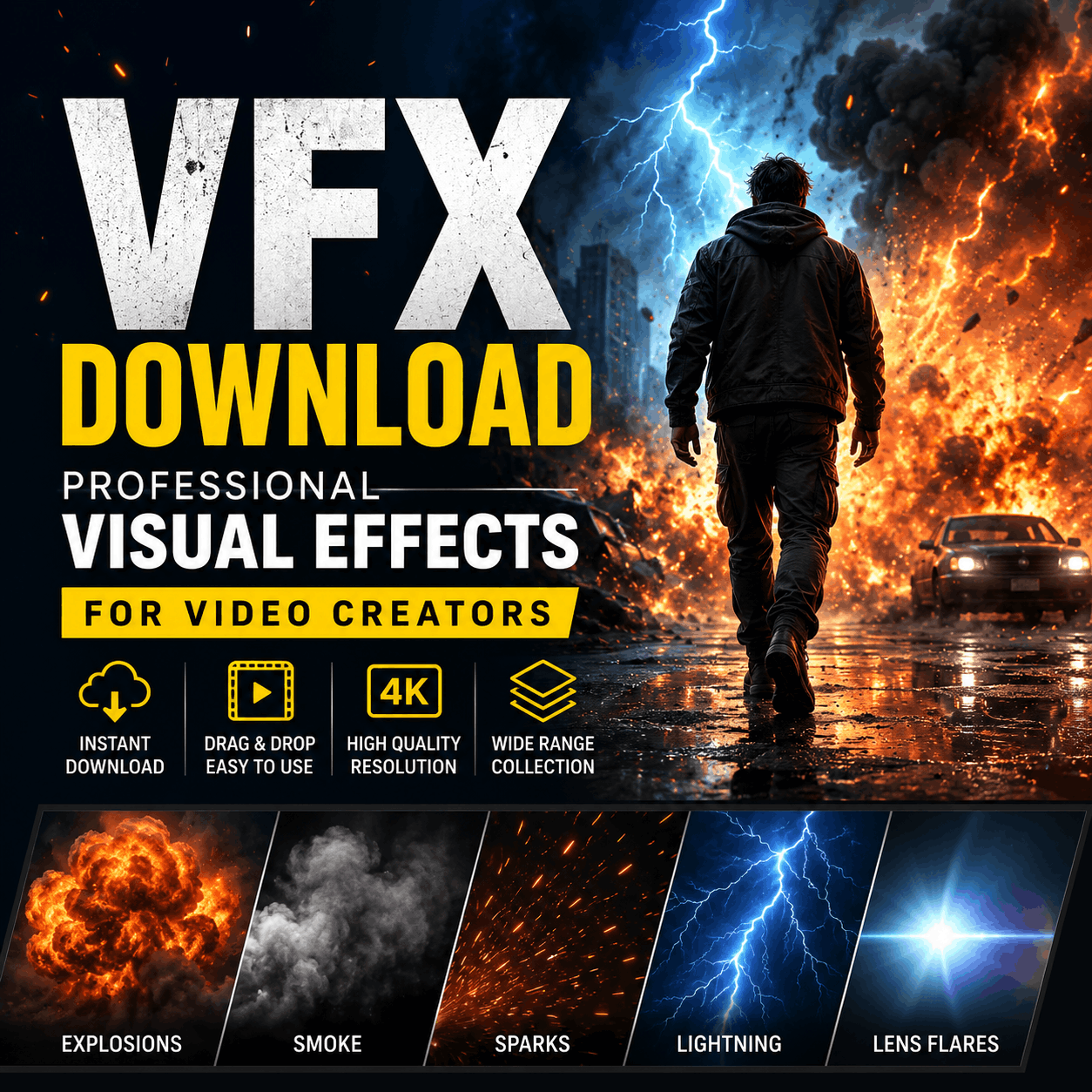
Visual Effects (VFX) are digital elements that enhance your video content—from simple transitions and overlays to complex animations and special effects. Whether you're creating TikTok videos, Instagram Reels, YouTube Shorts, or full productions, downloading VFX saves time, elevates quality, and opens creative possibilities without requiring advanced technical skills.
The right VFX can transform amateur footage into professional-looking content. Instead of spending hours learning complex software like After Effects, creators can now download pre-built effects and drop them directly into their editing timeline using CapCut, Premiere Pro, DaVinci Resolve, or other editors.
Smooth transitions between clips are essential for fast-paced content. Download pre-made transitions including:
Enhance your footage with ready-to-use overlays:
Add motion and energy with particle systems like explosions, sparkles, rain, snow, and confetti—all customizable in seconds.
Pair your visuals with high-quality sound effects, royalty-free music, and ambient audio to complete your production.
Several platforms offer VFX downloads. Here's a breakdown:
| Feature | Free VFX | Premium VFX |
|---|---|---|
| Resolution | 720p - 1080p | 4K & Beyond |
| Customization | Limited | Full Control |
| Library Size | Hundreds | Thousands+ |
| Commercial Use | Varies by license | Fully royalty-free |
| Support | Community-based | Direct support |
Create folders by category (transitions, particles, overlays) to quickly find effects during editing sessions.
Ensure downloaded effects are compatible with your editing software. Most modern editors support MP4 and MOV formats.
Always verify commercial usage rights, especially for YouTube monetization or client work. Premium effects typically come with full commercial licenses.
Use color grading and opacity adjustments to match your video's aesthetic. Avoid overusing effects—less is often more.
Preview effects at full resolution on your target platform (TikTok, YouTube, Instagram) to ensure quality.
Download 5,000+ professionally-designed VFX, overlays, and motion graphics today. Free and premium options available for all creators.
Browse VFX CollectionThis depends on the license. Free VFX may have restrictions for commercial use. Premium downloads from MyCreativeFX are fully royalty-free and can be used for YouTube monetization, client projects, and commercial work. Always check the license before publishing.
MP4 and MOV are universal formats compatible with most editors. For advanced compositing in After Effects or Fusion, PNG sequences or Quicktime with alpha channels provide more flexibility. MyCreativeFX offers multiple format options for each effect.
A 1080p VFX collection (100-500 effects) typically requires 10-50 GB. 4K effects take significantly more space. Most creators use cloud storage (Google Drive, Dropbox) or external SSDs for large libraries. Organize and archive effects you don't use regularly.
Absolutely! Layering multiple effects creates unique, professional results. Use blend modes, adjust opacity, and stagger timing for seamless integration. Start with 1-2 effects per scene and gradually add more as you develop your style.
Yes! MyCreativeFX specializes in short-form video effects optimized for 9:16 vertical video, TikTok trends, and CapCut compatibility. Download effects pre-sized for these platforms—no resizing or cropping needed.
MyCreativeFX updates its library weekly with trending effects, seasonal content, and creator-requested assets. Follow our blog and social media for announcements on new downloads and exclusive effects.
Downloading VFX is one of the fastest ways to professionalize your video content. Whether you're a TikTok creator, YouTuber, or filmmaker, access to a quality VFX library eliminates the learning curve and accelerates your creative workflow. Start with free effects to explore what works for your style, then invest in premium options as you grow.
MyCreativeFX makes it simple—browse 5,000+ effects, download instantly, and start creating. No accounts, no complexity. Just professional visual effects ready to transform your videos.