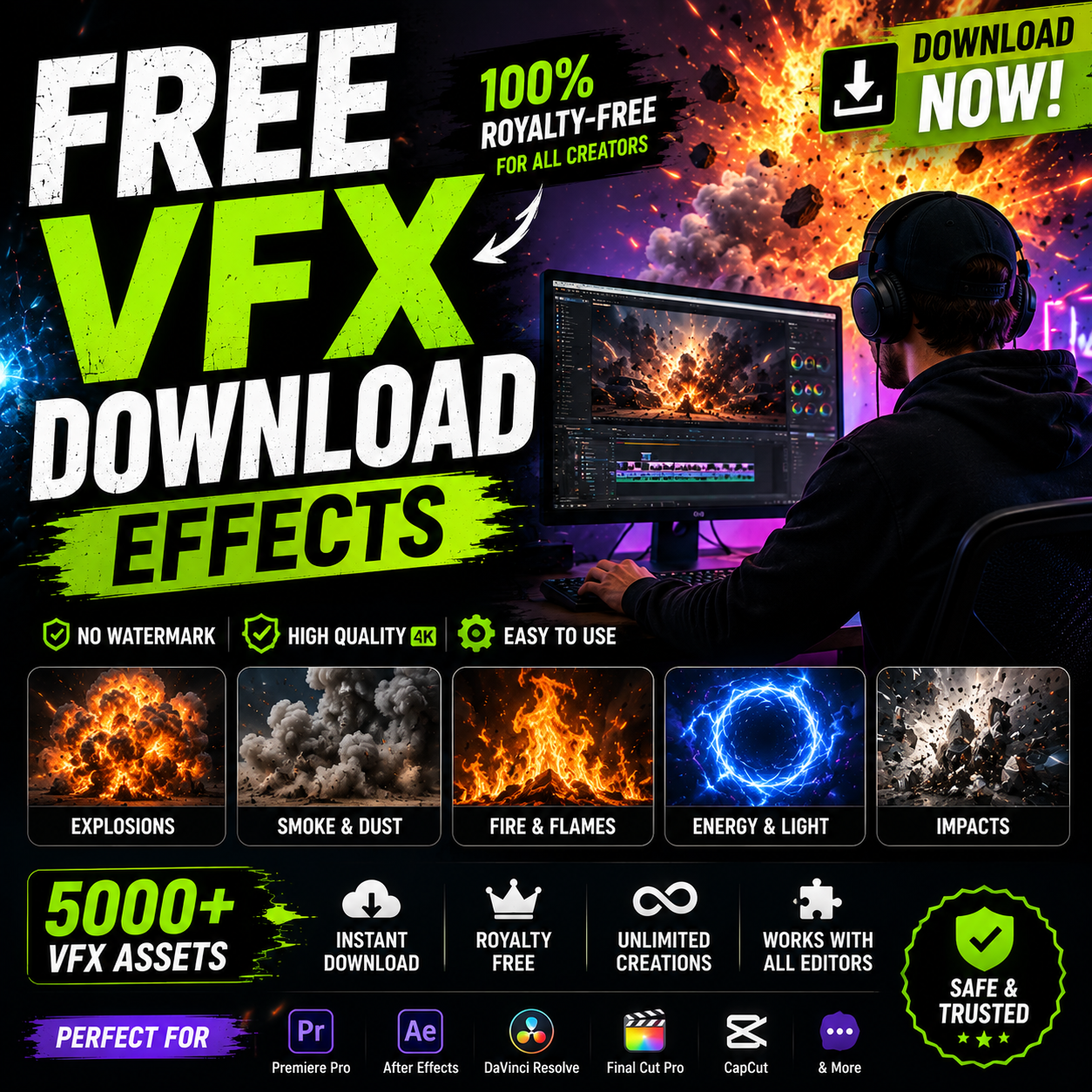
Why Download Free VFX Effects?
Content creators face a constant challenge: producing high-quality videos without breaking the budget. Free VFX effects level the playing field, giving independent creators access to the same professional tools used by major studios. Whether you're just starting out or scaling your production, free visual effects downloads can dramatically improve your video quality.
The misconception that "free = low quality" is dead. Modern platforms like MyCreativeFX offer professionally-designed effects at no cost, with optional premium upgrades for even more advanced options. The key is knowing where to look and what to expect.
Key Benefits of Free VFX Download Effects
💰
Zero Budget Required
Create professional videos without subscription fees or licensing costs. Perfect for new creators.
⚡
Instant Access
Download immediately. No account creation, no waiting periods. Start editing right away.
🎬
Professional Quality
No watermarks, no compromises. Free effects are production-ready for all platforms.
📱
Platform Optimized
Effects pre-sized for TikTok, Instagram Reels, YouTube Shorts. No resizing needed.
🔄
Constantly Updated
New free effects added weekly based on trending content and creator feedback.
⚙️
Universal Compatibility
Works with CapCut, Premiere Pro, After Effects, DaVinci Resolve, and more.
Best Free VFX Effects to Download
🎞️ Transition Effects
Smooth cuts between clips keep viewers engaged. Download free transitions including:
- Swipe & Wipe – Energy and momentum
- Zoom & Rotate – Dynamic movement
- Fade & Cross Dissolve – Classic elegance
- Glitch & Pixelate – Trendy, modern style
- Shape Burst – Circle, square, star wipes
✨ Particle & Overlay Effects
Add visual interest with free particle effects:
- Sparkles, glitter, and light leaks
- Confetti, snow, and rain animations
- Smoke, dust, and fog effects
- Bokeh and light bokeh overlays
- Film grain and retro effects
💥 Impact & Explosion Effects
Create dramatic moments with impact effects:
- Punch and hit sound FX with visuals
- Explosion and burst animations
- Flash and strobe effects
- Crack and break animations
- Energy wave and force field effects
🎵 Audio & Sound Effects
Pair your visuals with royalty-free audio:
- Transition sound effects
- Ambient background music
- Impact and foley sounds
- Notification and alert sounds
- Royalty-free background tracks
📝 Text & Graphics Overlays
Enhance storytelling with animated overlays:
- Animated title templates
- Lower thirds and name plates
- Callout boxes and labels
- Progress bars and loading animations
- Watermark and branding overlays
🎁 MyCreativeFX Advantage: Our free collection includes 1,000+ effects specifically optimized for CapCut and short-form platforms. No hidden costs, no watermarks, no compromises.
Quality Standards for Free VFX Effects
Not all free effects are created equal. Here's what to look for:
- Resolution: Minimum 1080p, preferably 4K for future-proofing
- Format: MP4, MOV, or PNG sequences with proper alpha channels
- No Watermarks: Professional effects shouldn't have branding
- Customizable: Ability to adjust color, speed, and opacity
- Clean Audio: Sound effects should be professional quality
- Support: Access to documentation or tutorial resources
MyCreativeFX meets all these standards. Every free effect in our collection has been professionally designed and tested across editing platforms.
Step-by-Step: Download & Install Free VFX Effects
For CapCut (Easiest)
- Visit MyCreativeFX – Browse our free VFX collection
- Select Your Effect – Click any free effect (marked FREE)
- Download – Click "Download Effect" to save the file
- Open CapCut – Create or open a project
- Import Effect – Tap Effects → Import Custom Effects
- Select File – Choose your downloaded VFX file
- Apply to Timeline – Drag the effect onto your video
- Customize** – Adjust duration, color, and position as needed
For Premiere Pro / After Effects
- Download VFX File – Choose MP4 or MOV format
- Create Project Folder – Organize your VFX library
- Import to Premiere – File → Import → Select VFX file
- Add to Timeline – Drag effect above your footage on V2 track
- Adjust Blend Mode – Use Screen or Overlay for integration
- Scale & Position – Resize to match your composition
- Fine-tune** – Adjust opacity, duration, and effects as needed
For DaVinci Resolve
- Download Effect File – Preferred format: MP4
- Import Media Pool – Right-click Media Pool → Import Media
- Drag to Effects Track – Place effect above main footage
- Adjust Properties – Use Color & Fusion pages to customize
- Sync Timing – Trim effect to desired length
Thousands of Free Effects Await
Download professional VFX right now. No sign-up, no watermarks, no limits. Your next viral video starts here.
Browse Free Effects
Licensing & Usage Rights
What You Can Do With Free VFX
- ✅ Use in personal, non-commercial projects
- ✅ Use in educational content and tutorials
- ✅ Create YouTube videos (monetized or not)
- ✅ Share across all social platforms
- ✅ Modify colors and timing as needed
- ✅ Stack multiple effects in one project
Attribution & Crediting
MyCreativeFX free effects are provided with a simple, waivable attribution requirement. You can:
- ✅ Use without attribution (not required)
- ✅ Optional credit: "VFX by MyCreativeFX"
- ✅ Link to mycreativefx.com (appreciated, not mandatory)
📋 Commercial Use: Free effects can be used in YouTube monetized videos and client projects. For exclusive commercial licenses and advanced customization, upgrade to our premium library.
Frequently Asked Questions
Are free VFX effects really free forever? ▼
Yes, 100%. MyCreativeFX offers over 1,000 free effects with no expiration. New free effects are added weekly. There's no "free trial" that converts to paid—truly free, always.
Will my video have a watermark if I use free effects? ▼
No. Free VFX from MyCreativeFX have zero watermarks. The effects are clean, professional, and ready to publish. Attribution is optional.
Can I use free effects for YouTube monetization? ▼
Absolutely. MyCreativeFX free effects are licensed for YouTube monetization, Twitch streaming, and commercial projects. No special license needed.
What's the difference between free and premium effects? ▼
Free effects are high-quality and ready to use. Premium effects offer 4K resolution, advanced customization options, and exclusive trending effects. Many creators start with free and upgrade as their channel grows.
Do I need an account to download free effects? ▼
No account required. Click, download, and start editing immediately. Optional account creation unlocks saved favorites and personalized recommendations.
How often are new free effects added? ▼
New free effects are added weekly. We monitor TikTok trends, YouTube Shorts, and creator feedback to ensure our free library stays current and relevant.
Can I combine multiple free effects in one video? ▼
Yes! Layer as many effects as you want. Start with 1-2 per scene and experiment with stacking for unique, professional results.
Are free effects compatible with mobile editing apps? ▼
MyCreativeFX free effects are optimized for CapCut (the most popular mobile editor). Desktop editors like Premiere Pro, After Effects, and DaVinci Resolve are also fully supported.
Start Creating With Free VFX Today
Professional-quality visual effects aren't a luxury anymore—they're essential. Free VFX democratizes video production, giving every creator the tools to compete at the highest level.
Whether you're making TikToks, YouTube Shorts, Reels, or full productions, MyCreativeFX's free collection has what you need. No budget constraints. No quality compromises. Just pure creative freedom.
Download your first free effect now and transform your video content.

 Premium Plans