Free VFX for Instagram Reels & TikTok (No Watermark) | MyCreativeFX
Free VFX for Instagram Reels & TikTok (No Watermark)
📱 Mobile-First VFX⏱️ 7 min read✅ Platform Optimized
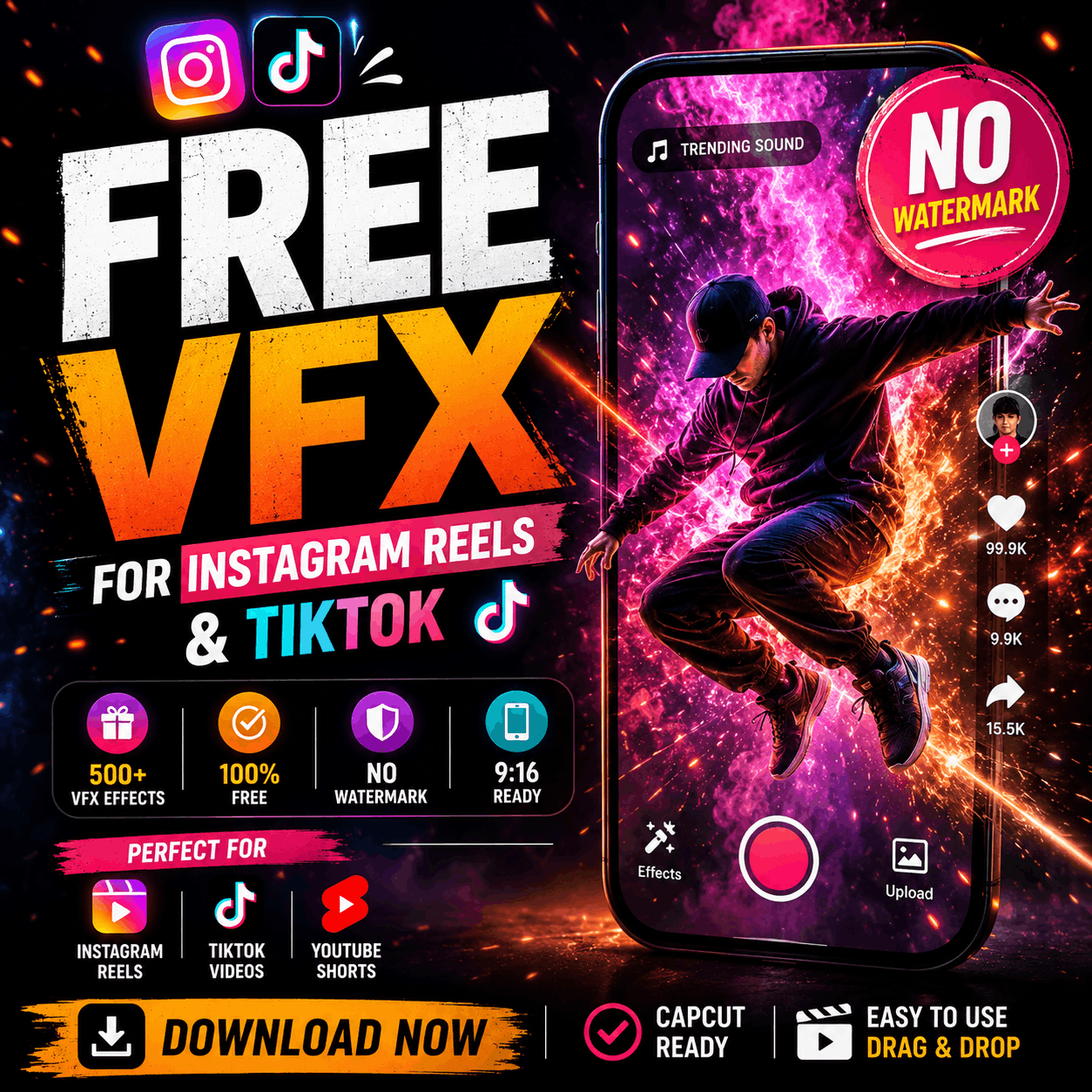
Download 500+ free VFX effects optimized for Instagram Reels and TikTok. All effects are watermark-free, no editing skills required, and work directly in CapCut. Designed for 9:16 vertical video format. Updated weekly with trending effects.
Why TikTok & Instagram Reels Need VFX
The short-form video space is crowded. Every creator is using trending audio, trending transitions, and trending concepts. To stand out, you need something different: quality VFX.
VFX create engagement through:
Visual surprise: Stop the scroll with unexpected effects
Production value: Look more professional than competitors
Memorability: Effects anchor moments viewers remember and share
Attention Grabbers: Zoom pops, shines, text reveals (first 3 seconds)
TikTok VFX Best Practices
Keep it fast: Most effects should last 0.2–0.5 seconds. TikTok's pace is frantic
Use trending sounds: Sync effects to beat drops and audio peaks
Layer subtly: 1–2 effects per shot. More feels chaotic
Mobile-first design: Vertical 9:16 aspect ratio is mandatory
No watermarks: Watermarks instantly tank engagement on TikTok
TikTok Video Ideas Using Free VFX
POV Videos: Add effects to first-person perspective transitions
Lip Sync Videos: Enhance audio moments with emphasis effects
Trending Audio Videos: Sync effects to audio peaks and beat drops
Reaction Videos: Add dramatic effects during emotional moments
Comedy Skits: Use exaggerated effects for slapstick humor
For a talking-character clip made from a portrait or existing video, use AI lip sync to align mouth movement with the audio before adding the text pops and sound-reactive effects described above.
Lifestyle Content: Subtle glows and light effects match aesthetic feeds
How to Download & Use VFX on TikTok & Reels (CapCut)
Visit MyCreativeFX free VFX library
Browse by category (Transitions, Action, Ambient)
Click "Download for CapCut" on any effect
Open CapCut and create a new video project
Tap Effects → Uploads → Select the downloaded VFX
Drag the effect onto the timeline at your desired position
Adjust opacity (75–85% for subtle, 90–100% for dramatic)
Adjust duration and position to match your audio or action
Preview by tapping the play button
Export to camera roll at 1080p, 9:16 aspect ratio
Post to TikTok or Instagram with confidence
Platform Specifications (Quick Reference)
TikTok
Resolution: 1080p recommended (max uploaded: 1440p, but TikTok compresses to 1080p)
Aspect ratio: 9:16 (vertical)
Video length: 15 seconds–10 minutes
Frame rate: 24–60fps
Watermark: Will appear automatically; keep videos clean to start
Instagram Reels
Resolution: 1080p (max: 1080x1920)
Aspect ratio: 9:16 (vertical)
Video length: 3 seconds–90 minutes
Frame rate: 23–60fps
Compression: Heavy; quality drops after upload (use high-quality source)
Why Free VFX Matter on Short-Form Platforms
Watermarked effects instantly reduce professionalism perception. MyCreativeFX's watermark-free effects let your content shine without distraction. In the TikTok/Reels attention economy, every pixel counts.
Common Mistakes on TikTok & Reels
Watermarked effects: Kills professionalism and engagement
Mismatched aspect ratio: VFX should be 9:16 vertical, not 16:9 landscape
Effects too long: TikTok pacing is fast; effects should be snappy (0.2–0.5 sec)
Poor audio sync: Effects that don't match audio timing look amateurish
Over-processing: More than 2–3 effects per video = visual overload
Low resolution: Grainy or pixelated effects stand out against clean footage
Growing Your Account with VFX
VFX are a competitive advantage on short-form platforms. Here's the growth strategy:
Week 1: Download 5–10 different effects from MyCreativeFX
Week 2–3: Create videos testing different effects. Track which ones get higher engagement
Week 4+: Double down on high-engagement effect types. Create content around those VFX
Ongoing: Update library with trending effects. Stay ahead of competitors
FAQ: TikTok & Reels VFX Questions
Q: Will free VFX with watermarks hurt my TikTok algorithm?
A: Yes. Watermarks reduce perceived quality and engagement. MyCreativeFX's watermark-free effects avoid this penalty.
Q: What aspect ratio should TikTok/Reels VFX be?
A: 9:16 (vertical). Horizontal effects will have black bars or require scaling.
Q: How many effects should I use per TikTok?
A: 1–2 effects per video for beginners. 2–3 for experienced editors. 4+ looks chaotic.
Q: Can I use the same VFX on multiple videos?
A: Yes, absolutely. Reuse effects to build a recognizable visual signature for your account.
Next Step: Level Up Your Content
Stop watching competitors post polished content. Download watermark-free VFX today and match their quality immediately.
Creating a realistic severed arm VFX shot might look complicated, but with today's professional stock footage and compositing tools, you can achieve H.......
what Are Free VFX Effects?
Free VFX effects are visual effects that you can use in your videos without paying a single rupee or dollar. From explo.......

 Premium Plans