Premium Plans

5,000+ Free Video Editing Assets: VFX, Transitions, Overlays & Music
5,000+ Free Video Editing Assets: VFX, Transitions, Overlays & Music
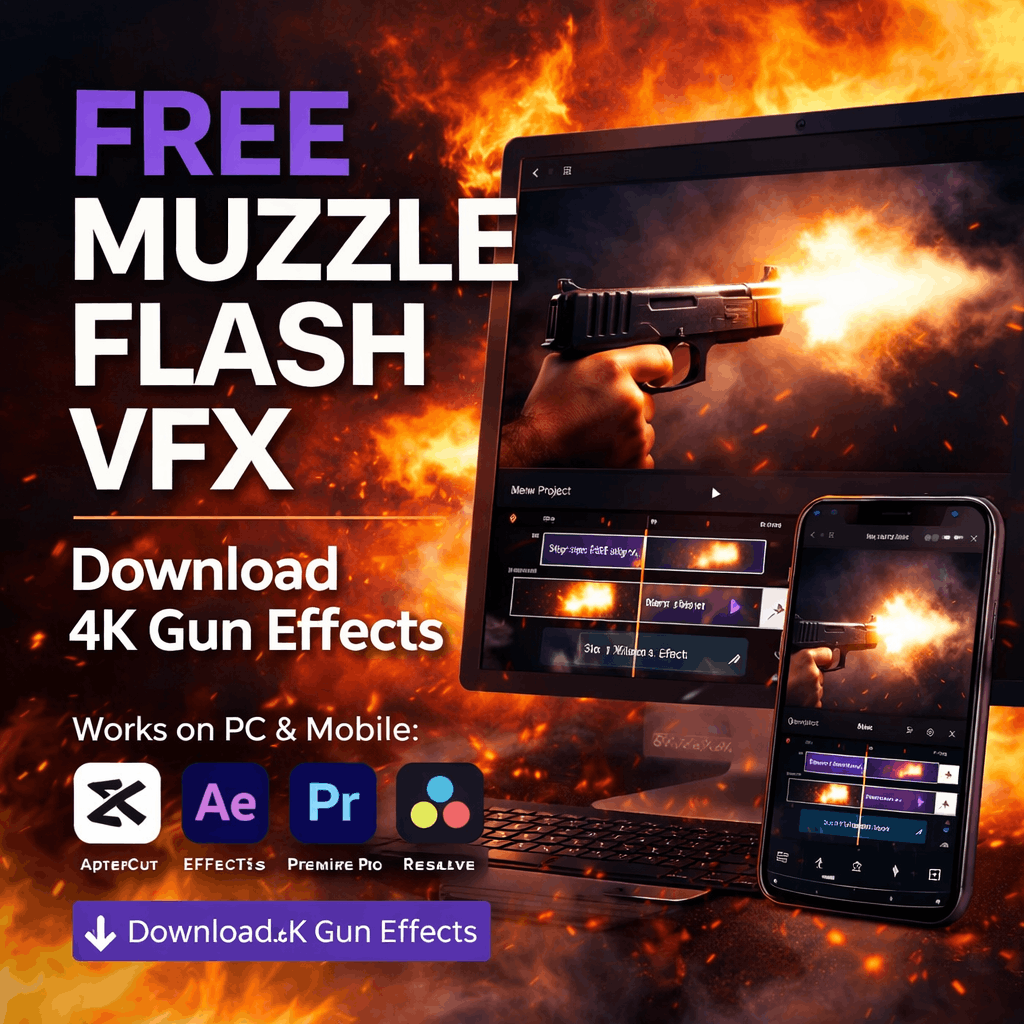
Download 60+ realistic 4K muzzle flash effects and gun overlays. Perfect for action films, gaming footage, gunshot scenes. Watermark-free, royalty-free, works with all major editors.
Adding realistic muzzle flash effects is the difference between amateur gunshot scenes and professional action cinematography. Whether you're creating action films, gaming montages, or tactical training content, MyCreativeFX provides 60+ professionally-designed muzzle flash overlays—completely free.
Muzzle flash is the bright burst of light and flame that erupts from a firearm's barrel during discharge. In professional film and video production, realistic muzzle flash effects are essential for making gunshot scenes look authentic and impactful. Our 4K muzzle flash pack includes effects for every firearm type: pistols, rifles, shotguns, machine guns, and more.
Our comprehensive muzzle flash library includes everything needed for professional gunshot effects. Here's what you get:
Compact, realistic muzzle flashes for handguns, revolvers, and side-arms. Perfect for close-combat scenes and firearm training videos.
Powerful, extended muzzle flashes for rifles and assault weapons. Realistic physics for long-barrel firearms with varied intensity.
Wide, intense muzzle flashes characteristic of shotgun discharge. Perfect for action sequences and heavy combat scenes.
Rapid, staccato muzzle flashes for automatic weapons. Multiple intensity levels for different fire rates.
Subtle ambient glow effects that illuminate the shooter's face and surroundings. Adds cinematic realism to scenes.
Muzzle flashes from multiple angles and perspectives. Top, side, front, and angled flashes for any gun position.
Compact, snappy muzzle flashes characteristic of handguns. These effects are quick (usually 1-3 frames) and emit a bright, compact burst of light.
Best for: Close combat scenes, action shootouts, thriller films, crime dramas, and police/detective content.
Powerful, extended muzzle flashes that illuminate a wider area. Rifles produce longer, more dramatic flashes than pistols due to higher muzzle velocity.
Best for: Military films, action blockbusters, tactical training videos, gaming footage, and war-themed content.
Intense, wide-angle muzzle flashes characteristic of shotguns and heavy firearms. These create dramatic illumination and are perfect for impact moments.
Best for: Action sequences, horror films, apocalyptic content, zombie videos, and high-impact gunfight scenes.
Staccato, rapid-fire muzzle flashes for automatic and burst-fire weapons. These effects work best in fast-paced action sequences with consistent timing.
Best for: Gaming montages, action-packed gaming footage, military shootouts, and high-adrenaline gaming streams.
Unique muzzle flash variations including suppressed weapons, night-vision compatible flashes, tracer rounds, and ambient lighting effects.
Best for: Tactical operations films, night-vision footage, sci-fi action, fantasy weapon scenes, and creative gunfight choreography.
Perfect muzzle flash timing is critical for believable results. Here's how to implement muzzle flashes in the most popular editors:
Download muzzle flash from MyCreativeFX. In CapCut, tap Overlay, then Add and select your muzzle flash effect file.
Tap the muzzle flash effect and adjust blending mode. Screen mode is ideal for muzzle flashes—it makes the flash bright and realistic while blending with your video.
Scale and position the muzzle flash precisely at the barrel of the gun. Most muzzle flashes should originate exactly where the gun fires.
Use timeline editing to position the muzzle flash at the exact frame where the gunshot sound occurs. Frame-by-frame editing ensures perfect synchronization.
For extra realism, layer a subtle dust or smoke effect over the muzzle flash. This creates depth and makes the gunshot feel more impactful.
| Editor | Muzzle Flash Support | Ease of Use | Best Blending Mode |
|---|---|---|---|
| CapCut | ✓ Perfect | Very Easy | Screen |
| After Effects | ✓ Excellent | Intermediate | Screen |
| Premiere Pro | ✓ Excellent | Intermediate | Screen |
| DaVinci Resolve | ✓ Perfect | Intermediate | Add / Screen |
| Vegas Pro | ✓ Good | Easy | Add |
| HitFilm Express | ✓ Excellent | Intermediate | Screen |
| Alight Motion | ✓ Perfect | Very Easy | Screen |
Position your muzzle flash to occur at the exact frame where the gunshot fires. If your gunshot sound starts on frame 120, your muzzle flash should appear on frame 120. This creates the illusion of a real gunshot. Use frame-by-frame editing for precision.
Different weapons have different flash durations: Pistols (1-3 frames), Rifles (2-4 frames), Shotguns (2-5 frames), Machine guns (staccato bursts). Match your chosen effect's duration to the weapon being fired.
Professional cinematography uses layered effects. Combine a bright muzzle flash with a softer glow layer and subtle smoke. This creates depth and makes the gunshot feel truly impactful. Use 2-3 layers minimum.
If your scene is brightly lit, the muzzle flash should be subtle. In dark scenes, muzzle flashes are brilliant and dominant. Match flash intensity to your scene's lighting conditions. Use opacity adjustments (30-100%) accordingly.
Combine muzzle flash with a subtle camera shake effect (2-3 frame duration). This simulates the recoil and impact of the gunshot, making the effect feel more realistic and cinematic.
In low-light scenes, add a subtle glow effect around the muzzle flash. This creates ambient light as if the gunshot illuminated the area. Blend with Screen or Add mode at 20-40% opacity.
Real gunshots produce smoke and dust. Layer subtle smoke effects over your muzzle flash for extra realism. This is especially important for outdoor action scenes.
Professional muzzle flash effects. 4K quality. Watermark-free. Royalty-free. Download now and create action content that rivals Hollywood productions.
⬇️ Get Muzzle Flash EffectsYes, absolutely. Muzzle flash effects in gaming footage, action games, and fictional scenarios are not restricted by YouTube. You can use them in monetized content without any issues. Gaming content showing gunplay and weapon effects is explicitly allowed by YouTube Community Guidelines.
Gaming content often has subtle or missing muzzle flashes. Position your muzzle flash effect at the exact frame where the weapon fires in your gameplay footage. Most gaming editors allow frame-by-frame scrubbing. Adjust opacity and intensity to match your game's visual style.
Yes. Muzzle flash effects are commonly used to enhance prop weapons, airsoft guns, and fake firearms in film production. The effects make any "gun" look realistic in video. This is standard practice in low-budget indie filmmaking.
Screen mode brightens the background while preserving darker areas—best for most muzzle flashes. Add mode is more intense and increases brightness dramatically—better for machine guns and explosive flashes. Experiment with both to find the best look for your specific effect.
Yes, completely. Muzzle flash overlays can be added in real-time during streams using OBS, Streamlabs, or other streaming software. Layer the muzzle flash effects as overlays on top of your gameplay for dynamic visual enhancement during live streams.
Absolutely. Many independent filmmakers and low-budget productions use MyCreativeFX muzzle flashes. The 4K quality and realistic physics make them suitable for professional indie films, short films, and even feature productions. Professional VFX artists layer multiple effects to create unique looks.
Yes. Once imported, use color correction tools in your editor to adjust muzzle flash colors. Create blue flashes, green flashes, or any sci-fi color you need. Most editors have Colorize, Hue/Saturation, or Color Balance tools for this purpose.
Realistic muzzle flash effects elevate your action content from amateur to professional. Download our 60+ muzzle flash pack from MyCreativeFX and start creating gunfight scenes that rival Hollywood productions.
Whether you're filming an action short, creating gaming montages, or producing professional content—these muzzle flash effects will make every gunshot look authentic and impactful. Free. Forever.
⬇️ Download Muzzle Flash Effects Now