Premium Plans
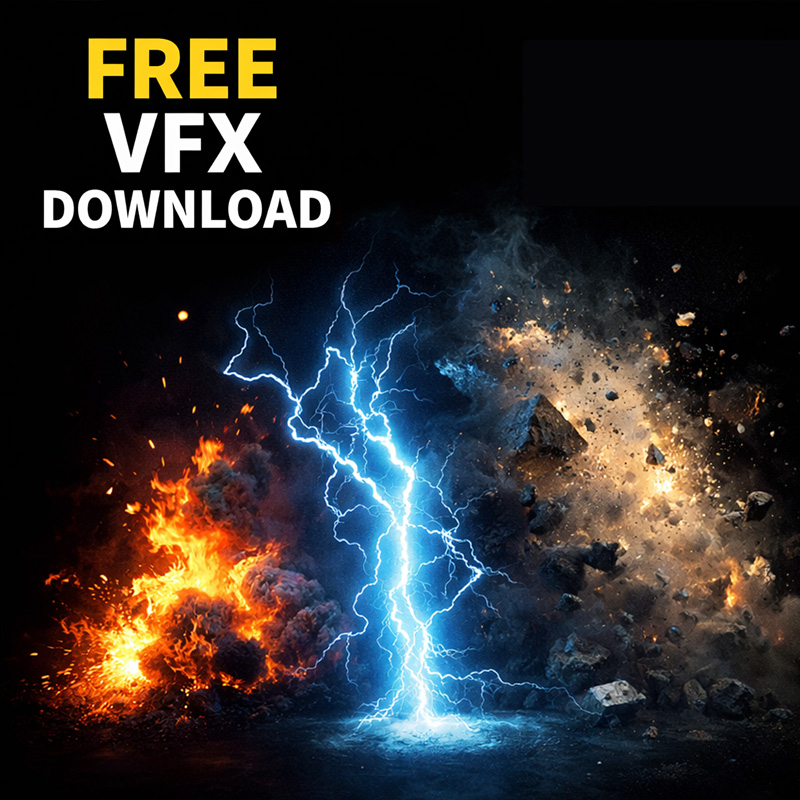
Free VFX Download for Video Editors & Filmmakers
Free VFX Download for Video Editors & Filmmakers
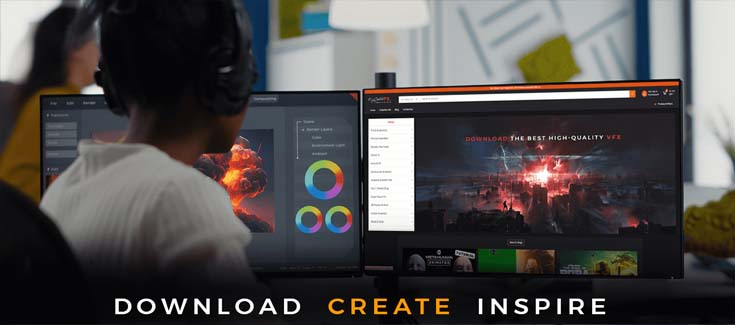
Click Here to Download 500+ Free Overlays & Transitions
Creating eye-catching videos today is not just about shooting good footage. Whether you’re a YouTuber, filmmaker, Instagram creator, music video editor, or short-form content creator, overlays and transitions play a huge role in making your videos feel professional, modern, and engaging.
The problem?
Most high-quality overlays and transitions are locked behind expensive subscriptions or limited “free trials” that barely give you anything usable.
That’s exactly why MyCreativeFX created a 500+ Free Overlays and Transitions pack — 100% free, no hidden costs, no watermarks, and no copyright issues.
In this blog, I’ll break down:
What overlays and transitions are
Why they matter in modern video editing
What you get inside this free pack
Who this pack is for
How to download and use them instantly
If you’re serious about improving your edits without spending money, this is for you.
Overlays are visual elements placed on top of your video footage to enhance the look and feel. These can include:
Light leaks
Dust and particle effects
Film burns
Smoke, fog, and abstract textures
Color flares and motion graphics
Transitions, on the other hand, are effects used between two clips to create smooth, stylish movement from one scene to another. Instead of boring cuts, transitions help your video flow naturally and feel more cinematic.
When used correctly, overlays and transitions can:
Increase watch time
Make edits feel premium
Add emotion and rhythm
Help your content stand out on crowded platforms
Let’s be honest — most “free overlay” websites:
Give you low-resolution files
Add watermarks
Restrict commercial use
Force subscriptions after download
Repackage the same outdated assets
That’s frustrating, especially for creators who are just starting out.
MyCreativeFX was built by creators, for creators. The goal is simple:
Give real, usable assets that you can actually publish with — without stress.
That’s why this pack includes 500+ overlays and transitions, completely free to download and use.
This is not a random dump of files. The pack is carefully curated to work for real editing workflows.
Light leaks & lens flares
Dust, grain, and particles
Smoke & fog overlays
Film burn effects
Abstract motion overlays
Glow and energy effects
Smooth motion transitions
Flash and glitch transitions
Zoom, whip, and slide transitions
Minimal clean transitions
Cinematic transitions
Social-media-friendly fast cuts
All files are optimized for modern editors and can be used across multiple platforms.
These overlays and transitions work perfectly with:
Adobe Premiere Pro
After Effects
Final Cut Pro
DaVinci Resolve
CapCut (PC & Mobile)
Filmora and other editors
Most files are simple drag-and-drop overlays, meaning no advanced VFX knowledge required.
This free pack is ideal if you are:
A YouTuber creating long-form or Shorts
A music video editor
An Instagram Reels or TikTok creator
A filmmaker working on trailers or short films
A beginner learning video editing
A professional editor needing quick assets
Whether you create cinematic content or fast social videos, these overlays and transitions will level up your visuals instantly.
There are hundreds of asset sites out there, but MyCreativeFX focuses on one thing: creator freedom.
No subscriptions. No forced sign-ups. No fake “free” labels.
Your final video stays clean and professional.
Use these overlays and transitions in YouTube videos, client work, ads, reels, or films.
Optimized resolution and smooth playback.
No complicated setups. Just download and start editing.
Even if you’re a beginner, using these assets is simple:
Download the pack
Import files into your editing software
Place overlays above your video layer
Change blending mode (Screen / Add / Lighten if needed)
Adjust opacity and timing
Add transitions between clips
That’s it. No plugins. No scripts. No headaches.
One of the biggest myths in video editing is that free assets are bad.
That’s not true — bad curation is bad.
This pack is designed to give you assets you’ll actually use, not files that sit unused on your hard drive.
Creators all over the world are already using MyCreativeFX assets to:
Speed up editing
Improve production value
Save money
Create consistent visual styles
If you’ve read this far, you already know this pack is worth grabbing.
No sign-ups.
No tricks.
Just real assets for real creators.