Premium Plans

5,000+ Free Video Editing Assets: VFX, Transitions, Overlays & Music
5,000+ Free Video Editing Assets: VFX, Transitions, Overlays & Music
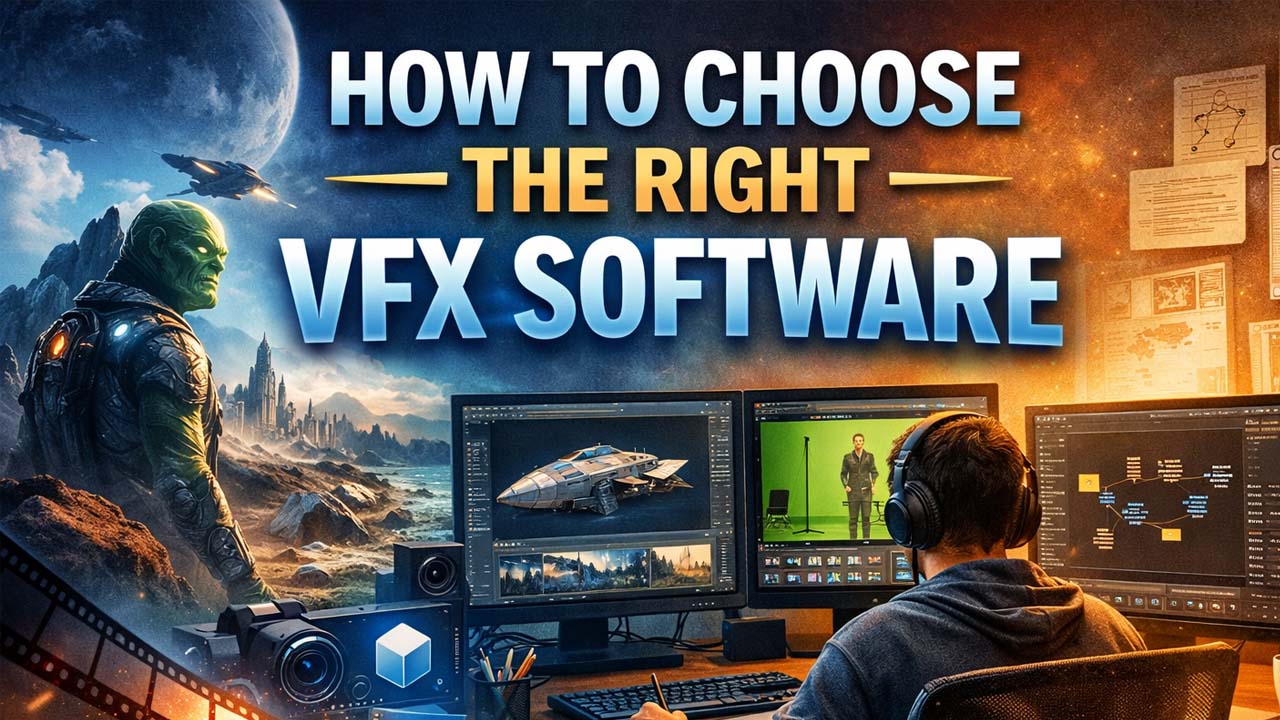 How to Choose the Right VFX Software (Beginner’s Guide)
Visual Effects are everywhere — from the latest Marvel blockbuster to the ads we see on TV and social media. Whether it’s building entire worlds from scratch or transporting actors from a green-screen studio to an alien planet, VFX is one of the most exciting and creative careers in media today.
But let’s be real — getting started can feel overwhelming.
One of the very first and most important steps is choosing the right VFX software. With so many options (free, paid, beginner-friendly, industry-level), it’s easy to get stuck in analysis paralysis.
To make your journey easier, this guide covers:
How to choose the right VFX software for you
Key factors beginners should consider
A curated list of the best VFX software tools to begin building real skills
Cost is usually the first concern for beginners — and rightly so. Some software comes with high subscription fees while others are completely free.
Before investing your money:
Compare free vs. paid options
Test free trials
Make sure you’re paying for features you actually need
The good news? Most professional tools offer free trials or free versions, which are perfect for testing workflows before committing.
Not all software runs on every machine.
Before choosing a program, consider:
Your CPU, GPU, and RAM
Your operating system (Windows, macOS, or Linux)
Some tools are OS-specific, and others require higher-end systems. Ensure the tool you want will actually run on your computer without performance issues.
This is the most important factor.
Ask yourself:
Do you want to create cinematic VFX?
Are you more interested in motion graphics?
Will you mostly work with green-screen footage?
Is your goal film, TV, ads, or social media content?
Some tools are more powerful but harder to learn, while others are easier but limited. Match your software choice to your creative goals, not just what's popular.
Here are some of the best free and paid VFX software options to help you grow as a VFX artist.
Pricing: Starts at $20.99/month
Platforms: macOS, Windows
Adobe After Effects is one of the most widely used VFX tools in the world. It’s a favorite among both VFX artists and motion graphics designers.
It integrates seamlessly with other Adobe tools like Photoshop, Premiere Pro, and Illustrator — making the workflow incredibly smooth.
Highlights:
Keyframing
Motion tracking
Rotoscoping
Compositing
Pros
Easy for beginners with huge tutorial support
Massive plugin library
Cons
Monthly cost can add up
Not fully optimized for heavy node-based workflows
Pricing: $295 (one-time payment)
Platforms: macOS, Windows
Fusion Studio is a professional node-based compositing tool used on major films like Guardians of the Galaxy and Ant-Man.
It delivers high-end features like:
Advanced compositing
Motion graphics
3D tools
Pros
One-time cost
Beginner-friendly node system
Cons
UI isn’t as customizable as some competitors
Pricing: Free
Platforms: macOS, Windows, Linux
Blender is an open-source 3D suite that also includes powerful VFX tools. It’s one of the most capable free solutions available.
Features include:
3D modeling and animation
Smoke, fire, fluid simulation
Green screen keying and compositing
Pros
Completely free
Huge creative potential
Massive community support
Cons
Steep learning curve
Interface can feel overwhelming
Pricing: ~£5,518 (varies by license)
Platforms: macOS, Windows, Linux
Nuke is the industry standard for high-end film and TV VFX. It’s powerful, flexible, and fully customizable — but also expensive.
Best for:
Advanced compositing
Deep node workflows
Professional studio pipelines
Pros
Industry favorite
Advanced toolset
Cons
Not beginner-friendly
Very expensive
Pricing: Free
Platforms: macOS, Windows, Linux
Natron is a free, open-source node-based compositing tool inspired by Nuke. It’s a great starting point for beginners who want to learn professional-style workflows without the expense.
Strong points:
Rotoscoping
Keying and chroma tools
Pros
Free and open source
Great for learning compositing
Cons
Can experience glitches
Smaller community than major tools
There’s no single “best” VFX software — only the best software for YOUR needs.
As a beginner:
Try free tools first
Use trial versions of paid software
Focus on learning fundamentals instead of features
Consistency and practice matter much more than software choice alone. Choose a tool that aligns with your goals, stick with it, and keep creating amazing work 🚀