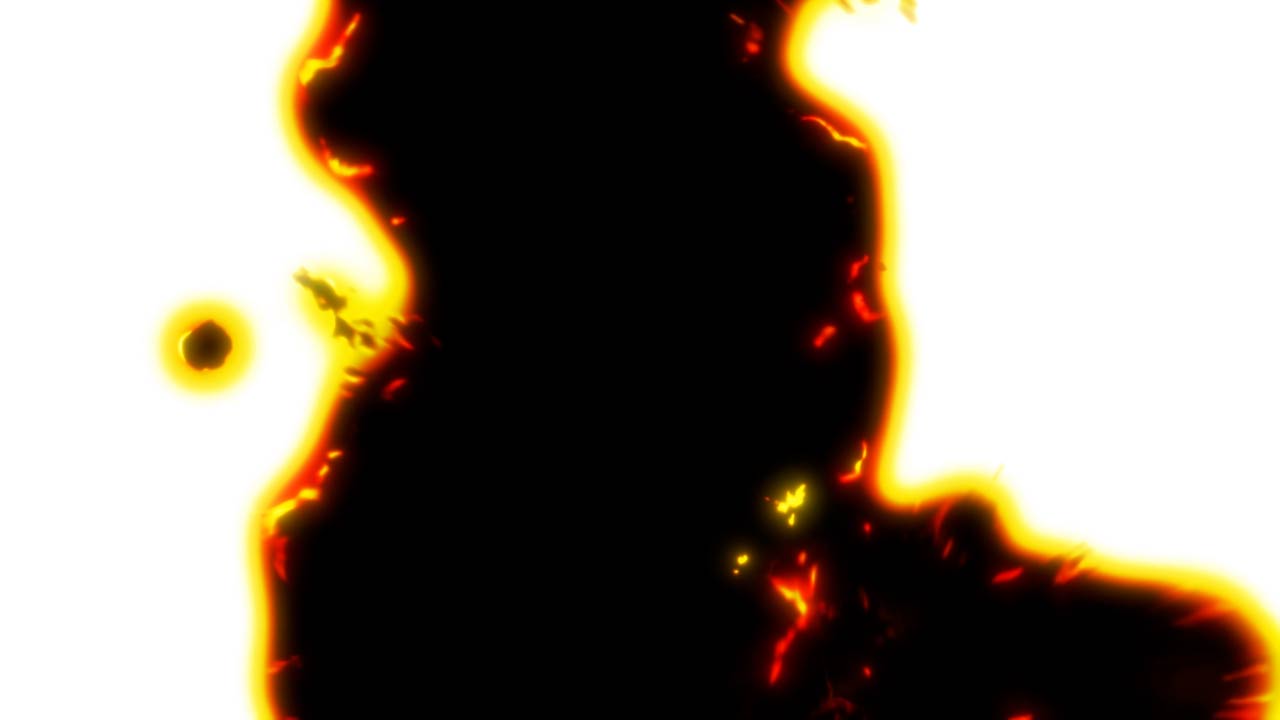
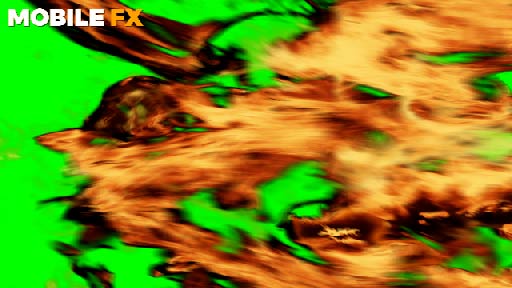
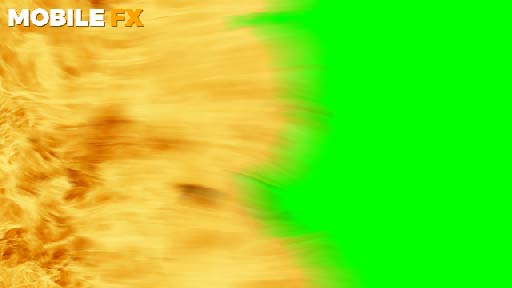
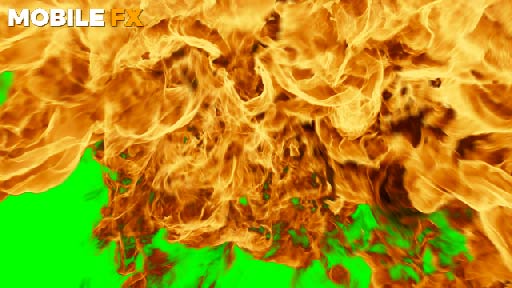
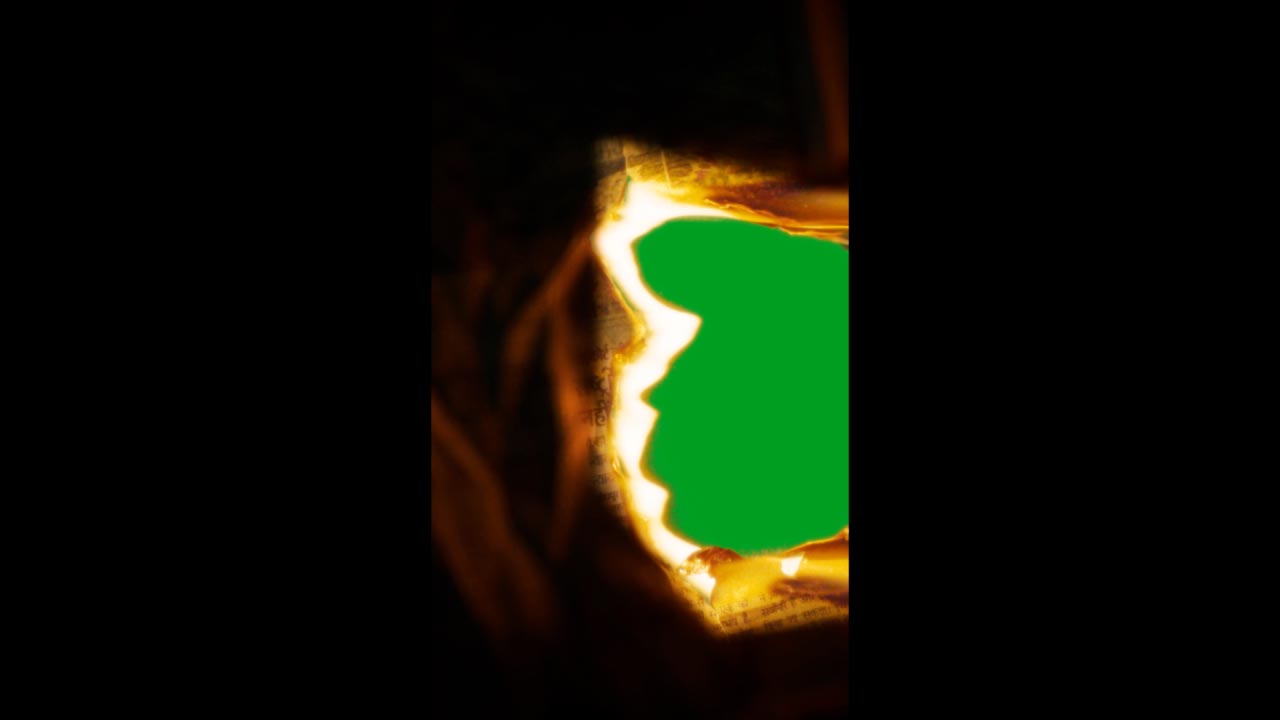
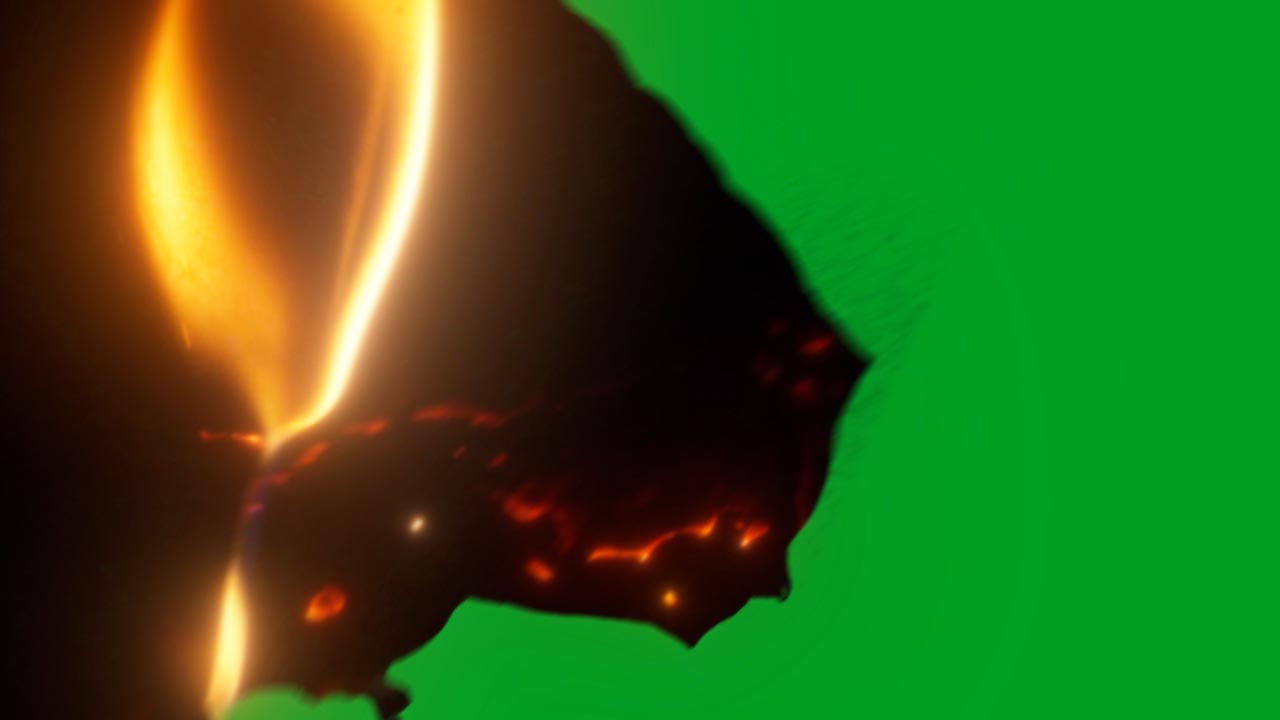
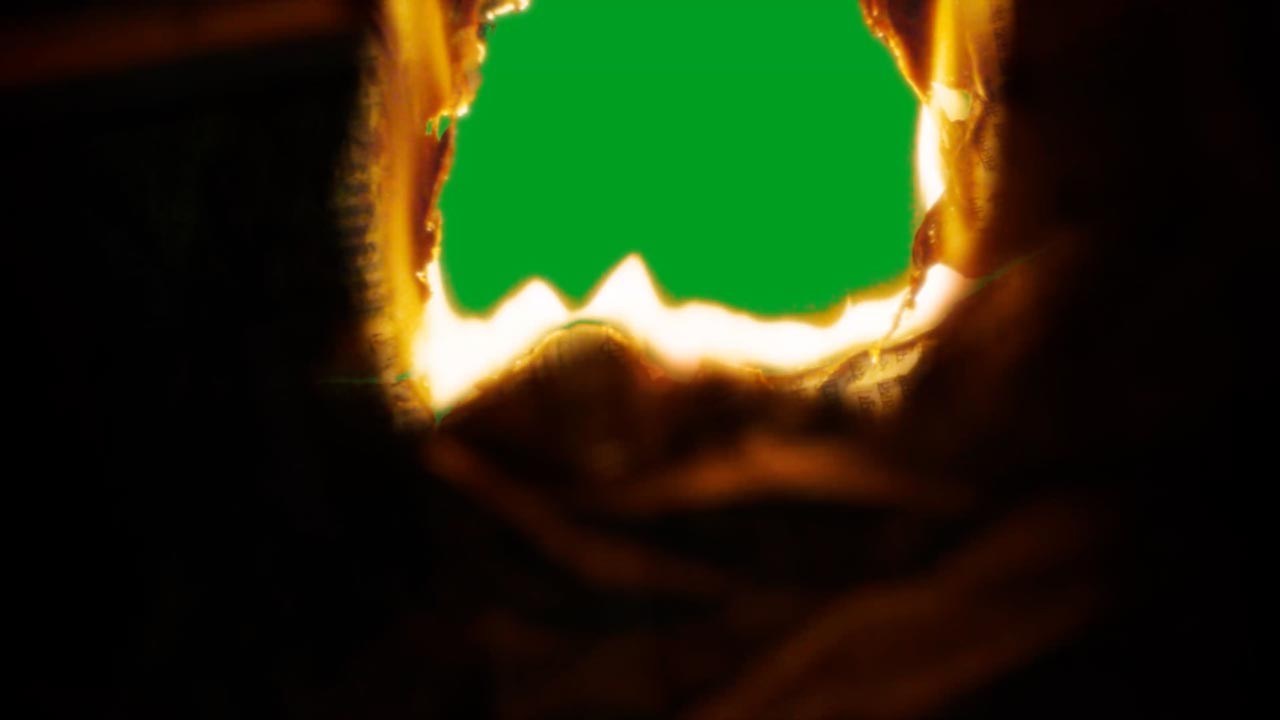
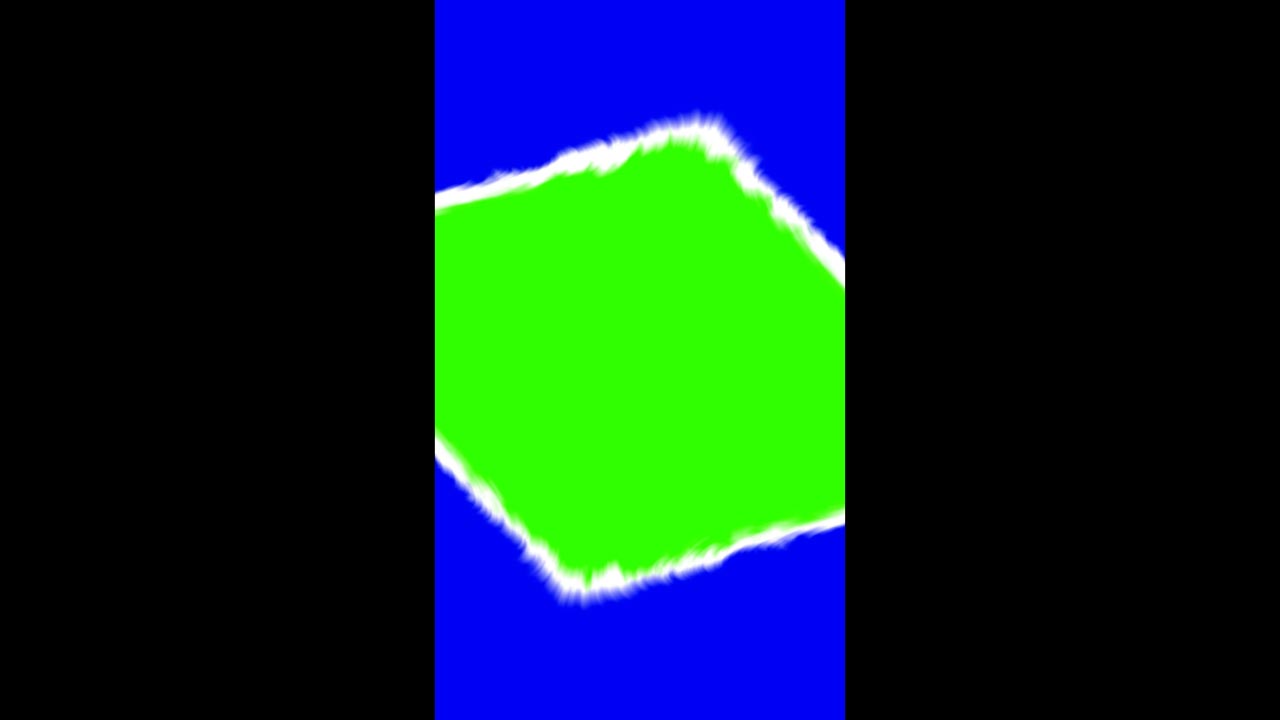
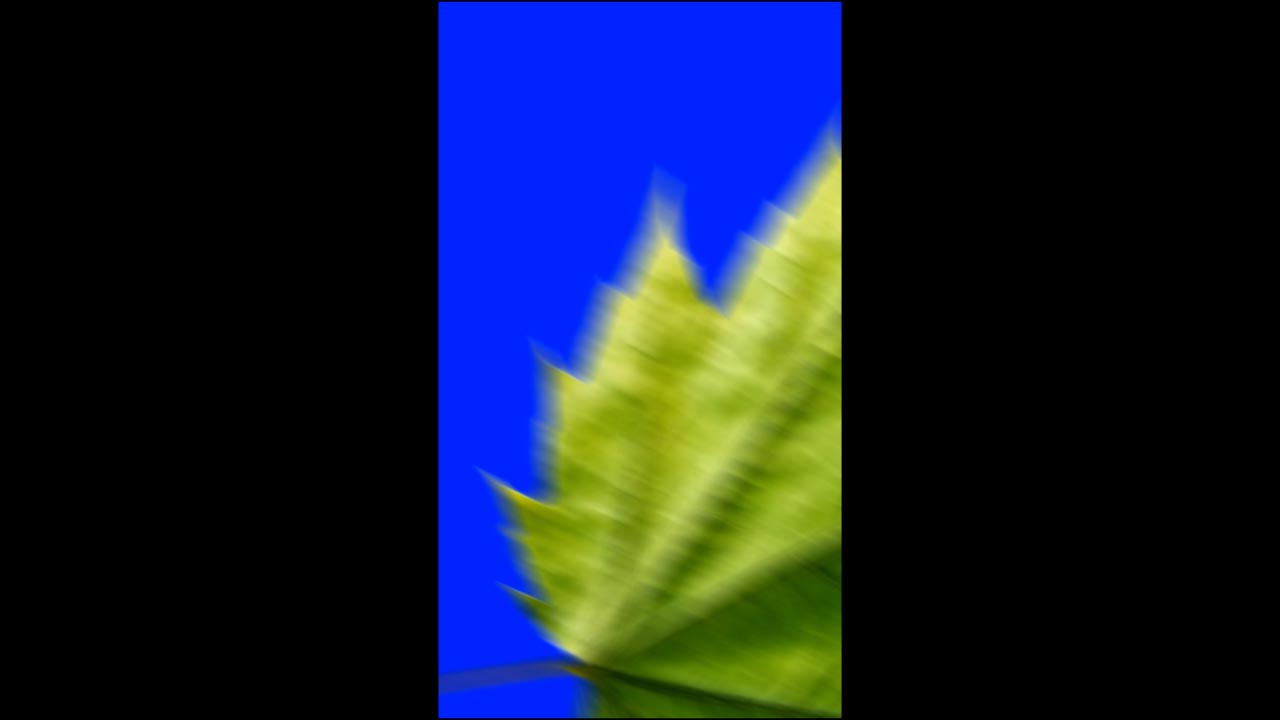
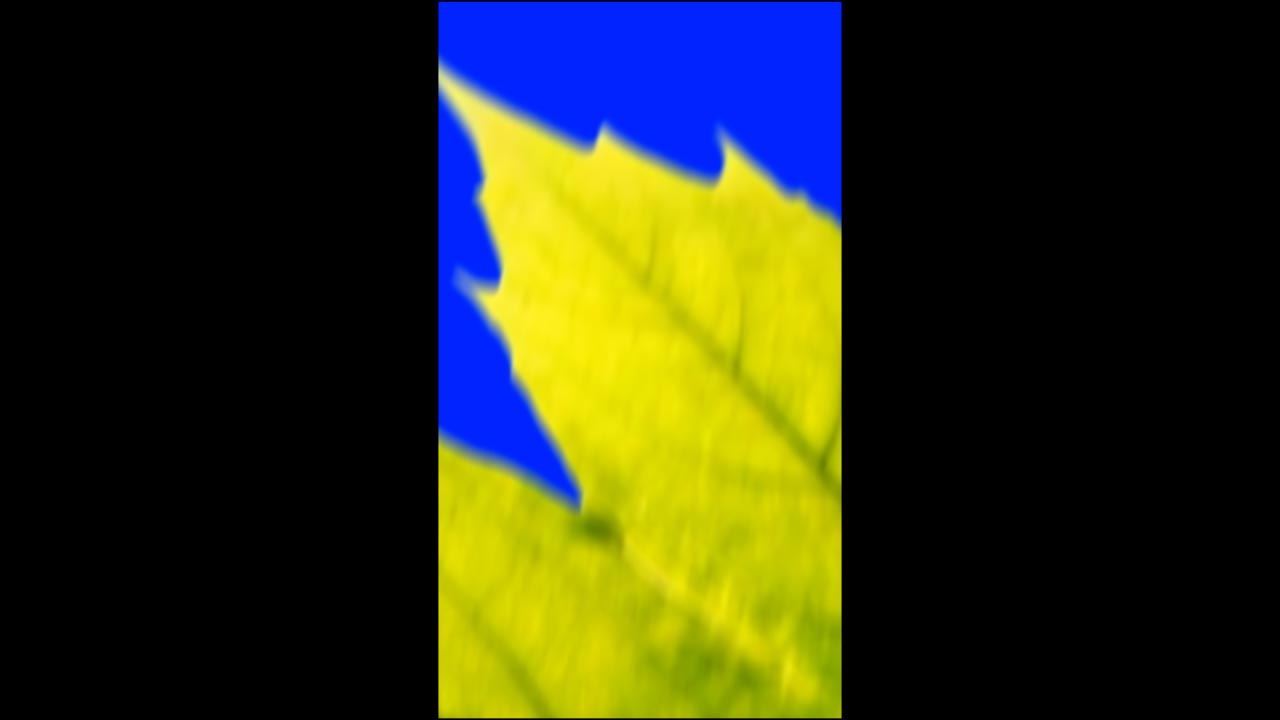
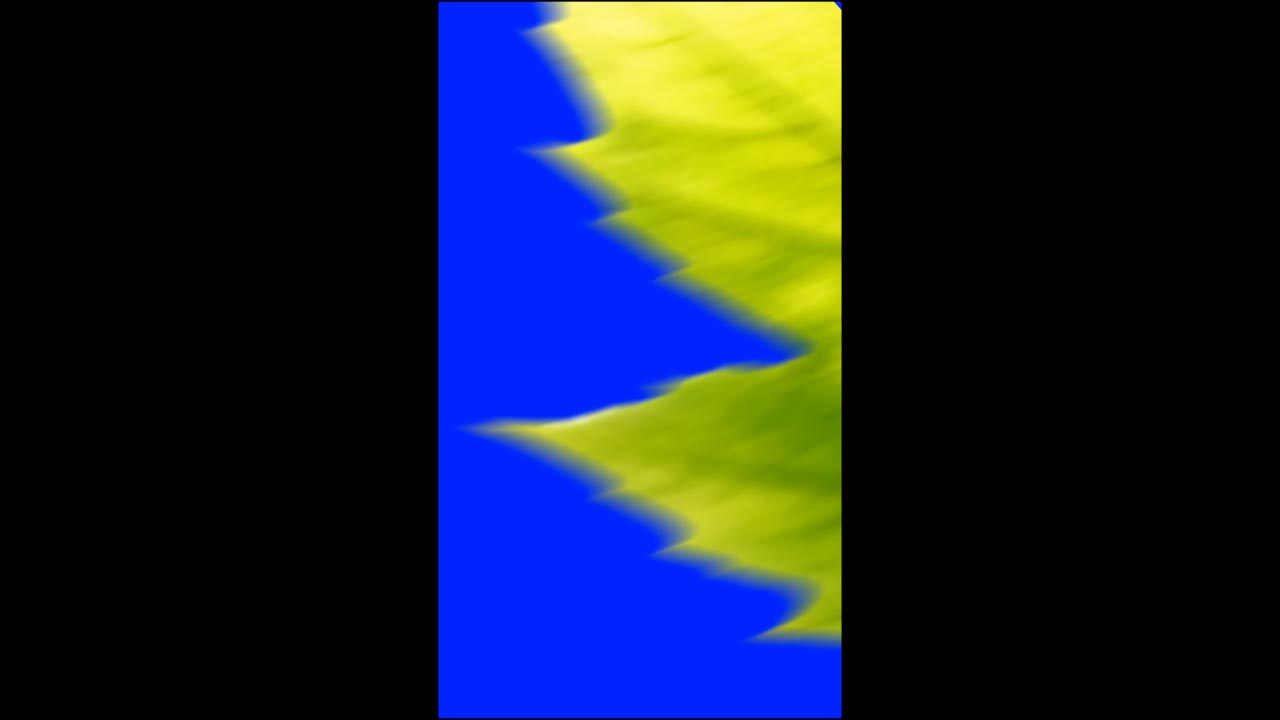
Paper Burning Transition Overlay 4k - 546
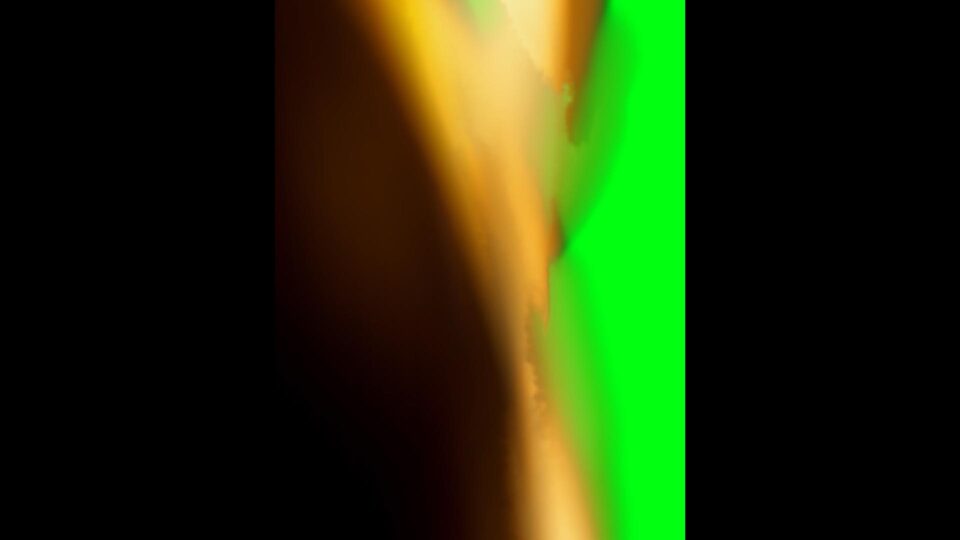
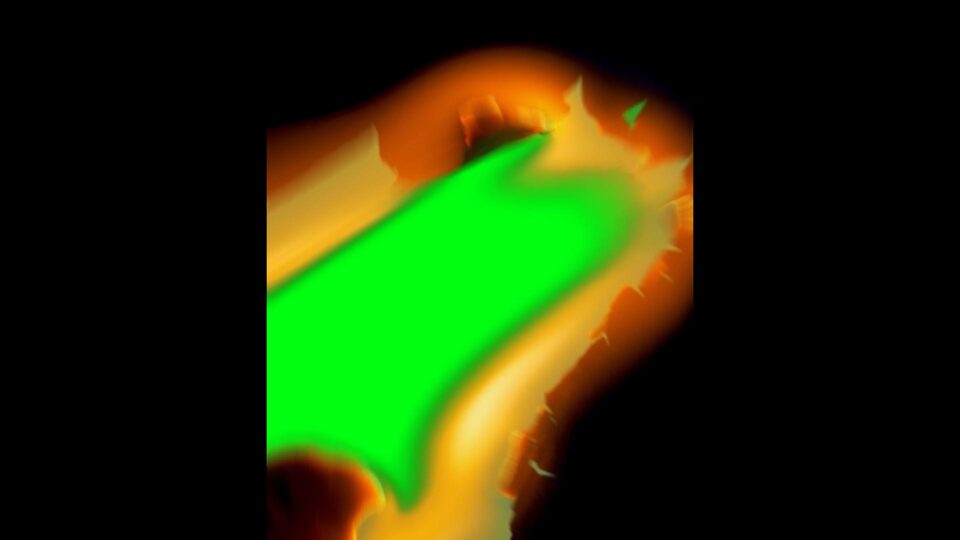
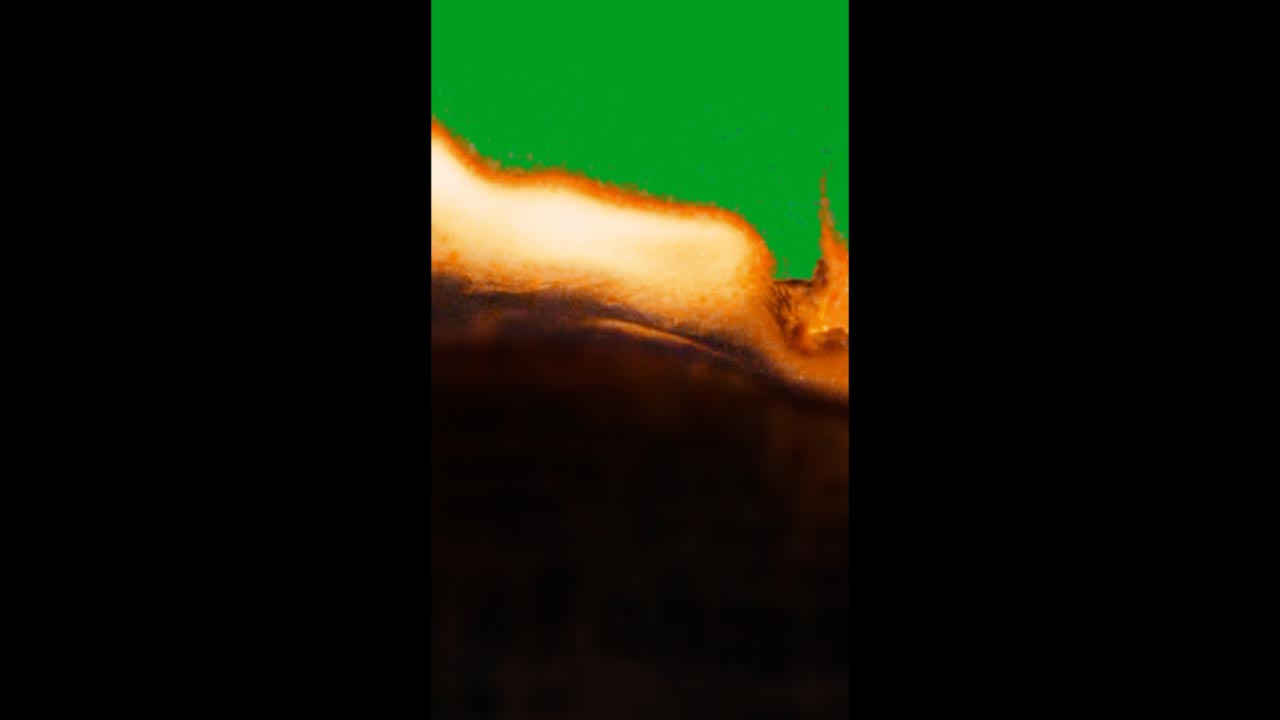
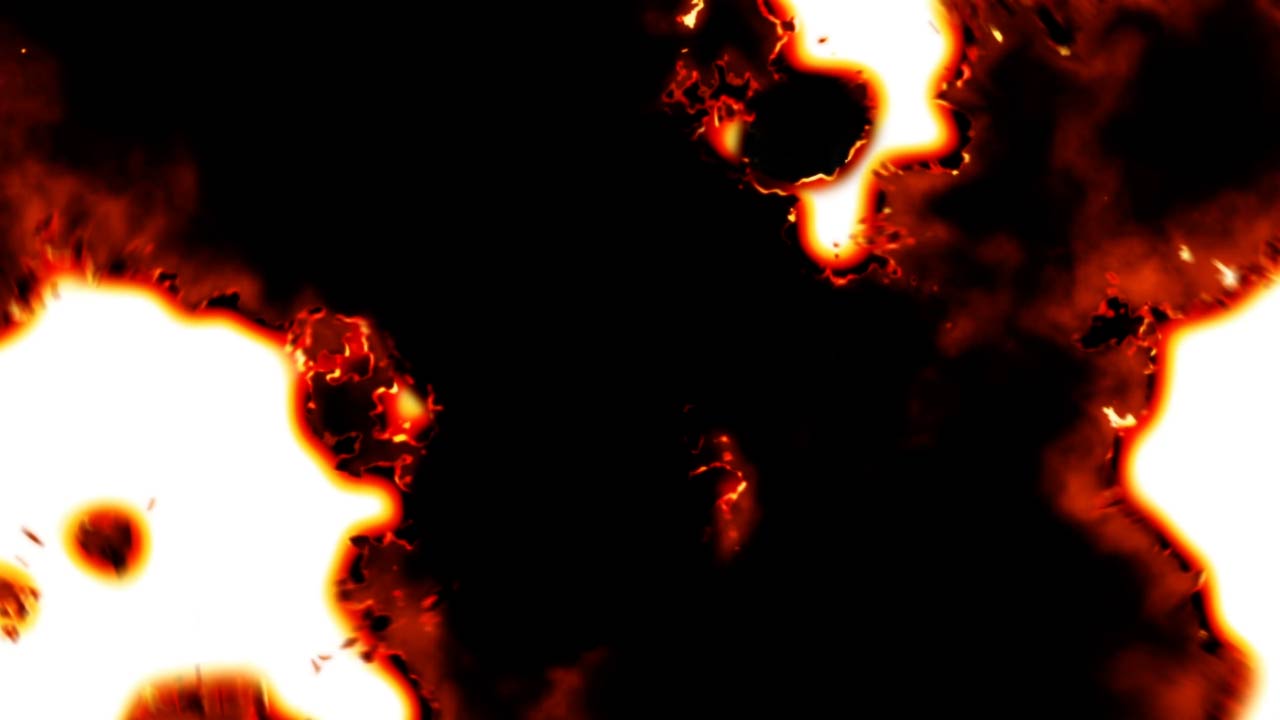
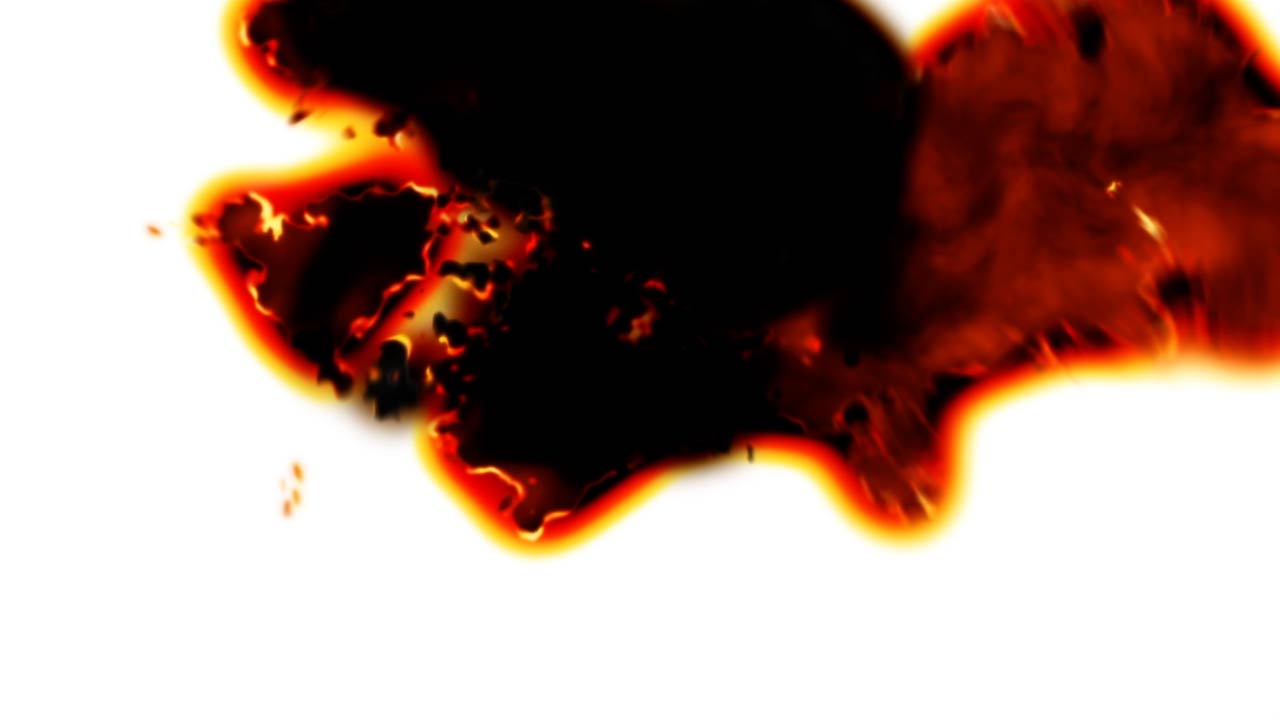
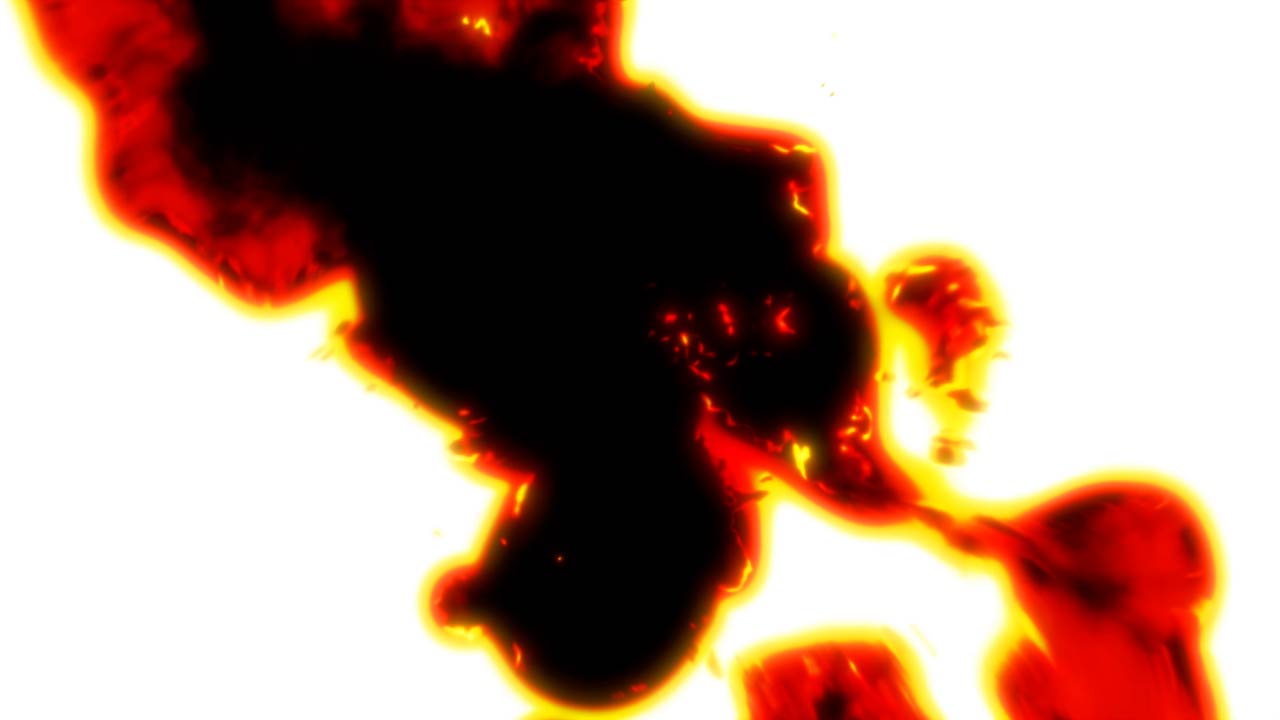
Paper Burning Transition Overlay 4K – 546 is a high-quality visual effects asset featuring realistic burning paper edges, fiery flame spread, ash detail, and cinematic transition motion.
Designed in 4K mobile-friendly black screen format, this VFX is perfect for quick overlay use in mobile editing apps. Simply apply blend modes like Screen or Add to remove the black background and achieve seamless compositing. The 2-second duration delivers a fast and dramatic burn transition ideal for reels, shorts, intros, and cinematic edits.
✔ Ultra HD 4K Resolution
✔ Mobile Black Screen Overlay Format
✔ Realistic Paper Burning Transition Effect
✔ Fire, Smoke & Ash Detail
✔ Smooth 24 FPS Playback
✔ Duration: 2 Seconds
✔ Easy to Use (Apply Blend Mode: Screen/Add)
• Cinematic Video Transitions
• Mobile Editing (CapCut, Alight Motion, KineMaster)
• YouTube Videos & Shorts
• Reels & Social Media Content
• Trailer Intros
• Action & Horror Edits
• Creative VFX Projects
paper burning transition overlay, burn paper vfx, fire transition effect, black screen fire overlay, mobile vfx overlay, capcut transition effect, alight motion fire effect, cinematic burn transition, 4k burning overlay, ash paper burn effect, mobile fx, mobile effects, kinemaster vfx, vn editor effects, filmora mobile vfx, reels transition overlay, screen mode overlay, burning edge transition
Fully compatible with mobile and desktop editing software, including:
CapCut, Alight Motion, KineMaster, VN Editor, InShot, PowerDirector, Filmora, Adobe Premiere Pro, After Effects, DaVinci Resolve, Final Cut Pro, and more.
• Resolution: 4K (Ultra HD)
• Format: MP4 / MOV (Black Screen Overlay)
• Frame Rate: 24 FPS
• Duration: 2 Seconds
• Background: Black (Use Screen/Add Blend Mode)



 Premium Plans